Can You Plot 3d In Excel 3d Scatter Plot For MS Excel How To Create A 3D Plot In Excel Projectcubicle Make A 3D Scatter Plot Online With Chart Studio And Excel 3D Plot In Excel How To Create 3D Surface Plot Examples 3D Plot In Microsoft Excel Find Minimum Point And Maximum Point YouTube Web Once you have created the 3D scatter plot in Excel you can customize it to make it more visually appealing and informative This includes adding titles labels and colors to the
Web May 4 2022 nbsp 0183 32 Want to learn how to create a 3D plot in Excel We have all asked ourselves this question some time or other And I bet many of us have said that it s impossible to make a 3D Plot in Excel However it is Web Step 1 Prepare Your Data The first step in creating a 3D plot in Excel is to prepare your data The data should be in a format that is easy to work with and analyze In this
3D Plot In Microsoft Excel Find Minimum Point And Maximum Point YouTube Excel Tutorial Scatter Plot Graph Youtube Www vrogue co Can I Plot 3d Surface 3d List Plot In Paraview data Has The Form Of Make A 3D Line Plot Online With Chart Studio And Excel How To Draw A Scatter Plot On Excel Stuffjourney Giggmohrbrothers Plots And Graphs NCSS Statistical Software NCSS How To Create A Scatter Plot In Excel TurboFuture Make A 3D Scatter Plot Online With Chart Studio And Excel Advanced Graphs Using Excel 3D Plots wireframe Level Contour In
Can You Plot 3d In Excel
 Can You Plot 3d In Excel
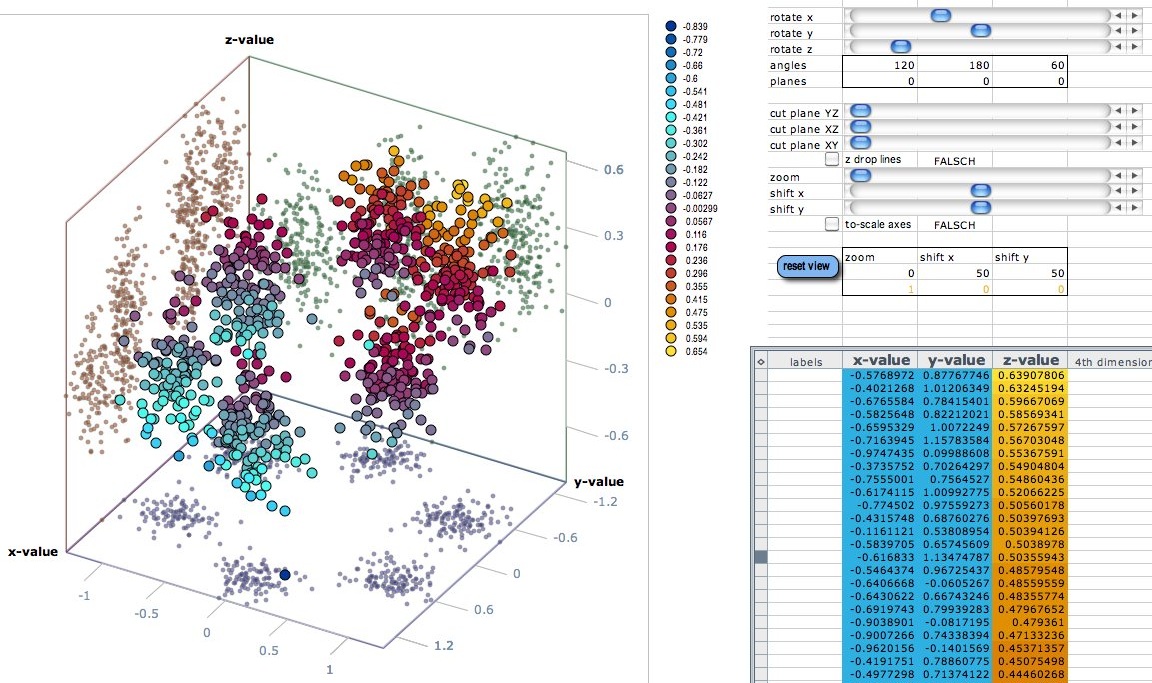
http://www.doka.ch/3Dscatterplot.jpg
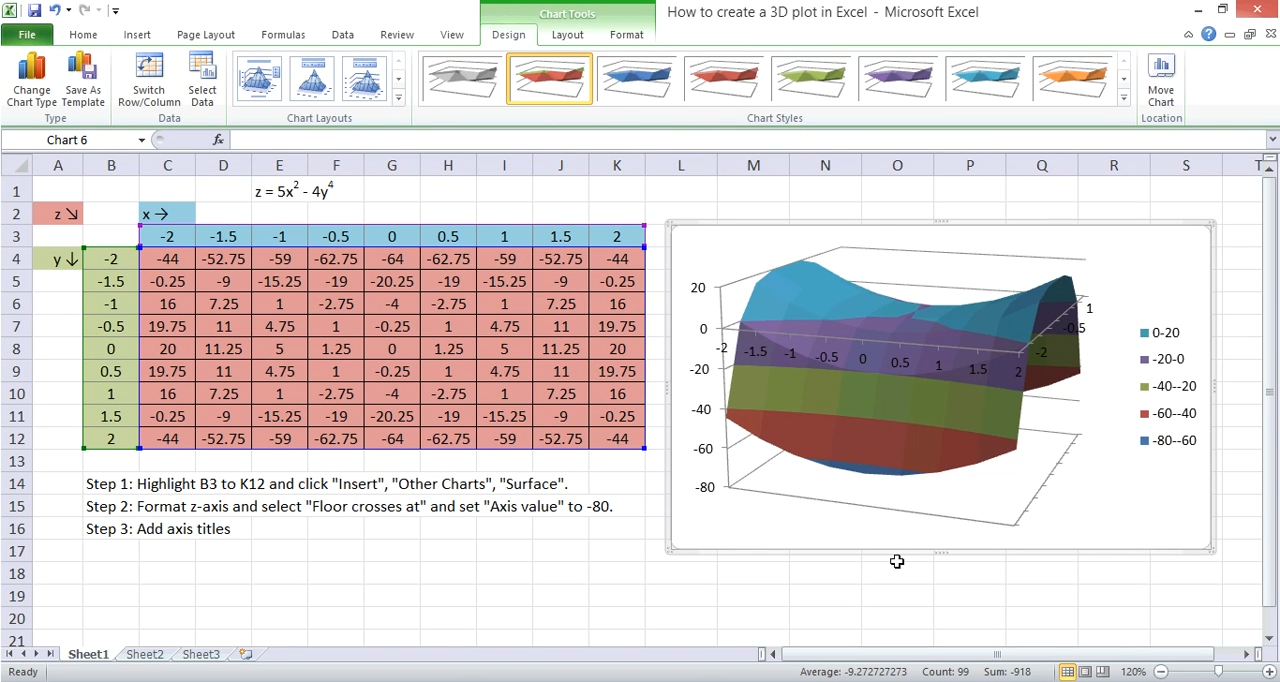
Web Plotting a 3D graph in Excel Screencast showing how to plot a 3D graph in Excel Steps to plot x y z data changing the position of the axis floor and adding axis titles Presented by
Templates are pre-designed documents or files that can be used for different functions. They can conserve time and effort by offering a ready-made format and design for creating various sort of content. Templates can be used for personal or expert jobs, such as resumes, invitations, leaflets, newsletters, reports, presentations, and more.
Can You Plot 3d In Excel

Make A 3d Line Plot Online With Chart Studio And Excel Vrogue
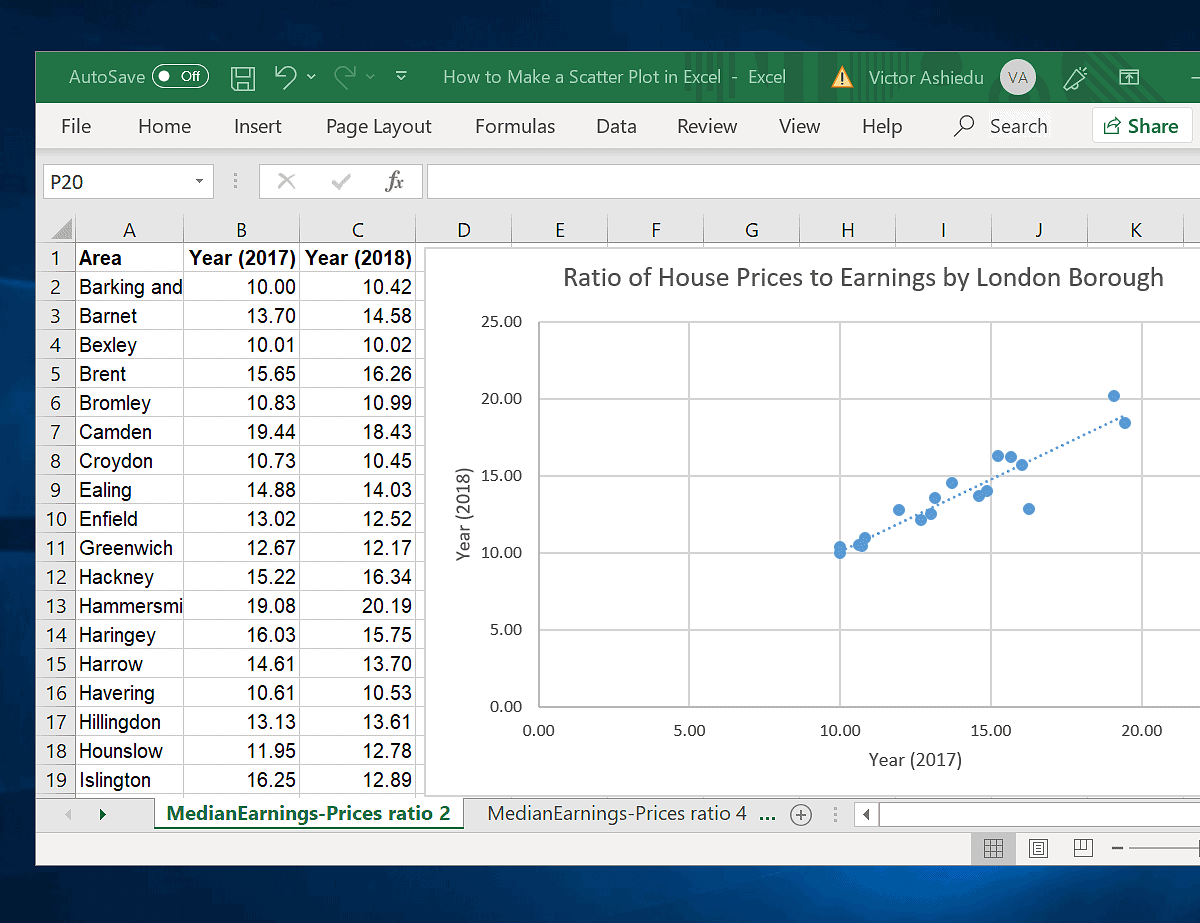
Excel Tutorial Scatter Plot Graph Youtube Www vrogue co
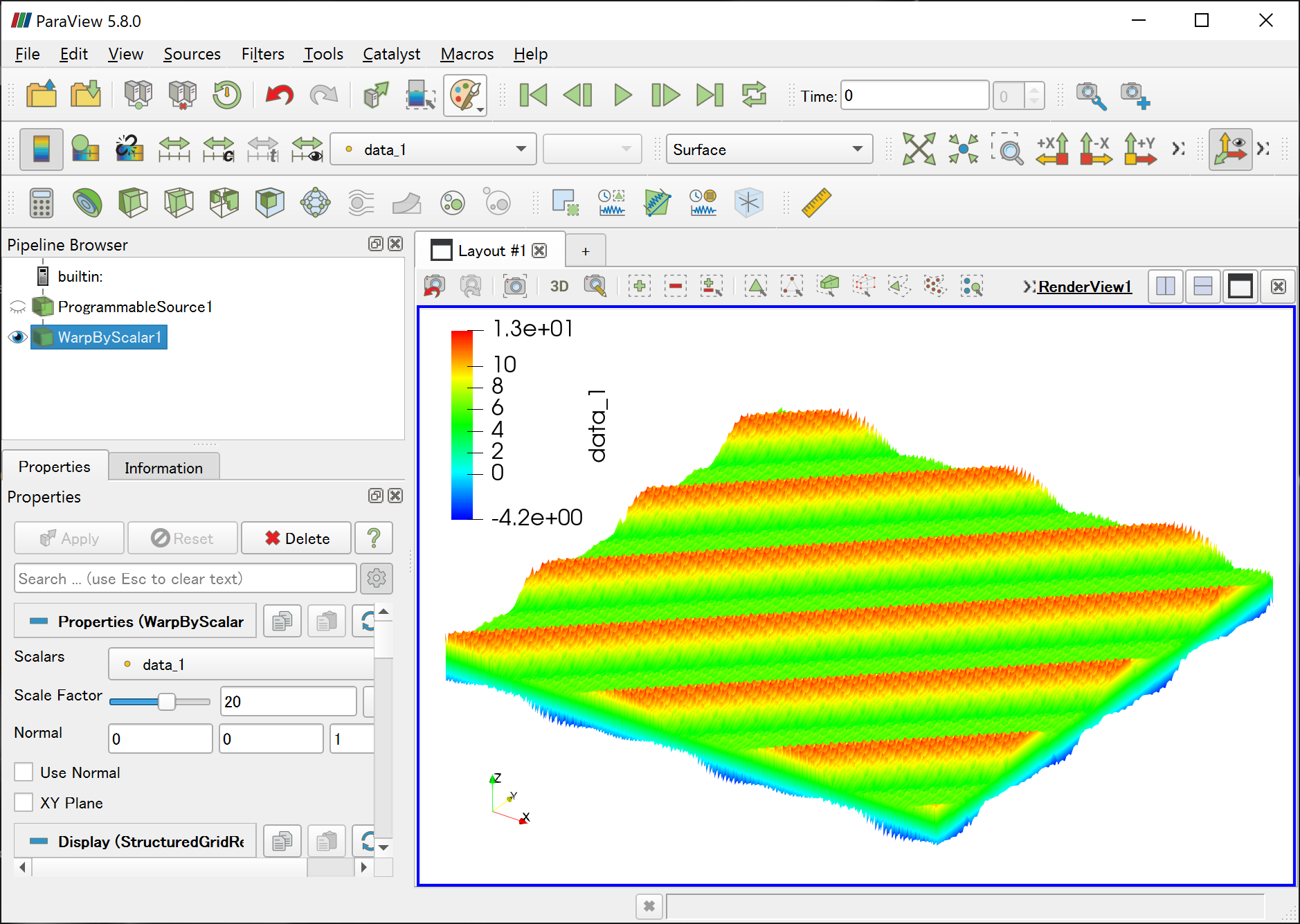
Can I Plot 3d Surface 3d List Plot In Paraview data Has The Form Of
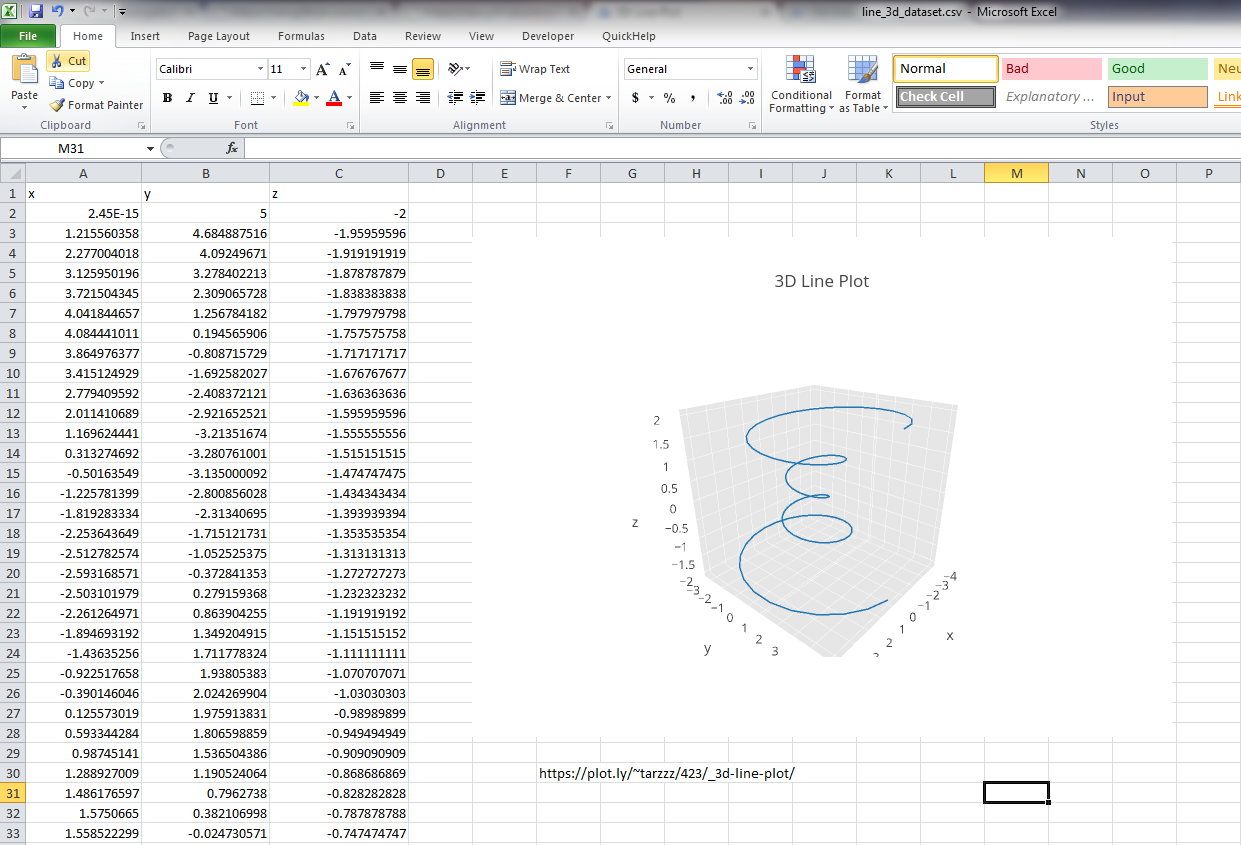
Make A 3D Line Plot Online With Chart Studio And Excel

Plots And Graphs NCSS Statistical Software NCSS

How To Create A Scatter Plot In Excel TurboFuture

Web This video contains a tutorial for creating 3d graphs in Excel Once your X and Y data are properly prepared in a column and a row respectively
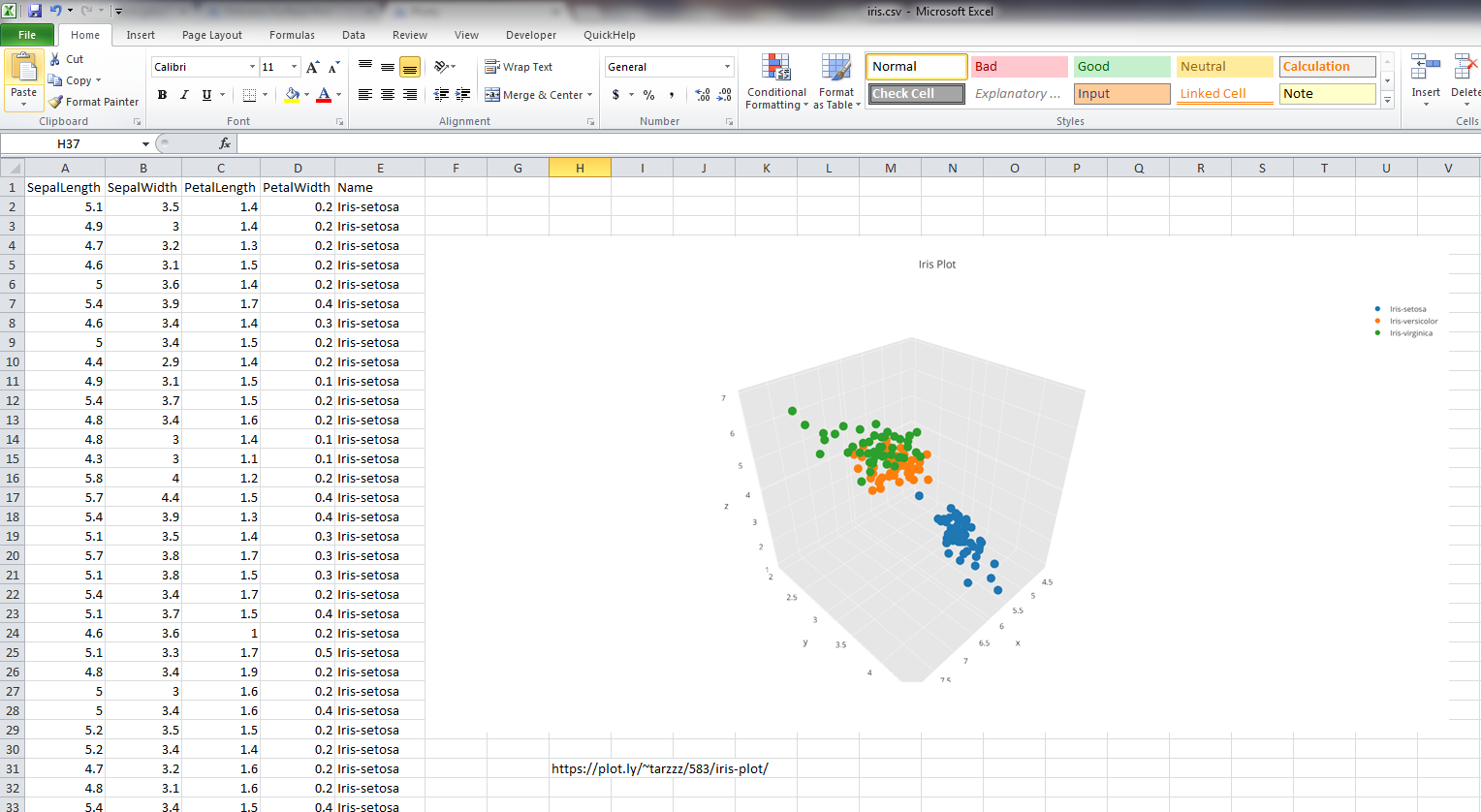
Web Dec 20 2023 nbsp 0183 32 Step 1 Prepare a Dataset to Plot 3D Scatter The first and foremost task is to create a data model to create a 3D scatter plot in Excel To illustrate that consider B C
Web To start open your Excel spreadsheet and navigate to the quot Insert quot tab at the top of the window This tab contains all the tools for adding various elements to your spreadsheet

Web Excel Tutorial How To Plot 3D Graph In Excel Introduction Key Takeaways Understanding Data Requirements Selecting the Chart Type Entering Data into

Web Create a 3 D chart On the worksheet select the cells that contain the data that you want to use for the chart On the Insert tab click Charts if you just see the icon or click a chart you want to use You can also click the See
Web Things to Remember Recommended Articles Where to Find the 3D Scatter Plot in Excel A Scatter plot in excel is an in built chart located under the Insert ribbon tab in Excel Go Web Discover how to create a fully automatic 3D surface plot in Excel Microsoft Excel is a super useful tool for creating powerful plots for data analysis
Web May 4 2022 nbsp 0183 32 Creating a 3D scatter plot in Excel can help you visualize data in a way that is not possible with a 2D plot A plot allows you to display three variables each