Can I Create A Pivot Table Template How To Create A Pivot Table Home Office Furniture Desk Check More At Pivot Table Calculated Items Images And Photos Finder How To Create A Pivot Table How To Excel How To Create A Pivot Table How To Excel How To Create A Simple Pivot Table In Excel Knowl365 Riset WEB Ready to make the most of pivot tables There you have it six advanced pivot table techniques that you should definitely know Put them to work and you ll make summarizing and analyzing your data a total breeze
WEB If you are working with large data sets in Excel Pivot Table comes in really handy as a quick way to make an interactive summary from many records Among other things it can automatically sort and filter different subsets WEB We create short videos and clear examples of formulas functions pivot tables conditional formatting and charts Pivot tables are the fastest and easiest way to quickly analyze data in Excel This article is an
How To Create A Simple Pivot Table In Excel Knowl365 Riset Pivot Table Template Excel Non nested Data Column In Pivot TablesExcel Pivot Table Adding Multiple Values In Pivot Table Brokeasshome How To Generate Multiple Pivot Table Sheets From Single Pivot Table In Working With Pivot Tables In Excel 2010 Part 3 YouTube How Do I Create A Pivot Table In Power Bi Tutorial Pics Excel 2013 Thecrownvise Tabular Form Pivot Table Bingerquick
Can I Create A Pivot Table Template
 Can I Create A Pivot Table Template
https://i.pinimg.com/originals/eb/b5/5b/ebb55b44bab254059a6a231140a9f4e8.jpg
WEB You can create a pivot table from a range of cells or an existing table structure Just make sure that you have a row of headers at the top and no empty columns or rows You then have two ways to make the pivot table
Pre-crafted templates provide a time-saving service for producing a varied variety of documents and files. These pre-designed formats and layouts can be made use of for different personal and expert tasks, including resumes, invitations, flyers, newsletters, reports, discussions, and more, simplifying the content production procedure.
Can I Create A Pivot Table Template
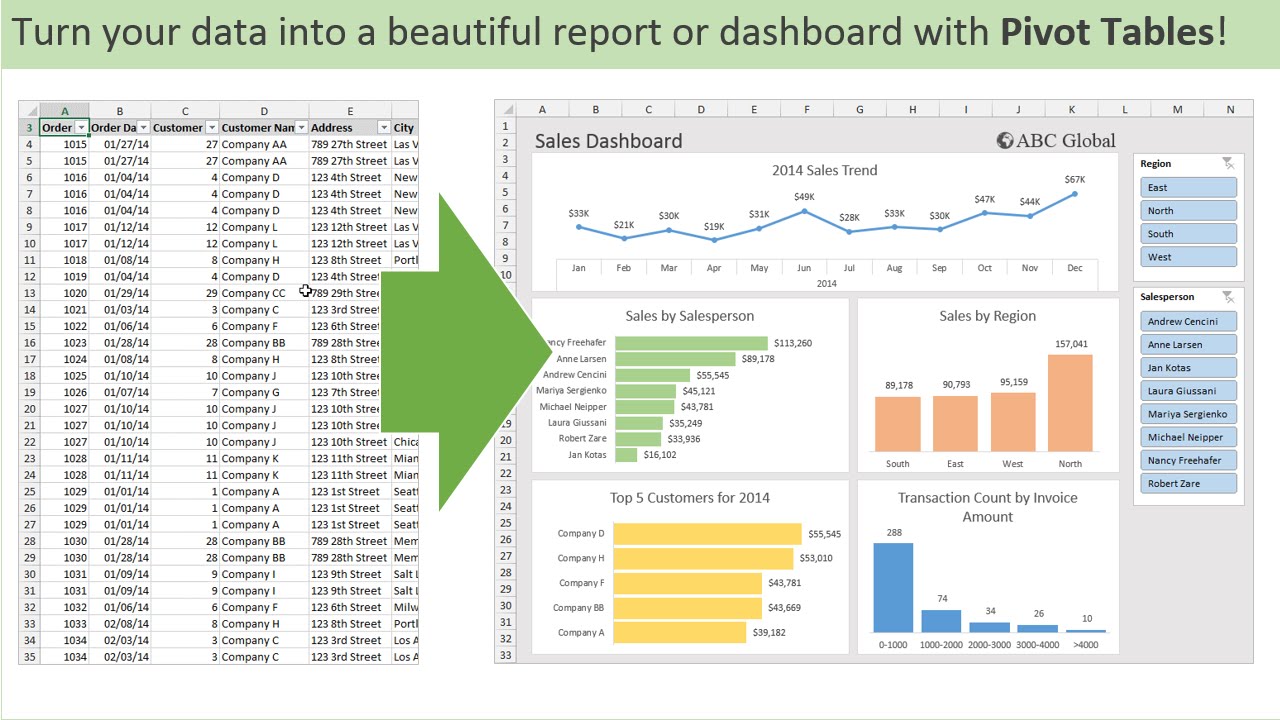
Curso Tabla Din mica

Pivot Table Template

Excel Non nested Data Column In Pivot TablesExcel Pivot Table
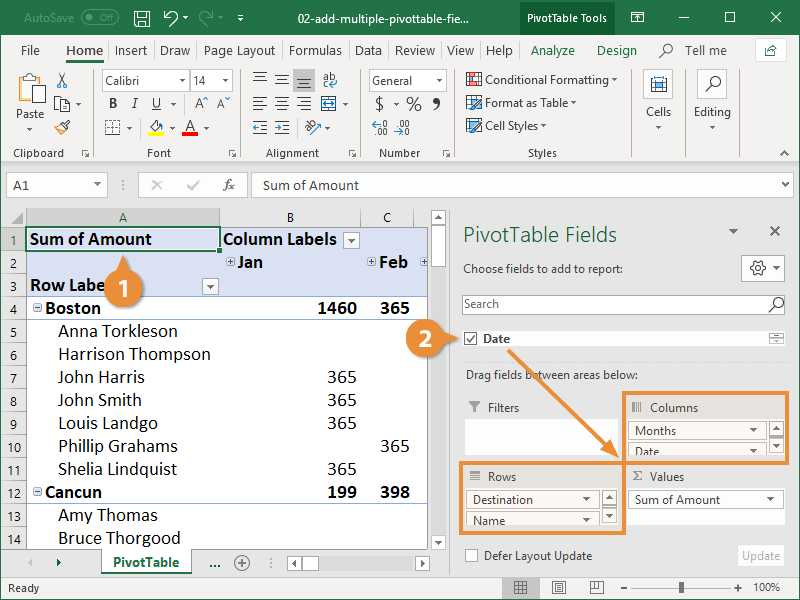
Adding Multiple Values In Pivot Table Brokeasshome
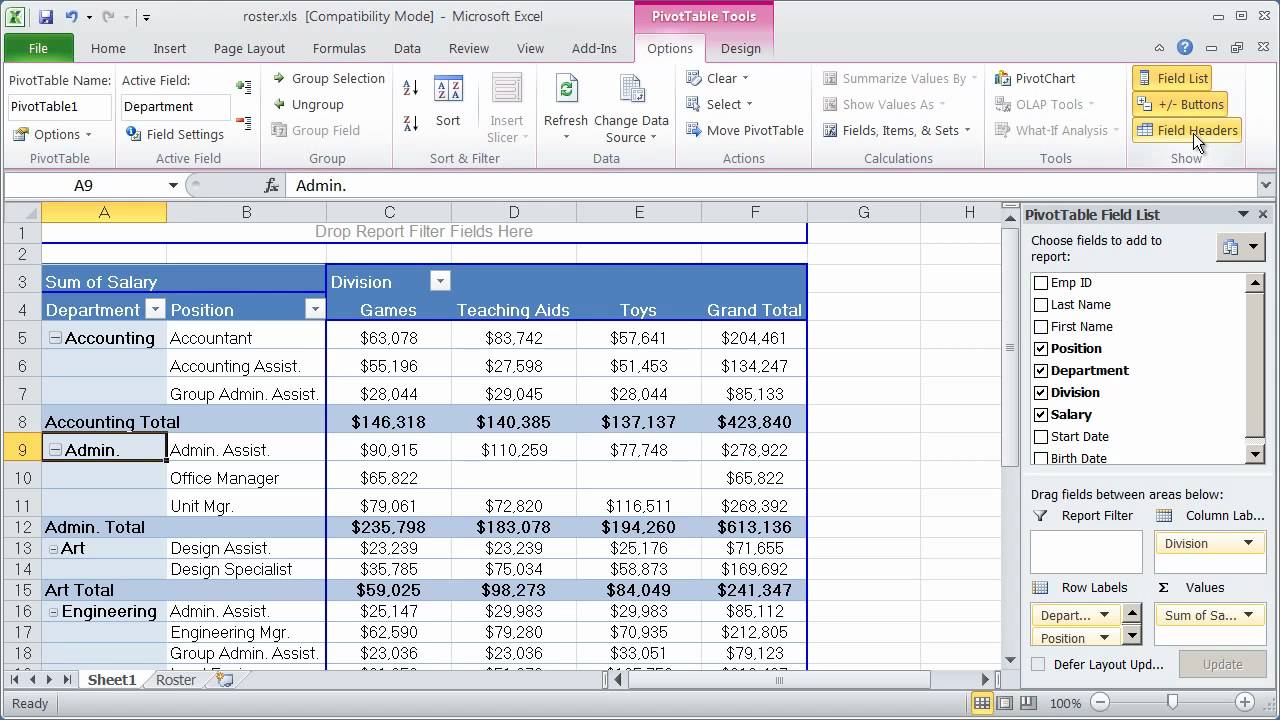
Working With Pivot Tables In Excel 2010 Part 3 YouTube
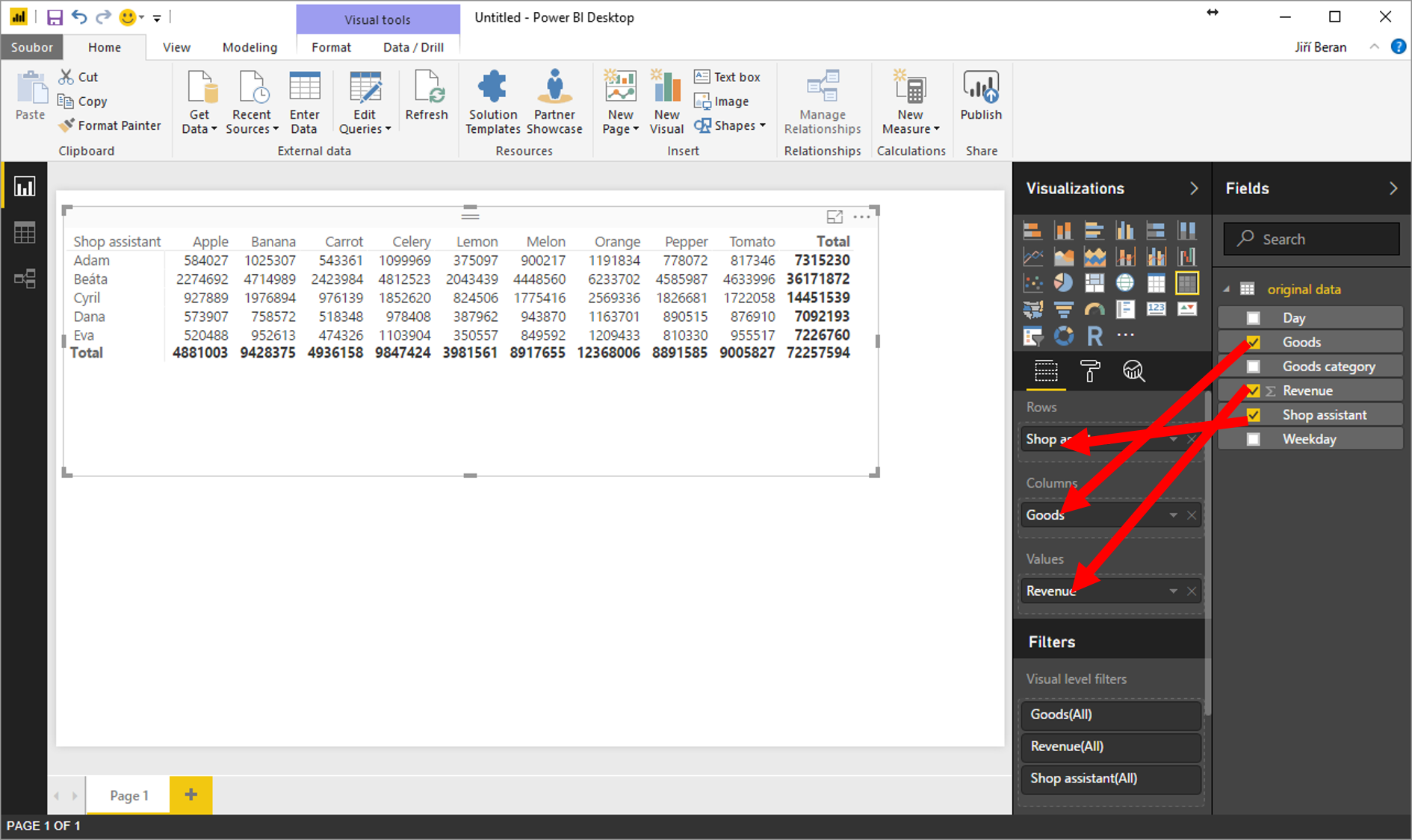
How Do I Create A Pivot Table In Power Bi Tutorial Pics

WEB Apr 9 2024 nbsp 0183 32 To save a custom pivot table design for use on all new sheets you can create a custom pivot table style and set it as the default style for your workbook This way
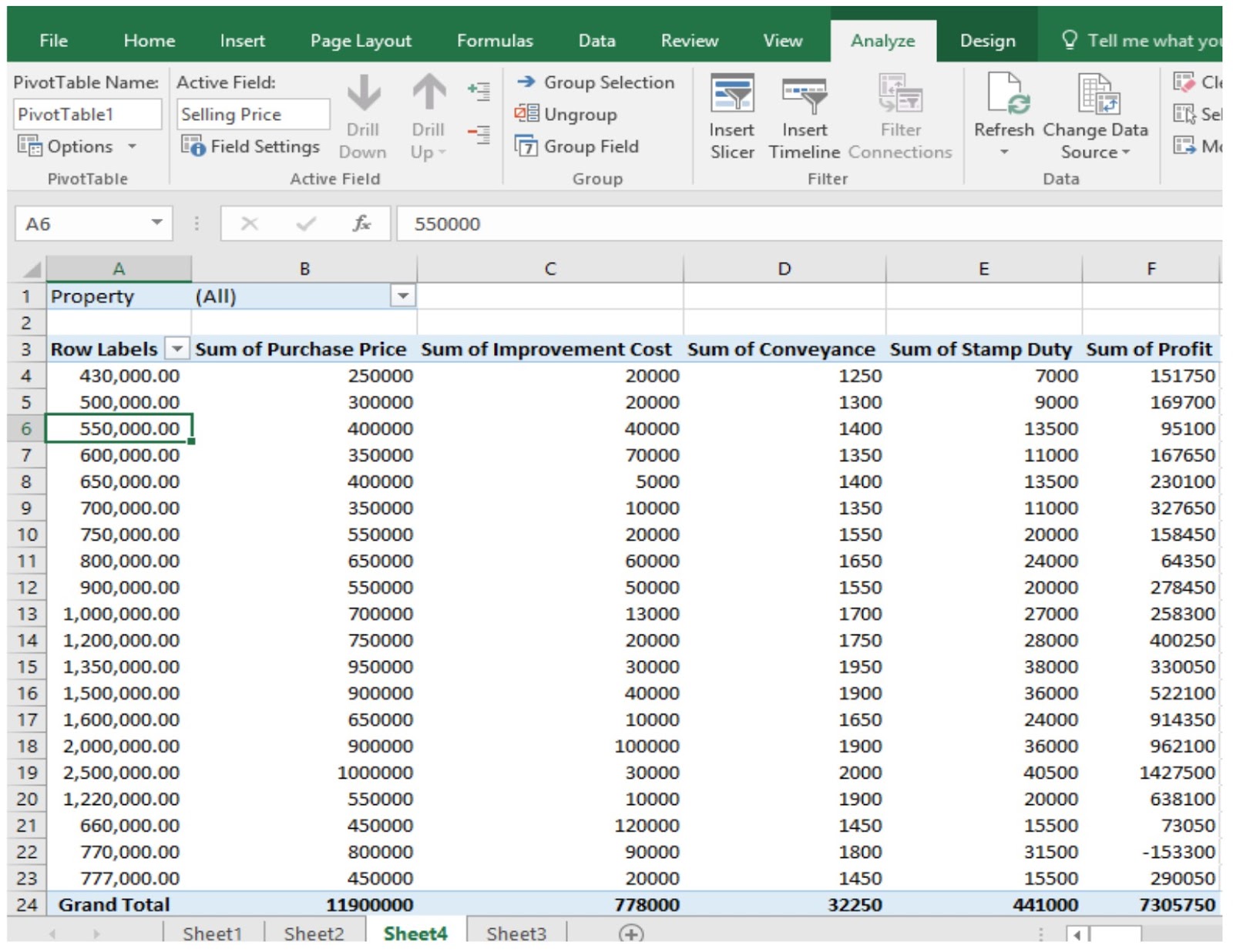
WEB In this tutorial you ll learn how to create a pivot table in Excel You can easily create a pivot table using a few clicks from the ribbon

WEB Select a table or range of data in your sheet and select Insert gt PivotTable to open the Insert PivotTable pane You can either manually create your own PivotTable or choose a recommended PivotTable to be created for
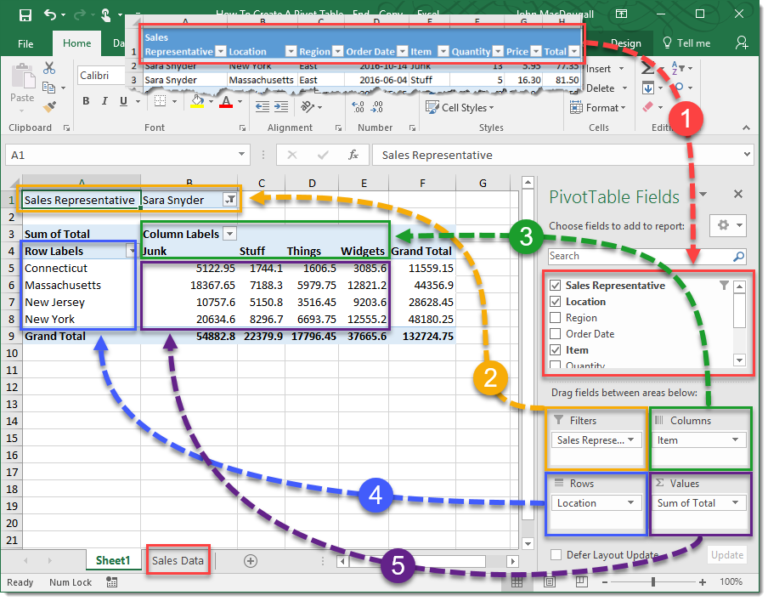
WEB Pivot Tables make one of the most powerful and resourceful tools of Excel Using them you can create a summary out of any kind of data no matter how voluminous it is You
WEB After creating a PivotTable and adding the fields that you want to analyze you may want to enhance the report layout and format to make the data easier to read and scan for details To change the layout of a
WEB How to Use Pivot Tables to Analyze Excel Data Pivot Tables are both incredibly simple and increasingly complex as you learn to master them They re great at sorting data and WEB Use a Table for Your Source Data When creating a pivot table it s usually a good idea to turn your data into an Excel Table When adding new rows or columns to your source
WEB We know pivot tables can be complex and daunting especially if it s your first time creating one In this video tutorial you ll learn how to create a pivot table in six steps and gain