Cad Text Size AutoCAD Text Heights And Scales Travis Flohr PH D CAD Sizing Chart Technology Computing AutoCAD How To Change Text Size YouTube CAD Drafting Guidelines For Engineering Express Plan Submissions Facebook WEB This comprehensive guide aims to provide you with detailed step by step instructions on how to change dimension text size in AutoCAD as well as offer advanced tips techniques and troubleshooting advice Key Takeaways Dimension text size in AutoCAD is crucial for readability and professionalism in your drawings
WEB Use SCALETEXT to change the scale of one or more text objects such as text multiline text and attributes You can specify a relative scale factor or an absolute text height or you can scale selected text to match the height of existing text WEB Oct 8 2023 nbsp 0183 32 Set the Size in the quot Height quot box enter the text height in drawing units Set the Oblique angle under Effects enter an angle between 85 and 85 in the Oblique Angle box A positive value slants text to the right
Facebook Titleblocks Layout Imperial CAD Files DWG Files Plans And Details Educationstander Autocad Scale Factor Chart Hot Sex Picture Cadd Autocad Drawing Model Drawing Metric Engineering Letters Acad Scale Chart AutoCAD I 09 02 Drawing Scale And Text Height YouTube Text Size In Autocad With Macros Autocad Autocad Tutorial Autocad Drawing Scale Chart Images And Photos Finder 2D CAD EXERCISES 218 STUDYCADCAM Cad Cam Diy Cnc Autocad Drawing
Cad Text Size
 Cad Text Size
http://www.tflohr.com/wp-content/uploads/2021/08/Text_Size_Larch.jpg
WEB Oct 29 2015 nbsp 0183 32 Simply use the command STYLE and change the text height to a value which is your desired text height multiplied by 25 4 It seems you may be using a drawing with Inches as its units instead of metric millimeters
Templates are pre-designed documents or files that can be used for numerous functions. They can conserve effort and time by supplying a ready-made format and layout for creating different sort of material. Templates can be used for individual or professional tasks, such as resumes, invitations, leaflets, newsletters, reports, discussions, and more.
Cad Text Size

AutoCAD Multileader Text Size AutoCAD Multileader Text Disappears
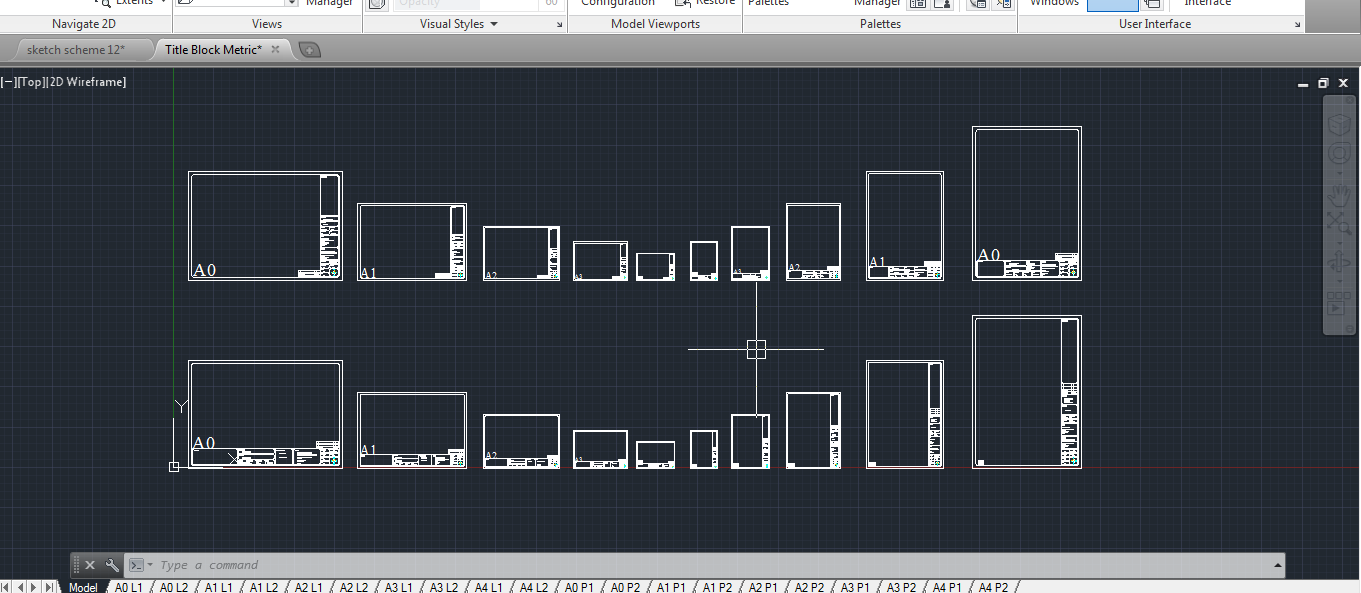
Titleblocks Layout Imperial CAD Files DWG Files Plans And Details
Educationstander Autocad Scale Factor Chart Hot Sex Picture

Cadd Autocad Drawing Model Drawing Metric Engineering Letters
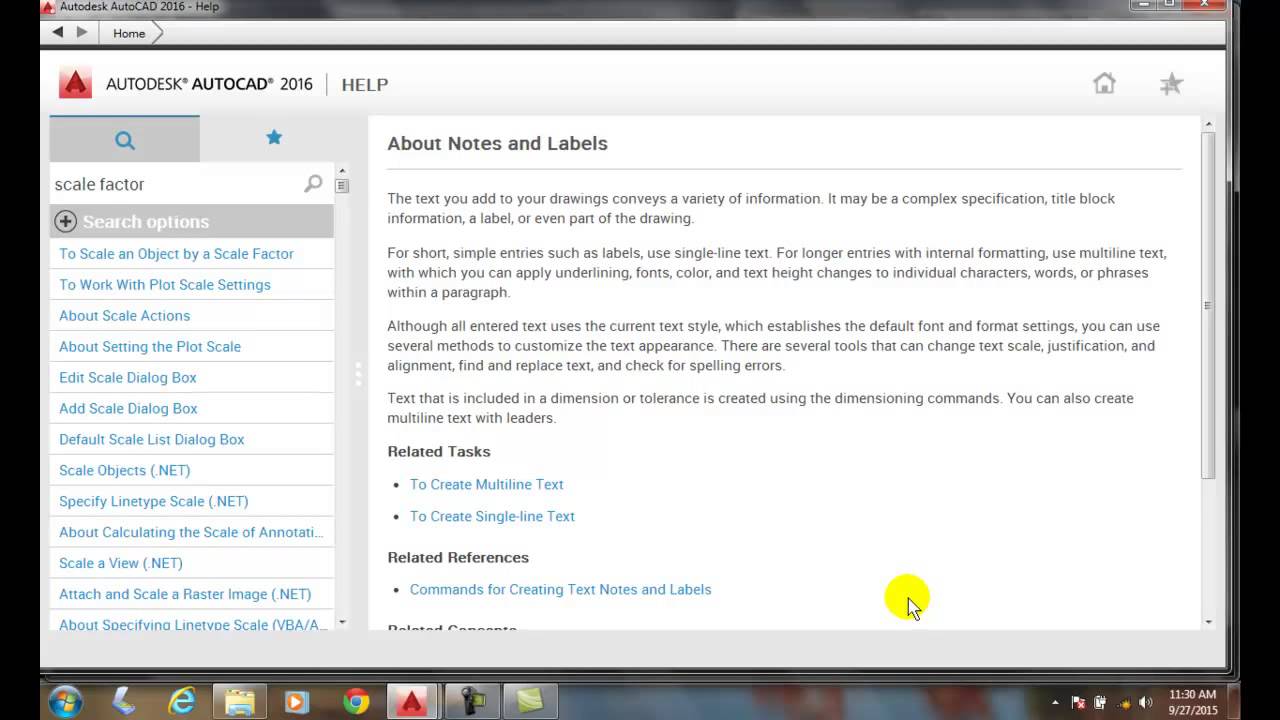
AutoCAD I 09 02 Drawing Scale And Text Height YouTube

Text Size In Autocad With Macros Autocad Autocad Tutorial

WEB Apr 7 2017 nbsp 0183 32 Autodesk Autocad tutorial how to change text size with properties and style command fast check it out Don t forget guys if you like our videos please quot Subscribe quot quot Like quot quot Favorite quot and

WEB Controls the text style for a multiline text object and character and paragraph formatting for selected text

WEB This comprehensive guide covers various methods for changing font size in AutoCAD including modifying text styles editing individual text objects and scaling text

WEB Aug 19 2021 nbsp 0183 32 To ensure your drawing notes labels and text are legible it is critical that you adhere to the standards of text heights and scales Scale Factors Your drawings are always drawn at full scale in AutoCAD s model space This complicates the sizing of text and symbols that are inserted model space must be scaled up

WEB Text height determines the size in drawing units of the letters in the font you are using If you specify a fixed height as part of a text style the Height prompt is bypassed when you create single line text
WEB Aug 23 2016 nbsp 0183 32 Go to Format and select Text Style Select the Style you are currently using Now change the font used for that style to the required font Click Apply and then click Set Current WEB Aug 21 2017 nbsp 0183 32 Once you exit the text editor the text will quickly enlarge or shrink to the size it is supposed to be You can use the MTEXTFIXED variable to control that display so that the text display while typing is sized as your font setting dictates
WEB In the Modify Dimension Style dialog box Text tab under Text Appearance select a text style If the current text style does not have a fixed height enter the height of dimension text in the Text Height box Under Tolerances enter