Bullet Points Li Tag Html Home Diensten Zorg Zorginstellingen LI tag L min HTML Tag Definition Usage And Examples Holistic SEO Lists In HTML Unordered List Ordered List Ul Tag Ol Tag Li Css How Can I Set Custom Bullet Image Of Li Tag Stack Overflow HTML Unordered Lists Nested HTML Lists List Tags Ul Li Tag HTML Bullet Points How to Create an Unordered List with the ul Tag Example September 30 2021 HTML HTML Bullet Points How to Create an Unordered List with the ul Tag Example Dionysia Lemonaki We use lists all the time in our everyday lives We create them to structure and organize our days and we use them to make to do lists
ol li Coffee li li Tea li li Milk li ol Try it Yourself HTML Description Lists HTML also supports description lists How to Control the Space Between Bullets and li Elements Solutions with HTML and CSS In this snippet you can find some methods of controlling the space between bullets and li elements The best way is using the HTML span element
HTML Unordered Lists Nested HTML Lists List Tags Ul Li Tag HTML Tutorial In Hindi HTML UL OL Tag Tutorial In Hindi LI Tag Html Ul Li Tag Html Unordered List html javascript shorts short Html Li Salonkk jp HTML Bullet Points List HTML Li Tag Css Tutorial Html Tutorial Tags Li Type Html Izuka jp Li Type Html Izuka jp HTML Li Tag
Bullet Points Li Tag Html
 Bullet Points Li Tag Html
https://www.lipsplus.nl/wp-content/uploads/2017/09/LI-tag-L-min.jpg
1 Your current HTML CSS works fine for me in FF JSFiddle Which browser are you using See if list style none works instead Bojangles Nov 27 2011 at 23 04 2 i tried this on all browsers and mac and windows OS i am using html5 doctype Sam Khan Nov 27 2011 at 23 14 Add a comment 14 Answers Sorted by 240
Pre-crafted templates provide a time-saving solution for developing a diverse variety of documents and files. These pre-designed formats and layouts can be made use of for numerous individual and expert jobs, including resumes, invitations, flyers, newsletters, reports, presentations, and more, improving the material development procedure.
Bullet Points Li Tag Html

Ul And Li Tag Html 5 Bangla Tutorial YouTube

HTML Tutorial In Hindi HTML UL OL Tag Tutorial In Hindi LI Tag
Html Ul Li Tag Html Unordered List html javascript shorts short
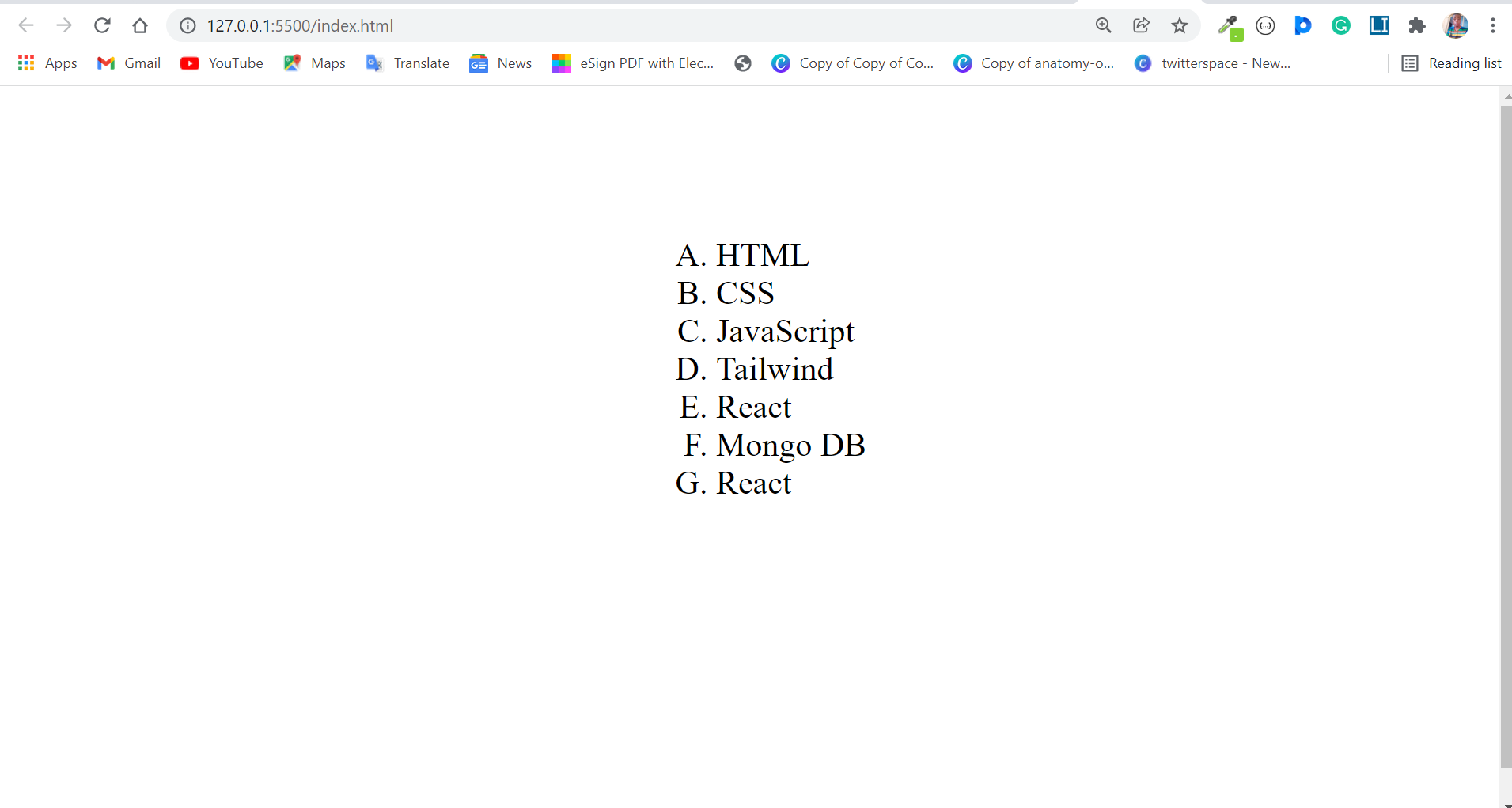
Html Li Salonkk jp

HTML Li Tag Css Tutorial Html Tutorial Tags
Li Type Html Izuka jp

1 numbers This type overrides the one used by its parent ol element if any Note This attribute has been deprecated use the CSS list style type property instead Examples For more detailed examples see the ol and ul pages Ordered list html ol li first item li li second item li li third item li ol Result

HTML Unordered Lists HTML Unordered Lists Previous Next The HTML ul tag defines an unordered bulleted list Unordered HTML List An unordered list starts with the ul tag Each list item starts with the li tag The list items will be marked with bullets small black circles by default Example ul li Coffee li li Tea li

In HTML there are two main types of lists unordered lists ul the list items are marked with bullets ordered lists ol the list items are marked with numbers or letters The CSS list properties allow you to Set different list item markers for ordered lists Set different list item markers for unordered lists

Custom bullet symbol for li elements in ul that is a regular character and not an image Ask Question Asked 12 years 3 months ago Modified 1 year 2 months ago Viewed 388k times 174 I realize one can specify a custom graphic to be a replacement bullet character using CSS attribute list style image And then giving it a URL

Definition and Usage The li tag defines a list item The li tag is used inside ordered lists ol unordered lists ul and in menu lists menu In ul and menu the list items will usually be displayed with bullet points In ol the list items will usually be displayed with numbers or letters Tip Use CSS to style lists
Complete the Exercise Video locked This video is viewable to users with a free Dev Camp account GET FREE ACCOUNT Already have an account Sign In Let s switch back to the code and going down into our menu you can see we have our title and then right below it we have the content The type attribute offers a few more options in ordered lists compared to bulleted ones A bit more guidance on this can be obtained at W3Schools Starting an Ordered List On A Different Number Say you were putting together some instructions to build a table
How to insert spaces tabs in text using HTML CSS How to Align legend Tag Text to Center How to place content under fixed flexbox navigation bar Approach The list style type property determines whether bullets squares or decimal etc come with li elements To change or understand how it impacts the HTML is to use CSS targeting the