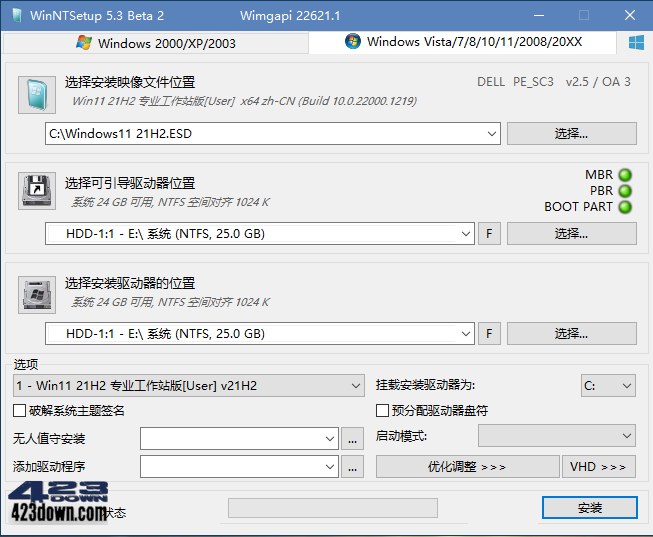
Brew Install Wimlib Not Working WinNTSetup V5 3 Beta 2 PYGOU COM Mac Windows 10 Windows 11 USB Wimlib Install wim Making Bootable Usb Windows 10 For Pc From Mac Ecseospseo UUP Dump Knowledge Base KB Usb Bootable Windows For Mac Titantaia Web Oct 6 2022 nbsp 0183 32 bash command not found after installing homebrew and wimlib hi i just built my new pc and i a way to boot windows from a usb i searched up yt tutorials and i
Web Jul 27 2023 nbsp 0183 32 Add wimlib 1 13 6 source code December 29 2022 19 41 COPYING GPLv3 Update wimlib v 1 14 1 Important do not mix this program with that of Homebrew Use Wimlib Imagex Package alone Web Error The brew link step did not complete successfully The formula built but is not symlinked into usr local You can try again using brew link lt formula gt Possible
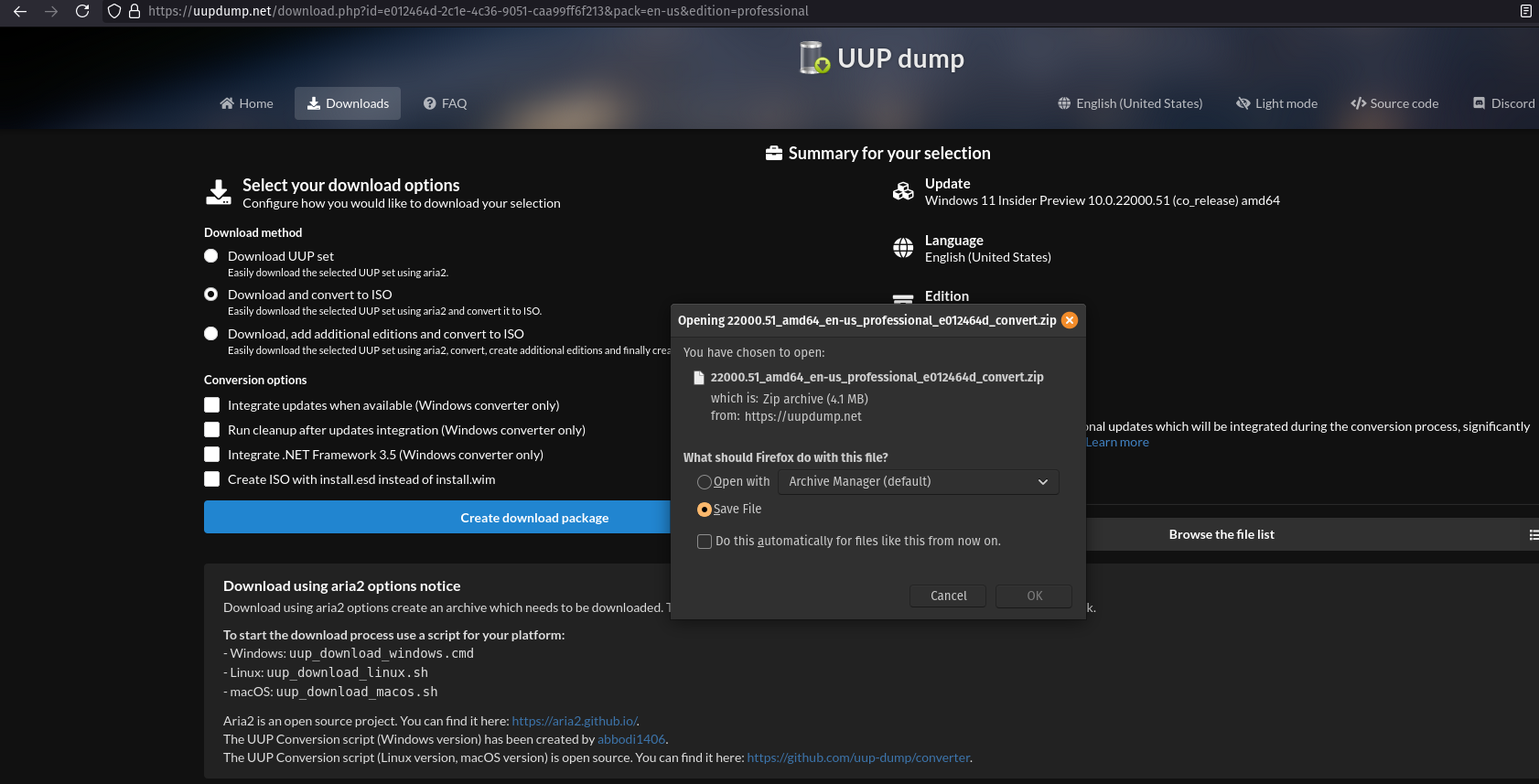
Usb Bootable Windows For Mac Titantaia Creating A Windows 11 ISO For Version 22000 318 Mois s Cardona C mo Crear Un Usb Bootable De Windows 10 En Mac Hackeando El Genoma Win11 2022 MacOS Win11 U macbook M1 Mac OS Windows 10 Windows Server 2016 10 0 14349 1000 rs1 Release 160517 1700 BetaWorld Windows 10 6 4 9883 0 fbl Release 141106 1705 BetaWorld UUP Dump Knowledge Base KB
Brew Install Wimlib Not Working
 Brew Install Wimlib Not Working
https://www.423down.com/wp-content/uploads/2022/11/1668398159-01.png
Web Homebrew brew issue tracker brew itself If the formula or cask that has failed to install is part of a non Homebrew tap then check that tap s issue tracker instead Search the
Pre-crafted templates use a time-saving solution for producing a varied series of files and files. These pre-designed formats and layouts can be used for numerous individual and professional projects, consisting of resumes, invites, flyers, newsletters, reports, discussions, and more, enhancing the material production process.
Brew Install Wimlib Not Working
Win11

Creating A Windows 11 ISO For Version 22000 318 Mois s Cardona

C mo Crear Un Usb Bootable De Windows 10 En Mac Hackeando El Genoma
Win11

Mac OS Windows 10

Windows Server 2016 10 0 14349 1000 rs1 Release 160517 1700 BetaWorld
Web Hey there not sure if you figured out why but I found a solution Type into the terminal git C brew repository homebrew core checkout master or git C brew repository

Web If your intent is to reinstall you should do the following before running this installer again rm rf usr local Cellar usr local git amp amp brew cleanup If I use the command rm rf

Web Feb 5 2018 nbsp 0183 32 What you expected to happen Step by step reproduction instructions by running brew install commands Formula additions or changes To get formulae added or
Web Dec 18 2022 nbsp 0183 32 You should download the Command Line Tools for Xcode 13 2 1 Warning Homebrew homebrew core was not tapped properly Run rm rf

Web Oct 22 2021 nbsp 0183 32 Wimlib Hello I am trying to follow this post on my MacBook Air M1 chip How to Make a Windows 10 USB Using Your Mac Build a Bootable ISO From Your
Web May 8 2022 nbsp 0183 32 brew install wimlib Web Jun 12 2022 nbsp 0183 32 Mind you as you type your password it won t be visible on your Terminal for security reasons but rest assured it will work Now copy paste and run this command
Web Sep 25 2019 nbsp 0183 32 brew install wimlib Then go ahead and create the directory that you re going to write the files into mkdir Volumes WIN10 sources Then run this command