Brew Install Not Found Mysql Solved Brew Upgrade Minikube Returned Command Not Found Starting A Mac Use Brew To Install MYSQL Error DebugAH Mac brew mysql Mysql Zsh Command Not Found Dockerd Stack Overflow Mac brew mysql Web Oct 21 2018 nbsp 0183 32 brew link force mysql 5 6 You might need to add the location to mysql to your path to find the location of the package brew list mysql 5 6 Then add the location to the bin folder to the end of your profile or bash profile file
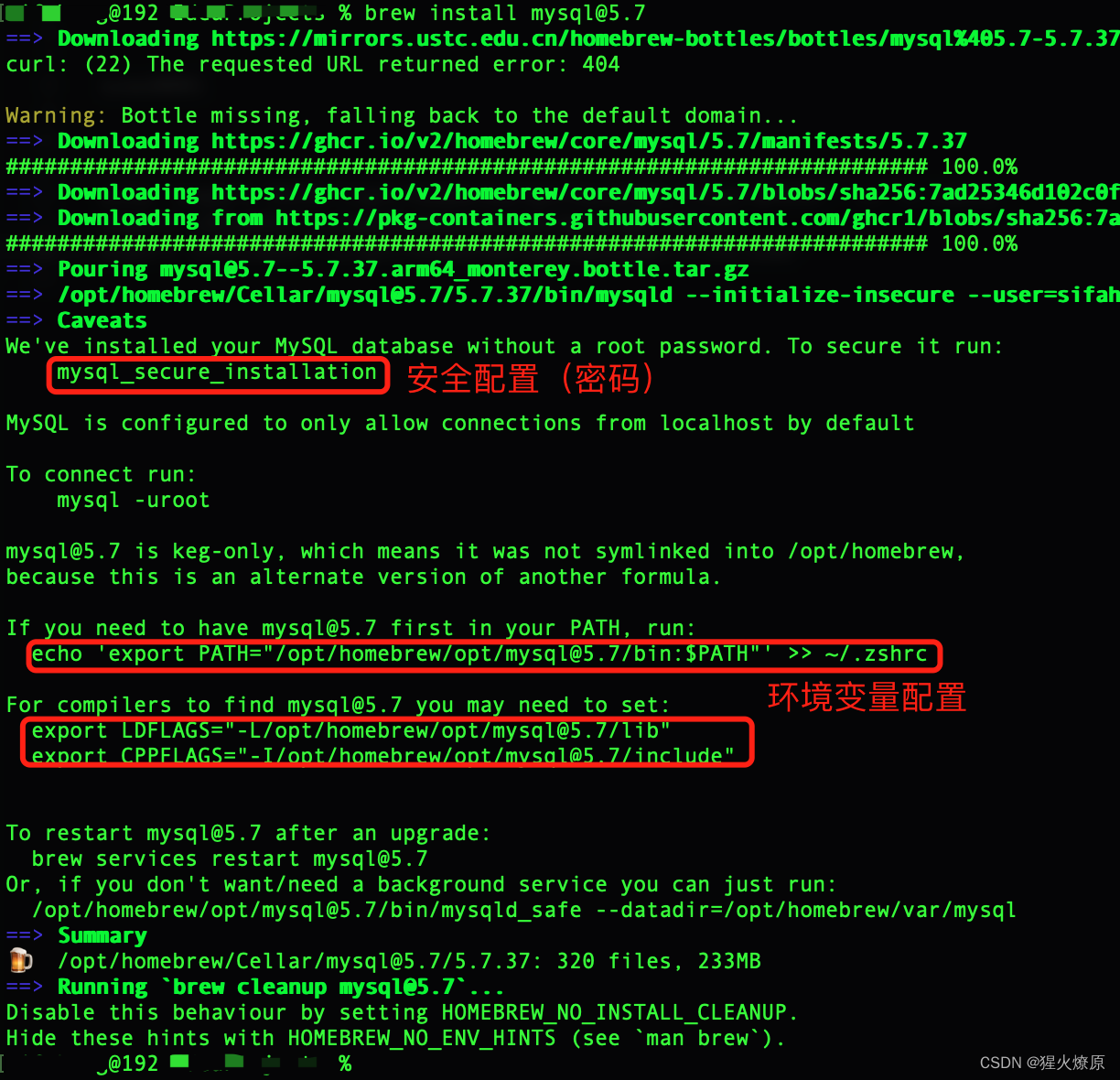
Web NOTE Make sure you have Homebrew installed If not then simply follow this guide on how to install Homebrew on MacOS Installation process 1 Now simply run the below command in your terminal brew install mysql 2 Start the MySQL service brew services start mysql 3 Set root MySQL password mysqladmin u root password Web Jul 28 2018 nbsp 0183 32 14 I m trying to install mysql using brew services start mysql as per the website instructions but it gives me an error Formula mysql is not installed I already did a full uninstall on my XAMPP server Terminal Dylans Macbook dylandude brew install mysql 5 7 Updating Homebrew gt Auto updated Homebrew
Mac brew mysql How To Install MySQL On Mac Brew And DMG Methods Securing Ninja Brew Mysql How To Fix MySQL Command Not Found Error Nathan Sebhastian Mac MySQL How To Fix Zsh Command Not Found Error On MacOS 5 Ways EaseUS Puppeteer 2 Puppeteer Mac MySQL Idea Maven mysql connector java Not Found S
Brew Install Not Found Mysql
 Brew Install Not Found Mysql
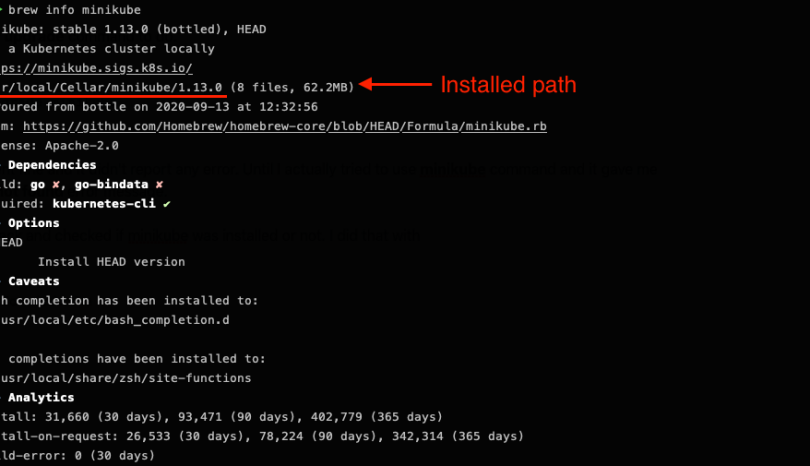
https://www.samundra.com.np/wp-content/uploads/2020/09/Screen-Shot-2020-09-13-at-12.58.11-810x466.png
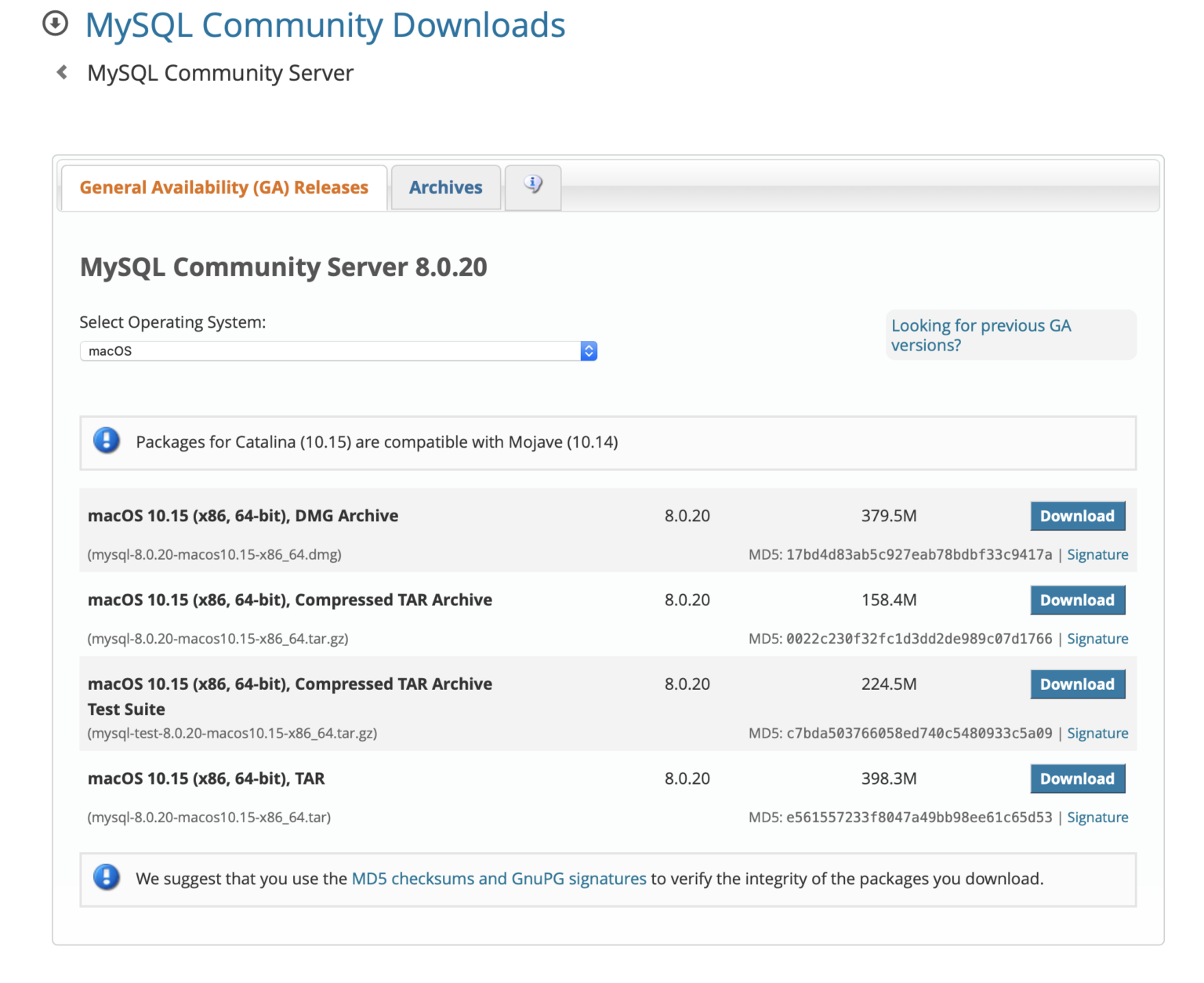
Web You should keep the following issues and notes in mind Other MySQL installations The installation procedure does not recognize MySQL installations by package managers such as Homebrew The installation and upgrade process is
Templates are pre-designed documents or files that can be utilized for numerous purposes. They can conserve time and effort by supplying a ready-made format and layout for creating different sort of material. Templates can be utilized for individual or expert projects, such as resumes, invitations, leaflets, newsletters, reports, presentations, and more.
Brew Install Not Found Mysql
Mac brew mysql
How To Install MySQL On Mac Brew And DMG Methods Securing Ninja
Brew Mysql
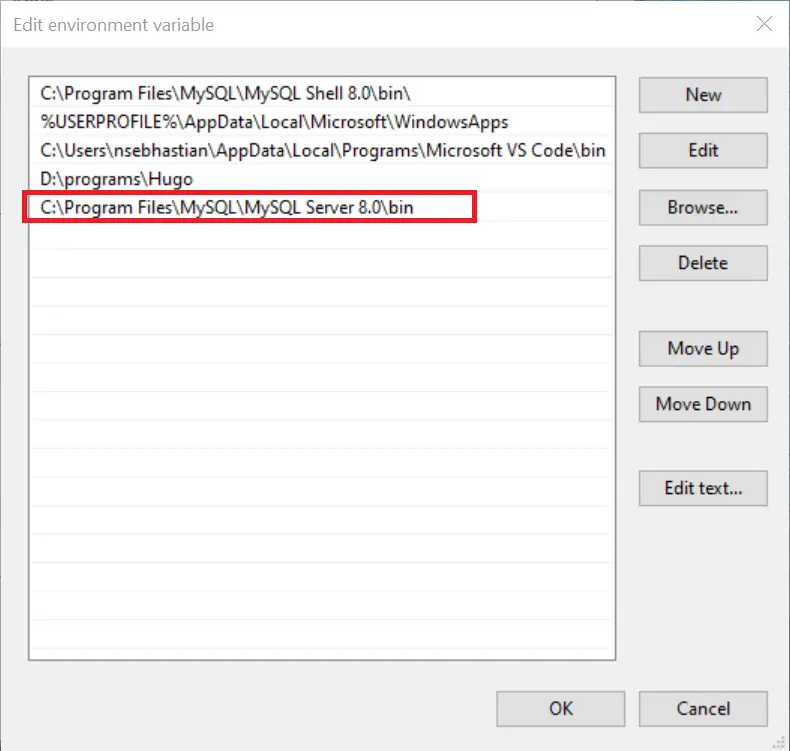
How To Fix MySQL Command Not Found Error Nathan Sebhastian
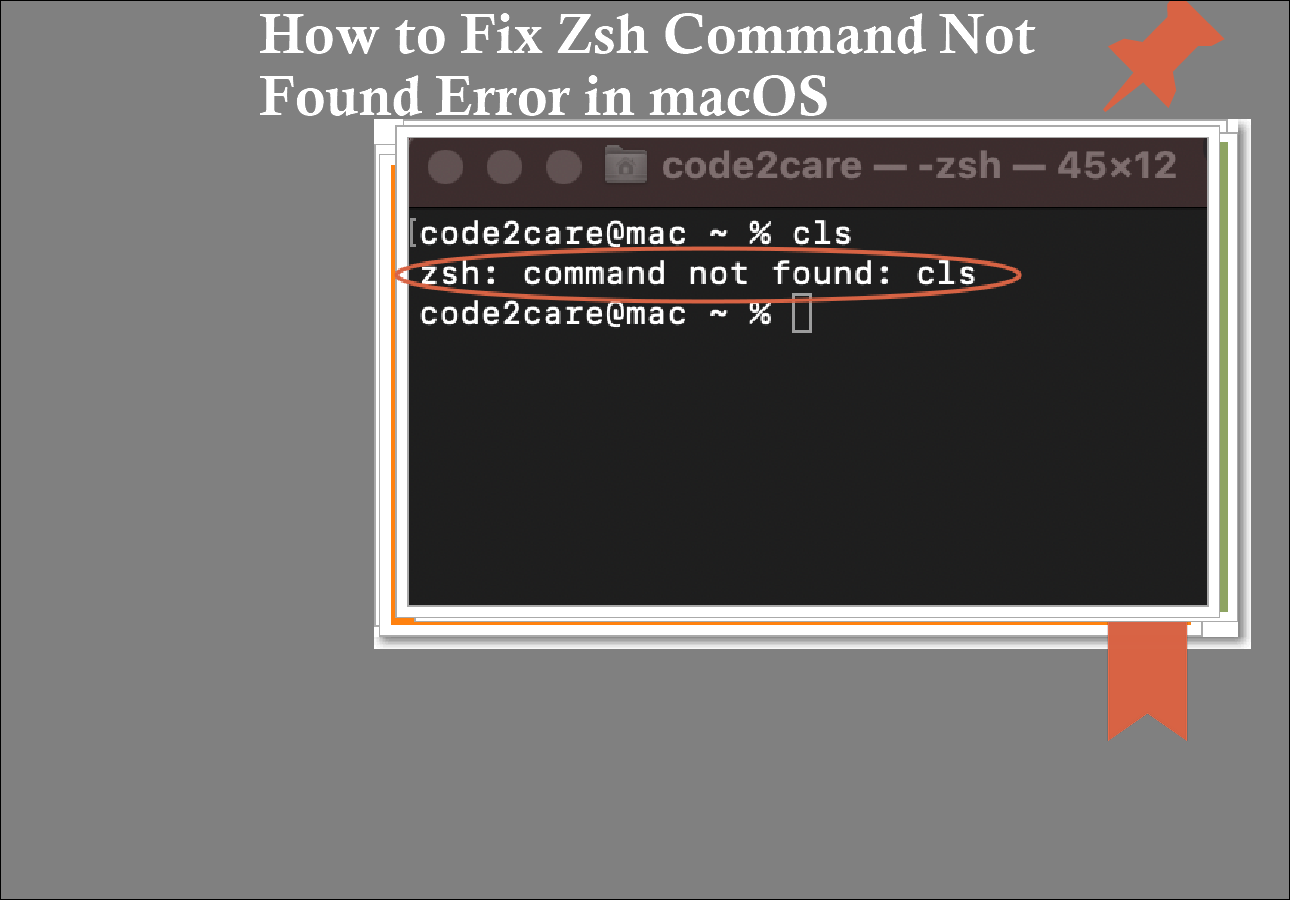
How To Fix Zsh Command Not Found Error On MacOS 5 Ways EaseUS

Puppeteer 2 Puppeteer
Web Brew install MySQL per user Sedorner from this StackOverflow answer First make sure you have homebrew installed Run brew doctor and address anything homebrew wants you to fix Run brew install mysql Run brew services restart mysql Run mysql server start Run mysql secure installation Share

Web Oct 15 2022 nbsp 0183 32 I installed mysql 5 7 through brew zsh can t find mysql command so I add mysql path to zprofile but still zsh can t find mysql in addition can t find brew if I remove mysql path then zsh can find brew but not myqsl
Web Sep 11 2019 nbsp 0183 32 1 MySQL 8 makes big changes compared with previous version 5 7 Downgrading directly to the lower version 5 7 from 8 x won t work

Web Jun 22 2018 nbsp 0183 32 14 I needed MySQL 5 7 installed so I ran brew install mysql 5 7 When I do brew services list I see mysql 5 7 started When I try mysql uroot I get an error that the bin could not be found This didn t happen when I simply ran brew install mysql but of course that results in the wrong version number Output of ps A grep mysql as
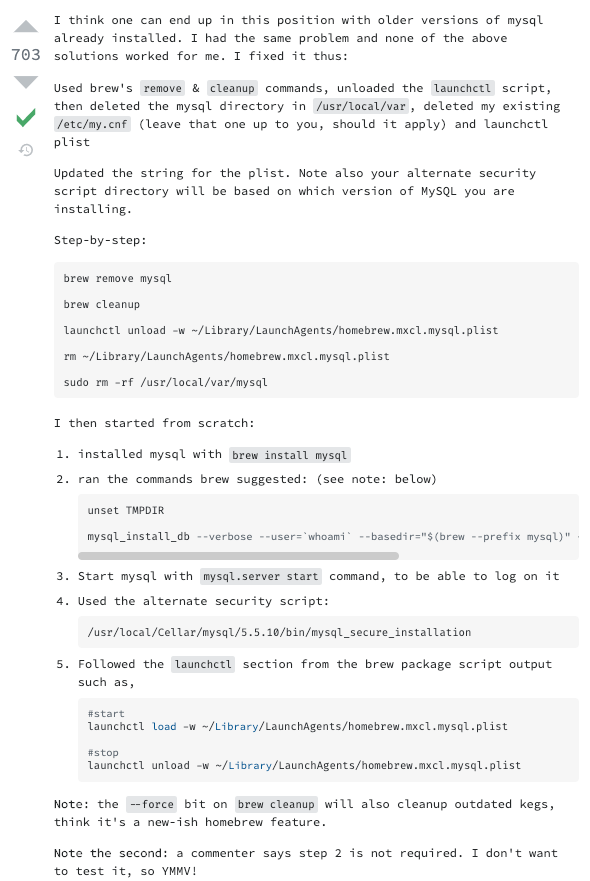
Web First uninstall mysql brew uninstall email protected Delete the folders files that were not removed rm rf usr local var mysql rm usr local etc my cnf Reinstall mysql and link it brew install email protected brew link force email protected Enable and start the service brew services start email protected
Web Sep 20 2021 nbsp 0183 32 If you re installing MySQL using the official installer then your MySQL bin folder should be located on usr local bin mysql But if you installed MySQL using Homebrew then the bin folder may be located in the Web This can happen if you quot sudo make install quot software that isn t managed by by Homebrew If a formula tries to write a file to this directory the install will fail during the link step I suggest you check the linked file and it s dependencies and either delete them and reinstall via homebrew or install the package without using homebrew
Web install homebrew if not present echo quot Checking for homebrew installation quot which s brew if 0 then echo quot Homebrew not found Installing quot ruby e quot curl fsSL https raw githubusercontent Homebrew install master install quot else echo quot Homebrew already installed Updating quot brew update fi