Bootstrap Card Body Height Card body Bootstrap CSS Class Ashley Furman Pakket Romantisch Bootstrap Card Border Riet Relatief How To Create An Equal Height Bootstrap 5 Cols Using Bootstrap 5 Card body Bootstrap CSS Class Ge it K s tlamalar Tercih Edilir Card Bootstrap Bbvillacampanabelluno Share In this article I m going to introduce you to the Bootstrap card component and walk you through its many features and uses By the end of this tutorial you ll be able to incorporate
Some example text Card link Another link Use card title to add card titles to any heading element The card text class is used to remove bottom margins for a p element if it is the last child or the only one inside card body The card link class adds a blue color to any link and a hover effect Example Cards Bootstrap 5 Card component Responsive cards built with the latest Bootstrap 5 Card is a responsive content container with an extensible option for headers footers images and a wide variety of content Many examples and tutorials Basic examples Simple Use the following simple card component with a title and a description Card title
Ge it K s tlamalar Tercih Edilir Card Bootstrap Bbvillacampanabelluno Using The Bootstrap Cards COURSECORE Bootstrap Card Deck Free Examples Templates Tutorial Bootstrap Cards Design By Dima Cebanas On Dribbble Re Aligning Bootstrap Cards Vertically Adobe Support Community Card body Bootstrap CSS Class Card body Bootstrap CSS Class Use Bootstrap Card Like An Expert With Examples CopyCat Blog How To Make Responsive Card In Bootstrap
Bootstrap Card Body Height
 Bootstrap Card Body Height
https://static.shuffle.dev/components/preview/b9f9fb5d-8779-4689-b779-1b7f24338c40/blog/02_1b0aebeb65.png
This simple code snippet helps you to create equal height cards in Bootstrap 5 It uses Bootstrap native display flex class to align cards in a row with the same height You can use this snippet or simply get an idea to equalize your card s height How to Create Bootstrap 5 Equal Height Cards 1
Templates are pre-designed documents or files that can be utilized for numerous functions. They can save time and effort by supplying a ready-made format and layout for creating various sort of content. Templates can be utilized for individual or professional jobs, such as resumes, invitations, flyers, newsletters, reports, presentations, and more.
Bootstrap Card Body Height

Card title Bootstrap CSS Class
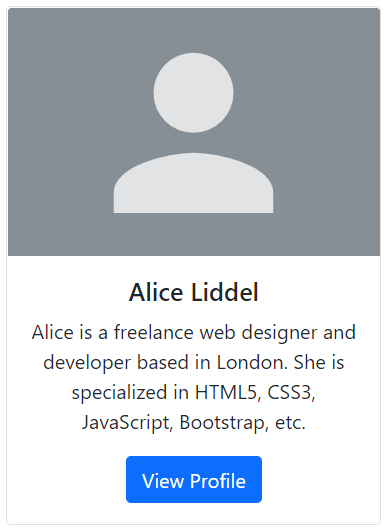
Using The Bootstrap Cards COURSECORE
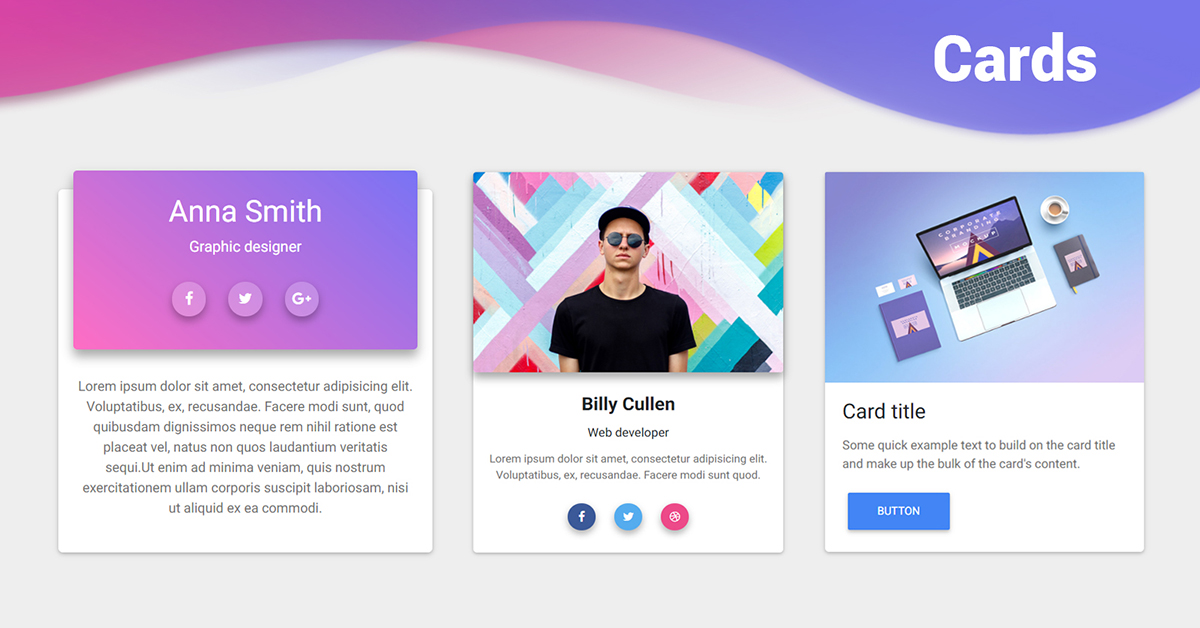
Bootstrap Card Deck Free Examples Templates Tutorial
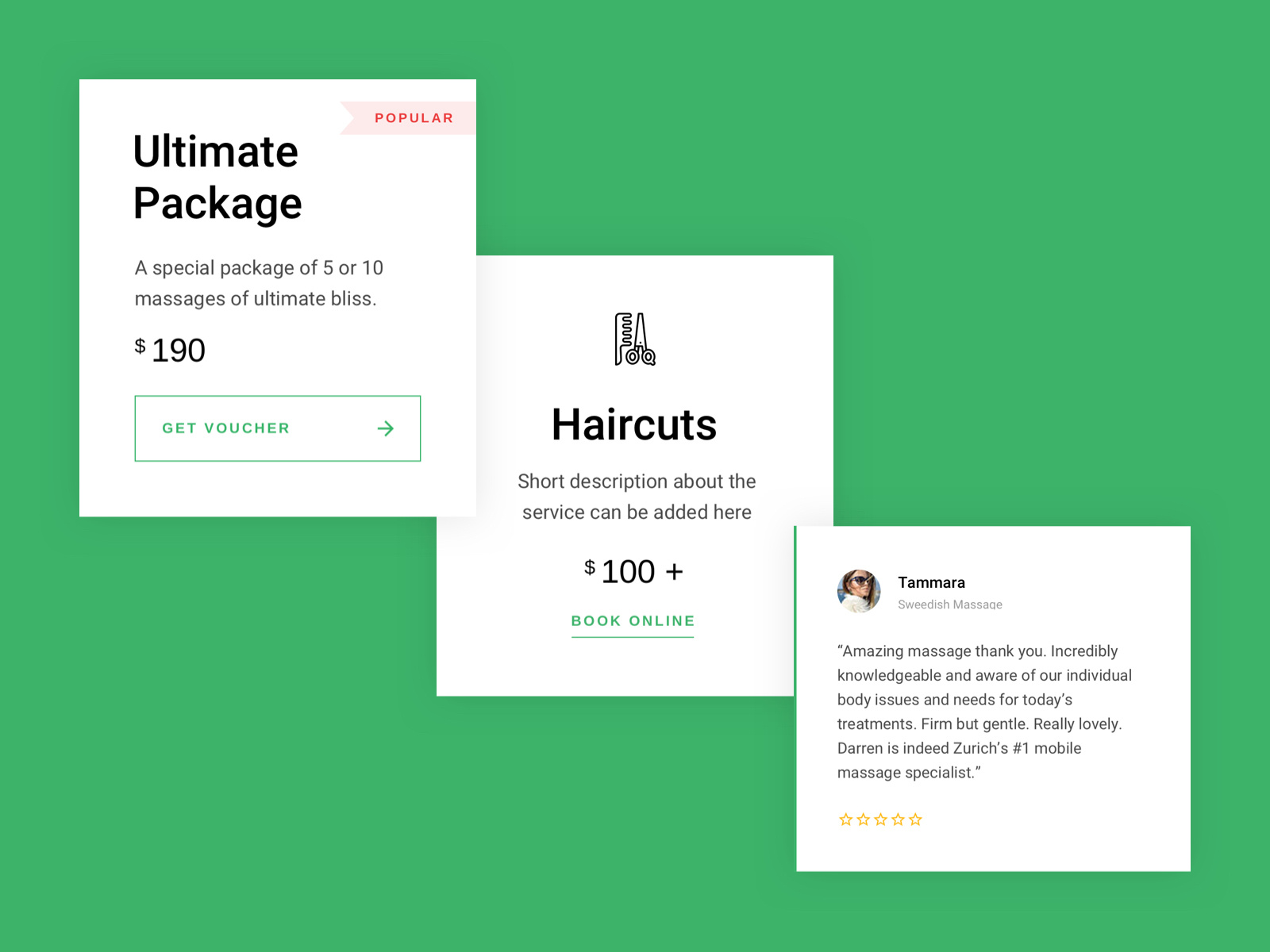
Bootstrap Cards Design By Dima Cebanas On Dribbble

Card body Bootstrap CSS Class

Card body Bootstrap CSS Class
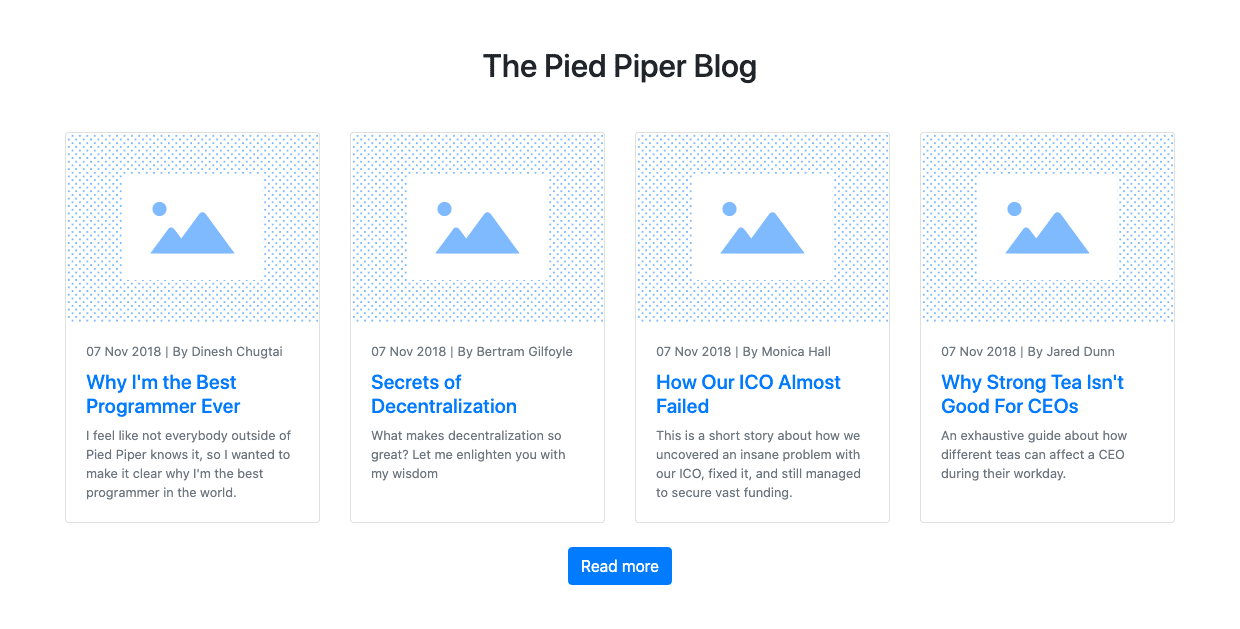
How can I make all cards to be the same height All I can think by now is setting the following CSS rule card min height 200px But that is just a hard coded solution that won t work in a general case The code in my view is the same as the one in the docs i e
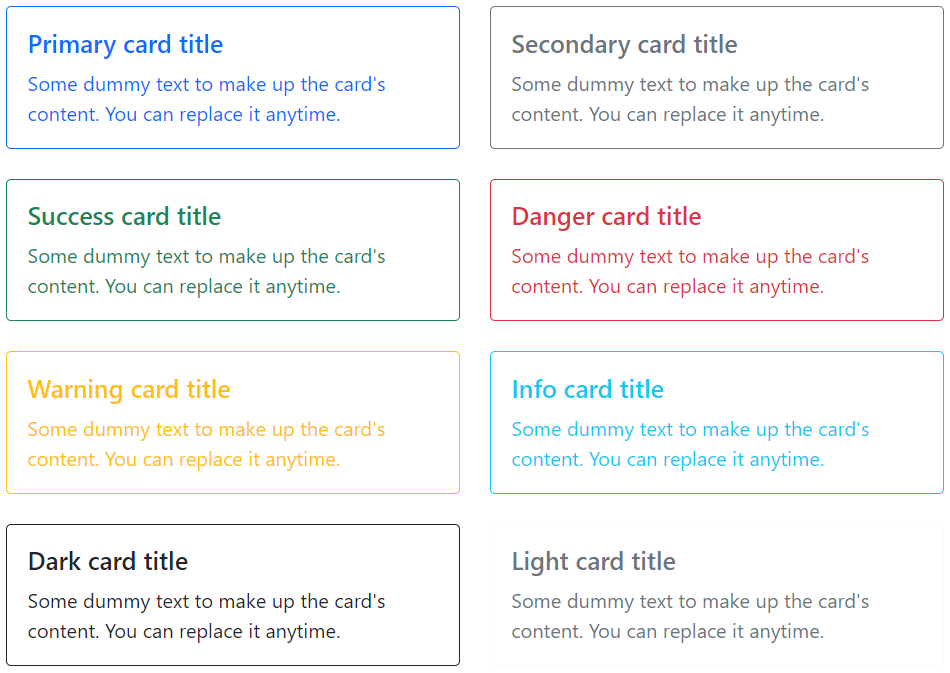
Bootstrap s cards provide a flexible and extensible content container with multiple variants and options About A card is a flexible and extensible content container It includes options for headers and footers a wide variety of content contextual background colors and powerful display options

Bootstrap s cards provide a flexible and extensible content container with multiple variants and options Variables About A card is a flexible and extensible content container It includes options for headers and footers a wide variety of content contextual background colors and powerful display options
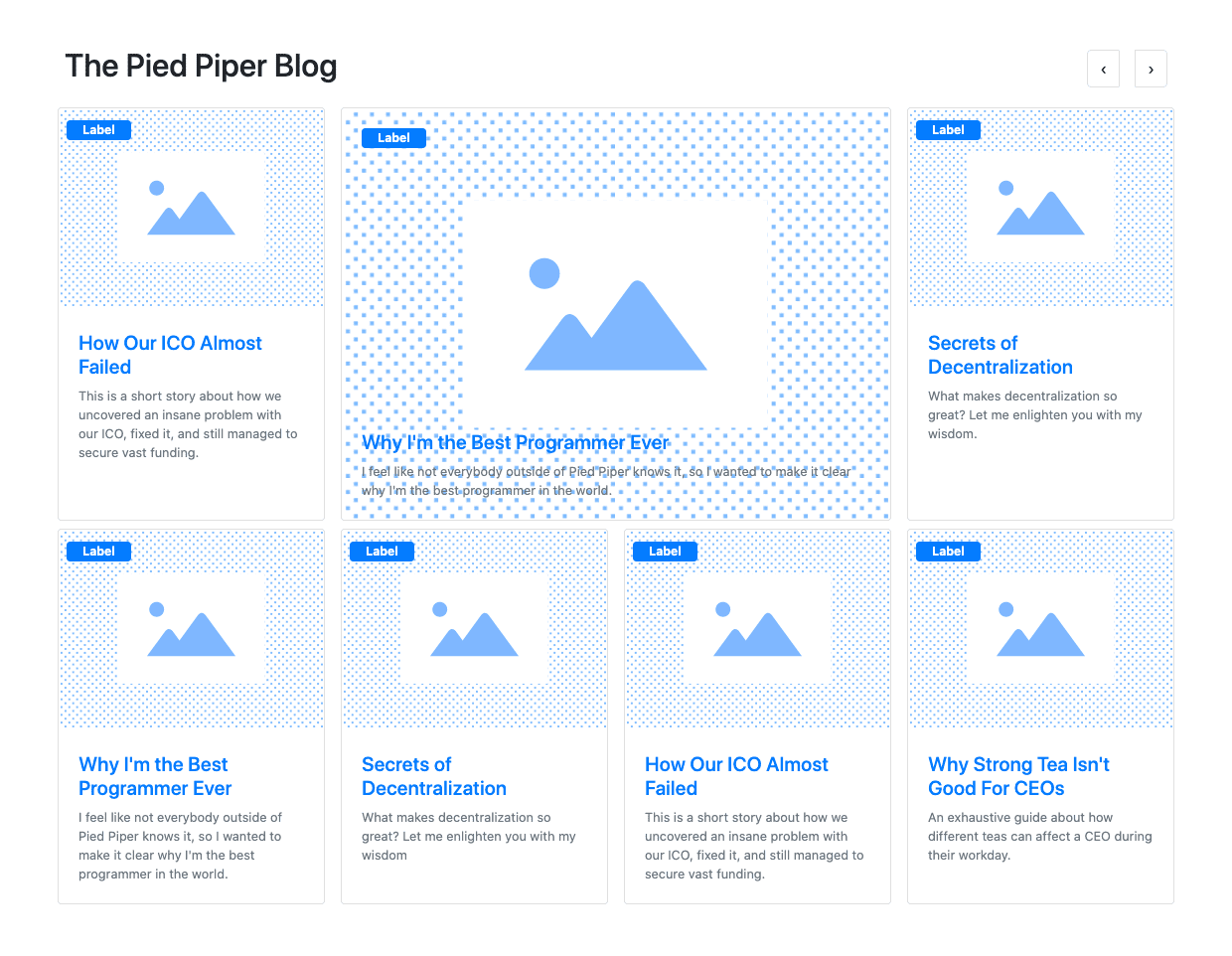
Bootstrap is a popular UI library for any JavaScript apps In this article we ll look at how to customize cards with Bootstrap 5 Sizing We can change a card s width with the column classes For example we can write
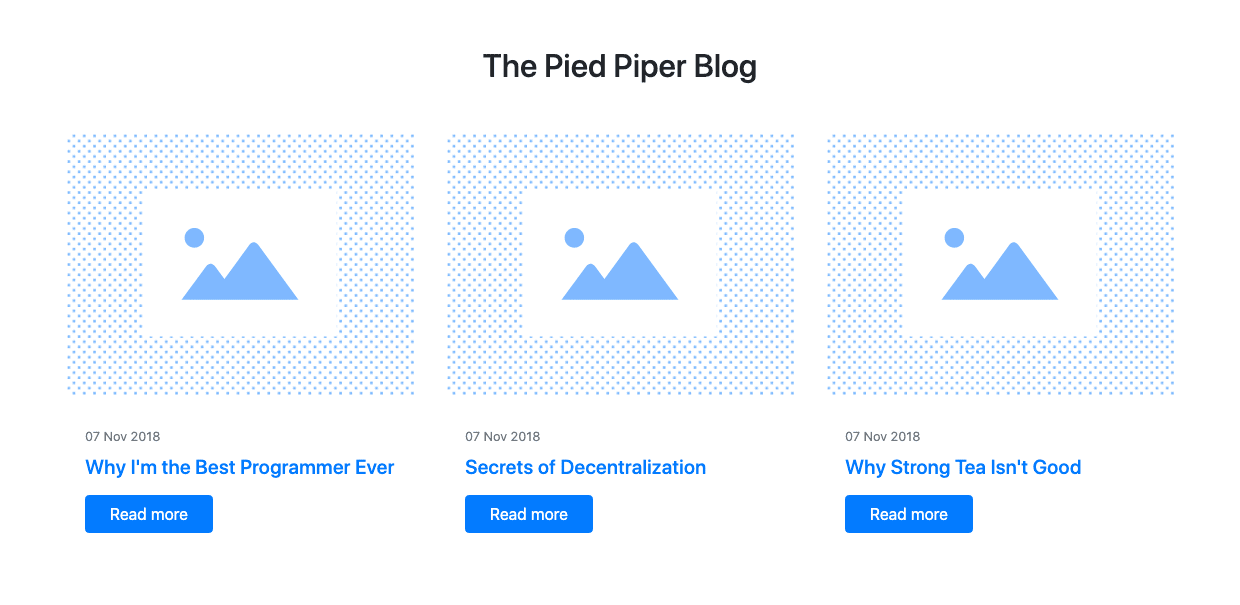
Sizing Bootstrap Sizing Easily make an element as wide or as tall relative to its parent with our width and height utilities Width and height utilities are generated from the sizes Sass map in variables scss Includes support for 25 50 75 and 100 by default Modify those values as you need to generate different utilities here
Hello and welcome to the 13th day of Bootstrap 4 Today we will learn about Bootstrap 4 cards A card is a content container that is flexible and easy to extend Bootstrap 4 cards replace the panels wells and thumbnails from Bootstrap 3 Coming with a variety and components and options for styling and aligning Bootstrap 4 cards offer Bootstrap card height full card header Ask Question Asked 3 years 6 months ago Modified 3 years 6 months ago Viewed 517 times 0 How can I align cards in a group If I install height full in card header the whole layout breaks down
You can usetThe card group class to group individual cards into a flex box layout with equal height columns Below is an example grouping three cards as a layout together using card groups Below is an example grouping three cards as a layout together using card groups