Boot Camp Assistant Mac Windows 11 Download Could Not Continue In Boot Camp Assistant Fix KB Imac 2021 Bootcamp Sawara hospital jp Install Windows On Mac Installation Of Windows On Mac Master Cooking Boy Manga Download Myetree Installation De Windows 10 Sur Votre Mac Via L assistant Boot Camp Web Configure your Mac in Windows using Boot Camp Use Boot Camp Control Panel to configure your hardware and change Boot Camp options when you re in Windows on your Intel based Mac See the Boot Camp Control Panel User Guide Open Boot Camp Control Panel in Windows In Windows on your Mac click in the right side of the taskbar
Web Select version Table of Contents Get started with Boot Camp Assistant on Mac You can use Boot Camp Assistant to install Windows 10 on your Intel based Mac Install Windows on your Mac Web Feb 14 2022 nbsp 0183 32 1 Answer Sorted by 3 There is a sophisticated script called MediaCreationTool bat that upgrades a Windows 10 Boot Camp installation to Windows 11 Here are the steps to use it Install Windows 10 with Boot Camp Assistant Apple instructions Stay signed into Windows 10 Download the zip for
Installation De Windows 10 Sur Votre Mac Via L assistant Boot Camp Fix Boot Camp Assistant Problems On Mac Boot Camp Assistant Mac Mini Linuxtree Pitch Wheel Vst Free Download Powerupfind Boot Camp Mac Windows 11 Boot Camp Assistant Mac 10 13 6 Windows 7 Newmj How To Install Windows 10 On The 2018 Mac Mini Using Boot Camp El Capitan s Boot Camp Has USB Drive less Windows Setup But Not All Neloangels Blog
Boot Camp Assistant Mac Windows 11
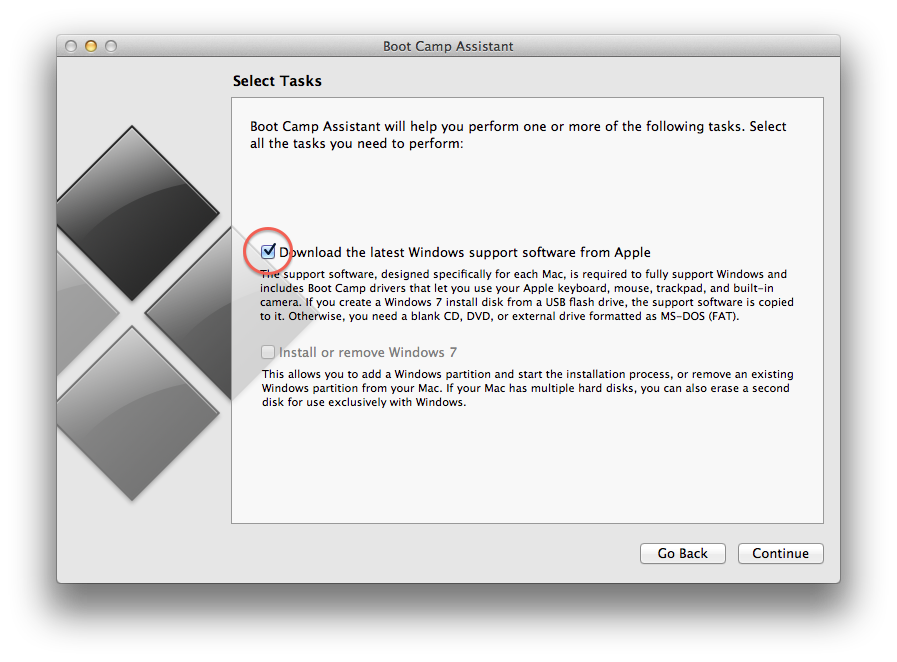 Boot Camp Assistant Mac Windows 11
https://fixkb.com/wp-content/uploads/2012/11/Screen-Shot-2012-11-08-at-10.00.50.png
Web Jul 4 2021 nbsp 0183 32 How To Install Windows 11 On A Mac Using Boot Camp Today Here s how to install the official Windows 11 Preview build onto a non M1 Intel based Apple Mac using Boot Camp process If you are looking to view and use Microsoft s gorgeous new Windows 11 OS but you have a Mac then this process could definitely be for you Notes
Templates are pre-designed files or files that can be utilized for different purposes. They can save time and effort by supplying a ready-made format and design for producing different sort of material. Templates can be used for personal or professional tasks, such as resumes, invites, leaflets, newsletters, reports, presentations, and more.
Boot Camp Assistant Mac Windows 11
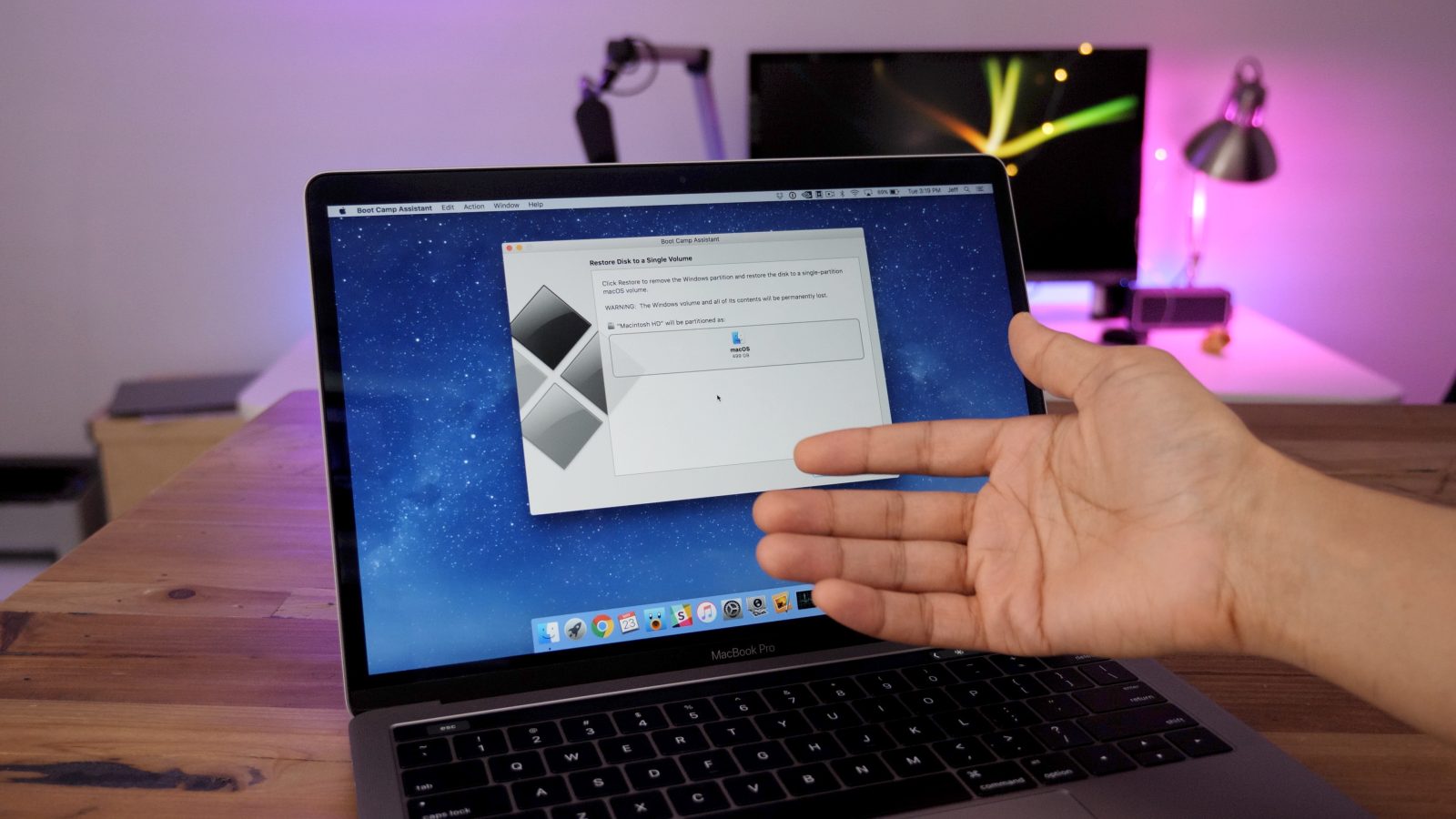
How To Remove A Windows Boot Camp Installation From Your Mac Video
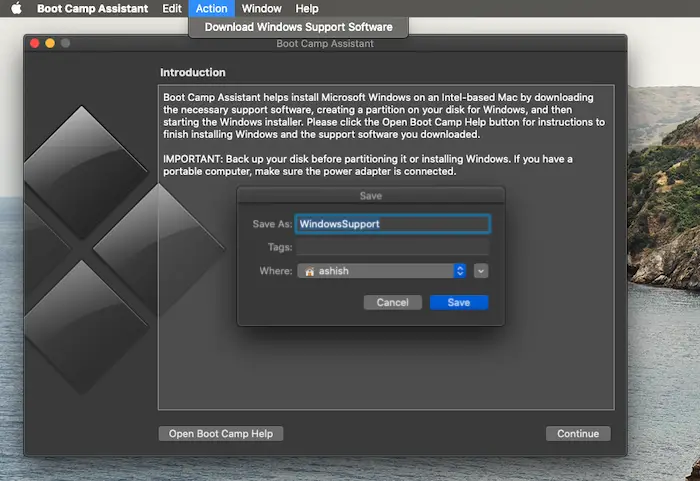
Fix Boot Camp Assistant Problems On Mac

Boot Camp Assistant Mac Mini Linuxtree

Pitch Wheel Vst Free Download Powerupfind
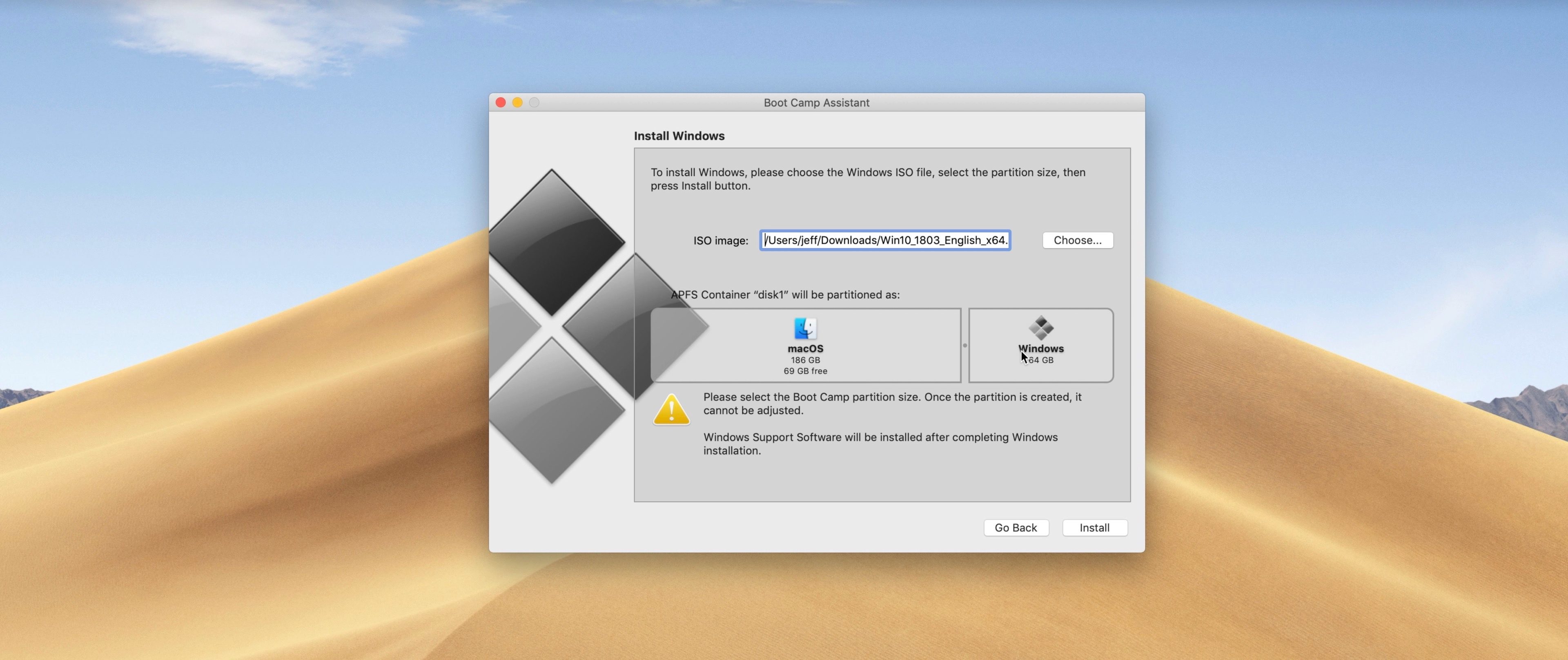
Boot Camp Assistant Mac 10 13 6 Windows 7 Newmj
How To Install Windows 10 On The 2018 Mac Mini Using Boot Camp

Web Jun 16 2023 nbsp 0183 32 MacHow2 Last Updated June 16 2023 Boot Camp is a free utility which allows you to install Windows 11 on a Mac for free Here we show you how to install Windows 11 on a Mac for free using Boot Camp
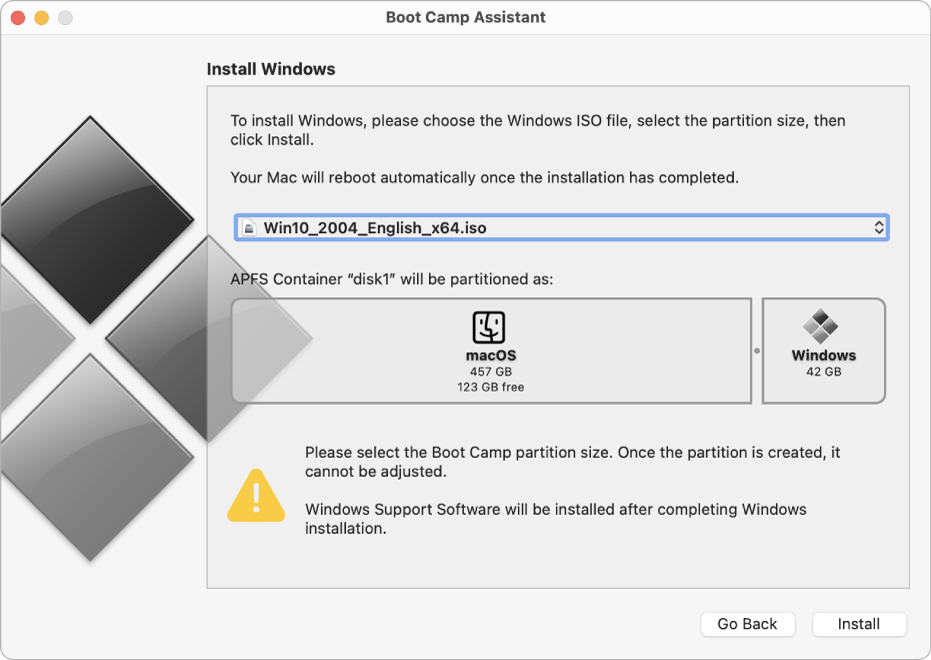
Web Fuss free installation You provide the Windows ISO Boot Camp Assistant does all the work Just open Boot Camp Assistant and follow the onscreen instructions to install Windows on your Intel based Mac How to get started with Boot Camp
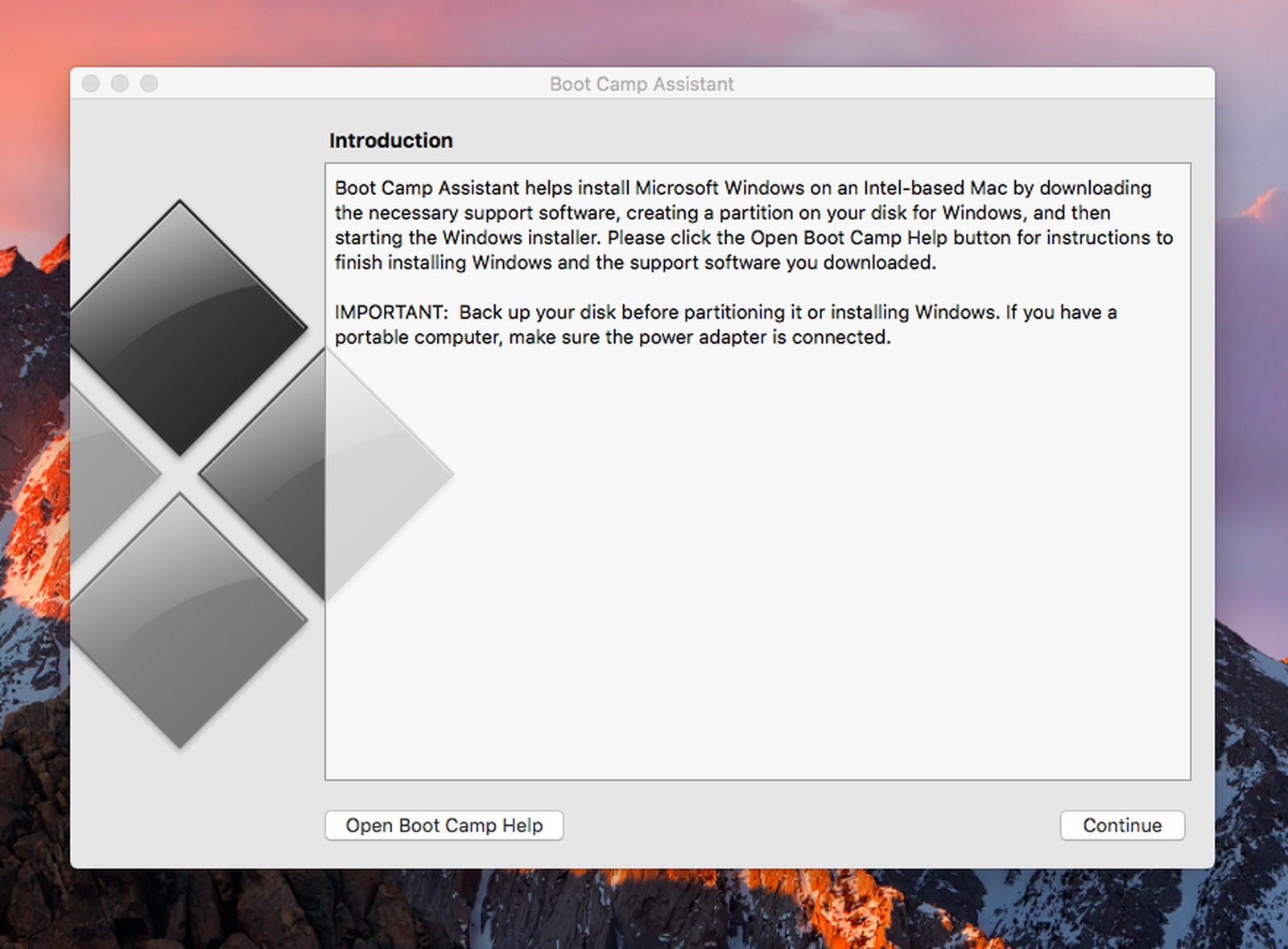
Web Nov 29 2020 nbsp 0183 32 Boot Camp requires a Mac with an Intel processor When you install Microsoft Windows on your Mac Boot Camp Assistant automatically opens the Boot Camp installer which installs the latest Windows support software drivers
Web Jun 25 2021 nbsp 0183 32 It may not be possible to do in software but in order for an Intel Mac to run Windows 11 officially Apple will have to update Macs for that compatibility or Microsoft will have to remove
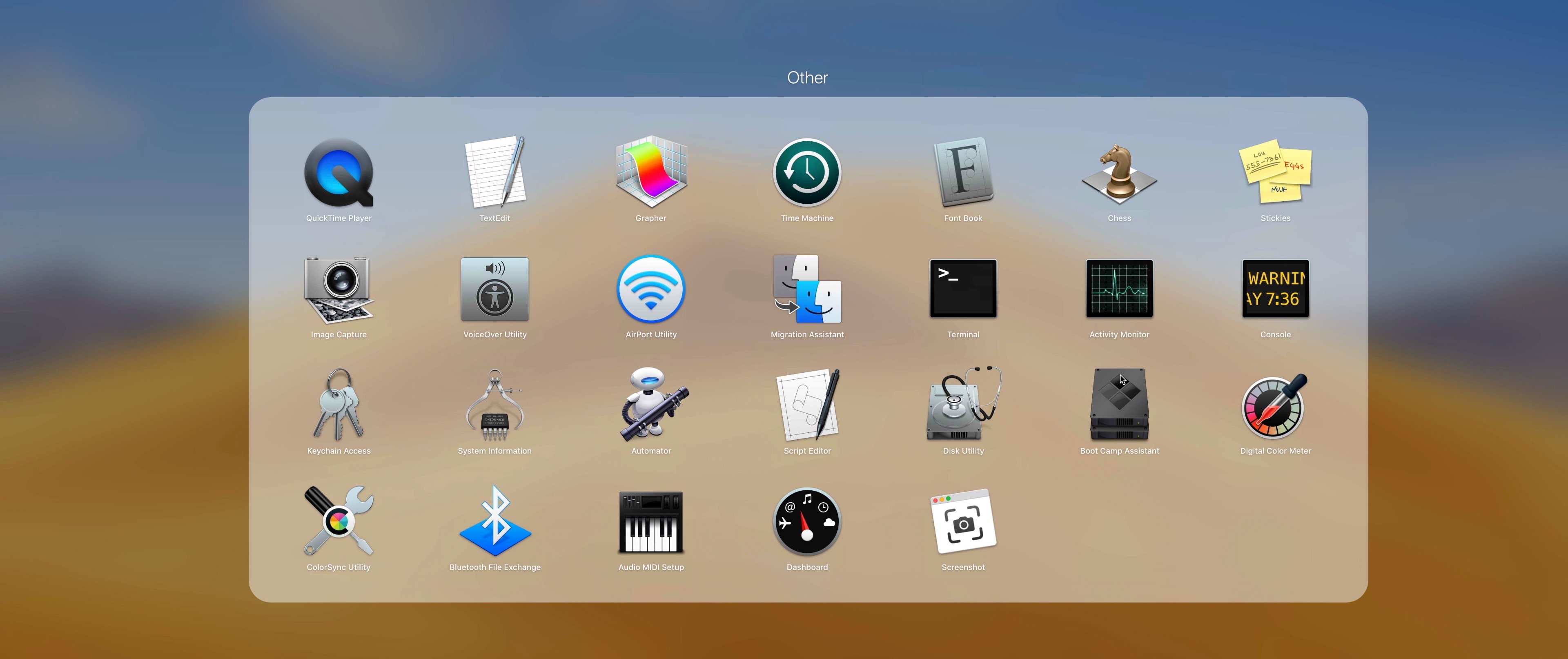
Web Dec 5 2021 nbsp 0183 32 Macs that support Windows 11 As the newer M1 Macs do not come with Boot Camp so you cannot install Windows 11 as of yet First check if your device have Boot Camp by visiting Finder and go to Applications
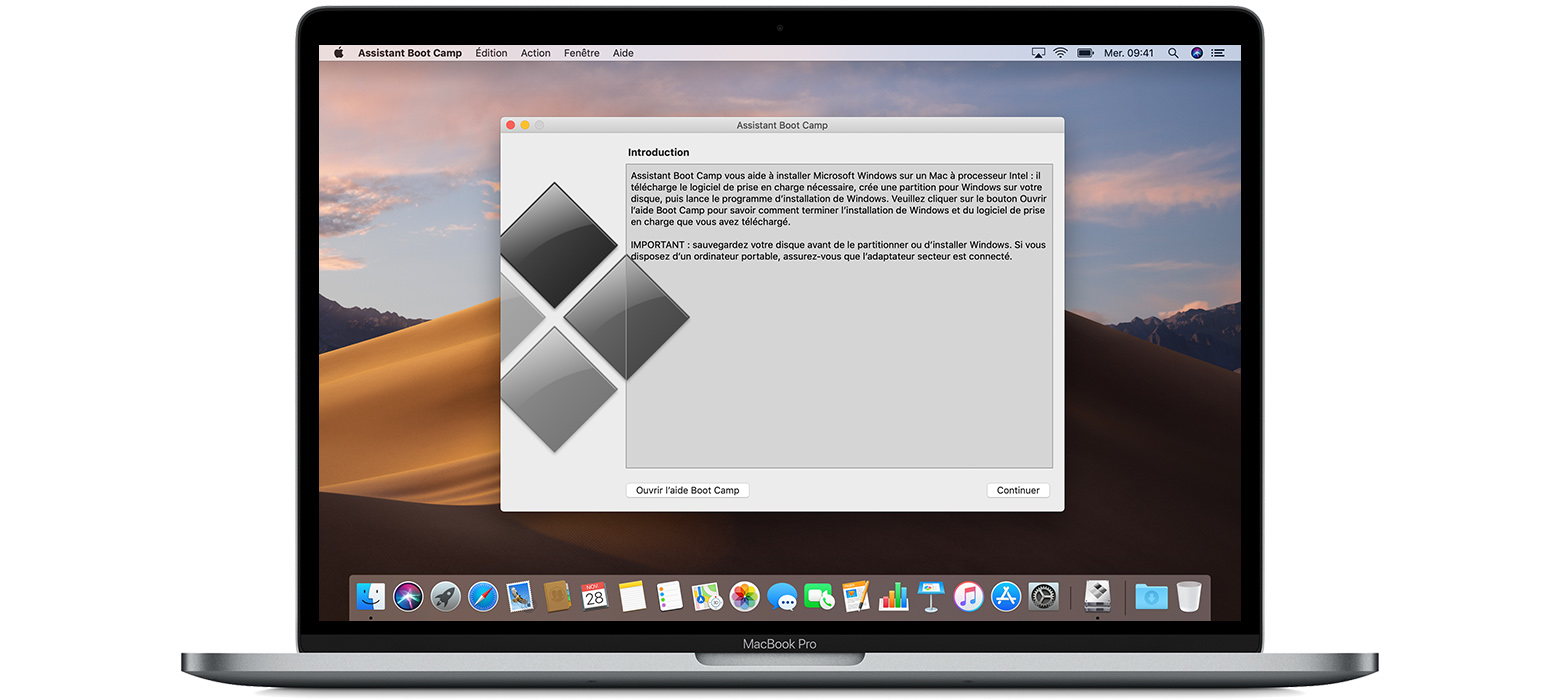
Web Nov 17 2020 nbsp 0183 32 Open Boot Camp Assistant which is in the Utilities folder of your Applications folder Follow the onscreen instructions If you re asked to insert a USB drive plug your USB flash drive into your Mac Boot Camp Assistant will use it to create a bootable USB drive for Windows installation Web May 20 2022 nbsp 0183 32 Thanks for watching a video tutorial of getting Windows 11 on an Intel Mac with Boot Camp I hope this tutorial works Subscribe for more videos https bit
Web Step 1 Go to the Academic Software page for Windows 11 and click on the download button to download the ISO file Step 2 Insert your USB stick into a USB port open Boot Camp Assistant and click on Continue Step 3 Indicate all options and click on Continue