Bios Settings Guide Pdf Qui Nous Sommes Bios Common BIOS Settings Guide For Beginners Intel Desktop Board DX79TO BIOS Settings Glossary Version 19 Page 29 BIOS How To Configure BIOS Settings On A Motherboard Complete Guide Just This white paper provides detailed information about features adjusted through the F10 BIOS setup menu The section on computer notifications provides an explanation for the LED blink codes and screen messages that may occur
Sep 27 2022 nbsp 8212 32 To access the BIOS Setup program press the lt Delete gt key during the POST when the power is turned on To upgrade the BIOS use either the GIGABYTE Q Flash or Q Flash Plus utility Q Flash allows the user to quickly and easily upgrade or back up BIOS without entering the operating system Use the BIOS Setup to update the BIOS or configure its parameters The BIOS screens include navigation keys and brief onscreen help to guide you in using the BIOS Setup
How To Configure BIOS Settings On A Motherboard Complete Guide Just 3DO BIOS Download SafeROMs Common BIOS Settings Guide For Beginners Solved Change BIOS Settings On Supermicro System Via A 9to5Answer Boot How To Get To The BIOS Settings Using Windows 10 Super User What Is BIOS On Computer Definition Function Facts Matob News Common BIOS Settings Guide For Beginners The Current BIOS Settings Do Not Fully Support The Boot Device GitHub Damienvanrobaeys BIOS Settings Reference in Dev Fr Now
Bios Settings Guide Pdf
 Bios Settings Guide Pdf
https://www.bebios.es/sites/default/files/md-slider-image/farmer.jpg
Dec 19 2019 nbsp 8212 32 This package provides the HP BIOS Configuration Utility BCU for supported notebook desktop and workstation models that are running a supported operating system Does not support XP systems that have set the BIOS setup password
Templates are pre-designed files or files that can be used for different functions. They can save time and effort by supplying a ready-made format and design for producing various type of material. Templates can be used for personal or professional projects, such as resumes, invites, leaflets, newsletters, reports, presentations, and more.
Bios Settings Guide Pdf
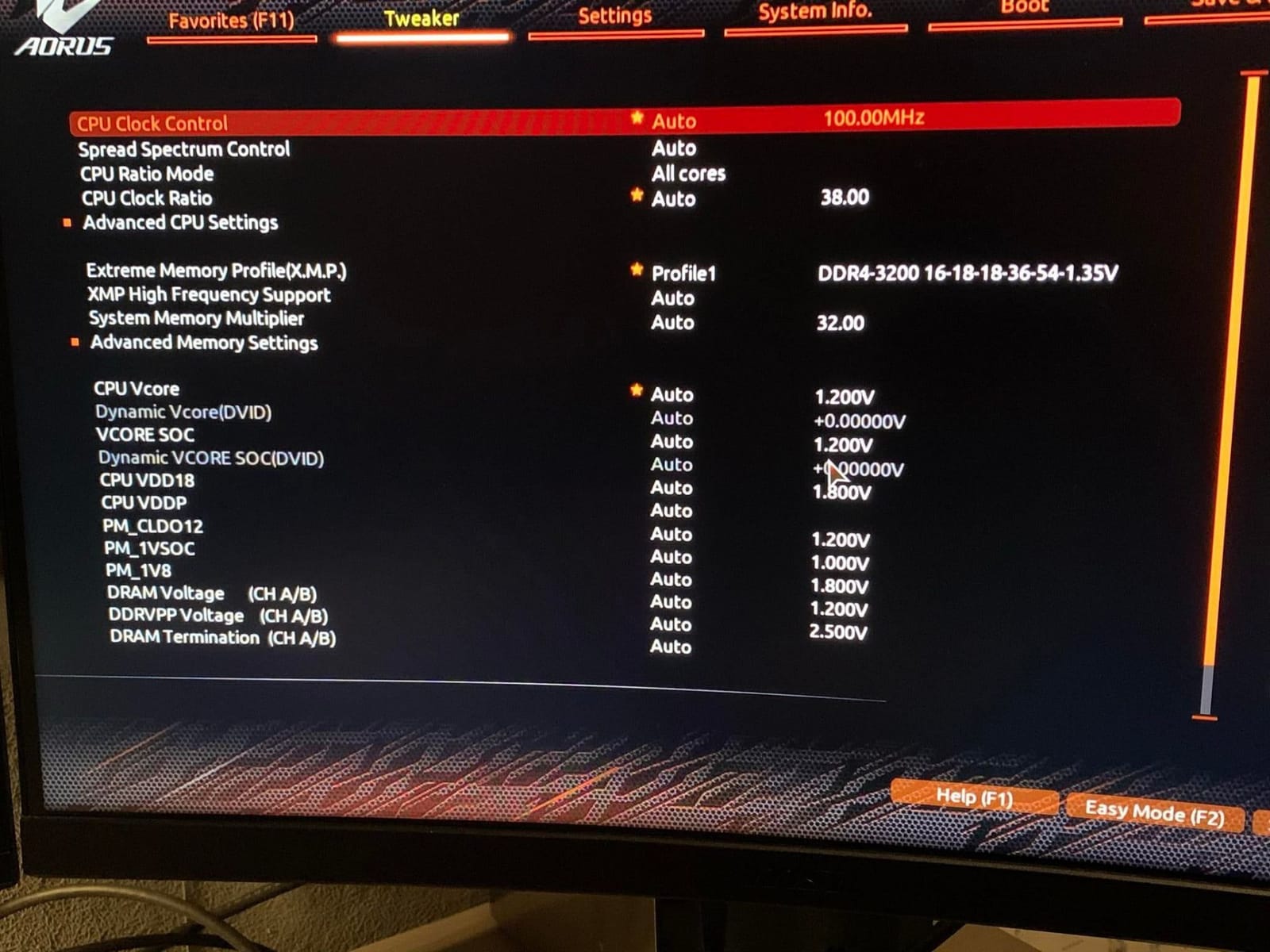
Common BIOS Settings Guide For Beginners
3DO BIOS Download SafeROMs
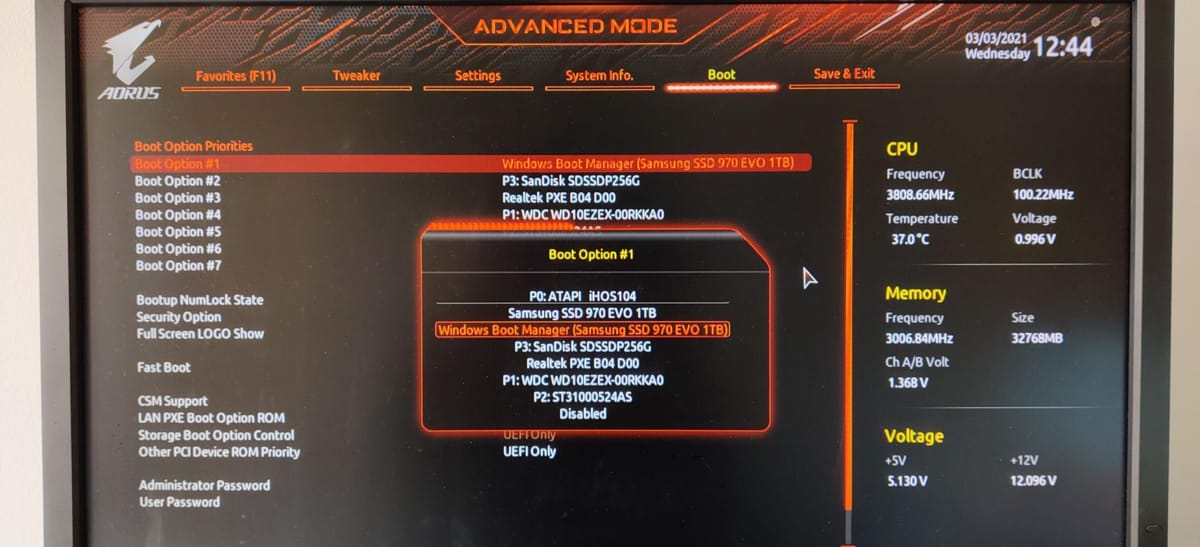
Common BIOS Settings Guide For Beginners

Solved Change BIOS Settings On Supermicro System Via A 9to5Answer
What Is BIOS On Computer Definition Function Facts Matob News
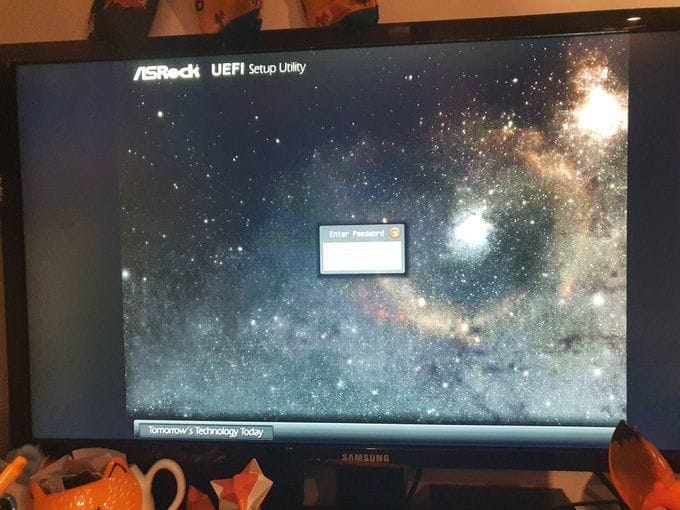
Common BIOS Settings Guide For Beginners

HP BIOS Configuration Utility BCU is a free utility that enables you to do the following Read available BIOS settings and their values from a supported desktop workstation or notebook computer Set or reset Setup Password on a supported desktop
Jul 26 2023 nbsp 8212 32 Learn how to set up and access the BIOS functions on MSI motherboards Follow these steps to find and download the BIOS User Guide for your specific motherboard model

Apr 6 2017 nbsp 8212 32 BIOS Basic Input and Output System stores system hardware settings such as storage device configuration overclocking settings advanced power management and boot device configuration that are needed for system startup in the motherboard CMOS

This white paper provides detailed information about features adjusted through the F10 BIOS setup menu The section on computer notifications provides an explanation for the LED blink codes and screen messages that may occur
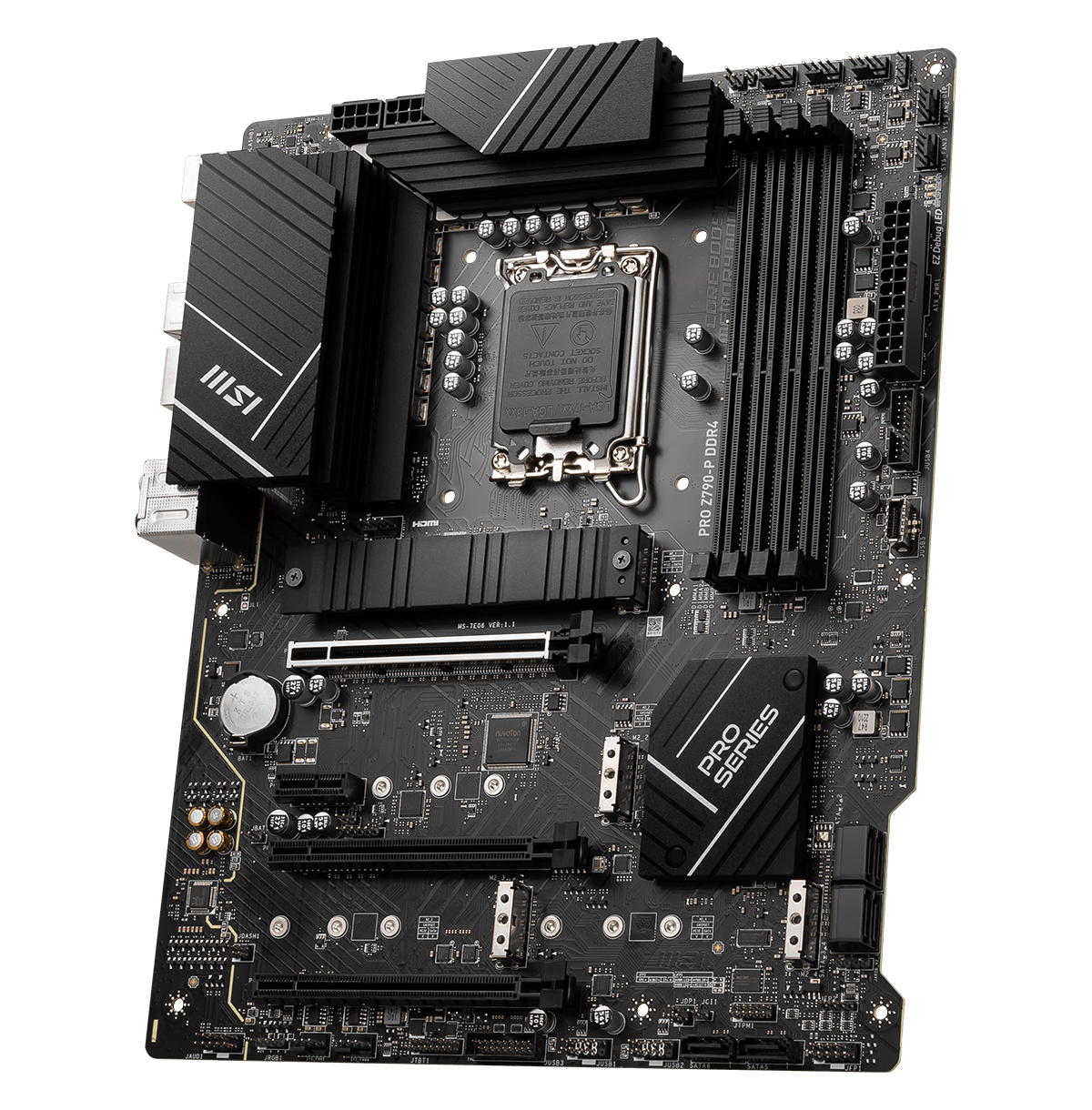
Jan 15 2021 nbsp 8212 32 BIOS Manual Learn how to navigate the BIOS menu including simple mode and advanced mode with modules for settings updating BIOS hardware monitoring and more
Read this guide to open and navigate general BIOS menus and settings Specific menus and functions vary by notebook model The BIOS Basic Input Output System controls communication between system devices such as the disk drive display and keyboard The BIOS setup screens options and settings in this manual are for reference only and may vary from the motherboard you purchased Please refer to the actual BIOS version of your system for detailed screens settings and options BIOS items are continuously updated for better system performance Therefore the
Jan 13 2022 nbsp 8212 32 Just built out a new desktop PC or upgraded some key components Getting to know these four key UEFI BIOS features will help you make sure everything s running up to snuff