Best 4 Digit Passcode For Iphone This Box Can Figure Out Your 4 Digit IPhone Passcode Popular Science How To Change Your Passcode On IPhone And IPad 9to5Mac How To Setup 4 Digits Passcode Instead Of 6 Digits On IOS 14 IOS 13 Disable Or Passcode Bypass Iphone And IPad Fix Carrier Best Free IOS 9 Tips And Tricks How To Set A Six digit Passcode In IOS 9 Update your software Erase your device View or change passcode settings Install iOS or iPadOS Configuration profiles Set up a passcode Change your settings Set up a passcode On iPhone X and later or iPad with Face ID go to Settings Face ID Passcode On earlier iPhone models go to Touch ID Passcode
What to know Go to Settings Face ID Passcode Enter your existing passcode Select Change Passcode and enter a six digit passcode or select Passcode Options Options include four digit least secure six digit alphanumeric and custom numeric passcodes This article explains how to strengthen your iPhone s passcode 3 Scroll down and tap Change Passcode 4 Enter your old passcode 5 Your iPhone will now ask you to enter a 6 digit passcode Before you enter your new passcode if you d prefer a 4 digit code
IOS 9 Tips And Tricks How To Set A Six digit Passcode In IOS 9 Unlock IPhone Passcode Without ITunes Restore Unlock ICloud How To Unlock IPhone Passcode 2017 IOS Learn In 30 Sec From Change IPhone Passcode From 6 To 4 Digits YouTube How To Unlock IPhone Passcode If You Forgot 2021 YouTube PassCode How To Change Your IPhone Passcode to Something Secure How To Bypass Passcode Lock Screens On IPhones And IPads Using IOS 12 Free Download Beef Up Your IPhones Passcode Security With A Blank
Best 4 Digit Passcode For Iphone
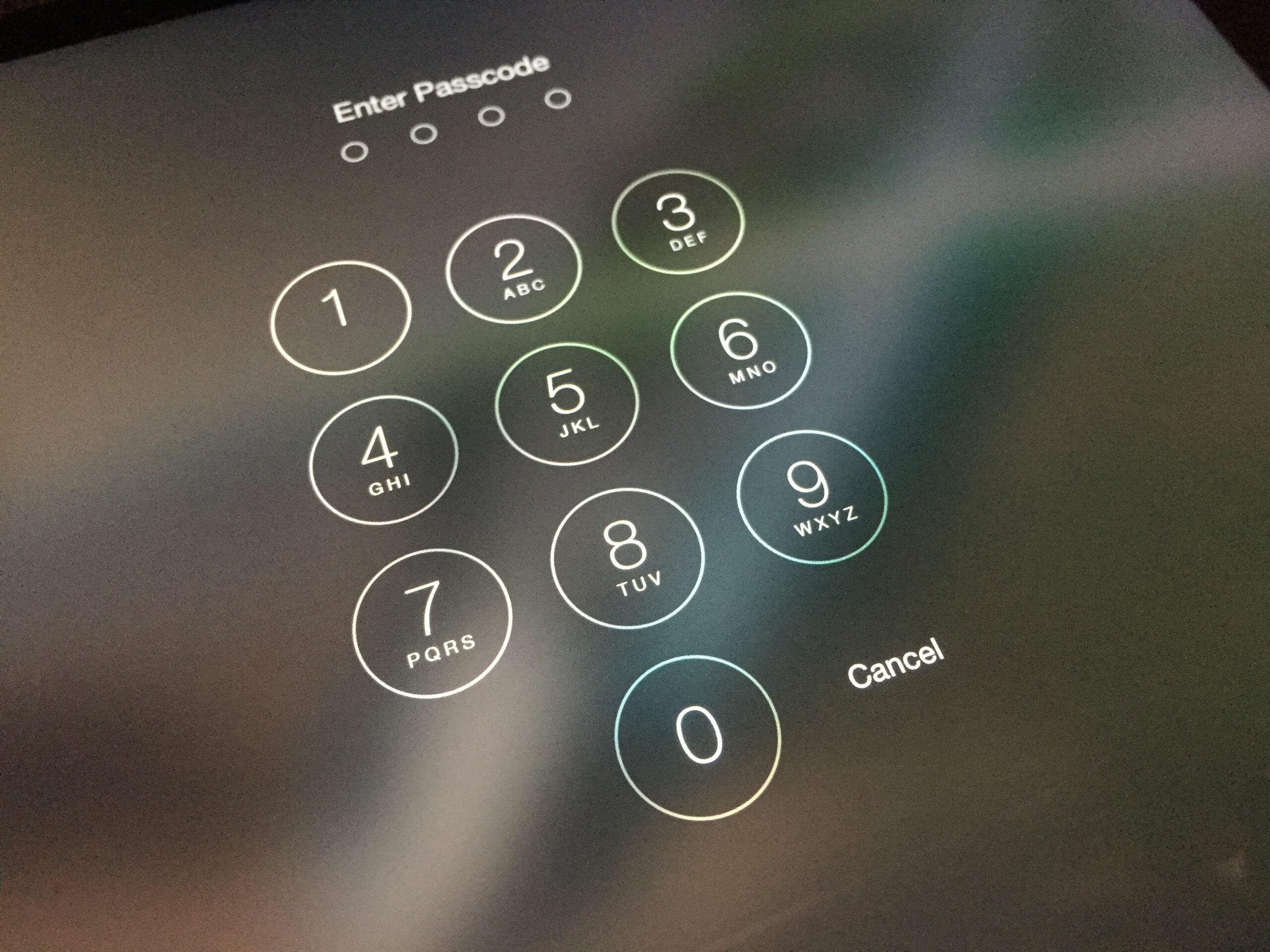 Best 4 Digit Passcode For Iphone
https://www.popsci.com/uploads/2019/03/18/KMIJTQBGP664FZ3D3JYU54MJZY.jpg?auto=webp
How strong passcodes and passwords increase security iOS and iPadOS support six digit four digit and arbitrary length alphanumeric passcodes Besides unlocking the device a passcode or password provides entropy for certain encryption keys This means an attacker in possession of a device can t get access to data in specific protection
Pre-crafted templates provide a time-saving service for creating a varied variety of documents and files. These pre-designed formats and layouts can be utilized for various individual and professional jobs, consisting of resumes, invites, flyers, newsletters, reports, discussions, and more, enhancing the content production process.
Best 4 Digit Passcode For Iphone
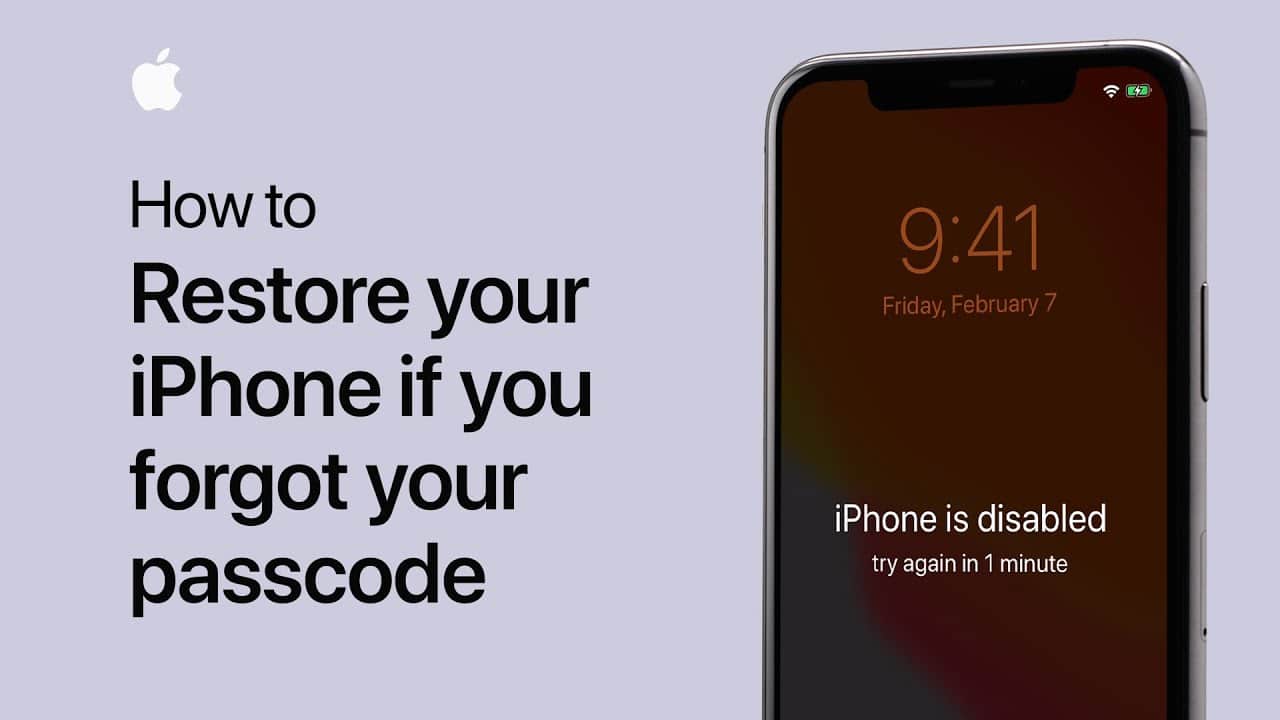
Forgot The Passcode Of Your IPhone 5 Easy Steps To Reset Passcode
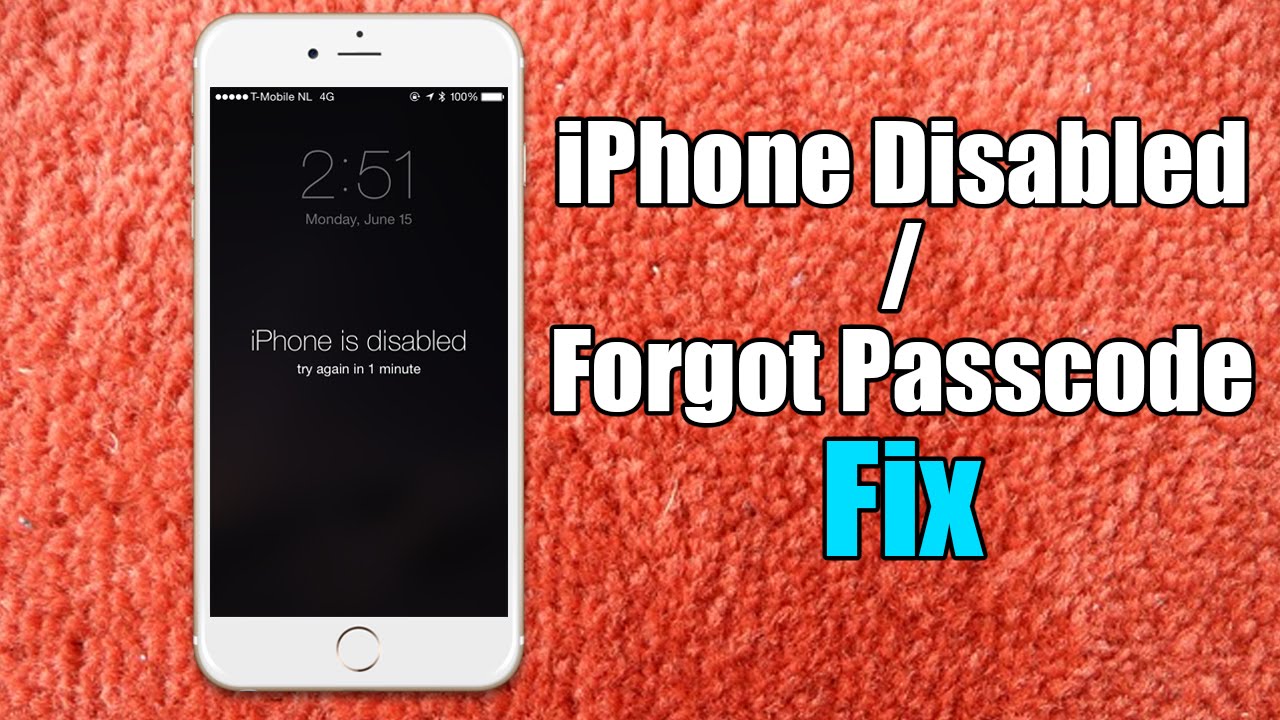
Unlock IPhone Passcode Without ITunes Restore Unlock ICloud
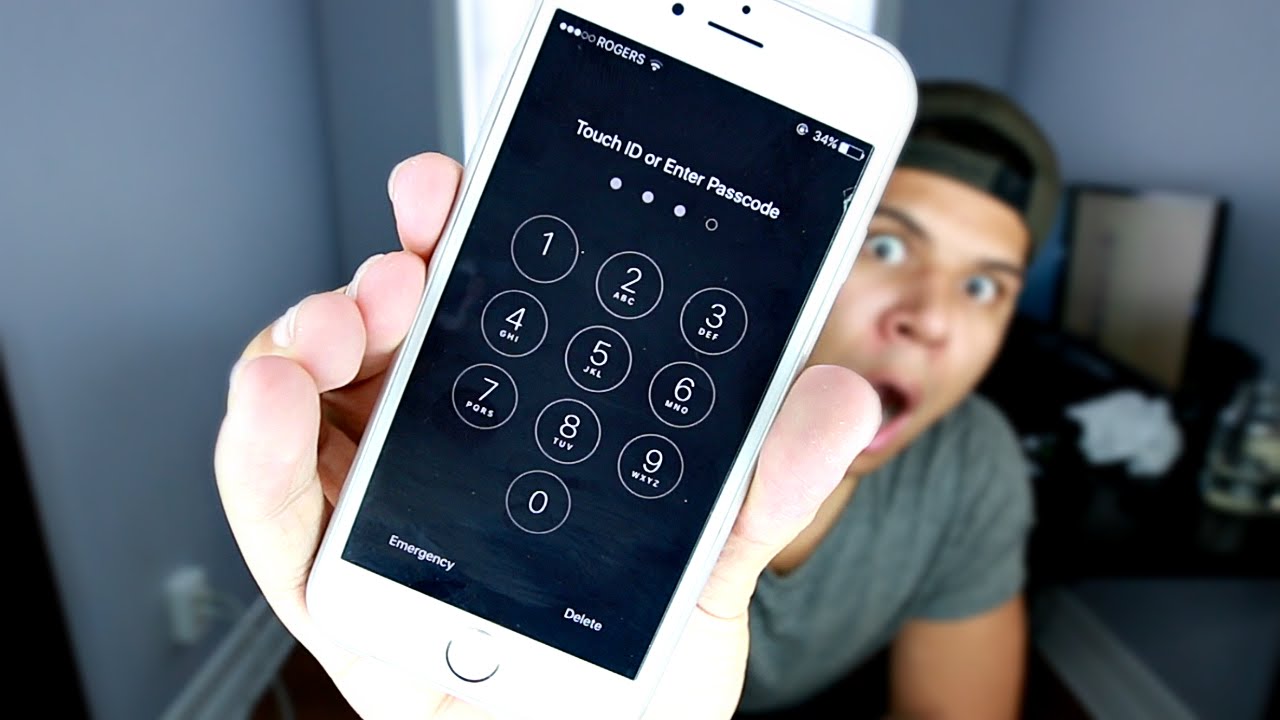
How To Unlock IPhone Passcode 2017 IOS Learn In 30 Sec From
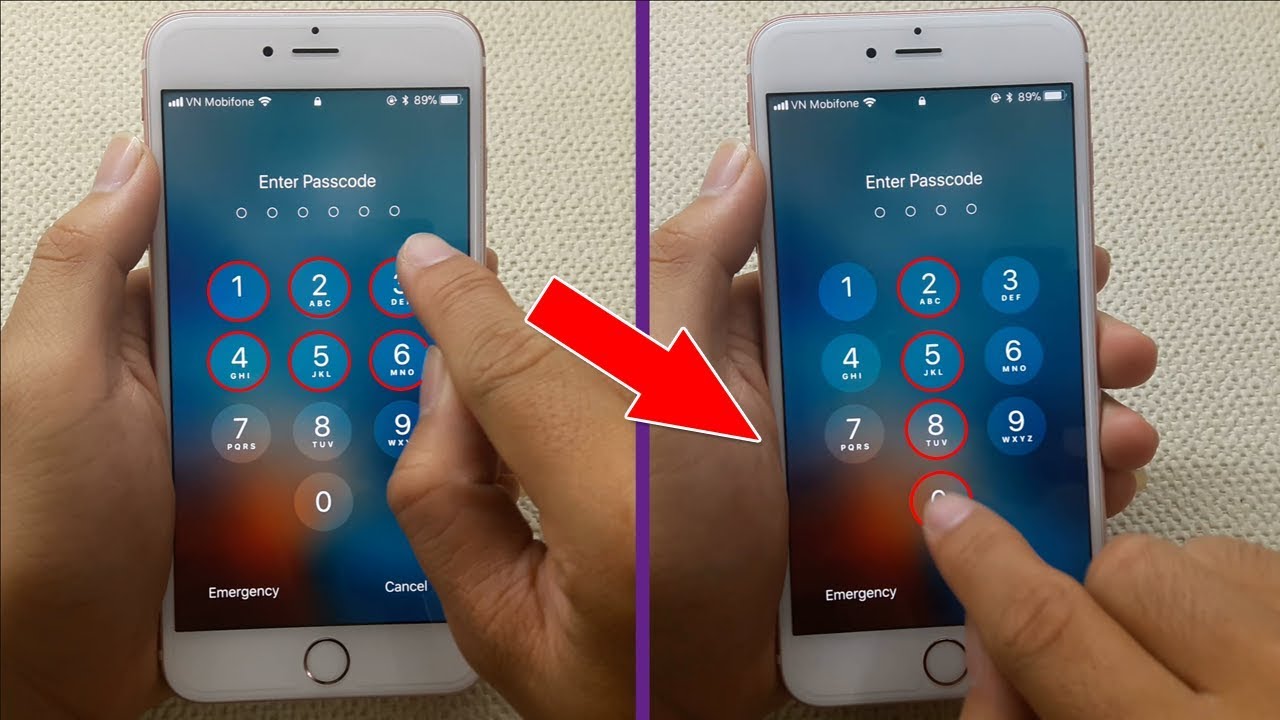
Change IPhone Passcode From 6 To 4 Digits YouTube

PassCode

How To Change Your IPhone Passcode to Something Secure

On your iPhone or iPad go to Settings Face ID Passcode or Touch ID Passcode for older devices Enter your current passcode then tap Change Passcode and enter your current passcode again
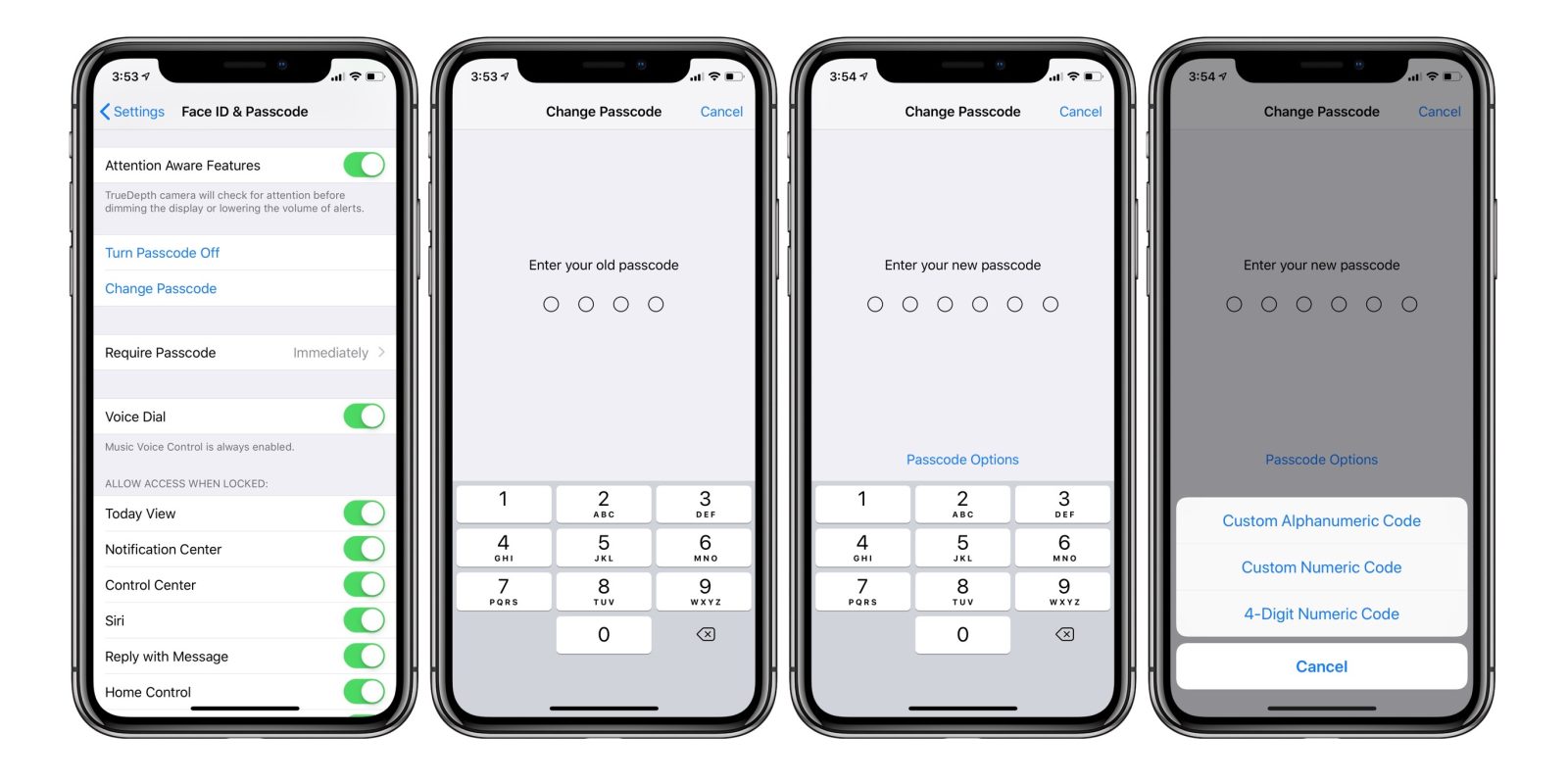
IPhone How To Make Passcode 4 Digits On IPhone 13 Written by Sharyl Utter Published December 21 2023 Device Reviews Comparisons iPhone Source Pocket lint Are you looking to enhance the security of your iPhone 13 One effective way to do so is by setting a 4 digit passcode
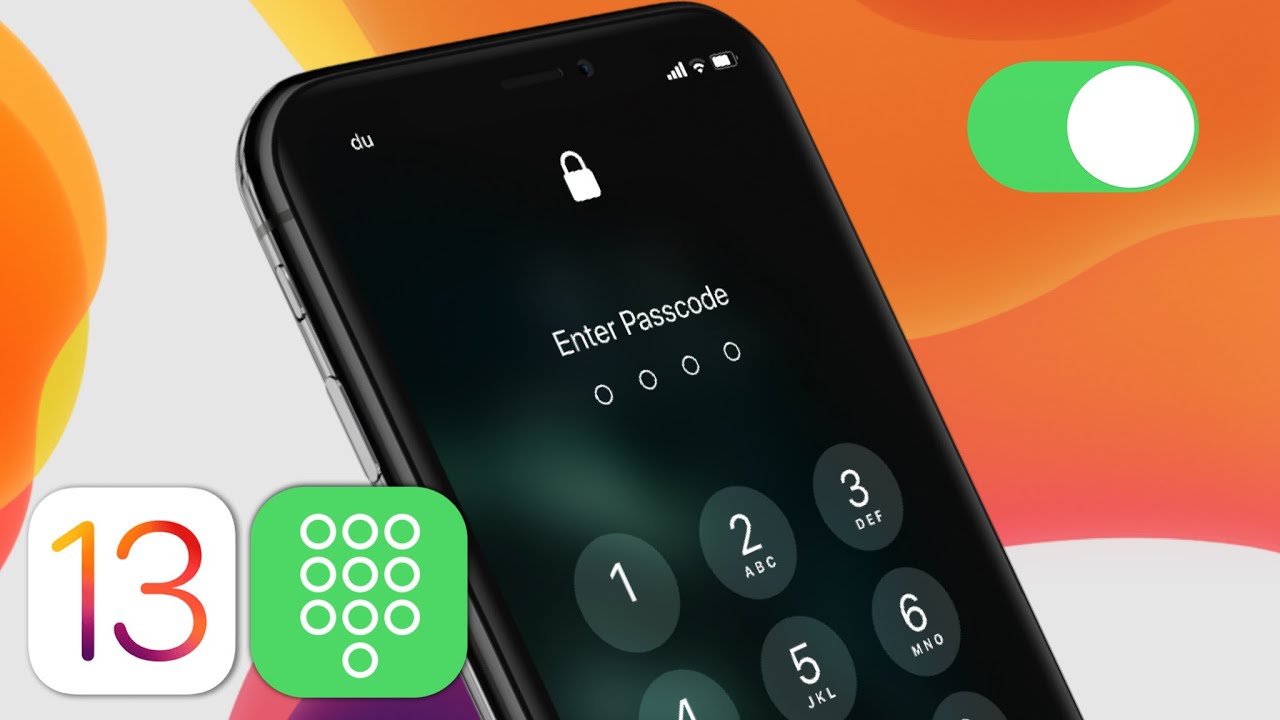
Here you can choose to create a 4 digit passcode by selecting Passcode Options and then 4 Digit Numeric Code Enter your desired 4 digit passcode and then re enter it to confirm Once you ve successfully entered and confirmed the new 4 digit passcode it will be set as the primary method to unlock your iPhone 11

1 reply Sort By Best reply Lyssa Level 8 41 311 points Oct 8 2021 9 30 PM in response to lavon288 This article walks you through what to Use a passcode with your iPhone iPad or iPod touch Apple Support Specifically step 3 Enter a six digit passcode
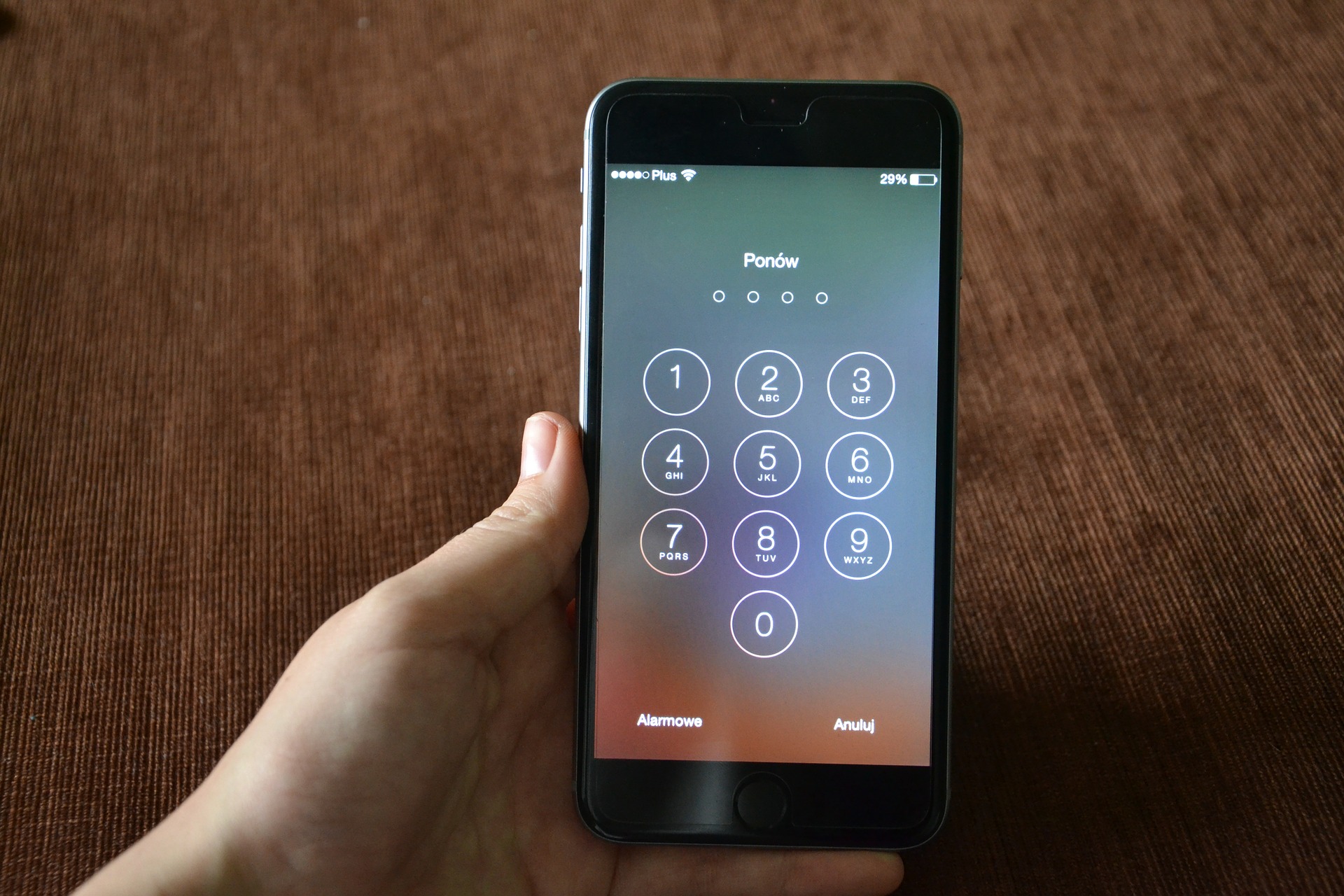
How to Use a Four Digit Simple Passcode on iPhone iPad Using a four digit passcode on your iOS iPadOS device is not as hard as you may think In fact it s as simple as changing the passcode itself Here s how Head over to Settings from the home screen of your iPhone or iPad
Unlocking an iPhone 11 can be a straightforward process when done correctly Whether it s using Face ID Touch ID or the passcode it s essential to understand the limitations and security measures in place With a maximum of five attempts for Face ID and Touch ID and six attempts for the passcode it s crucial to approach each method Open the Settings app and go to Face ID Passcode or Touch ID Passcode Enter your current 6 digit device passcode Scroll down and tap Change Passcode Enter your current passcode again and hit Next You ll now be asked to enter your new passcode Right above the keypad you will notice the Passcode Options
A 4 digit iPhone passcode is about as insecure as it gets and this black box can figure yours out in just a few days So it s time to consider better security