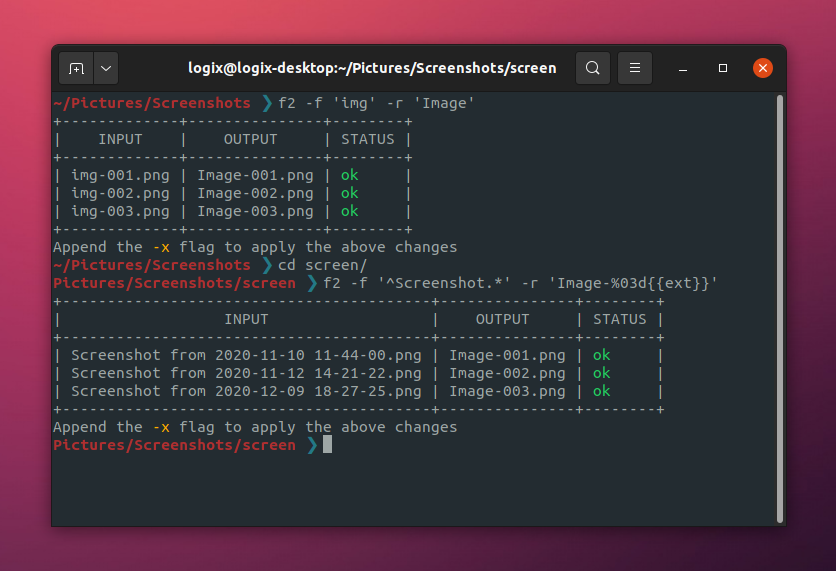
Batch Rename Files Command Prompt Rename Command Examples Options Switches More How To Batch Rename Files In Windows 11 2022 Beebom How To Batch Rename Files In Windows 11 Smart File Renamer Rename Multiple Files Easily F2 Fast And Safe Batch Rename Tool For The Command Line Cross Web Aug 6 2022 nbsp 0183 32 Launch Command Prompt then type cmd in the Cortana Search Bar You can also press Windows Key R and type it in In the Command Prompt navigate to the desired folder that
Web Apr 3 2022 nbsp 0183 32 1 Using PowerToys 2 Using File Explorer 3 Using the Command Prompt 4 Using Windows PowerShell Also read What Is the Windows Hosts File and How to Edit It 1 Using PowerToys PowerToys is Microsoft s dedicated software for Windows power users Web Jun 23 2020 nbsp 0183 32 The ren or rename command makes batch renaming files possible on Windows Search for Command Prompt using Cortana search and launch it Type the following to change the current working directory to where your files are
F2 Fast And Safe Batch Rename Tool For The Command Line Cross Multi Rename Tool One Click File Renamer For MacOS Rename IrfanView Photos Files In Bulk Easy File Renamer Blog How To Batch Rename Files Using PowerToys PowerRename On Windows 10 How To Rename A File With A Command Prompt OnMSFT How To Rename A File In Linux 2 Ultimate Solutions SLECK How To Rename Multiple Files Windows Ubergizmo Batch Rename Files In Windows YouTube How To Copy Files In Command Prompt A File Multiple Folders Ask Caty
Batch Rename Files Command Prompt
 Batch Rename Files Command Prompt
https://www.lifewire.com/thmb/xAVW5tBXOXpTIXfyfolhTquSoFg=/1002x668/filters:no_upscale():max_bytes(150000):strip_icc()/ren-command-windows-10-c60d4449ab104ec38e3183e74999f97c.png
Web Aug 13 2021 nbsp 0183 32 1 Open File Explorer and navigate to where your files are saved Image credit Future 2 Right click on the first file in the folder then click Rename Image credit Future 3 Type
Templates are pre-designed files or files that can be utilized for different purposes. They can save time and effort by supplying a ready-made format and design for creating different type of material. Templates can be utilized for personal or expert jobs, such as resumes, invitations, leaflets, newsletters, reports, discussions, and more.
Batch Rename Files Command Prompt

Batch Rename Files Command Prompt YouTube
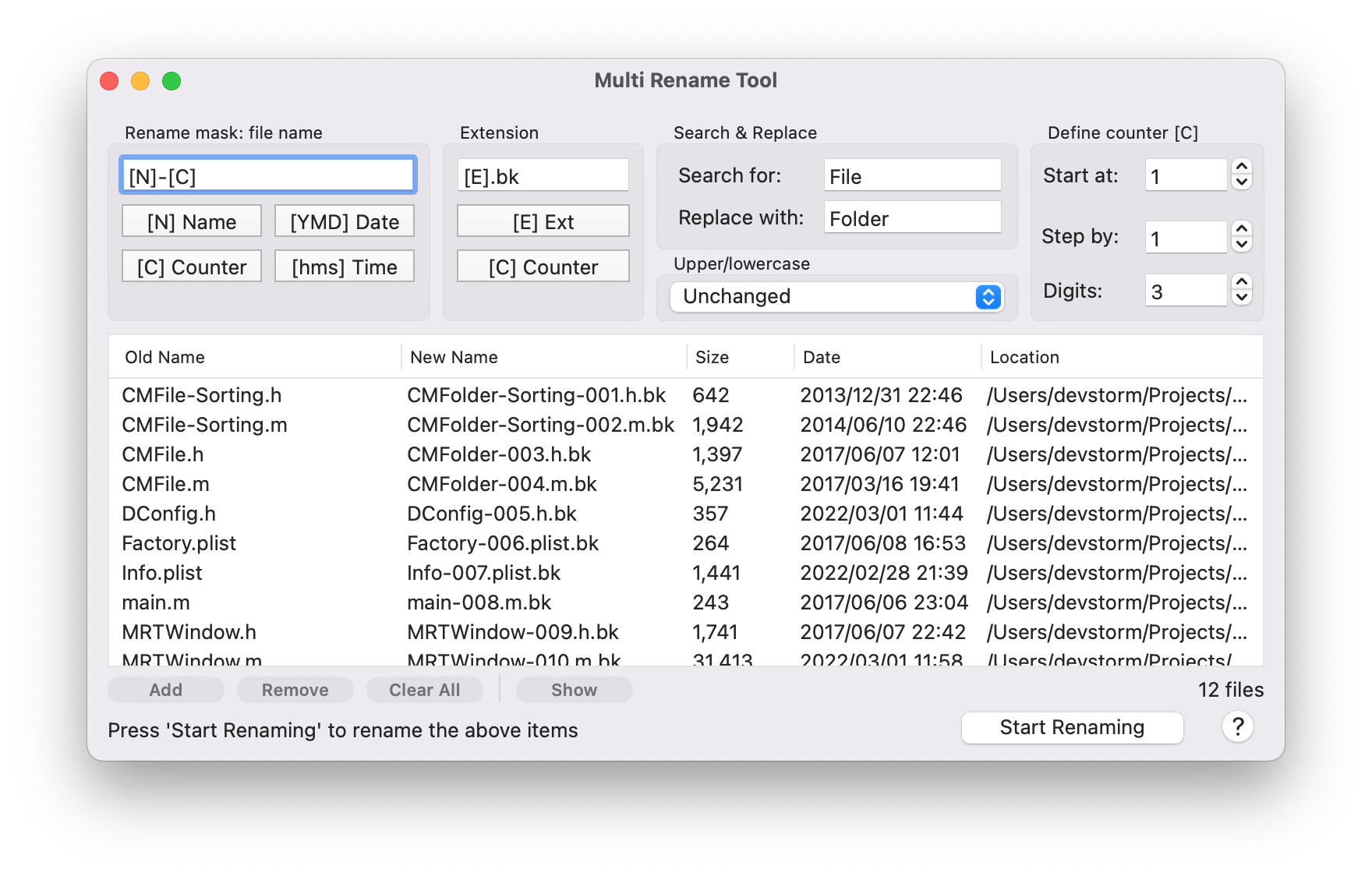
Multi Rename Tool One Click File Renamer For MacOS
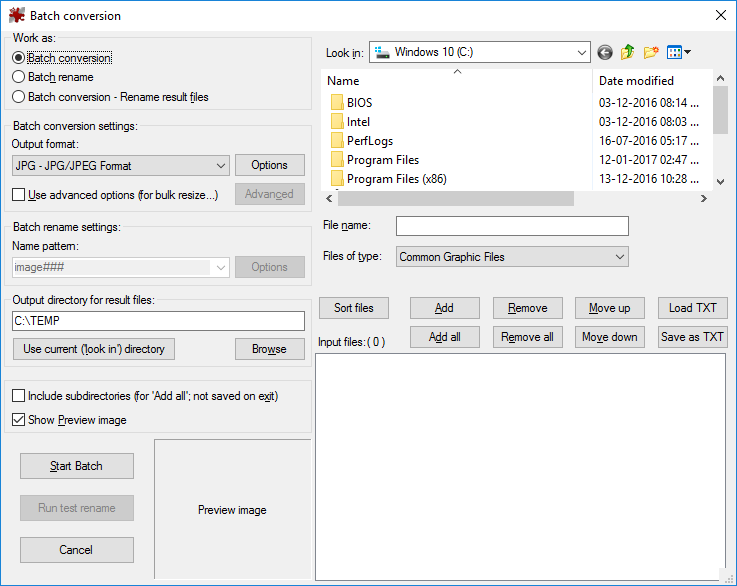
Rename IrfanView Photos Files In Bulk Easy File Renamer Blog
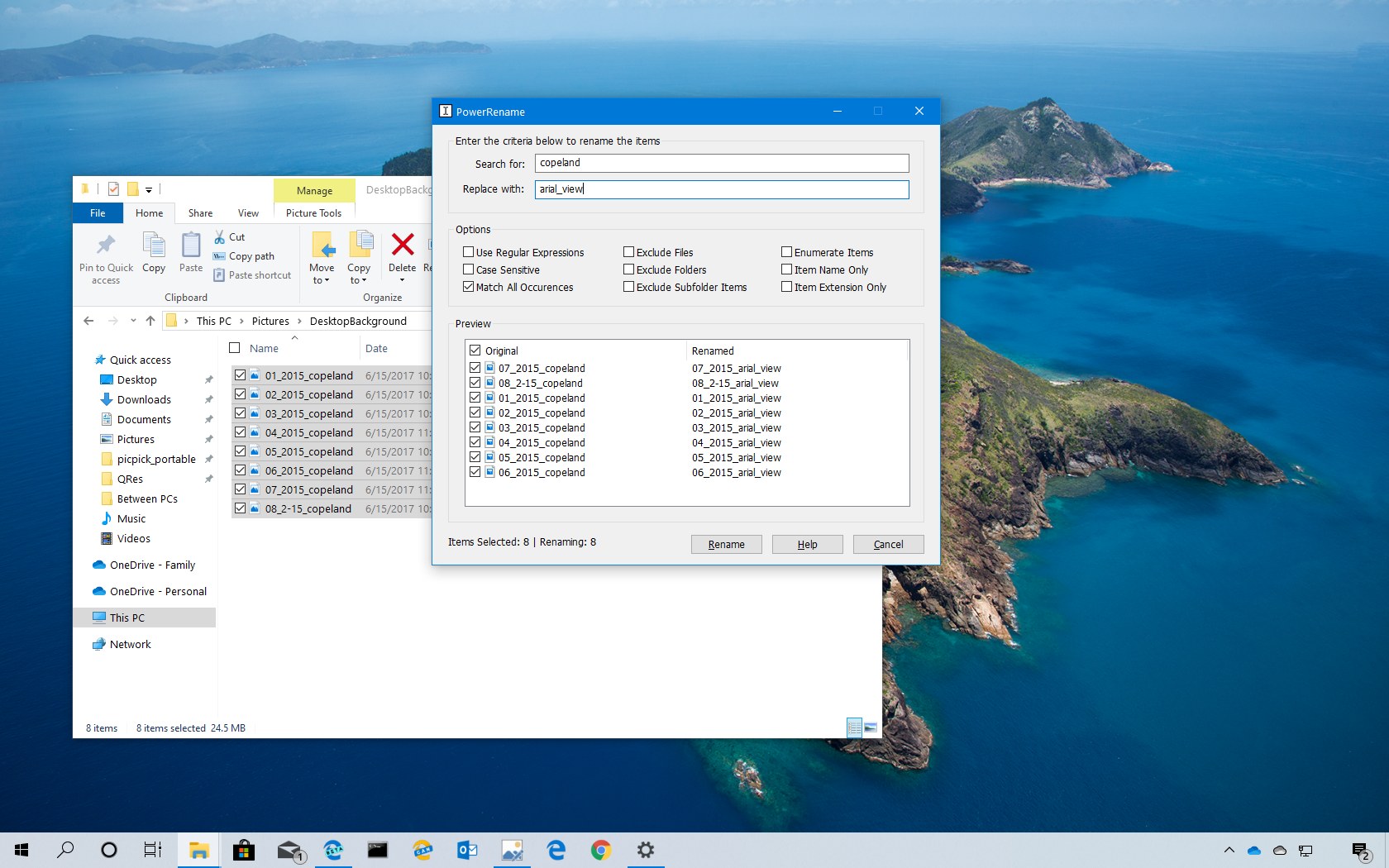
How To Batch Rename Files Using PowerToys PowerRename On Windows 10
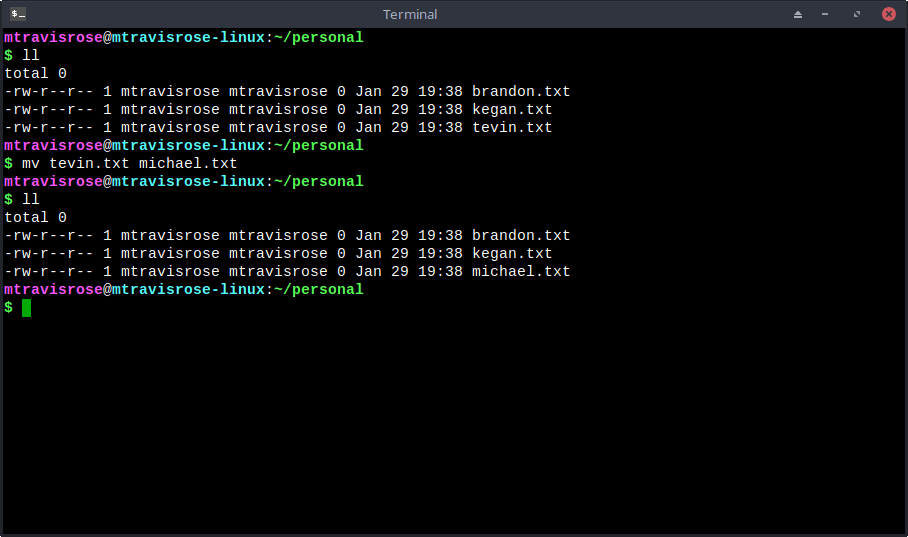
How To Rename A File In Linux 2 Ultimate Solutions SLECK

How To Rename Multiple Files Windows Ubergizmo

Web Nov 1 2016 nbsp 0183 32 To rename a single file you can use the following command syntax ren quot current filename ext quot quot new filename ext quot The quotes are important if your file names contain any spaces If they don t you won t need the quotes So for example to rename a file from quot wordfile 1 docx quot to quot my word file 01 docx quot you would use the following

Web Aug 13 2020 nbsp 0183 32 Renaming 1 file by replacing multiple unwanted characters using a star Let s say the filename is sample1 some unwanted text 1234 txt and we want to change it to sample1 txt without having to type the whole filename in command prompt c temp gt ren sample1 txt sample1 txt

Web Jun 24 2013 nbsp 0183 32 See How does the Windows RENAME command interpret wildcards for more info New Solution 2014 12 01 For those who like regular expressions there is JREN BAT a hybrid JScript batch command line utility that will run on any version of Windows from XP forward jren quot quot quot amp 1 1 quot fm quot txt quot or jren quot txt quot quot 1
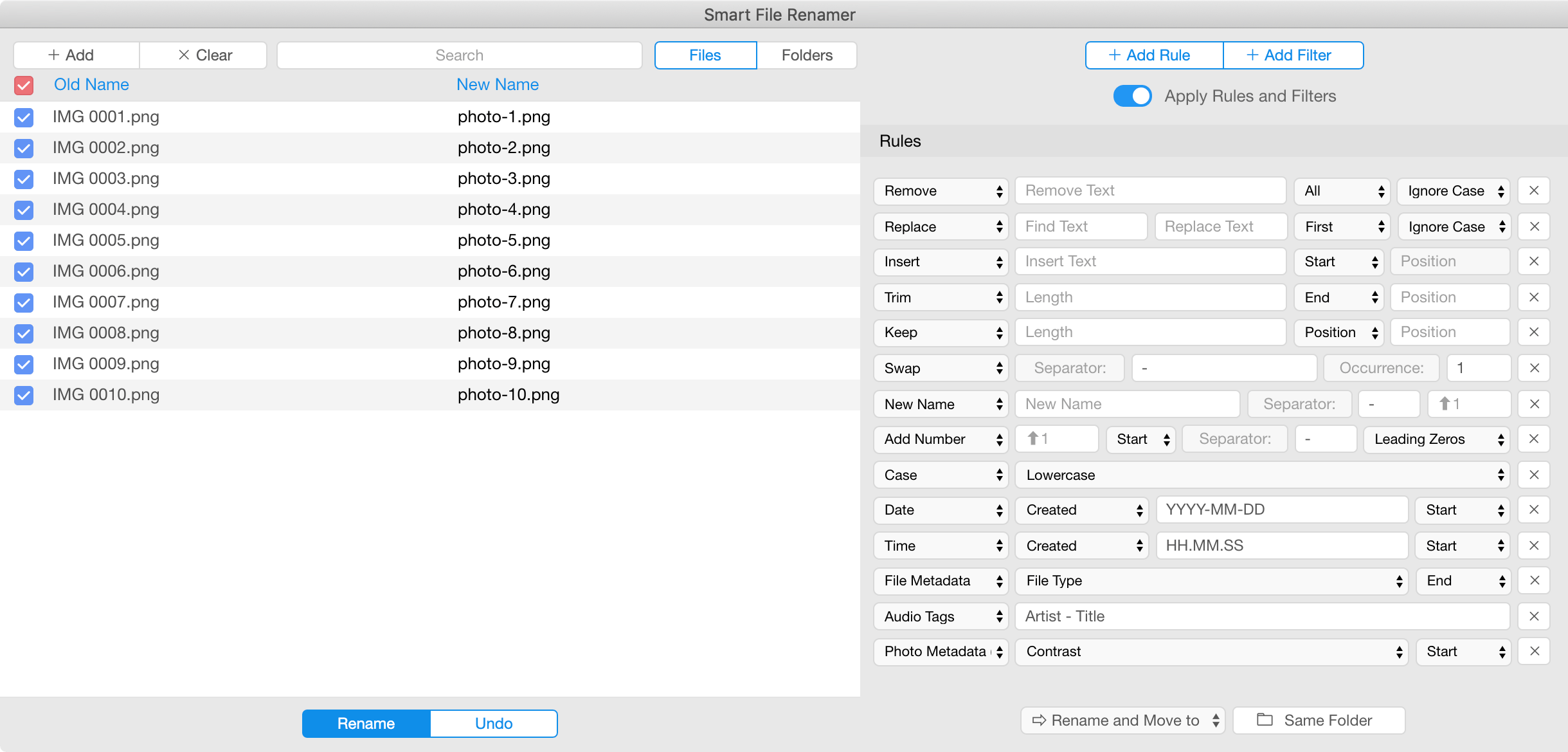
Web Nov 30 2021 nbsp 0183 32 Renaming a file on Windows 10 is simple You just right click and select Rename But doing this for a few dozen or a few hundred files gets tedious Thankfully it s easy to batch rename files in Windows 10 using File Explorer PowerShell or the Command Prompt
Web This will do what you want from the command line using a batch file echo off SET COUNT 1 SET PREFIX Photos FOR f quot tokens quot G IN dir b jpg DO call renum quot G quot GOTO eof renum ren 1 PREFIX count jpg set a count 1 GOTO eof
Web Aug 23 2022 nbsp 0183 32 You can also use the Command Prompt command ren or rename to batch rename files in Windows The syntax for the command is ren lt drive gt lt path gt lt filename1 gt lt filename2 gt where the parameters in the brackets Web Sep 25 2023 nbsp 0183 32 Batch Rename Files Using Command Prompt Batch Rename Files Using Windows PowerShell When you get multiple files to rename you might choose to change the file names one by one if there are small number of files Then how about a huge number of files
Web Jun 11 2014 nbsp 0183 32 We can use the command rename to rename files from windows command prompt CMD Find below syntax of the command with examples Syntax of rename command rename file path new name Example rename d data file1 doc file2 doc After executing the above command we ll have file2 doc in the folder d data