Batch Rename Files Cmd Smart File Renamer Rename Multiple Files Easily How To Rename The File Using Command Prompt YouTube How To Batch Rename Files In Windows 11 2022 Beebom Batch Rename Your Digital Files YouTube Multi Rename Tool One Click File Renamer For MacOS In the Command Prompt navigate to the desired folder that contains the files that you want to rename Type cd drive letter folder 1 folder2 or whatever number of folders the path
Press CTRL A to select all the files in the folder then right click and select Rename Input your new file name and press Enter Each file in the folder will take the base file name in this case artwork followed by a number in a sequence As you can see it does the job but doesn t offer any customization 2 Batch Rename with Command Prompt We show you how to rename a file in Windows 10 using File Explorer PowerShell and Command Prompt as well as how to batch rename files if you wish to know how to rename multiple
Multi Rename Tool One Click File Renamer For MacOS How To Rename Multiple Files Windows Ubergizmo How To Rename A File In Linux 2 Ultimate Solutions SLECK How To Batch Rename Files Using PowerToys PowerRename On Windows 10 How To Rename Multiple Files On Windows Vovsoft F2 Fast And Safe Batch Rename Tool For The Command Line Cross 4 Ways To Batch Rename Multiple Files In Windows 10 How To Move And Rename Files In Linux Tom s Hardware How To Rename Thousands Of Files In Few Seconds
Batch Rename Files Cmd
 Batch Rename Files Cmd
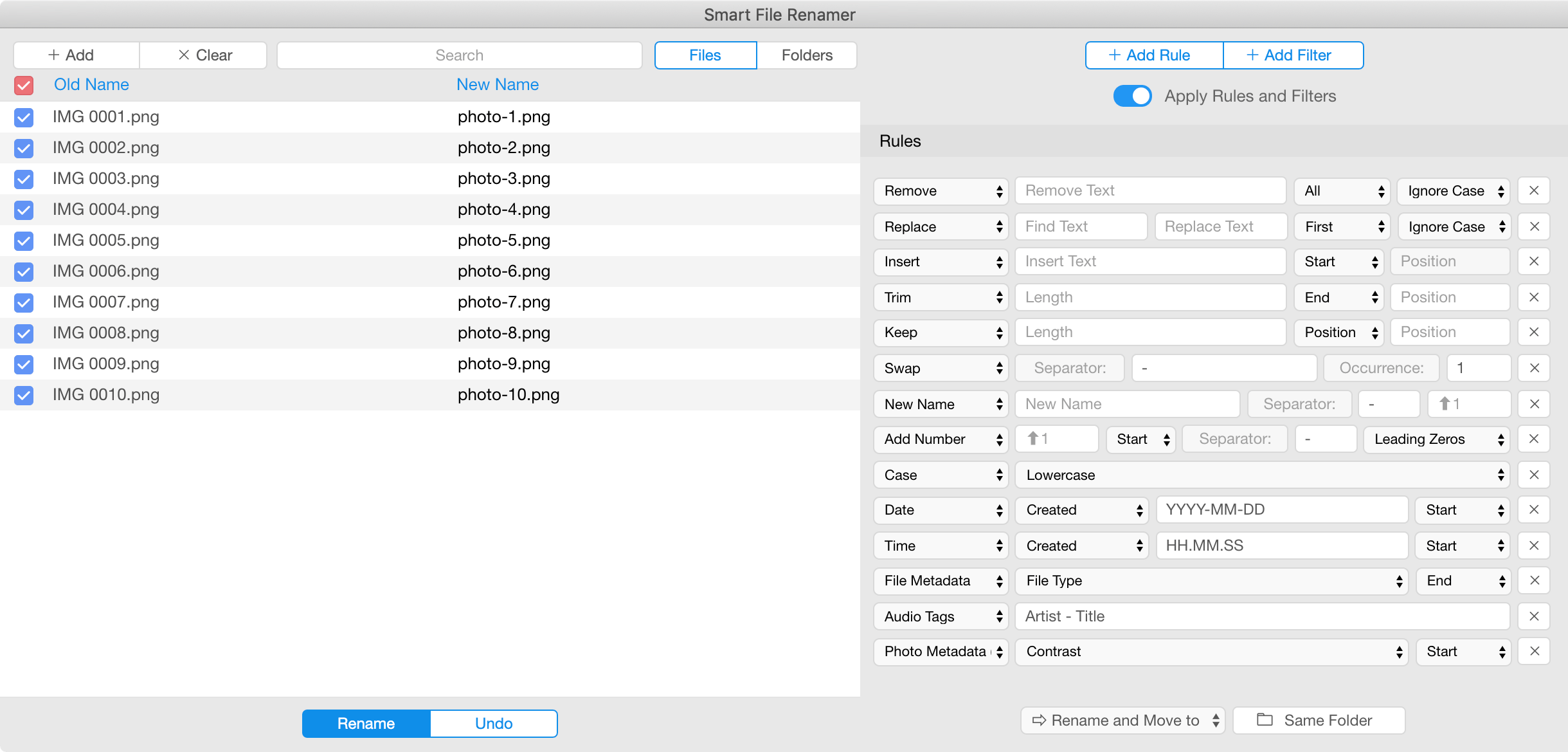
https://qiplex.com/assets/img/app/main/smart-file-renamer-app.png
Sep 25 at 17 29 If you just want to rename one file type ren oldname newname and it will work If you want to batch rename multiple files we ll need more info but its probably easier to use a program that can do batch renames with patterns
Pre-crafted templates offer a time-saving option for producing a varied range of documents and files. These pre-designed formats and layouts can be used for numerous individual and professional jobs, including resumes, invitations, leaflets, newsletters, reports, presentations, and more, streamlining the material development procedure.
Batch Rename Files Cmd
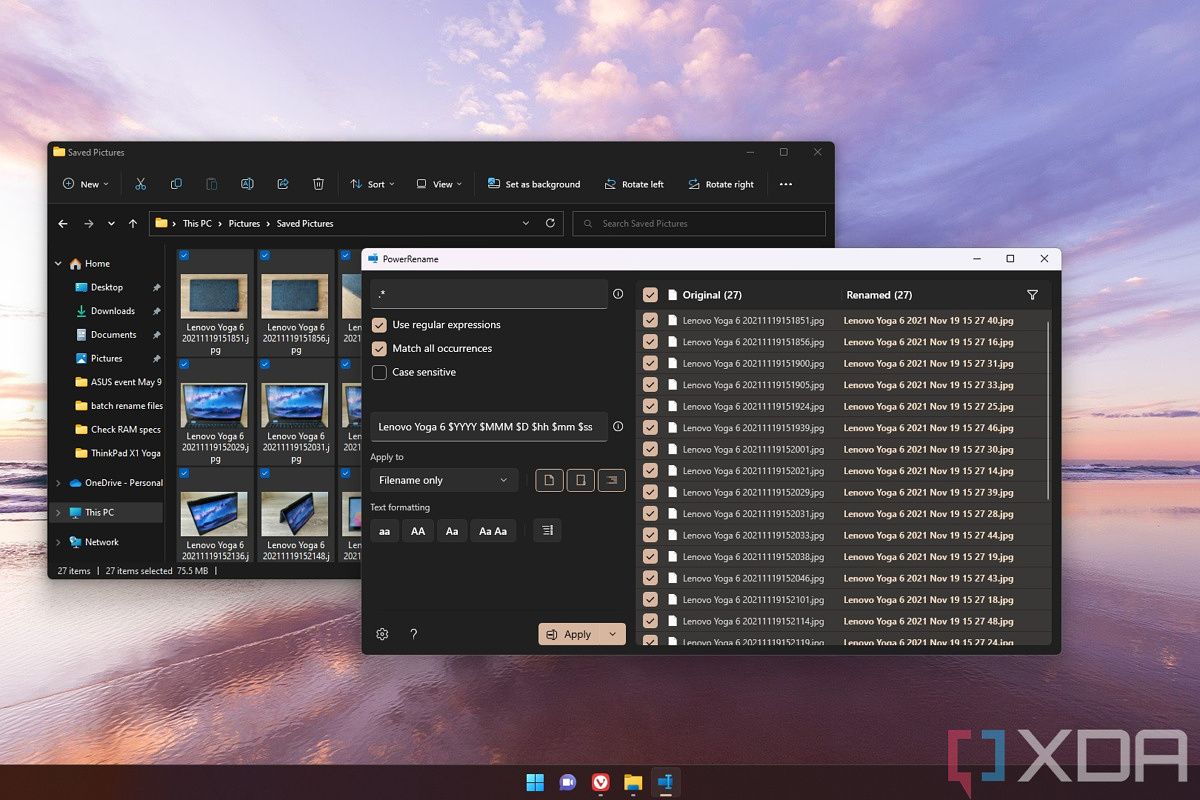
How To Batch Rename Files In Windows 11

How To Rename Multiple Files Windows Ubergizmo
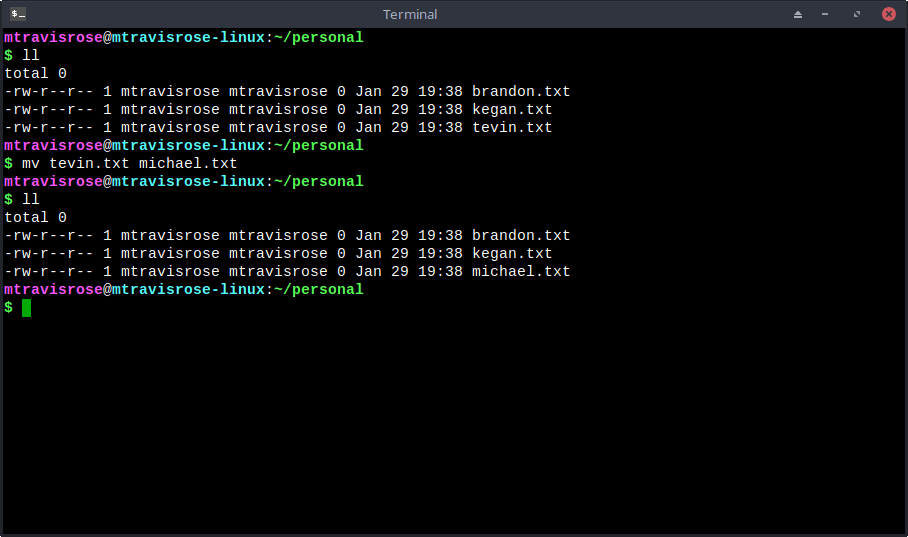
How To Rename A File In Linux 2 Ultimate Solutions SLECK
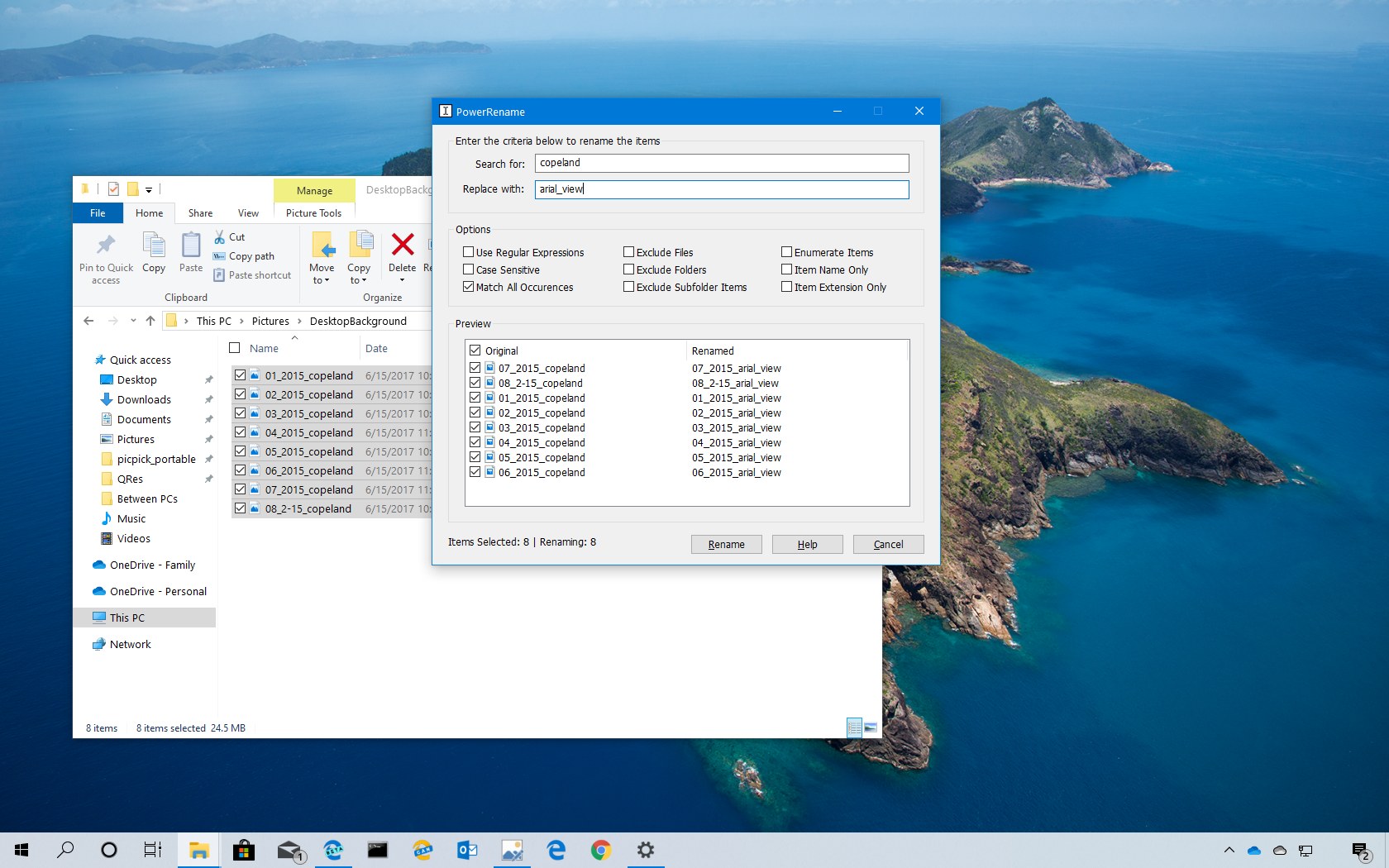
How To Batch Rename Files Using PowerToys PowerRename On Windows 10
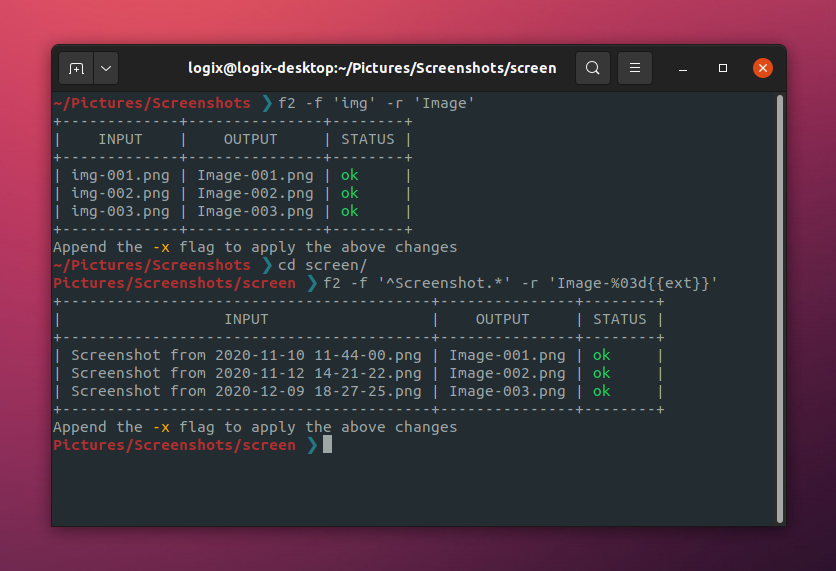
F2 Fast And Safe Batch Rename Tool For The Command Line Cross

4 Ways To Batch Rename Multiple Files In Windows 10
Type the following command to rename multiple files in bulk and press Enter ls Rename Item NewName NEW FILE NAME 0 EXTENSION f nr

Renaming a file on Windows 10 is simple You just right click and select Rename But doing this for a few dozen or a few hundred files gets tedious Thankfully it s easy to batch rename files in Windows 10 using File Explorer PowerShell or the Command Prompt

You can also use the Command Prompt command ren or rename to batch rename files in Windows The syntax for the command is ren drive path filename1 filename2 where the parameters in the brackets are optional There are more than one ways to rename files using this command

To batch rename files just select all the files you want to rename press F2 alternatively right click and select rename then enter the name you want on the first file Press Enter to change the names for all other selected files

You can also use Command Prompt to batch rename files After open the target folder click File button and choose Open command prompt Open command prompt To rename a single file you should type the following command and press Enter ren current filename extension new filename extension
We can use the command rename to rename files from windows command prompt CMD Find below syntax of the command with examples Syntax of rename command rename file path new name Example rename d data file1 doc file2 doc After executing the above command we ll have file2 doc in the folder d data Dir Display a list of files and subfolders for f Loop command against the results of another command popd Change directory back to the path folder most recently stored by the PUSHD command pushd Change the current directory folder and store the previous folder path for use by the POPD command ren Rename a file or files
To change all the txt file name extensions in the current directory to doc extensions type rename txt doc To change the name of a directory from Chap10 to Part10 type rename chap10 part10 Command Line Syntax Key ren command