Batch Change File Extension Windows Batch Change File Extension Windows 11 Password Recovery Batch File Rename Command Ladegpearl How To Batch Change File Extensions In Mac OS File Extension Mac Os Mac A Simple Trick To Batch Change File Extensions On Mac Speedmac How To Change File Extension On Windows 7 Simple And Easy Way File Extension Hacking Web Recursively batch rename file extensions The following command will rename files from one extension to another in all subfolders forfiles S M ext1 C quot cmd c rename
Web If you want to batch change the file extensions then you can drag the files one by one or you can drag the whole folder it will also ask if you would like to include the sub folders Web 6 days ago nbsp 0183 32 Yes it is possible to batch change the file extensions in Windows 10 using PowerShell Below is a simple example of how to do it Press Windows key X and
How To Change File Extension On Windows 7 Simple And Easy Way File Extension Hacking Batch Change File Extension In Linux LinuxCommands site How To Change File Type On Windows 11 Change File Extension Windows 11 YouTube Change Extension Of Multiple Files At Once CMD Batch File How To Batch Rename Files In Windows 6 Ways How To Change File Extension In Windows 11 Change File Type Change File Extension Windows 11 How To Change File Extension Of Folders And Subfolders How To Guide Batch Change File Extension In Linux LinuxCommands site How To Batch Change File Extension YouTube
Batch Change File Extension Windows
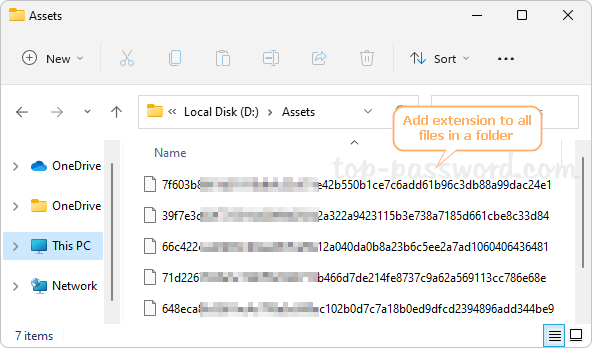 Batch Change File Extension Windows
https://www.top-password.com/blog/wp-content/uploads/2022/09/windows-spotlight-images.png
Web Feb 8 2023 nbsp 0183 32 1 Go to the folder containing files and press and shift Right click on any empty space and click 2 Now Lets say there is common string America in each file
Pre-crafted templates offer a time-saving service for creating a diverse series of documents and files. These pre-designed formats and layouts can be made use of for numerous individual and expert projects, including resumes, invites, leaflets, newsletters, reports, presentations, and more, enhancing the material development procedure.
Batch Change File Extension Windows
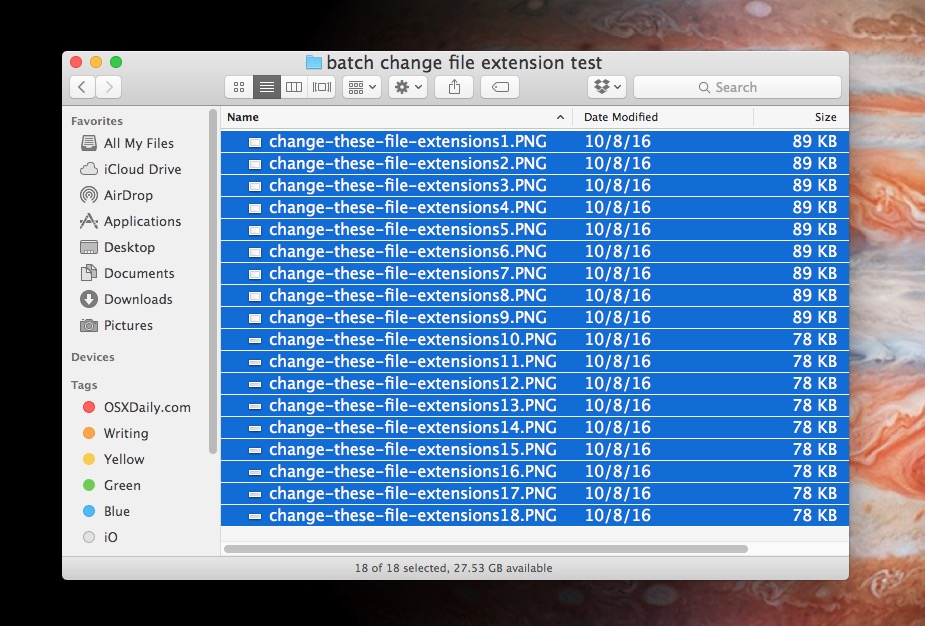
How To Batch Change File Extensions In Mac OS

Batch Change File Extension In Linux LinuxCommands site

How To Change File Type On Windows 11 Change File Extension Windows 11 YouTube
Change Extension Of Multiple Files At Once CMD Batch File
How To Change File Extension In Windows 11 Change File Type Change File Extension Windows 11
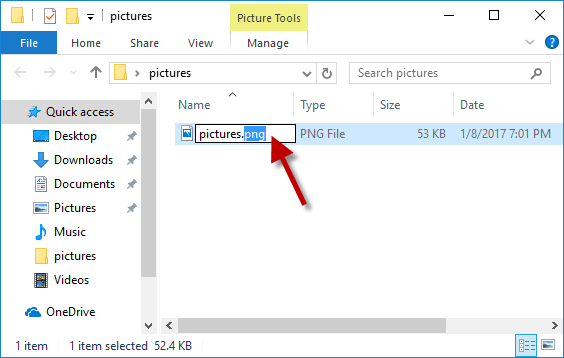
How To Change File Extension Of Folders And Subfolders How To Guide
Web May 15 2016 nbsp 0183 32 imdu b file imd file raw and convert the file imd on file raw I have a lot of imd so I need a batch I have tried for x in imd do imdu b x nx raw But

Web Oct 4 2012 nbsp 0183 32 1 In order to batch rename file extensions you will first need to open the Windows Command Prompt To do this choose Start Accessories Command

Web Sep 6 2019 nbsp 0183 32 1 cd path to the root folder ren JPG jpg for d x in do pushd quot x quot amp ren JPG jpg amp popd Use the last command if you have sub folders of the root folder that

Web Dec 7 2023 nbsp 0183 32 Type the following command to rename the files in bulk and press Enter ren FILE EXTENSION FILE NAME In the command replace quot FILE EXTENSION quot with the extension to

Web Feb 4 2017 nbsp 0183 32 How to batch rename files Navigate to the folder location which contains the files you want to remain Right click on the folders and select the rename command
Web Nov 1 2016 nbsp 0183 32 You can Click to select the file and then click the quot Rename quot button on the Home menu Click to select file and then click the name of the selected file Right click Web Oct 6 2022 nbsp 0183 32 Windows Batch File Rename Made Easy There are various ways to batch rename files on Windows 11 All the listed ways to rename files are practical and efficient
Web Nov 25 2016 nbsp 0183 32 Open the folder that contains the files you want to rename 2 Hit Shift and right click an empty space within that folder 3 Select Open command window here 4