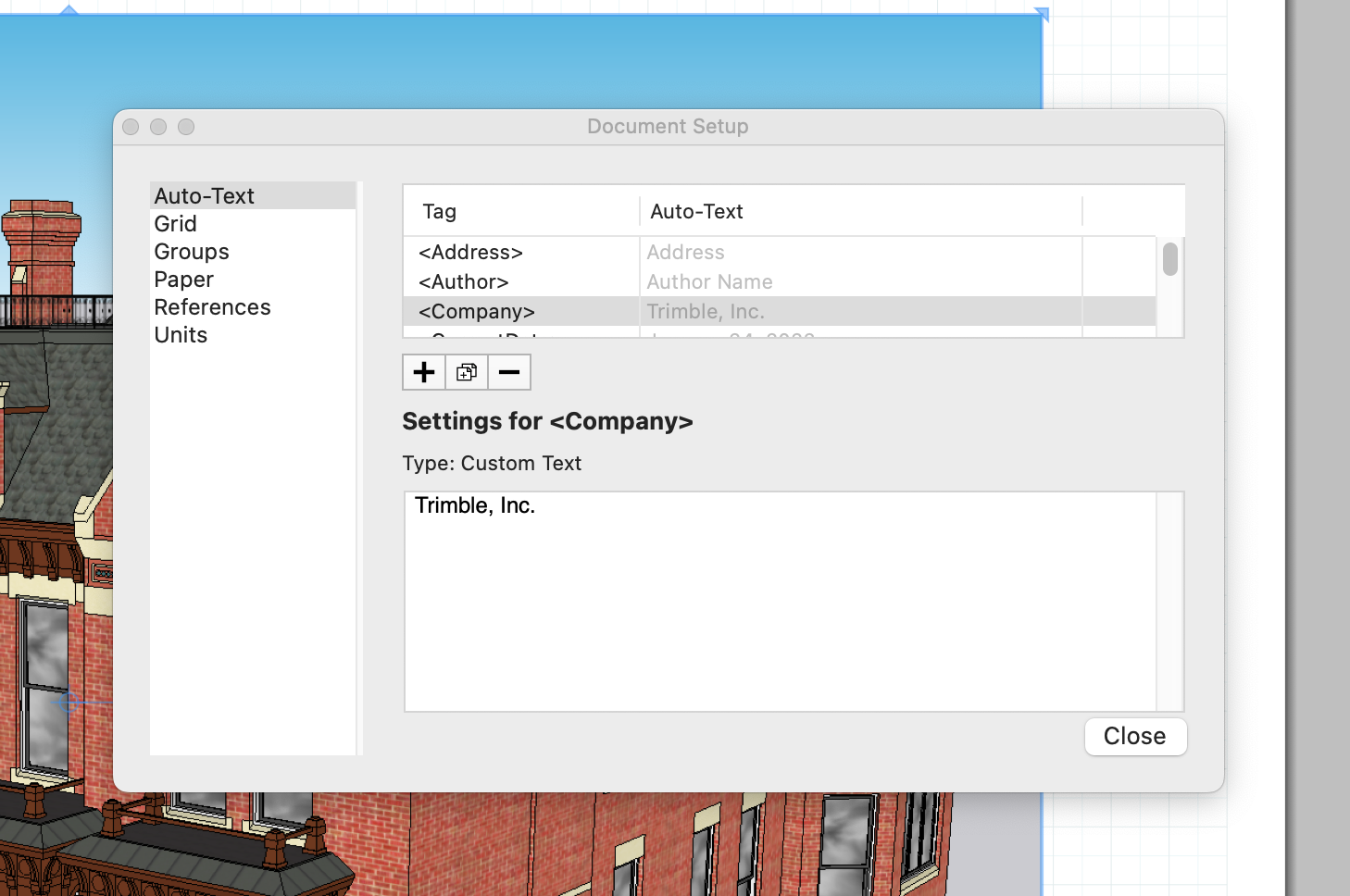
Bash Find And Replace Text Find And Replace Text In Your Scrivener Projects Literature And Latte Find And Replace Text In Multiple PDF Files Fast All About PDF Your BASH Find And Replace In All Files In Directory Using FIND And SED How To Find And Replace Text In A PDF YouTube Automating Title Block Text With Auto Text Tags SketchUp Help Web Result 3 Answers Sorted by 7 You don t need grep at all sed i s g path to test This will escape all spaces in the file To escape only on some strings see Guru s answer
Web Result Oct 5 2014 nbsp 0183 32 i option is used to edit in place on the file hello txt e option indicates the expression command to run in this case s Note It s important that you use i e to search replace If you do ie you create a Web Result Oct 24 2012 nbsp 0183 32 Search and replace in bash using regular expressions Ask Question Asked 11 years 5 months ago Modified 1 year 4 months ago Viewed 356k times 260 I ve seen this example hello ho02123ware38384you443d34o3434ingtod38384day echo hello 0 9
Automating Title Block Text With Auto Text Tags SketchUp Help How To Find And Replace Text In Canva With Only One Click Find And Replace Fillable Form In Word Printable Forms Free Online Finding And Replacing Text In Comments In Excel Pixelated Works Download Find And Replace Text In Multiple Ms Word Documents Files Riset Excel VBA To Find And Replace Text In A Column 2 Examples Replace Text Or A String In Bash Solved Batch Processing Search And Replace Text In Seve Adobe How To Find And Replace Words In Microsoft Word Documents Simul Docs
Bash Find And Replace Text
 Bash Find And Replace Text
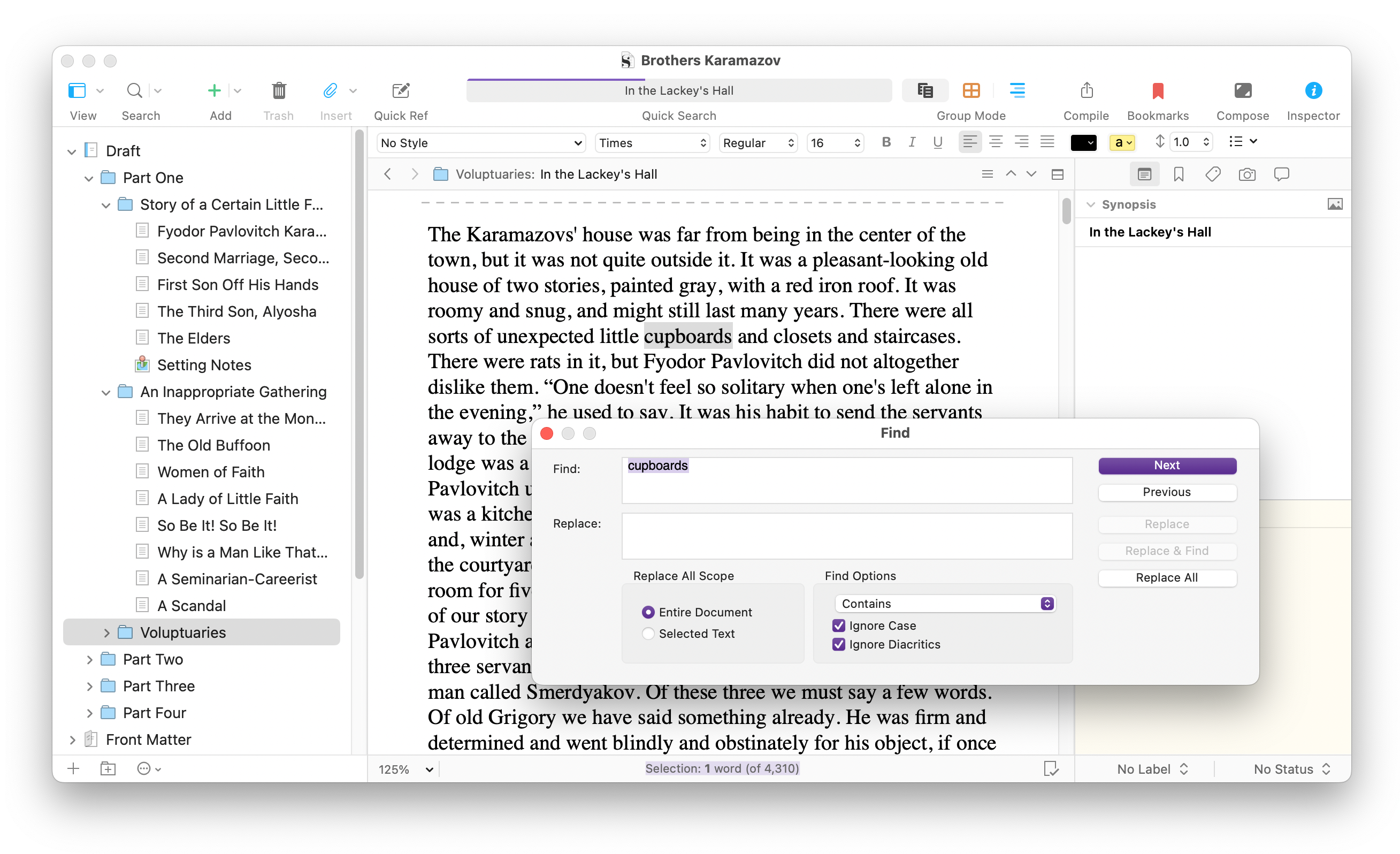
https://www.literatureandlatte.com/assets/image/blog/article/blog-articles/find.png
Web Result Sep 22 2022 nbsp 0183 32 The syntax to find and replace text using the sed command is sed i s lt search regex gt lt replacement gt g lt input file gt The command consists of the following i tells the sed command to write the results to a file instead of standard output s indicates the substitute command is the most common delimiter
Templates are pre-designed documents or files that can be used for numerous functions. They can conserve time and effort by offering a ready-made format and design for producing various type of content. Templates can be utilized for individual or expert tasks, such as resumes, invites, flyers, newsletters, reports, discussions, and more.
Bash Find And Replace Text
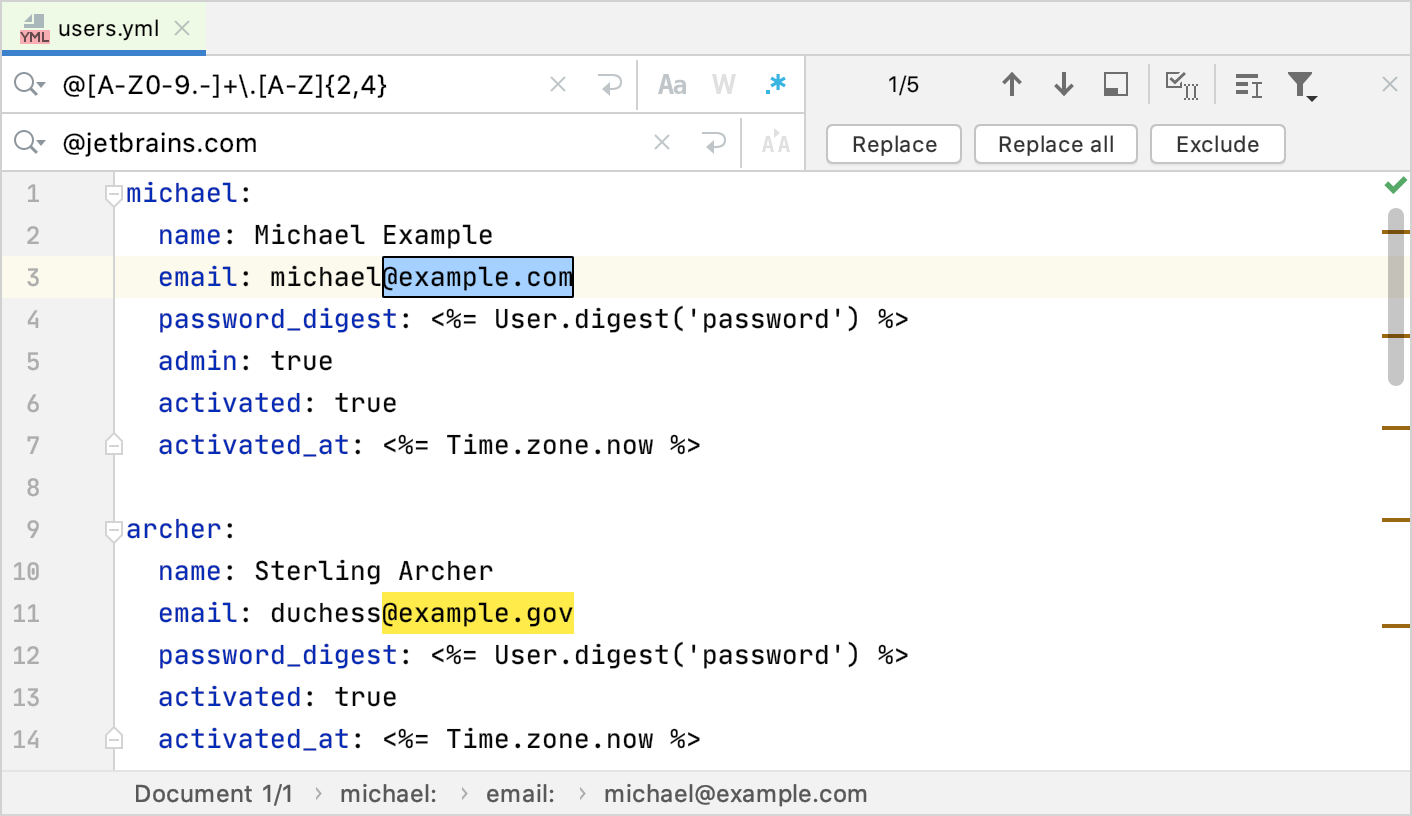
Find And Replace Text Using Regular Expressions RubyMine

How To Find And Replace Text In Canva With Only One Click
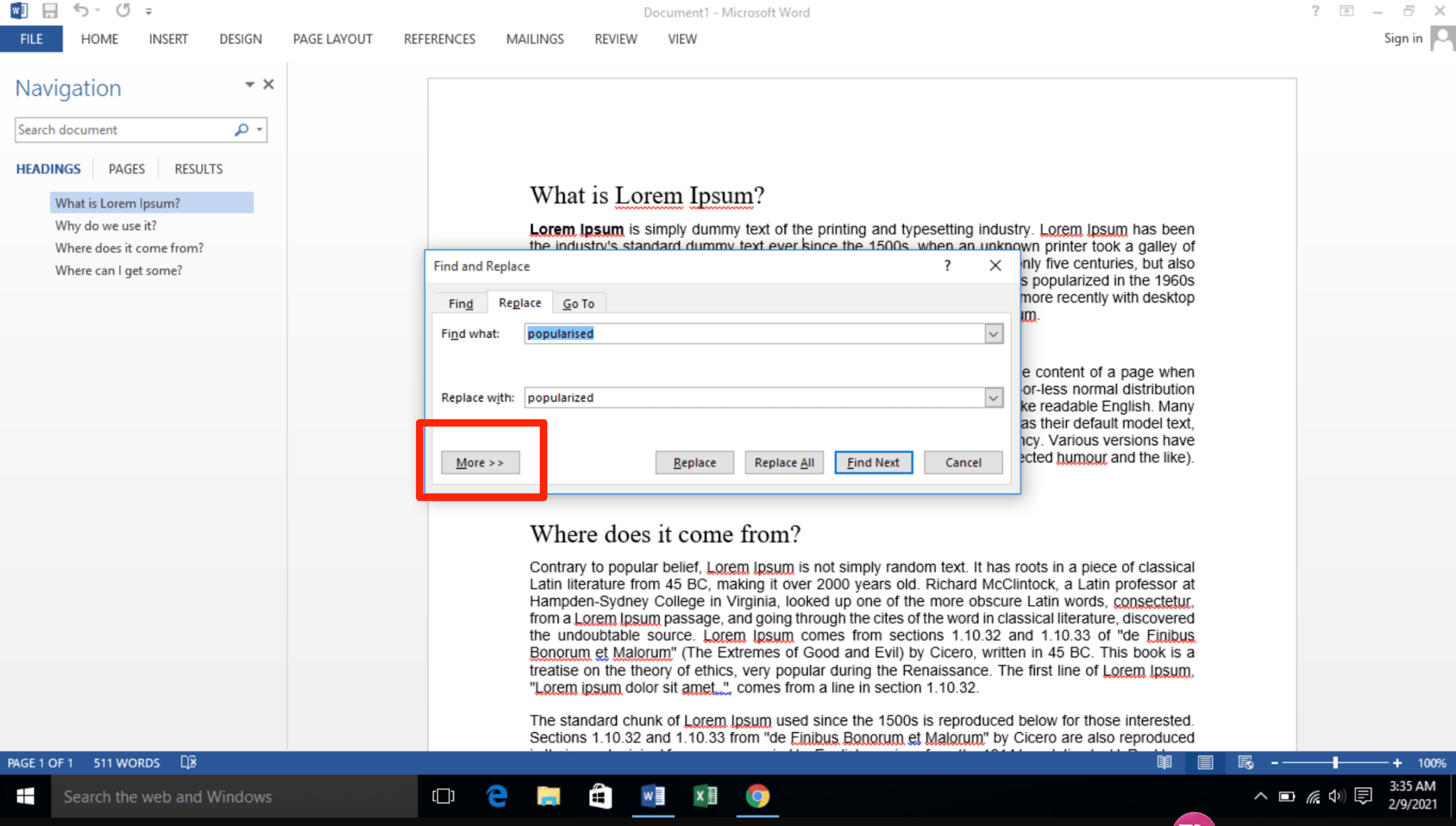
Find And Replace Fillable Form In Word Printable Forms Free Online

Finding And Replacing Text In Comments In Excel Pixelated Works
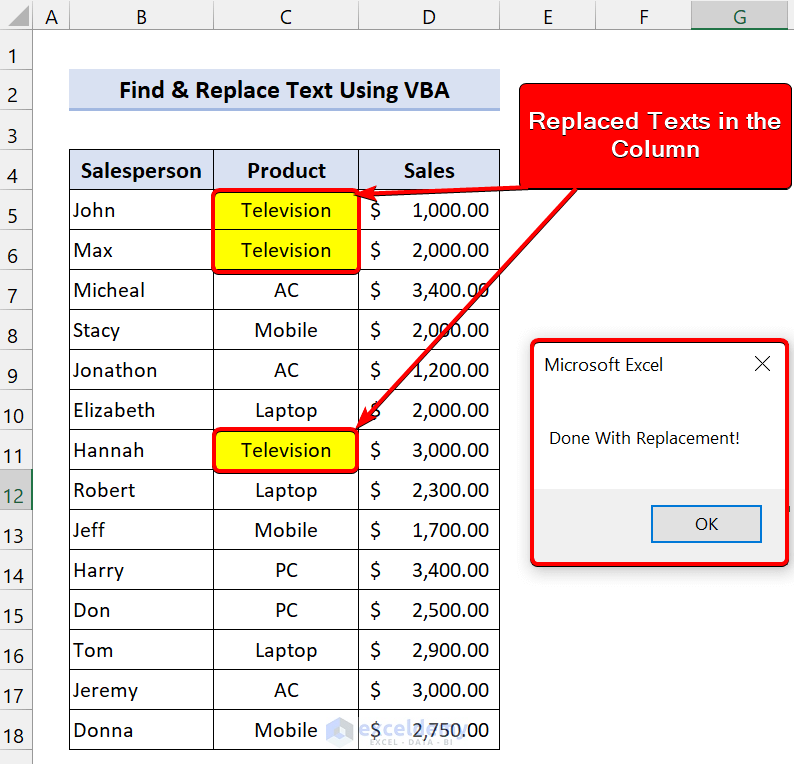
Excel VBA To Find And Replace Text In A Column 2 Examples

Replace Text Or A String In Bash

Web Result Jan 18 2024 nbsp 0183 32 Find and Replace Text in File With the perl Command The perl command in Bash is old but extremely powerful One can find and replace text in a single line of code using the perl command See the codes below bin bash perl pi e s hidden protected g find replace txt
Web Result Nov 14 2020 nbsp 0183 32 For example to replace bin bash with usr bin zsh you would use sed i s bin bash usr bin zsh g file txt The easier and much more readable option is to use another delimiter character Most people use the vertical bar or colon but you can use any other character sed i s bin bash usr bin zsh g

Web Result Mar 20 2015 nbsp 0183 32 17 Answers Sorted by 2274 To replace the first occurrence of a pattern with a given string use parameter pattern string bin bash firstString quot I love Suzi and Marry quot secondString quot Sara quot echo quot firstString Suzi quot secondString quot quot prints I love Sara and Marry

Web Result Mar 12 2024 nbsp 0183 32 Use Stream EDitor sed as follows sed i s old text new text g input txt It tells sed to find all occurrences of old text and replace with new text in a file named input txt The s is the substitute command of sed for find and replace The i tells to update the file
Web Result Mar 18 2024 nbsp 0183 32 Find and Replace All Occurences Across Multiple Files Using find The Linux find command is one the most important and commonly used command line utility in Unix based systems We can use it to search and locate a list of files or directories based on the conditions we specify
Web Result Mar 17 2024 nbsp 0183 32 To replace a string in bash check the following methods Using Parameter expansion String pattern replacement Using the sed command sed s pattern replacement filename Using the awk command quot input str quot awk pattern action Using the perl command perl options e action filename Web Result 1 Answer Sorted by 3 Basic example of sed usage using this as test txt one two three two four two five To replace two with foo in that file sed i s foo two g test txt What that means sed is the name of the command you ll find lots of tutorials e g and other documentation online in addition to man sed i means edit a file in place
Web Result Sep 24 2021 nbsp 0183 32 If you want to replace part of a string with another this is how you do it main string search term replace term Create a string variable consisting of the line I am writing a line today without the quotes and then replace today with now iborg iborg desktop line quot I am writing a line today quot iborg iborg desktop