Barcode Labels In Excel How To Create Barcode In Excel 2016 YouTube Created Barcodes In Excel To Print Labels Microsoft Tech Community How To Generate Barcode In Excel with Step By Step Examples Create Barcode Labels From An Excel Spreadsheet YouTube How To Make Barcodes For Images Pasalong Step 1 Open a new Excel spreadsheet and create a new column for your barcode numbers Step 2 Enter the barcode numbers for your products in the designated column You can use a barcode font or an online barcode generator to create unique barcode numbers for each product B Formatting cells to display barcodes
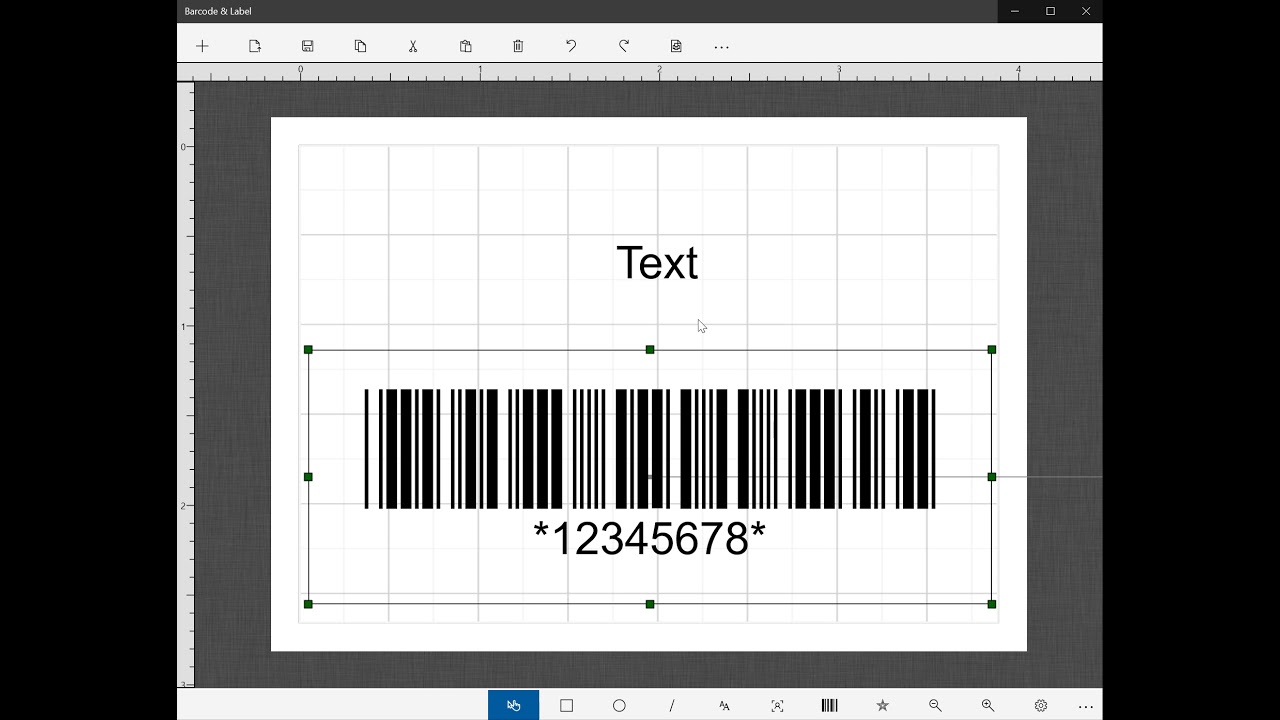
These steps use an Excel spreadsheet as the data source for the labels The merge creates labels with the human readable name and address and a Code 128 barcode underneath with first name last name and city for machine reading The field names are unique to whatever Excel data source you re using The ones here are just examples 1 First tap or click on the Setup Fields button from the top Ellipsis button in Barcode Label or Poster Flyer 2 Select Excel Spreadsheet as the Variable Type Please refer to the Serialized Counter tutorial if you want to use the Counter Variable Type 3 Click or tap on the Select button and pick a xlsx or xlsm file
How To Make Barcodes For Images Pasalong How To Create Barcodes In Excel The Simple Way YouTube Identifying Objects By TEC IT Barcode Printing For Microsoft Word How To Create Barcode In Excel Using Barcode Font In Office 2010 YouTube ActiveBarcode Create Multiple Barcodes From Columns Or Rows In Excel How To Create Barcodes In Microsoft Excel 2010 Using The Barcode Print Barcode From Excel Bruin Blog Identifying Objects By TEC IT How To Print Barcode Labels With Product Barcodes Template Barcode Labels Code Stripes Sticker
Barcode Labels In Excel
 Barcode Labels In Excel
https://i.ytimg.com/vi/CJkYeOonE14/maxresdefault.jpg
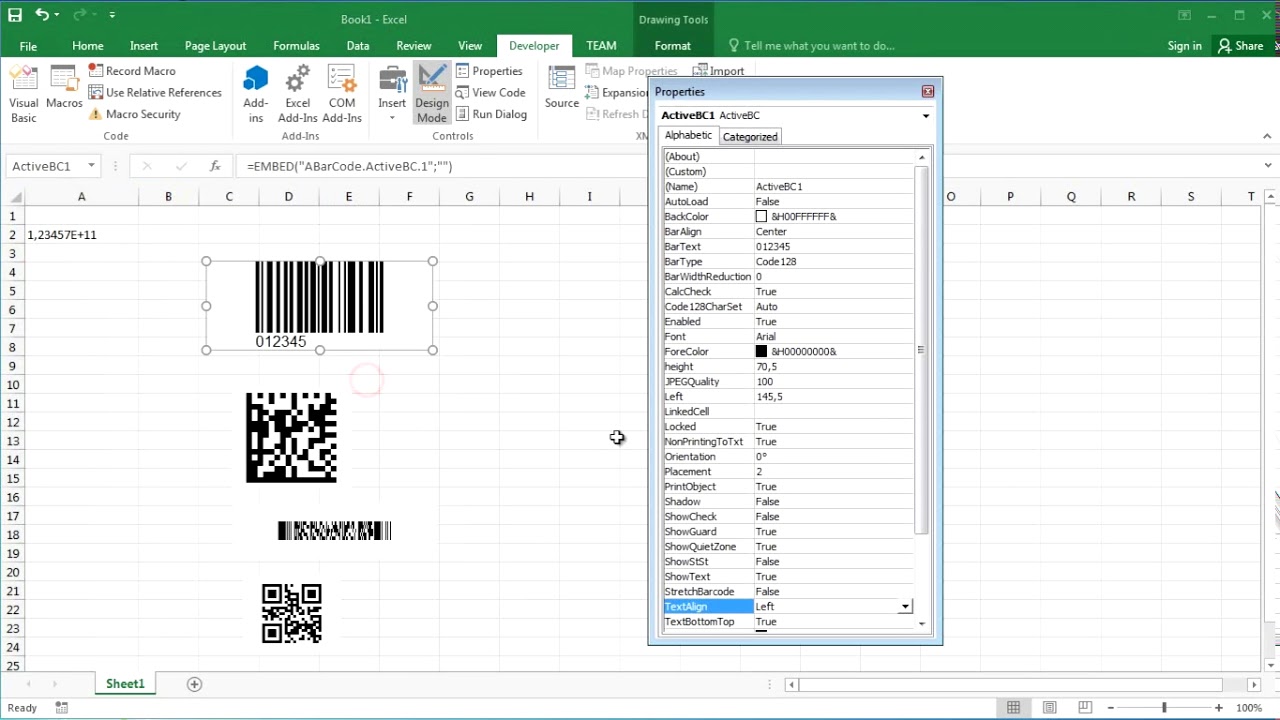
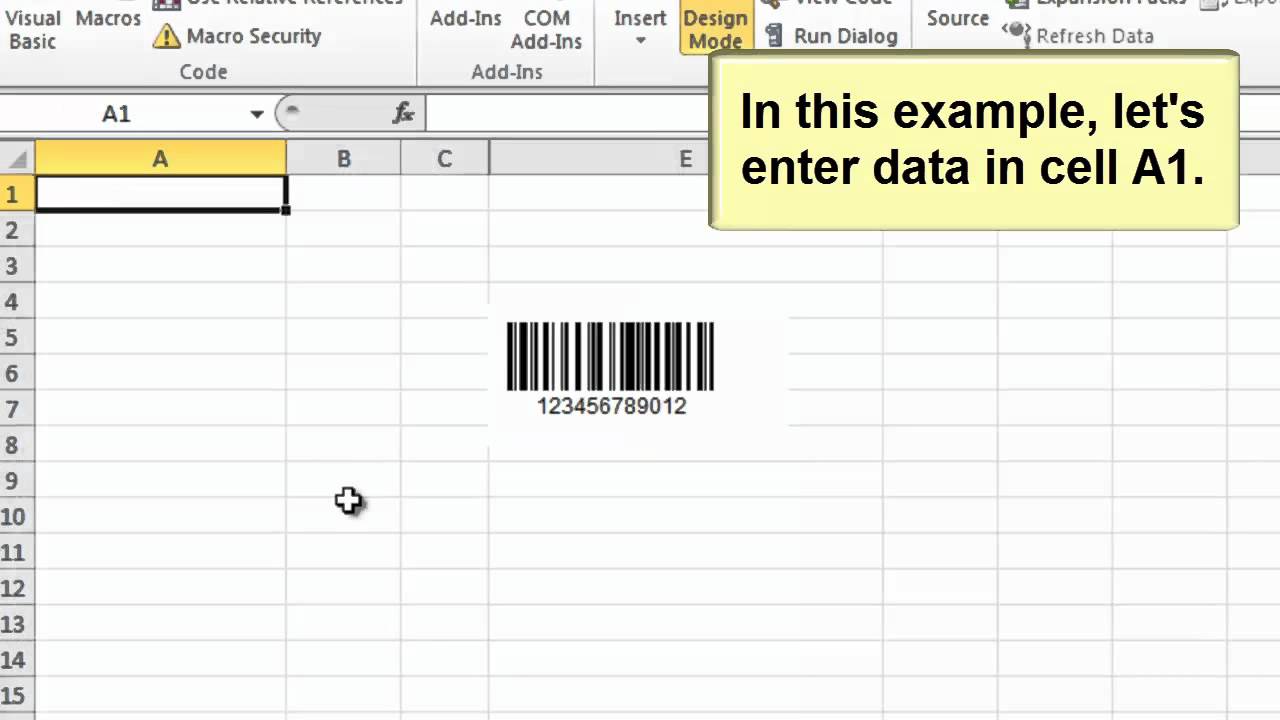
Add barcodes to your Excel sheets Highly accurate barcodes in your Excel sheets Link barcodes to a cell Automation of barcodes Solving complex tasks using VBA Easy to use with a barcode ribbon
Templates are pre-designed documents or files that can be utilized for numerous purposes. They can save effort and time by offering a ready-made format and design for creating various sort of material. Templates can be utilized for personal or professional projects, such as resumes, invites, leaflets, newsletters, reports, discussions, and more.
Barcode Labels In Excel

Print Barcode Label From Excel Ythoreccio
How To Create Barcodes In Excel The Simple Way YouTube

Identifying Objects By TEC IT Barcode Printing For Microsoft Word
How To Create Barcode In Excel Using Barcode Font In Office 2010 YouTube
How To Create Barcodes In Microsoft Excel 2010 Using The Barcode
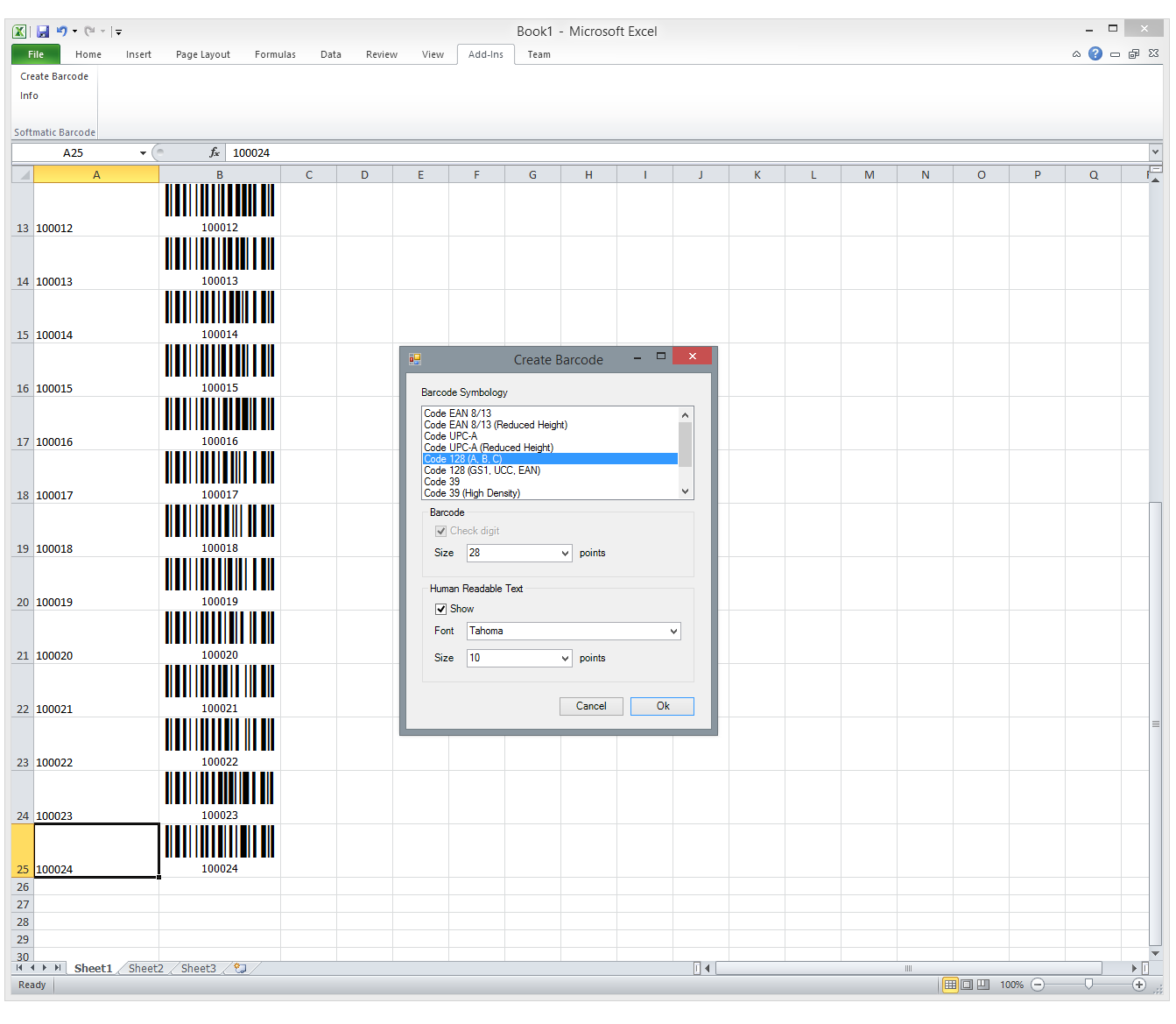
Print Barcode From Excel Bruin Blog
Learn how to easily create barcodes in Excel using the Code 39 font This tutorial provides step by step instructions for adding barcodes to your worksheets

You can create labels with barcodes using DisplayBarcode and MergeBarcode In this example we re using multiple MergeFields so we re showing how to do it with DisplayBarcode If you want just a barcode with a hard coded value just use DisplayBarcode For info and examples see Field Code DisplayBarcode

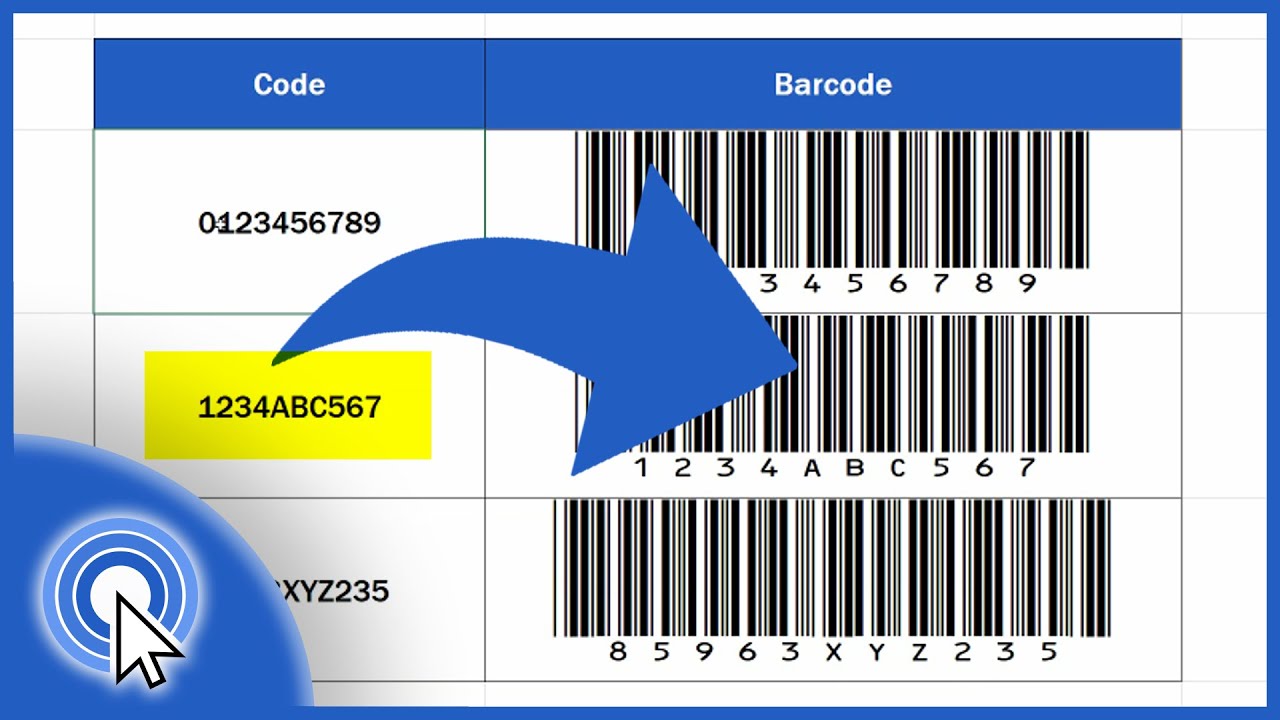
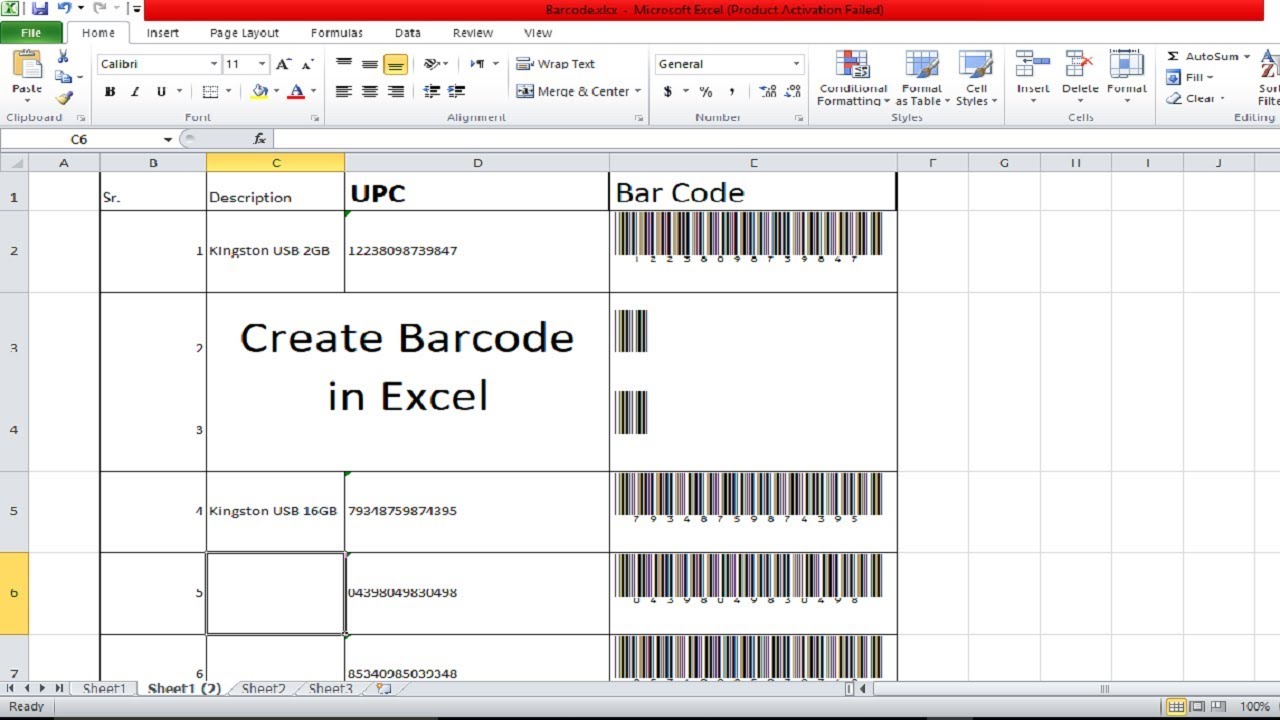
One way to create a barcode in Excel is to use a custom barcode font Then all you need to do to make a barcode is format your data using the custom font Another Barcode Font is a free font you can download from DaFont and use to create working barcodes that look nice
Learn how to create barcodes in Excel with this step by step guide Included on this page you ll learn how to create a barcode in Excel step by step how to generate random barcodes types of barcodes and barcode fonts and which versions of Excel support barcode creation
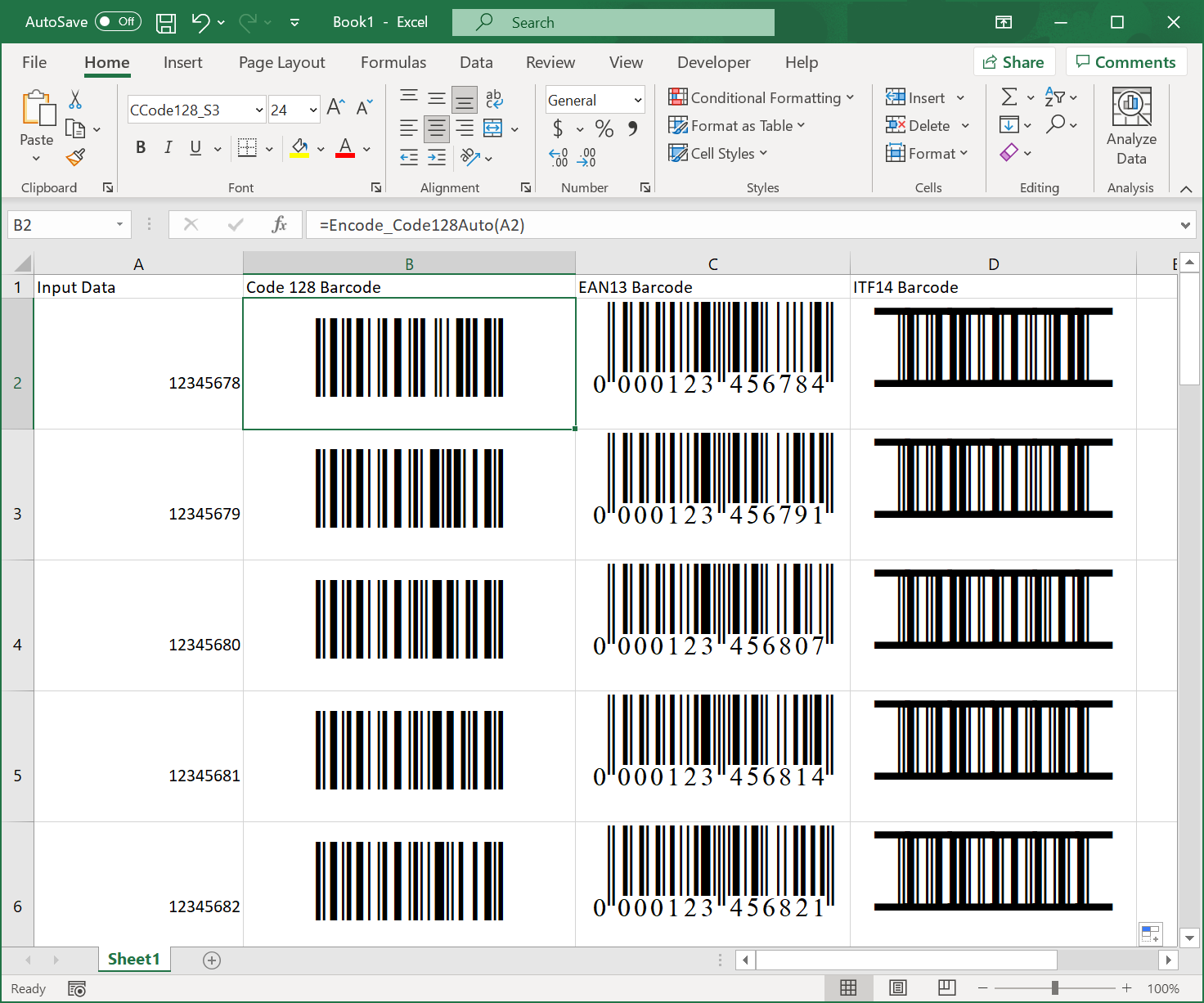
Label the first column Type and create three records Code128 Code39 and QR Code just like you see in this image Label the second column Label and create three records 987654321 CLEARLY123 and Clearly Inventory is easy Label the third column Barcode and create three records
SKUs and QR codes are some of the handiest barcodes around because of their many applications You have several options for making your own In this article we explain how you can print barcode labels using the familiar programs Excel and Word even if you re working with older versions In today s tutorial we re gonna talk step by step through the whole process of how to create barcodes in Excel Barcodes are used everywhere and today we ll see how to create standard
Position 1 LEFT leftNumber Position 2 MID leftNumber 2 1 Position 3 MID leftNumber 3 1 Position 4 MID leftNumber 3 1 Position 5 RIGHT leftNumber Each of the values in the product s code is using a text function to extract a single character from the 5 digit value stored in rightNumber