Backup Utility Software Functions The Free Windows 10 Backup Utility Windows Built in Tools V S Third Types Of Computer Software Exam Analysis Best Backup Software For Windows 10 Review 2020 TechOwns 8 Best Commercial Backup Software Programs Server Backup Plugin Logo On Craiyon Dec 17 2024 nbsp 0183 32 To retrieve accidentally deleted text messages on your Android device you have several options Check the Recycle Bin or Trash folder in your messaging app Some Android
Important Before you start check that your operating system is compatible with Google Drive for desktop Tip If you use a work or school account you might not be able to use Google Drive On your computer you can check what data and apps are included in your backup file On your computer go to Google One Scroll to quot Backup quot and click View Click the device with a backup
Server Backup Plugin Logo On Craiyon Essential Launcher Software Log PDF Utility Software System Software Backup Data Database Vector SVG Icon SVG Repo Utility Software PDF Computer File Floppy Disk Log PDF Utility Software Computer Programming What Is Utility Software Top 10 Utility Software Tool 2024 System Untitled PDF Computer File Utility Software Untitled PDF Computer File Formats Utility Software
Backup Utility Software Functions
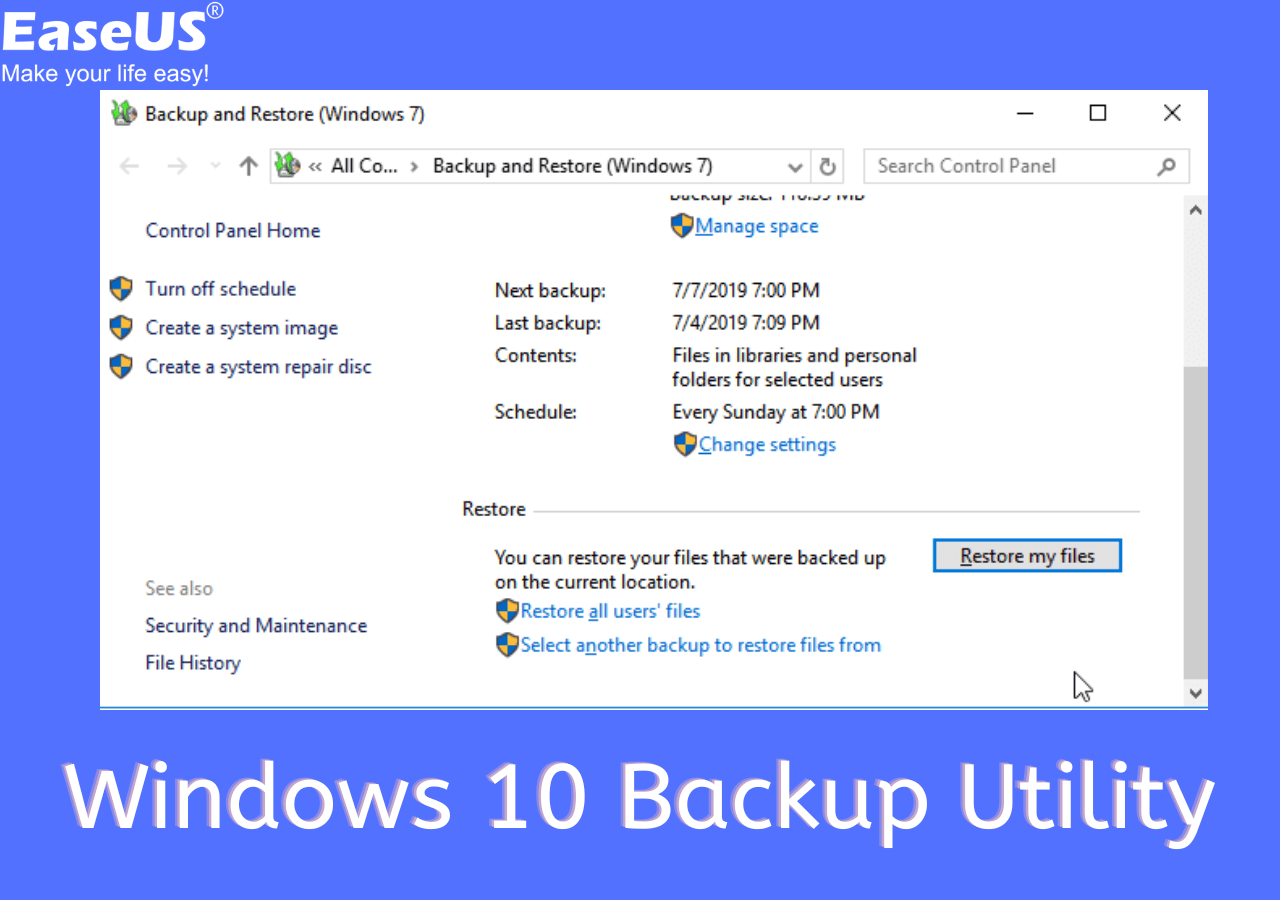 Backup Utility Software Functions
https://www.easeus.com/images/en/screenshot/todo-backup/guide/windows-10-backup-utility.png
Explore the different options to back up your Google Pixel phone data to your Google Account You can restore your backed up information to your phone
Pre-crafted templates use a time-saving service for creating a diverse variety of files and files. These pre-designed formats and layouts can be made use of for numerous individual and professional projects, including resumes, invites, flyers, newsletters, reports, discussions, and more, improving the material development process.
Backup Utility Software Functions
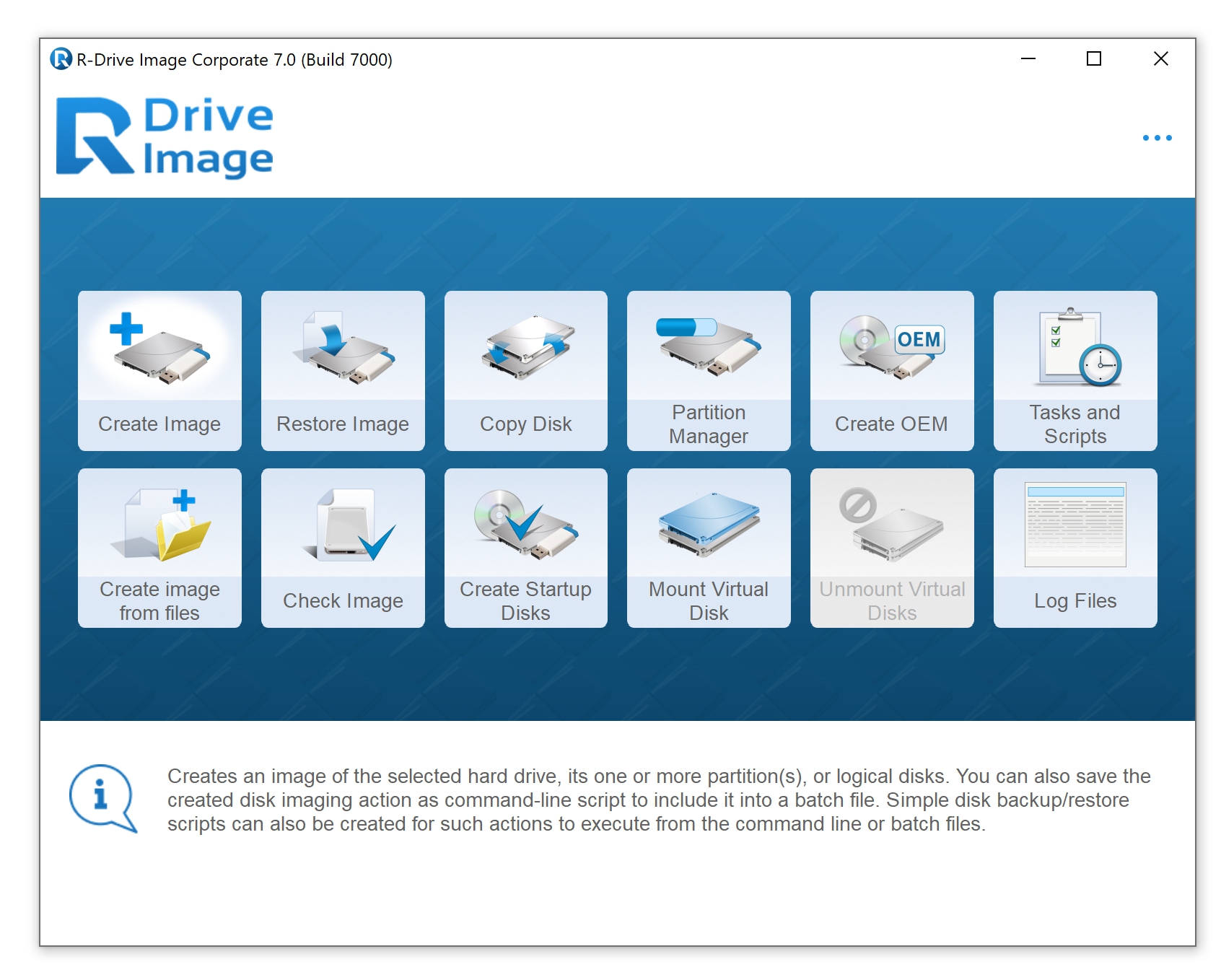
Best Windows Backup Software 2021 Free And Paid Options Reviewed G3

Essential Launcher Software

Log PDF Utility Software System Software

Backup Data Database Vector SVG Icon SVG Repo

Log PDF Utility Software Computer Programming
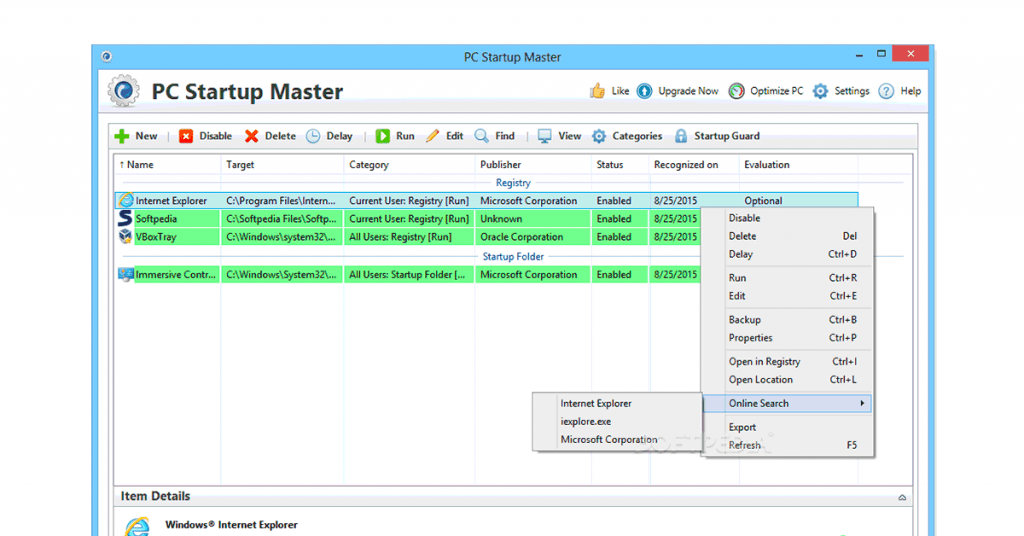
What Is Utility Software Top 10 Utility Software Tool 2024 System

Once the backup is complete you can access your files from the other computer or storage device Another way to backup your Google Drive is to use the Google Takeout service This

Backup sends your data to Google s backup servers and helps you to transfer data between devices Backup collects certain information to perform services on your device Some of this

The progress of your backup is measured by how many items remain to upload When your items finish backing up your status reads quot Backup complete quot If your backup status is off your status

You can automatically save your photos and videos to your Google Account when you turn on backup You can access your saved photos and videos from any device you re signed in to
Sign in with backup codes If you can t sign into your Google Account with your normal 2 Step Verification you can use a backup code for the second step Create backup codes to use in
[desc-11] [desc-12]
[desc-13]