Backup Best Practices Nist The NIST Cybersecurity Framework BT Cyber Cyber Security Solutions NIST Announces First Four Quantum resistant Cryptographic Algorithms Setting Off On The Journey To The NIST Cybersecurity Framework CSF 2 Simple Cognos TM1 Backup Best Practices Data Analytics Guidance And Best Practices Azure Backup Microsoft Learn You can sync files from your computer to Google Drive and backup to Google Photos On your computer open Drive for desktop Click Settings Preferences On the left click Folders from
Sie k 246 nnen auf Ihrem Smartphone gespeicherte Inhalte Daten und Einstellungen in Ihrem Google Konto sichern Diese so gesicherten Informationen lassen sich dann bei Bedarf auf Talvez seja necess 225 rio fazer login Em quot C 243 digos de backup quot clique em Continuar Nessa p 225 gina voc 234 pode Receber c 243 digos de backup para adicionar c 243 digos de backup clique em Receber
Guidance And Best Practices Azure Backup Microsoft Learn Overview Veeam Backup For Public Cloud Solutions Best Practice Guide Best Free Backup Software IT PRO SystemsNet ACT Certified Consulting Managed Services Backup Microsoft 365 V i Active Backup Data Backup Solution Grossllc Backup Best Practices ACTSmart IT A Quick NIST Cybersecurity Framework Summary Cipher ES Overview Veeam Backup For Public Cloud Solutions Best Practice Guide
Backup Best Practices Nist
 Backup Best Practices Nist
https://btcyber.net/wp-content/uploads/2020/01/nist.jpg
Backup in Google Foto vengono caricati solo foto e video Le foto o i video eliminati dal computer rimangono in Google Foto e viceversa Le modifiche vengono caricate come nuove immagini
Templates are pre-designed files or files that can be used for various functions. They can save time and effort by offering a ready-made format and layout for producing various type of material. Templates can be utilized for personal or professional tasks, such as resumes, invitations, flyers, newsletters, reports, presentations, and more.
Backup Best Practices Nist

4 Best Practices For Backing Up Your Data TurnKey Internet TurnKey
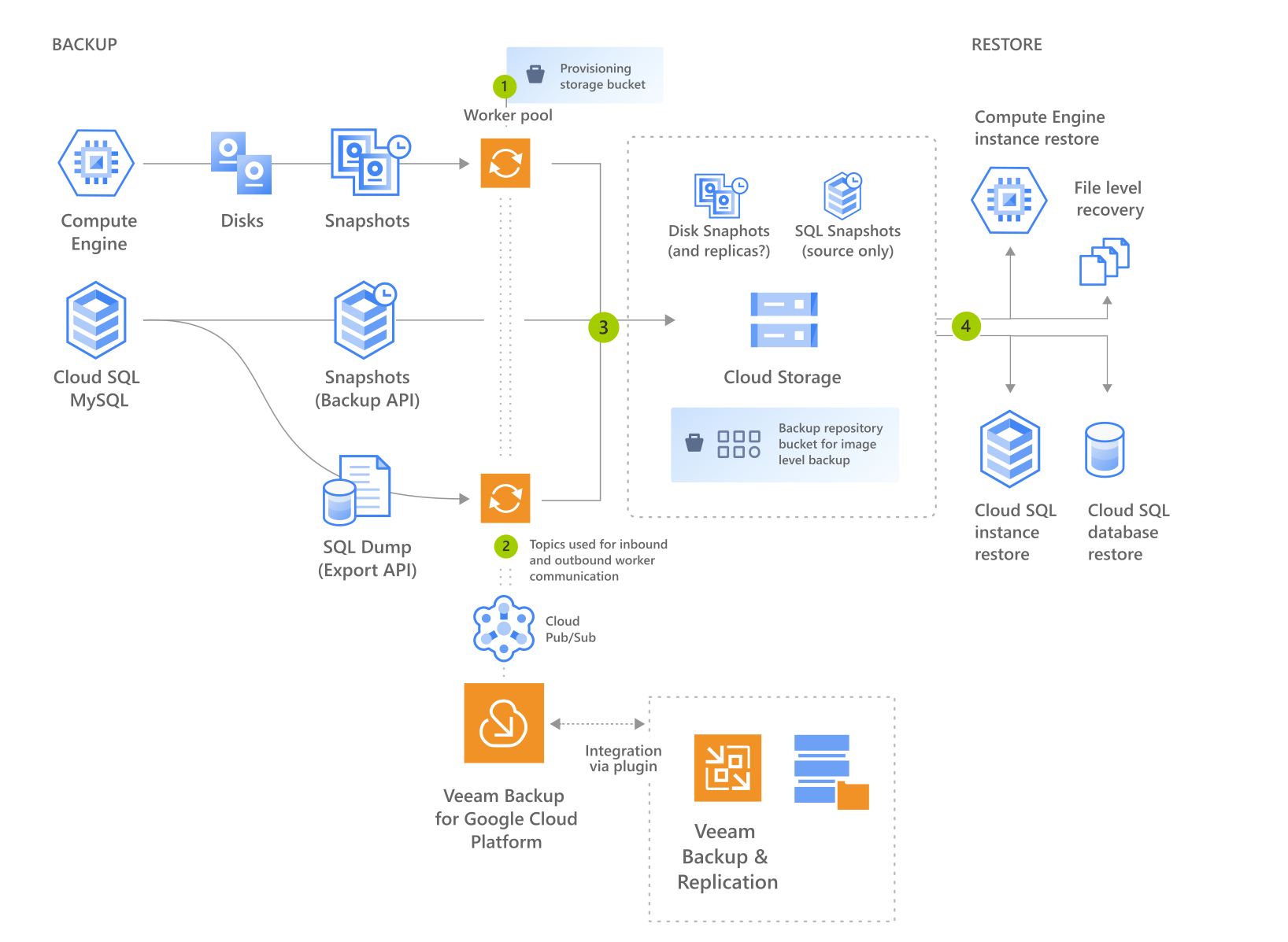
Overview Veeam Backup For Public Cloud Solutions Best Practice Guide

Best Free Backup Software IT PRO
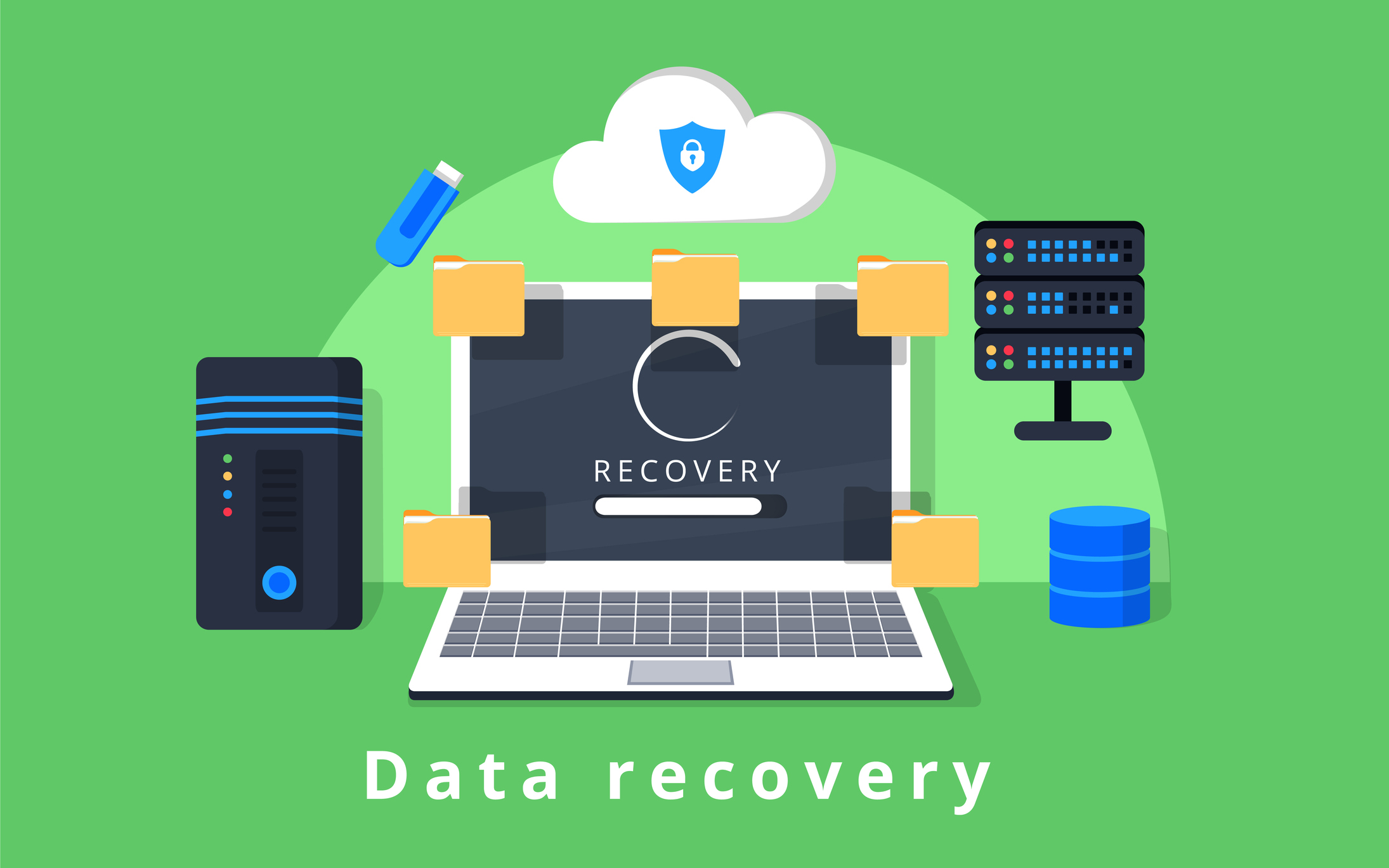
SystemsNet ACT Certified Consulting Managed Services

Data Backup Solution Grossllc
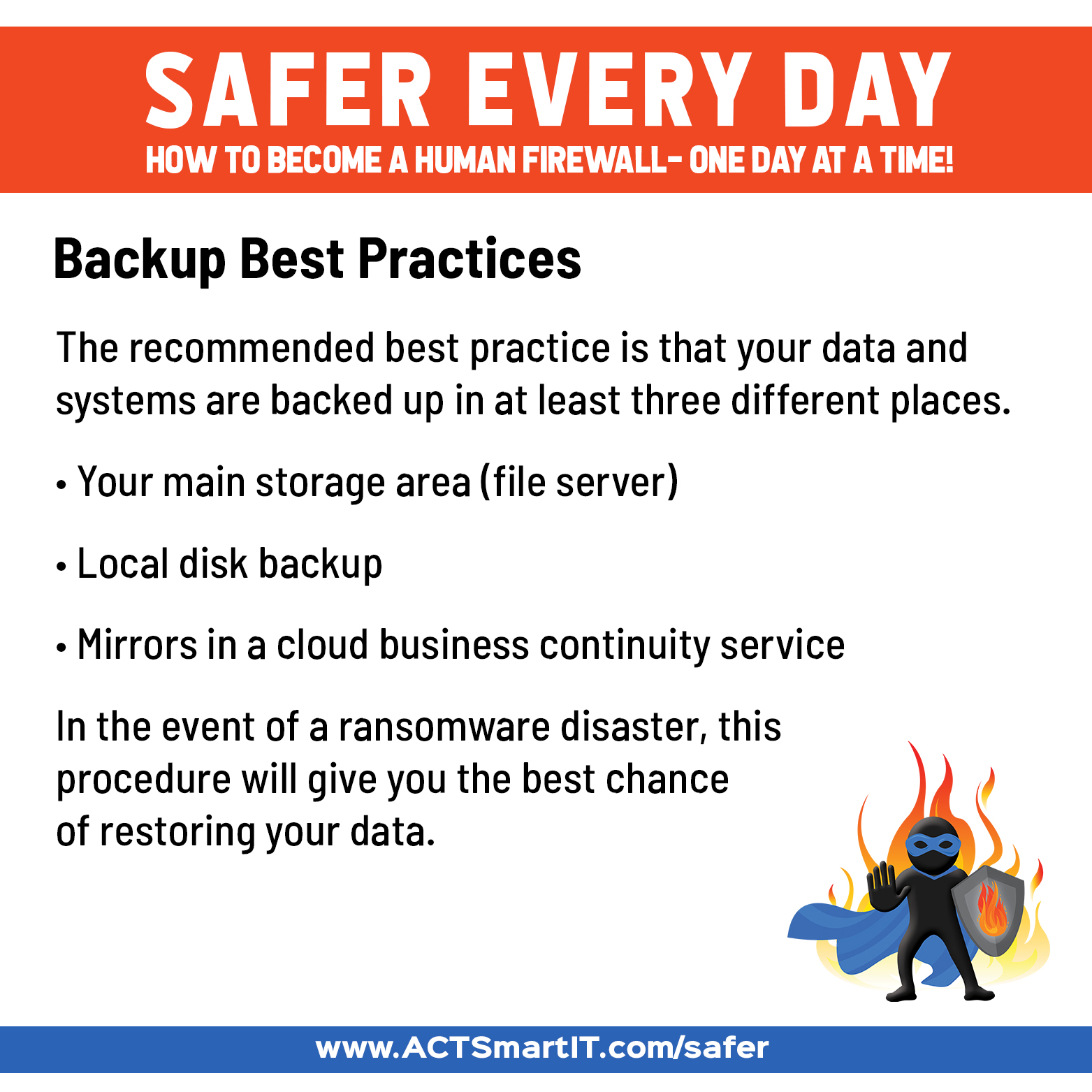
Backup Best Practices ACTSmart IT

Backup backup

Backup
.jpg?w=186 "Setting Off On The Journey To The NIST Cybersecurity Framework CSF 2")
Turn off backup You can also turn off automatic backups at any time Stop future device backups On your Android phone open your device s Settings app Tap Google Backup Turn off Backup

Fazer backup manual de dados e configura 231 245 es No dispositivo Android abra o app Configura 231 245 es Toque em Google Todos os servi 231 os Em quot Backup e restaura 231 227 o quot toque em

Oct 21 2024 nbsp 0183 32 backup 1 backup
[desc-11] [desc-12]
[desc-13]