Background Color Css Code Example CSS Background Color Palette SONHLAB Documentation Check Css Background Color CSS Background Color HTML Color Codes CSS Colors Hex Codes RGB Short Hex Codes Keywords Css Color Codes For White Pooterdas Jul 26 2024 nbsp 0183 32 wsl2 wsl2
Change the background theme Important For some themes you have the option to change the text background make corners darker or blur the background If these options aren t available To change the background in Gmail you can pick a theme For example you can change the theme from light to dark When you use Gmail on your computer you have additional theme
Css Color Codes For White Pooterdas Html Making Glowing Background With CSS Only Stack Overflow CSS Background color Property With Examples CSS Background color Property Css Background color Htmlbook ru CSS Background Creive Css Penelope0on2 CSS Colors Bcis Notes Html My CSS Codes For Background Color For Body Cannot Work Stack The Best CSS Gradient Generators For Designers Design Shack
Background Color Css Code Example
 Background Color Css Code Example
https://docs.sonhlab.com/wp-content/uploads/2018/10/solid-color.jpg
Watch YouTube in Dark theme Dark theme allows you to tone down your screen s glare and experience YouTube with a dark background If playback doesn t begin shortly try restarting
Pre-crafted templates provide a time-saving solution for developing a varied series of files and files. These pre-designed formats and designs can be used for different individual and expert projects, including resumes, invitations, flyers, newsletters, reports, discussions, and more, streamlining the material production procedure.
Background Color Css Code Example

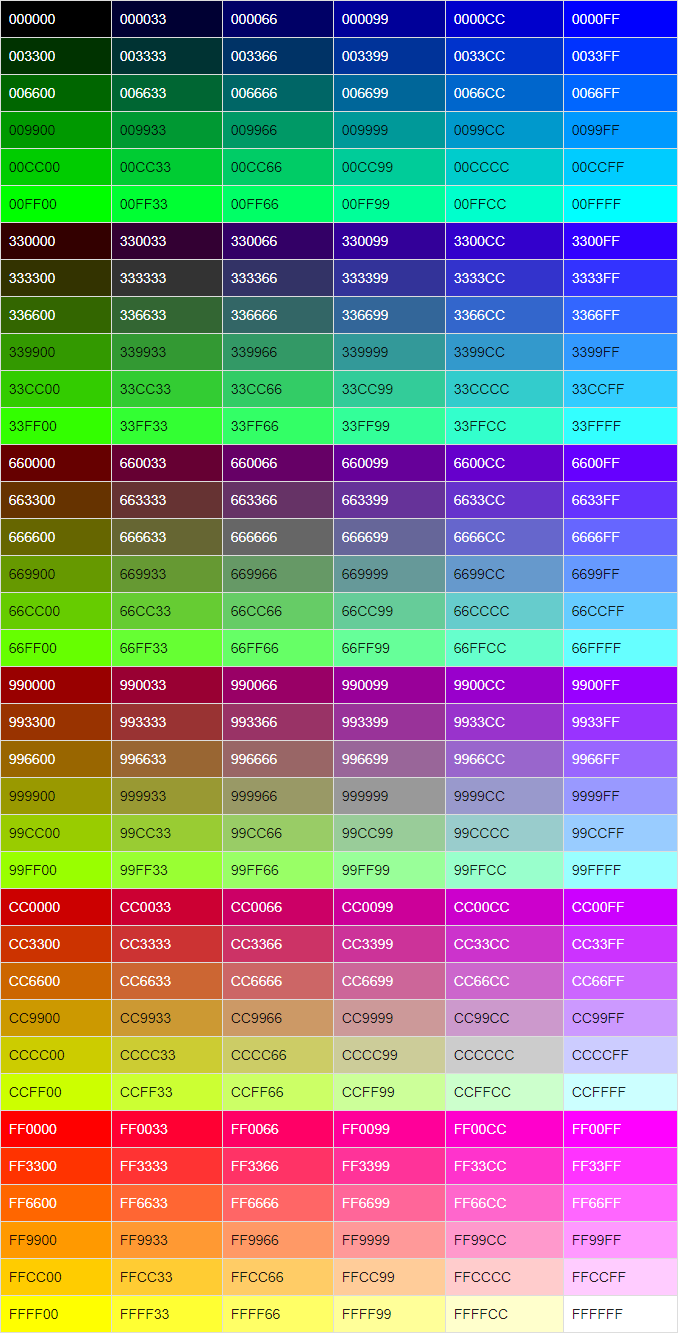
Sample CSS Color Codes Free Download

Html Making Glowing Background With CSS Only Stack Overflow
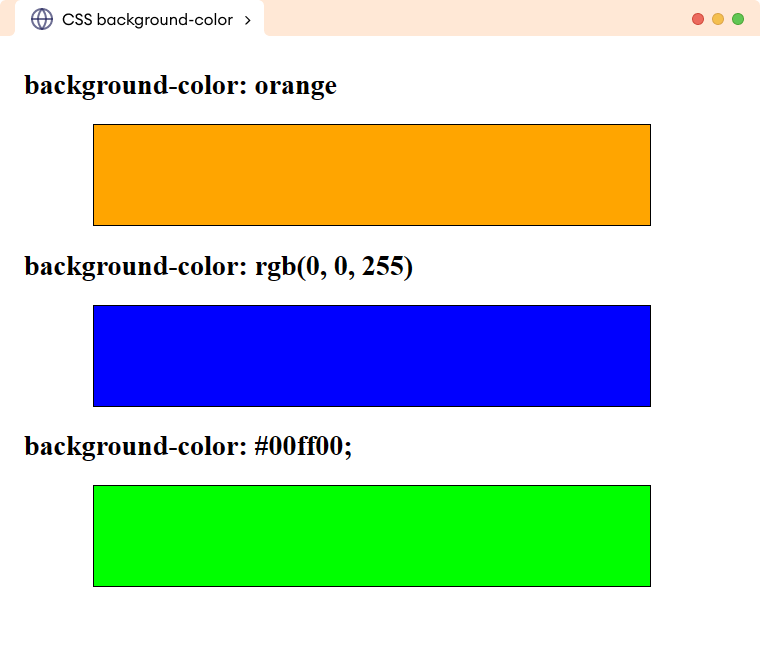
CSS Background color Property With Examples
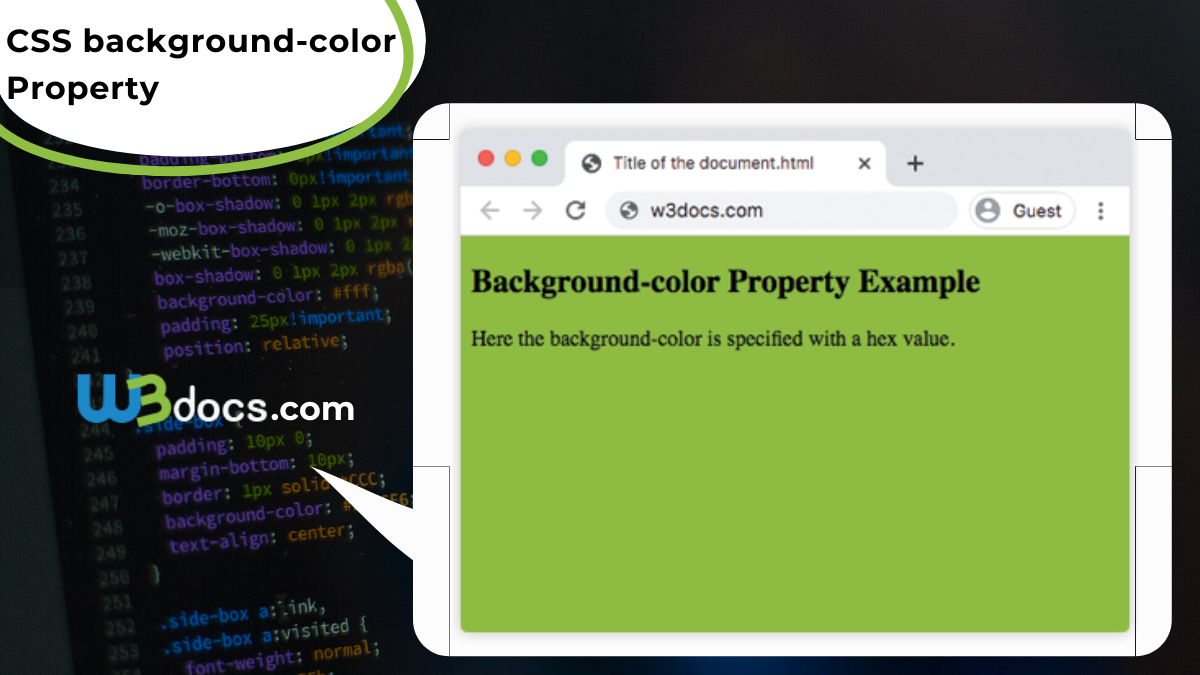
CSS Background color Property
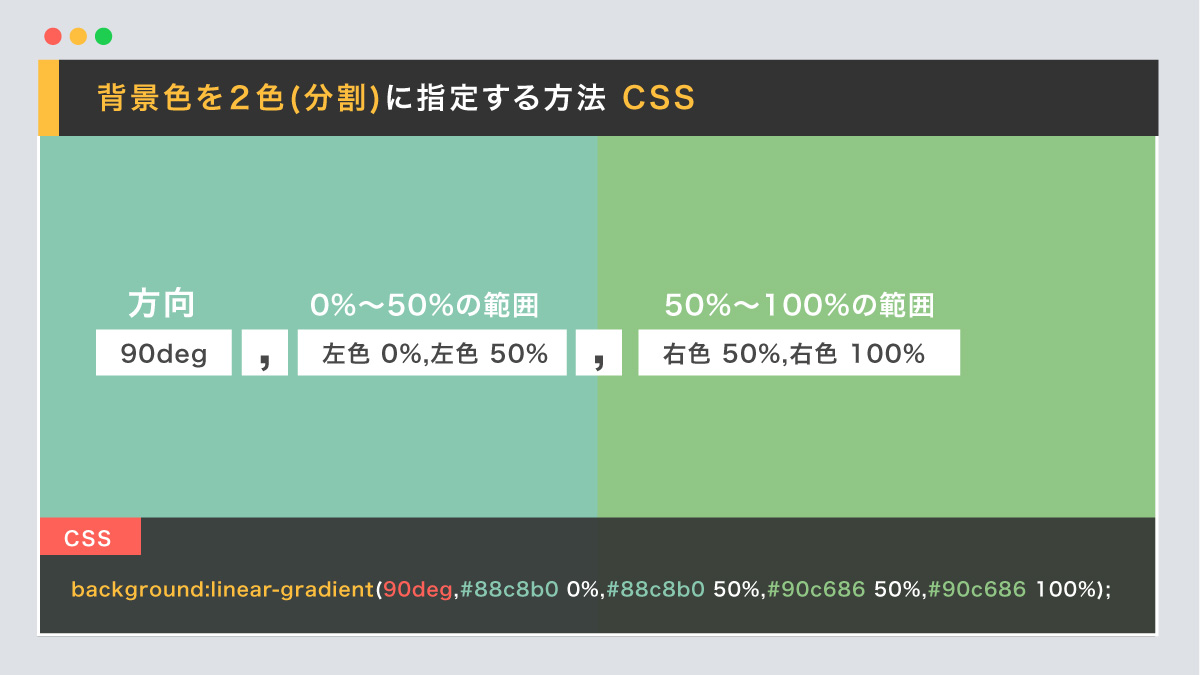
CSS Background Creive Css Penelope0on2
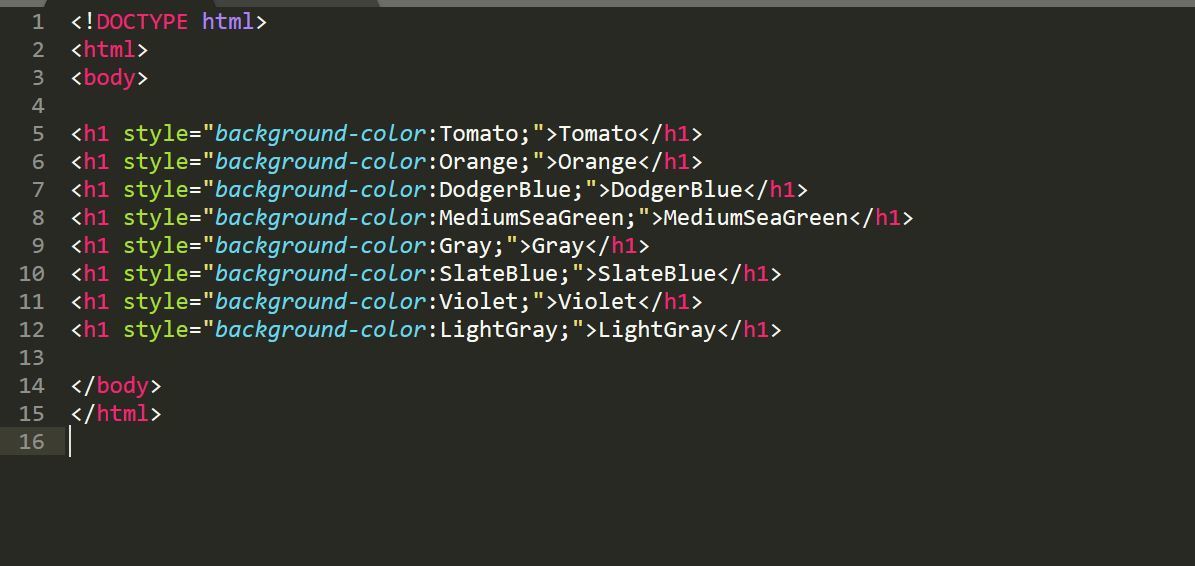
CSS Colors Bcis Notes

Change your Gmail background To change the background in Gmail you can pick a theme For example you can change the theme from light to dark When you use Gmail on your computer
Choose where to select your background image Public gallery from your computer your Picasa Web photos your recent picks no background Once you ve chosen your image click Select

A background is the picture or color behind your slide s content You can change the background color of one slide or all the slides in the presentation You can select a hex code or manually
Generate a background image Use AI to create a background image Learn more about how to change backgrounds and apply visual effects in Google Meet Create a background image

Use a Template or change the theme background or layout in Google Slides Visit the Learning Center Using Google products like Google Docs at work or school Try powerful tips
[desc-11] [desc-12]
[desc-13]