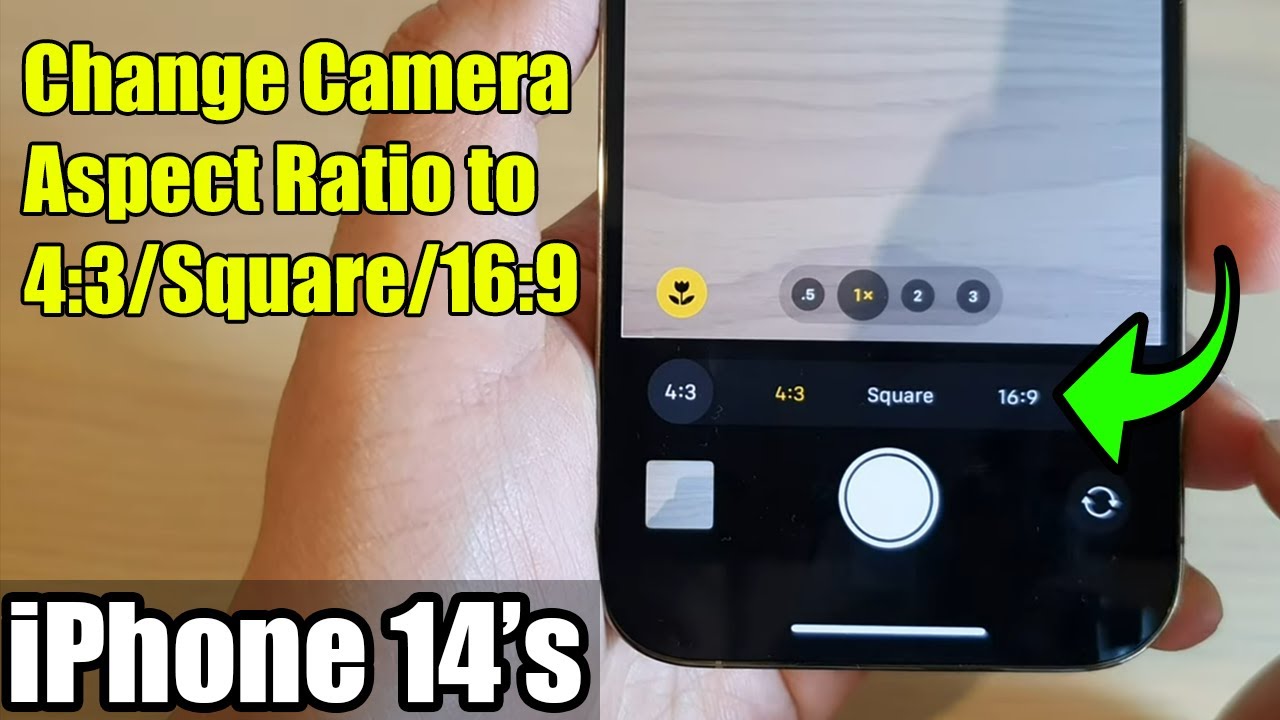
Aspect Ratio Change Iphone IPhone 14 s 14 Pro Max How To Change Camera Aspect Ratio To 4 3 Square 16 9 YouTube Change Aspect Ratio Youtube Embeded Plorabeijing How To Crop And Change Aspect Ratio Of Videos On IPhone Or IPad Change Aspect Ratio Between 4 3 And 16 9 Ratio Windows 8 Included YouTube Multiphase Condensate Behavior A d Confocal Fluorescence Images Of Download Scientific Diagram IPhone camera basics Learn how to take photos with Camera on your iPhone Choose from camera modes such as Photo Video Cinematic Pano and Portrait and zoom in or out to frame your shot Open Camera To open Camera do any of the following Tap Camera on the iPhone Home Screen Swipe left on the iPhone Lock Screen
If you want to change the aspect ratio of a photo taken by your iPhone or iPad you can easily do so through the Photos app Select the photo you want to change and tap Edit in the top right corner Now tap on the Straighten tool at the bottom then the crop tool at the top I show you how to change with aspect ratio in the camera photo mode on the iPhone 12 same for iPhone 12 Pro 12 Pro Max 12 Mini From here you can change
Multiphase Condensate Behavior A d Confocal Fluorescence Images Of Download Scientific Diagram Video Aspect Ratio Complete Guide Restream Blog Change Video Aspect Ratio Using Free Online Tools And Software 1080p Vs 4320p Resolution Video Player Leawo Tutorial Center How To Set An Aspect Ratio For Your Game GameMaker Cinematography In Grand Budapest Hotel Time In Pixels How To Change Aspect Ratio Of Video Or Image Clideo Sully 2016 Pictures Trailer Reviews News DVD And Soundtrack All IPhones How To Change Aspect Ratio For Photos 9 16 16 9 1 1 4 3 YouTube
Aspect Ratio Change Iphone
 Aspect Ratio Change Iphone
https://i.ytimg.com/vi/CyYBAyky7Jo/maxresdefault.jpg
Tap the 4 3 button in the toolset that appears directly below or to the side of the viewfinder Select your preferred aspect ratio from the expanded 4 3 button menu Proceed to take your
Pre-crafted templates provide a time-saving service for creating a varied variety of files and files. These pre-designed formats and designs can be made use of for various individual and expert tasks, consisting of resumes, invitations, leaflets, newsletters, reports, presentations, and more, streamlining the content development process.
Aspect Ratio Change Iphone
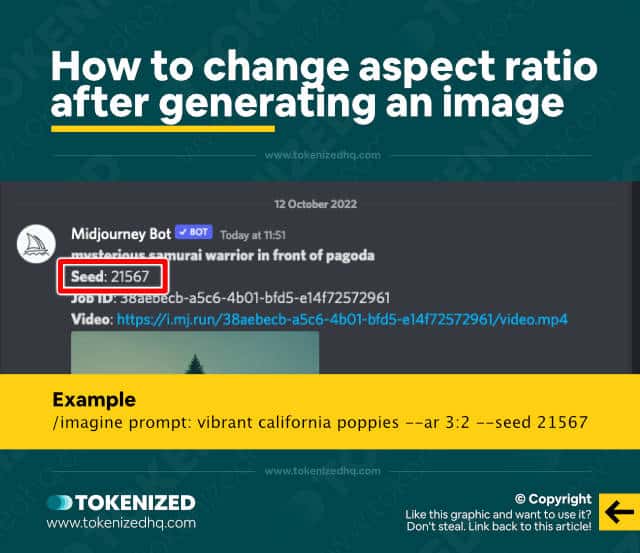
Midjourney Aspect Ratio Explained Tokenized
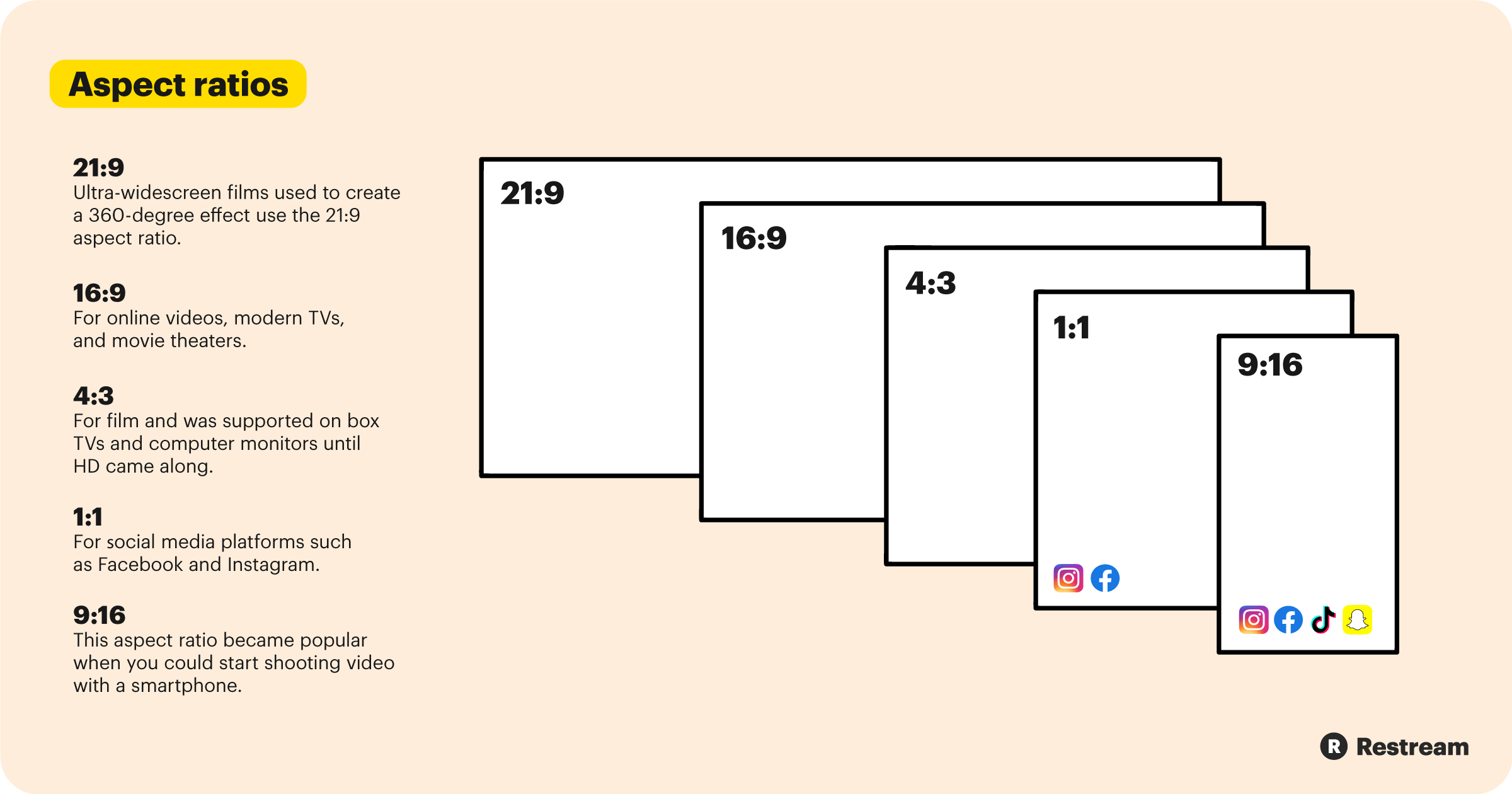
Video Aspect Ratio Complete Guide Restream Blog
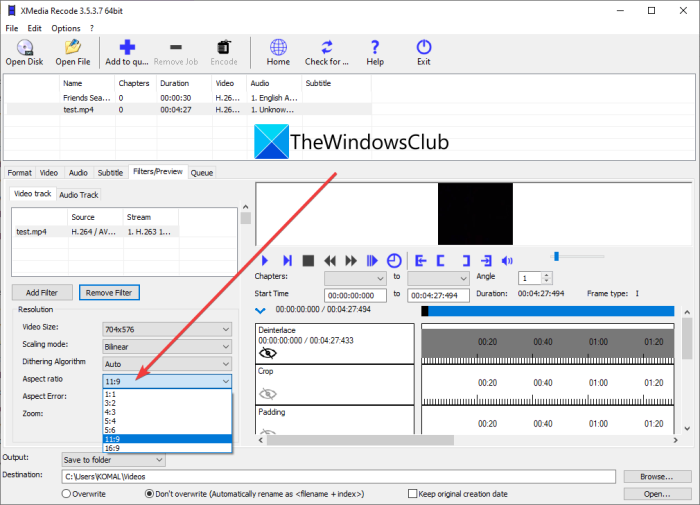
Change Video Aspect Ratio Using Free Online Tools And Software
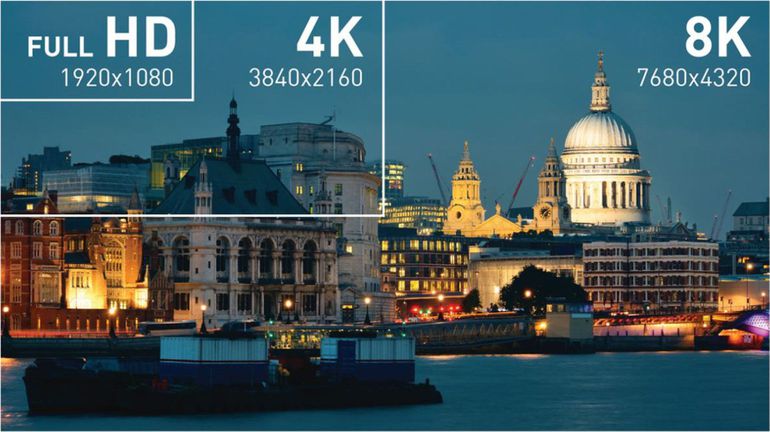
1080p Vs 4320p Resolution Video Player Leawo Tutorial Center

Cinematography In Grand Budapest Hotel Time In Pixels

How To Change Aspect Ratio Of Video Or Image Clideo

Tap the Aspect Ratio icon at the top of the screen Select your preferred aspect ratio at the bottom of the screen Tap one of the options below to select whether you want to crop vertically or horizontally If none of the preset ratios are the specific dimensions you need tap Freeform
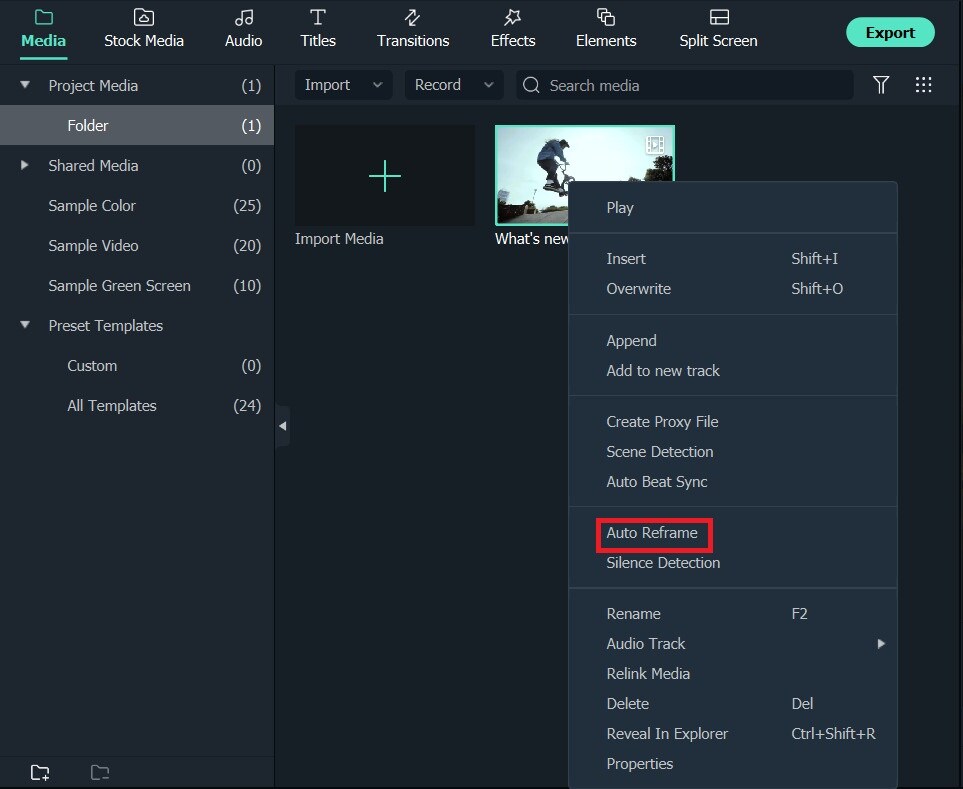
IPhone 13 13 Pro The Ultimate Camera Photo Settings Tutorial MountMedia Learn how you can change the aspect ratio for photos on Phone 13 iPhone 13 Pro Max Mini running iOS 15 You

From the crop section tap on the Aspect Ratio button from the top right of the screen Now you ll see new formats below the crop tool You can switch between Portrait and Landscape modes in addition to a square option You can also swipe horizontally on the list of aspect ratios to see all the available options

WorldofTech 635K subscribers Subscribe Subscribed 292K views 4 years ago Apple iPhones do not have a camera photo setting where you can change the aspect ratio from the native 4 3 to 9 16

1 Open the Photos app on your iPhone 2 Browse and locate the photo you want to resize Tap on it to open it 3 Once the photo is opened tap on the Edit button located in the top right corner
Learn how you can set the camera aspect ratio to 16 9 as the default on the iPhone 14 14 Pro 14 Pro Max Plus To Donate to ITJUNGLES so I can keep making rel To change your phone s video settings open Settings Camera and choose Record Video or Record Slo mo to change the default video resolution settings Set video to record 720p at 30fps 1080p
The Apple Photos app offers a native feature to change the aspect ratio of pictures You must select a 9 16 aspect ratio to convert a picture to iPhone wallpaper Follow these steps to resize a