Arch Linux Set Time Automatically How To Install Arch Linux In The Cloud UpCloud Instala o Do Hyprland No Arch Linux SET 2022 Installing Hyrland On Turn On Or Off Set Time Automatically In Windows 11 Tutorial Windows How To Install The Base devel Package On Arch Linux Systran Box Linux NTP Embedded AI Data Center A settable system wide clock that measures real i e wall clock time Setting this clock requires appropriate privileges This clock is affected by discontinuous jumps in the system time e g if the system administrator manually changes the clock and by the incremental adjustments performed by adjtime 3 and NTP
Looking through the internet I came across many solutions that didn t work However this proved to work After checking the timedatectl status timedatectl status Local time Tue 2018 04 03 15 02 23 Universal time Tue 2018 04 03 12 02 23 UTC RTC time Tue 2018 04 03 12 02 23 Time zone Africa Nairobi EAT 0300 System clock On time events Periodically at certain times dates or intervals systemd Timers Cron Once at a date and time systemd Timers at On filesystem events Use an inotify event watcher inotify tools see inotifywait 1 incron fswatch AUR entr systemd can activate units on filesystem events using systemd path 5 files On shell login logout
Linux NTP Embedded AI Data Center Arch Linux Iso Usb Won t Work Seoatteseo Arch Linux VM Base Installation Answered 2023 Droidrant Fix For The Set Time Zone Automatically Greyed Out Issue In Windows How To Install Arch Linux A Step By Step Installation Guide Front 9 Cara Mudah Mengatasi Aplikasi Steam Tidak Bisa Dibuka How To Set Change The Date Time In Linux Is There An IPhone Video Recording App That Lets You Pause While You re How To Change Time On Windows 10
Arch Linux Set Time Automatically
 Arch Linux Set Time Automatically
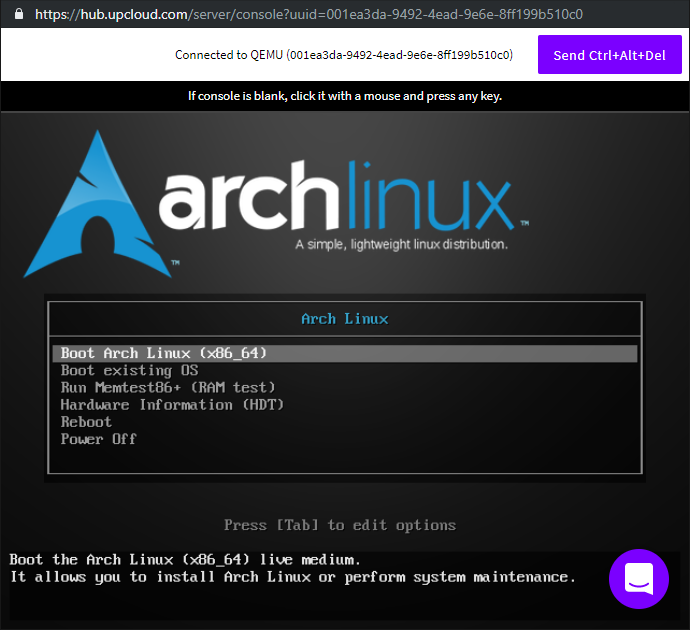
https://upcloud.com/media/arch-linux-boot-screen.png
To set the date you are going to use the chrony service First of all make sure that the timesyncd service is not running on your host sudo systemctl stop systemd timesyncd service Next make sure that your packages are up to date on your server sudo yum update
Pre-crafted templates use a time-saving option for developing a varied variety of files and files. These pre-designed formats and designs can be made use of for different individual and professional projects, including resumes, invitations, flyers, newsletters, reports, presentations, and more, enhancing the content development procedure.
Arch Linux Set Time Automatically

Arch Linux Set Sticker For Sale By FavnCraftsh Redbubble

Arch Linux Iso Usb Won t Work Seoatteseo
Arch Linux VM Base Installation Answered 2023 Droidrant

Fix For The Set Time Zone Automatically Greyed Out Issue In Windows

9 Cara Mudah Mengatasi Aplikasi Steam Tidak Bisa Dibuka

How To Set Change The Date Time In Linux
Ntpd has not determined the accuracy of the peers so it has no reference time to adjust to when the peers stratum drops to 2 or 3 then ntpd will start adjusting the time You have two competing services ntpd and systemd timesyncd service managing the clock is that intended

The Arch wiki suggests Time standard Recommended Set both Arch Linux and Windows to use UTC following Time UTC in Windows Also be sure to prevent Windows from synchronizing the time on line because the hardware clock will default back to localtime Not recommended Set Arch Linux to localtime and disable any time related services like NTPd
Systemd timesyncd is a daemon that has been added for synchronizing the system clock across the network It implements an SNTP client In contrast to NTP implementations such as chrony or the NTP reference server this only implements a client side and does not bother with the full NTP complexity focusing only on querying time from one remote

Timedatectl may be used to query and change the system clock and its settings and enable or disable time synchronization services Use systemd firstboot 1 to initialize the system time zone for mounted but not booted system images timedatectl may be used to show the current status of time synchronization services for example systemd

First methods using timedatectl Okay open terminal then Type timedatectl status timedatectl status To set manually timedatectl set time YYYY MM DD HH MM SS ex timedatectl set time 2013 01 08 18 18 18 then set timedatectl status If the local time and UTC is different try with command line below timedatectl set timezone UTC
System Settings Date Time In this configuration dialog you can set the system time and date Because it is a system wide setting you will be asked for the root password for any changes to take effect In the Date and Time tab you can check the Set date and time automatically option and choose a public time server from the Time server Note some shells e g bash 1 have a built in time command that provides similar information on the usage of time and possibly other resources To access the real command you may need to specify its pathname something like usr bin time OPTIONS p When in the POSIX locale use the precise traditional format
Highest score default Date modified newest first Date created oldest first 1 Windows always automatically set the BIOS RTC time by localtime Linux on the other hand have different approach it always set the BIOS RTC time to UTC To make arch linux using localtime then type timedatectl set local rtc 1