Arch Linux List Manually Installed Packages How To Find The Installed Proprietary Packages In Arch Linux How To List Installed Packages In Linux - OSTechNix How to list installed packages on RHEL 8 / CentOS 8 Linux - Linux Tutorials - Learn Linux Configuration GitHub - stevenbenner/pacfinder: Pacman repository & package explorer for Arch Linux. GitHub - CyberShadow/aconfmgr: A configuration manager for Arch Linux Run the following command to list all installed packages apt list installed If you want to search for a specific package you can use the following command Replace package name with the name of the package you want to search for apt list installed grep package name Let s see an example
Install packages through the internal package manager Pacman e g sudo pacman S go sudo pacman S nodejs npm Arch User Repository Arch User Repository also known as AUR is a major part of the Arch Linux ecosystem It s a community driven repository for the Arch Linux system that hosts a number of packages outside the official Arch Next we download the desired deb package and navigate to the directory containing the package Then we use the dpkg i command to install it sudo dpkg i google earth pro stable current amd64 deb Selecting previously unselected package code Reading database 0 files and directories currently installed
GitHub - CyberShadow/aconfmgr: A configuration manager for Arch Linux I visualized the dependency graph of installed by pacman packages and put it on the wallpaper. : r/archlinux New Project To Convert Arch Linux PKGBUILDs (Repositories and AUR) To DEB Packages And Install Them On Debian / Ubuntu - Linux Uprising Blog AUR (Arch User Repository) and Yay in Arch Linux | SmartTech101 Create A List Of Installed Packages And Install Them Later From The List In Arch Linux - OSTechNix Installing Arch Linux — A Beginners Guide (Part 1) | by David H Smith IV | Medium 5 Great AUR Helpers for Arch Linux - Make Tech Easier The Arch Linux Handbook – Learn Arch Linux for Beginners Jiří Bleha | Blog
Arch Linux List Manually Installed Packages
 Arch Linux List Manually Installed Packages
https://ostechnix.com/wp-content/uploads/2018/01/Proprietary-Packages-1-1.png
I ve read the manual and the closest I see is yay Ps or yay Q but neither just shows a simple list of what I ve installed I have looked in cache yay and do see packages there Just seems weird I can t get to a list some other way There is no distinction between packages installed through yay or pacman If you re looking for packages not
Pre-crafted templates offer a time-saving solution for creating a varied series of files and files. These pre-designed formats and designs can be utilized for numerous personal and expert jobs, consisting of resumes, invitations, leaflets, newsletters, reports, presentations, and more, simplifying the content development process.
Arch Linux List Manually Installed Packages
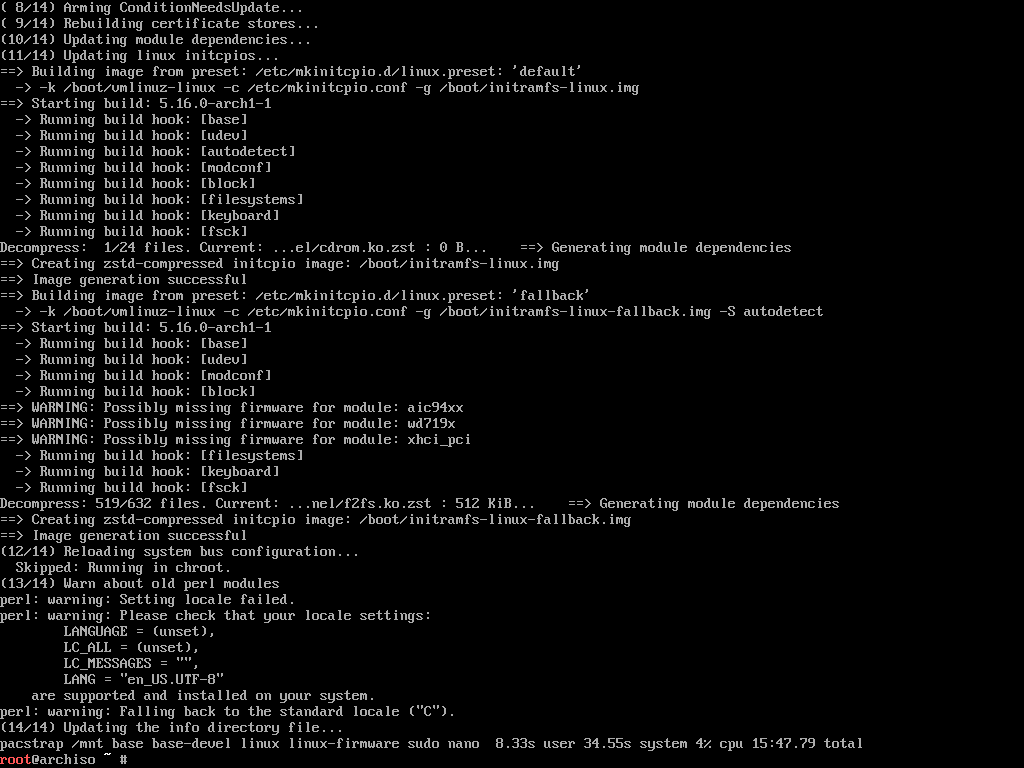
The Arch Linux Handbook – Learn Arch Linux for Beginners

I visualized the dependency graph of installed by pacman packages and put it on the wallpaper. : r/archlinux
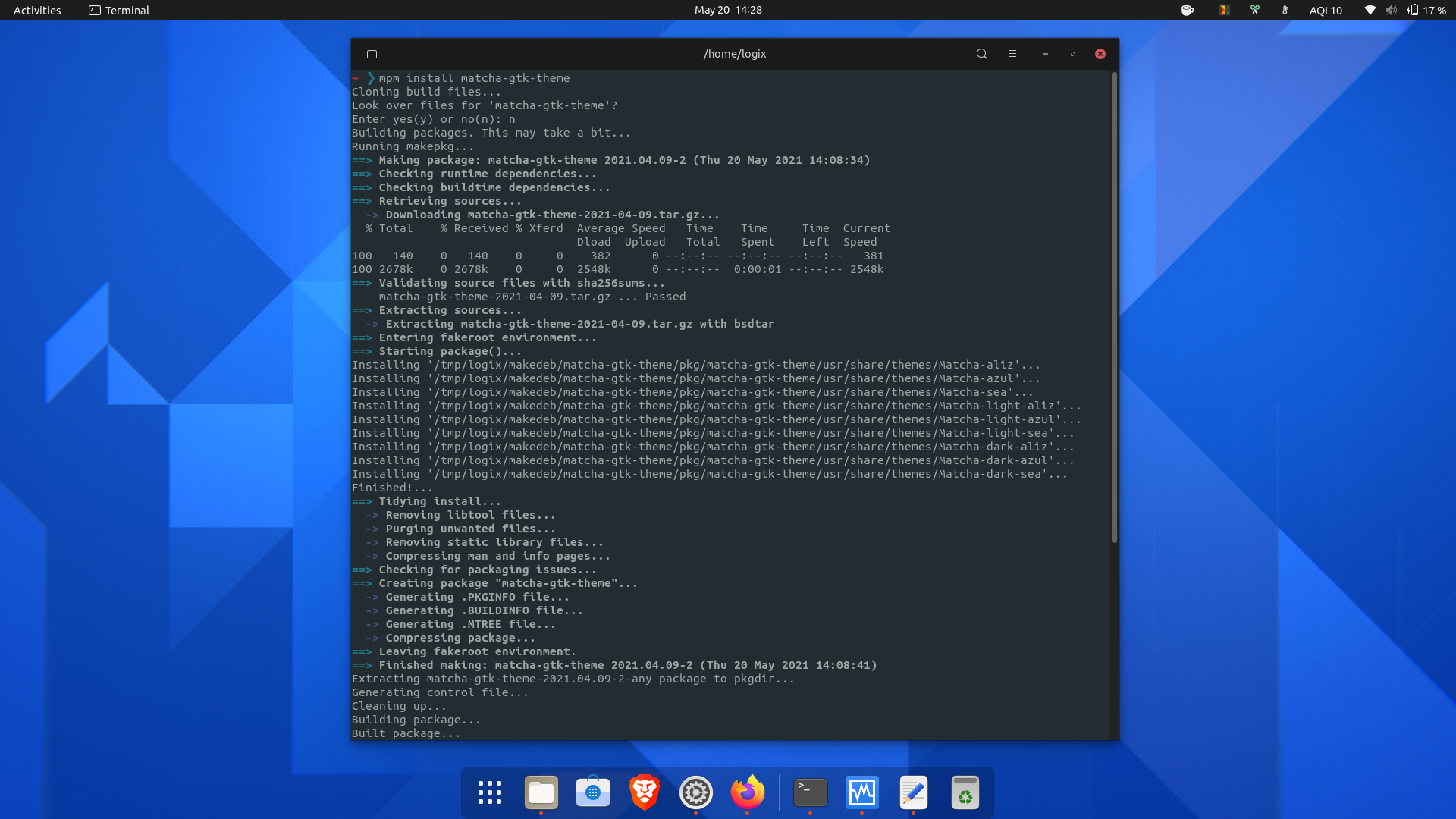
New Project To Convert Arch Linux PKGBUILDs (Repositories and AUR) To DEB Packages And Install Them On Debian / Ubuntu - Linux Uprising Blog

AUR (Arch User Repository) and Yay in Arch Linux | SmartTech101

Installing Arch Linux — A Beginners Guide (Part 1) | by David H Smith IV | Medium

5 Great AUR Helpers for Arch Linux - Make Tech Easier

list all packages in the base group compare lists and only display unrequired packages not in base You don t have to worry about dependencies here since you only want to see packages which aren t required by something else When you remove some unneeded packages I suggest you use pacman Rs to automatically remove unneeded dependencies

Arch Linux doesn t really have a set of default packages though if you install from the guide you likely installed the base package group and possibly base devel You can use comm to filter these I m assuming bash here comm 23 pacman Qqett sort pacman Qqg base devel sort uniq

Favoring brevity over intuitiveness most package management operations in Arch Linux appear in the format pacman a z a z For example the normal command for searching pacman repositories is pacman Ss package Like most pacman commands it is not particularly obvious pacman also ships with a pacsearch utility
Create A List Of Installed Packages And Install Them Later In Arch Linux Let us generate the list of explicitly installed packages using command This command will create a list of explicitly installed packages in alphabetical order and save them in a text file called pkglist txt Q Queries the package database
Repositories are the list of precompiled packages If both lists have the same package then you will get that results I don t know if there is way to distinguish as you wish If you check the whole package information with pacman Qi abiword there is no info from which repo was installed
In the above command you should see two columns The first column is the name of the installed packages and the second column is the version of the installed packages If you want to export the list to a file run the following command pacman Q packages txt This will create a new file named packages txt in your current working directory The resulting package contains binary files and installation instructions ready to be installed by pacman An Arch package is no more than a tar archive or tarball compressed which should only be done if you are manually building from source All Arch Linux packages should use the usr directory As seen in the usr share pacman
2 Visit the Arch User Repository AUR official website https aur archlinux and type the package name you want to install in the search box 3 As mentioned at the beginning of this article AUR is a community driven repository which means you might come across multiple packages for the same program as shown