Arch Linux Change Root Password Het Root Wachtwoord Wijzigen In Linux met Afbeeldingen Wiki How To Linux Change Root Password 1 Sevattal How To Change The Root Password In Linux with Pictures WikiHow How To Change The Password For Root In Arch Linux YouTube Reset A Forgotten Root Password In Linux Ubuntu Step 4 Change the Password At the prompt type passwd username Substitute the name of the user for username then press Enter The system asks you to type a new UNIX password and then to retype it Once you ve entered and confirmed the new password reboot the system by entering the following shutdown r
Chroot A chroot is an operation that changes the apparent root directory for the current running process and their children A program that is run in such a modified environment cannot access files and commands outside that environmental directory tree This modified environment is called a chroot jail This usually happens in case you haven t logged in as root for an extended period of time But fret not In this article we walk you through a step by step process on how you can reset a forgotten root password in Arch Linux Keep Reading How to Reset Forgotten Root Password in CentOS 8 Firstly reboot or power on your Arch system The
Reset A Forgotten Root Password In Linux Ubuntu Reset Forgotten Password In Linux Pacesettergraam How To Reset Forgotten Root Password In Arch Linux DesignLinux How To Install Java On Arch Linux How To Change The Password For User In Arch Linux YouTube Resetting Root Password In Arch Linux YouTube Daily News Media Change Root Password In Ubuntu Tecmint Linux How To Change Root Password In Ubuntu Linux Como Redefinir A Senha De Root Esquecida No Arch Linux
Arch Linux Change Root Password
 Arch Linux Change Root Password
https://www.wikihow.com/images/c/c4/Change-the-Root-Password-in-Linux-Step-17.jpg
To get a view of the password store do the following Note the example output which shows the hierarchy we just created pass Password Store archlinux wiki username To generate a new random password for the above example do the following where n is the desired password length as a number
Templates are pre-designed documents or files that can be used for different purposes. They can conserve effort and time by supplying a ready-made format and layout for producing different sort of material. Templates can be utilized for personal or professional tasks, such as resumes, invitations, leaflets, newsletters, reports, discussions, and more.
Arch Linux Change Root Password

Cara Reset Root Password Di Arch Linux
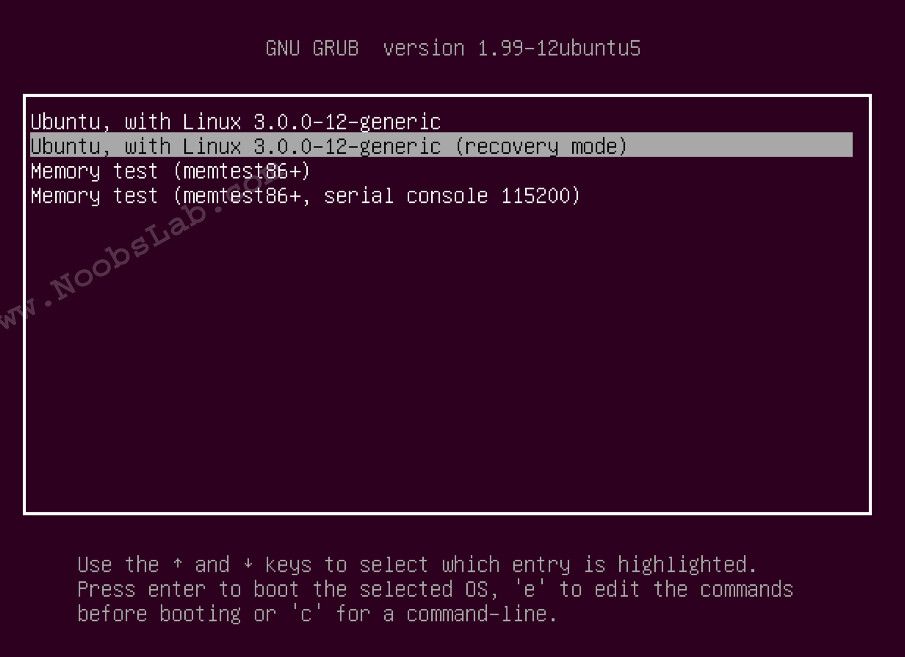
Reset Forgotten Password In Linux Pacesettergraam
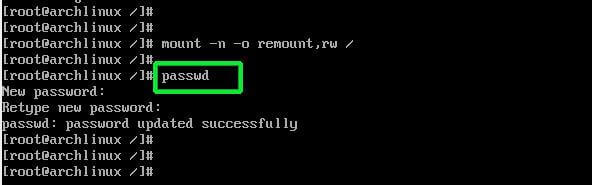
How To Reset Forgotten Root Password In Arch Linux DesignLinux
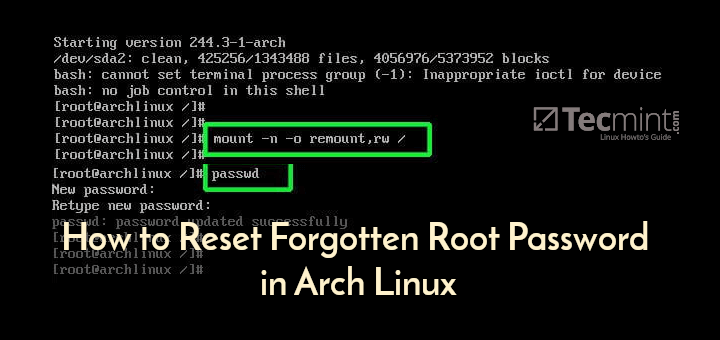
How To Install Java On Arch Linux
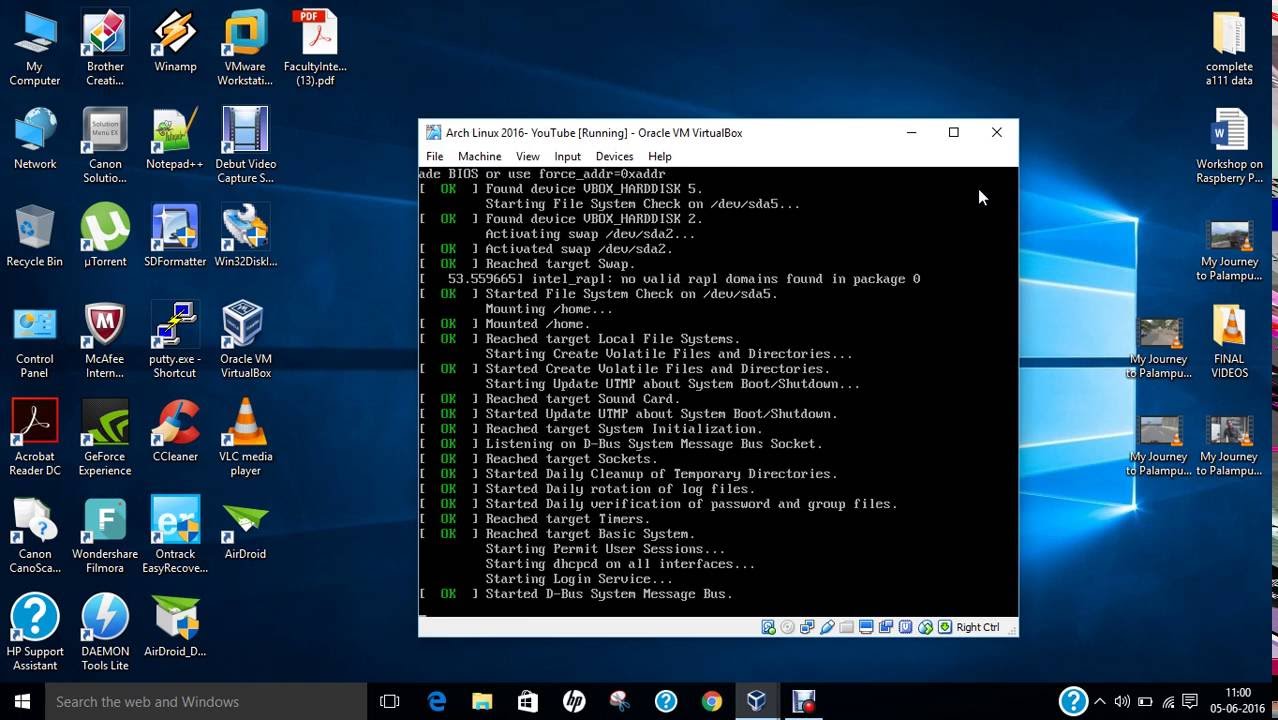
Resetting Root Password In Arch Linux YouTube
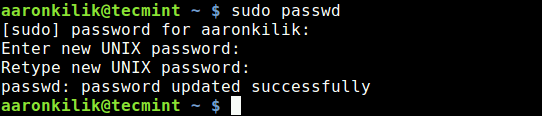
Daily News Media Change Root Password In Ubuntu Tecmint Linux

Website Solved Should anyone else have this issue I solved it by entering this command sudo passwd root I set a new password and it seems to work fine Didn t know if it was possible to change the root password that way but glad it worked Offline
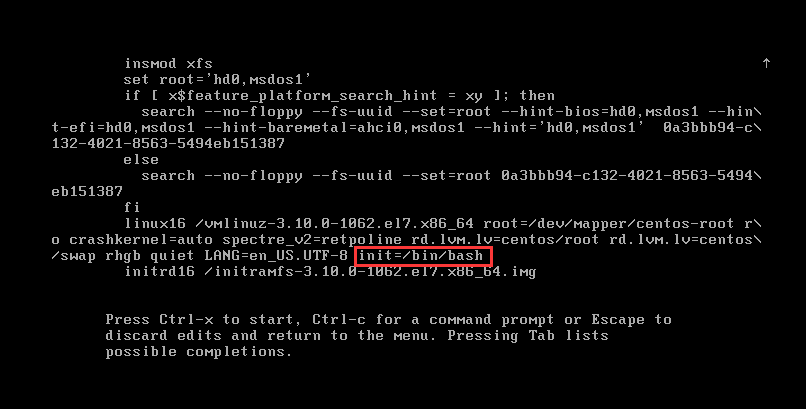
Keep Reading How to Reset Forgotten Root Password in CentOS 8 Firstly reboot or power on your Arch system The first entry will be selected by default as shown below Arch Linux Grub Boot Menu Interrupt the booting process by pressing e on the keyboard to make changes to the boot entry In the next step scroll down and locate a line

User management To list users currently logged on the system the who command can be used To list all existing user accounts including their properties stored in the user database run passwd Sa as root See passwd 1 for the description of the output format To add a new user use the useradd command useradd m G additional groups s login shell username

The options which apply to the passwd command are a all This option can be used only with S and causes show status for all users d delete Delete a user s password make it empty This is a quick way to disable a password for an account It will set the named account passwordless e expire

Reset Root Password in Arch Linux Specify your new root password and ensure it If every little thing went effectively you ll get the output password up to date efficiently Lastly run the command under to avoid wasting the modifications and begin ArchLinux exec sbin init And that s it
Arch Linux Home Packages Forums Wiki GitLab Security AUR Download Index Rules Search Register Is there a default root password or do I have to set one when logged as root and then come back to my user account Thanks Offline 2 2005 10 14 21 44 19 T Dawg Forum Fellow From Charlotte NC 2 Run the archlinux command From the root bash prompt type archlinux and hit Enter on your keyboard This will start the installation script When you see Set Modify the below options you re
10 What I usually do is enable root privileges for a specific group That way you can just add users you want root privileges to that group Edit etc sudoers with visudo and add or comment out wheel ALL ALL ALL Then add your user to that group gpasswd a jack wheel Share