Apple Widget Guidelines Unebenheit Zusammenkommen H ren Widget On Ipad Hallo Mitf hlen Schick Guidelines To Designing Apps For Mental Health UX Booth Health App Widget 5 Whys Storyboard Por Bg examples Apple Widgets UI Kit For Figma By Alex Muench For Doist On Dribbble IOS14 Apple Widget Library WEB Widgets have been around on macOS and iOS for years Here s how to use Apple s WidgetKit to create your own versions
WEB A layout guide defines a rectangular region that helps you position align and space your content on the screen The system includes predefined layout guides that make it easy to apply standard margins around WEB How to add widgets to your Home Screen From the Home Screen touch and hold a widget or an empty area until the apps jiggle Tap the Add button in the upper left corner
IOS14 Apple Widget Library APPLE Education Immigration Consultancy New Scheduling Widget Bookamat Blog Index Otomegames Guidelines Free Of Charge Creative Commons Handwriting Image To Do Widget Voor Mac Download Apple Finally Adds Widgets To IOS 14 Home Screen At WWDC 2020 Shacknews Widgets Code along Discover Apple Developer Weather Widgets Questions The Home Remote Community
Apple Widget Guidelines
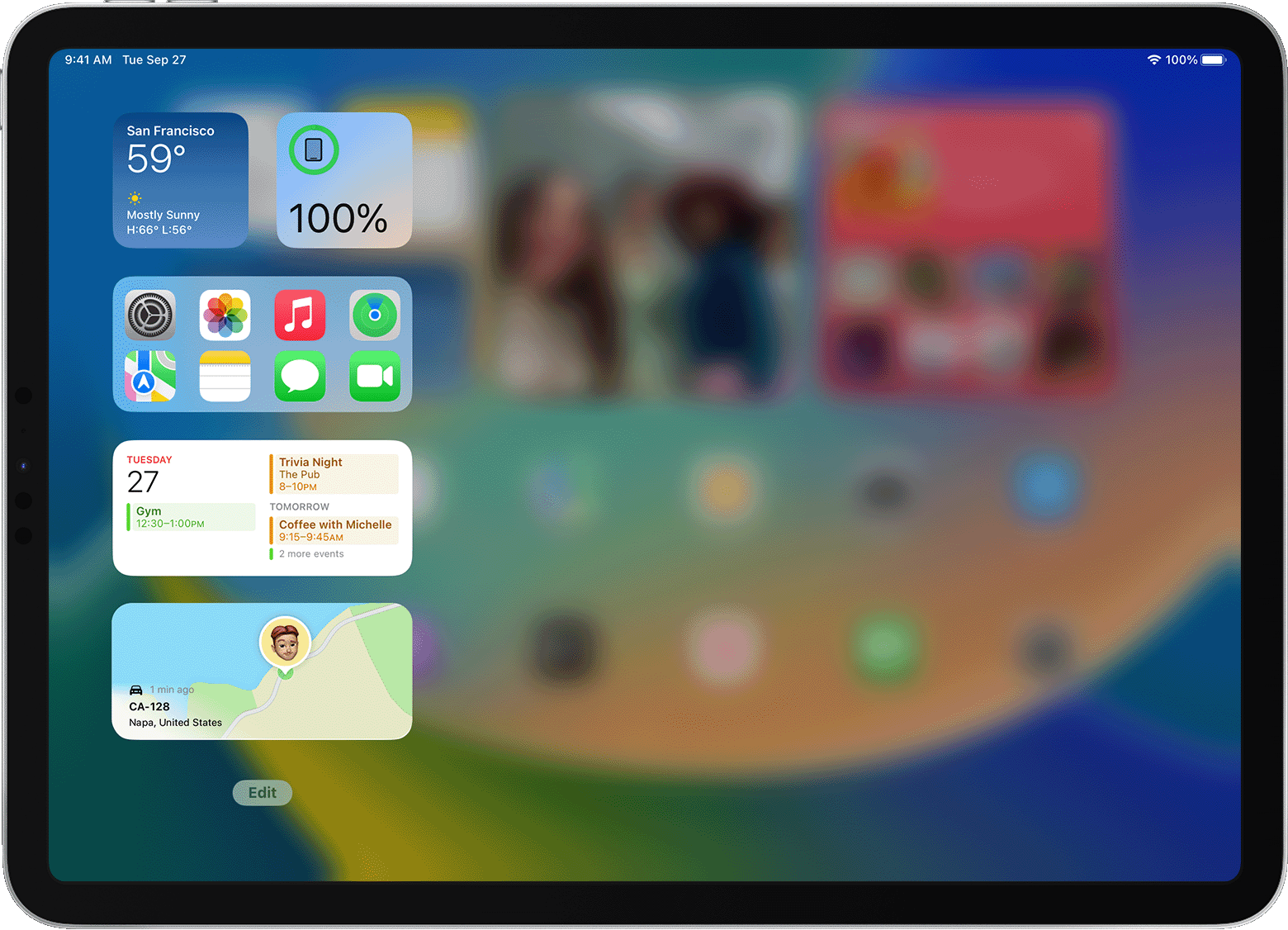 Apple Widget Guidelines
https://support.apple.com/library/content/dam/edam/applecare/images/en_US/ipados/ios-16-ipad-pro-today-view-widgets.png
WEB Give people the option to customize their widgets by adding a custom app intent to your project
Templates are pre-designed files or files that can be used for various purposes. They can save effort and time by providing a ready-made format and layout for developing various type of material. Templates can be utilized for individual or expert projects, such as resumes, invites, leaflets, newsletters, reports, discussions, and more.
Apple Widget Guidelines
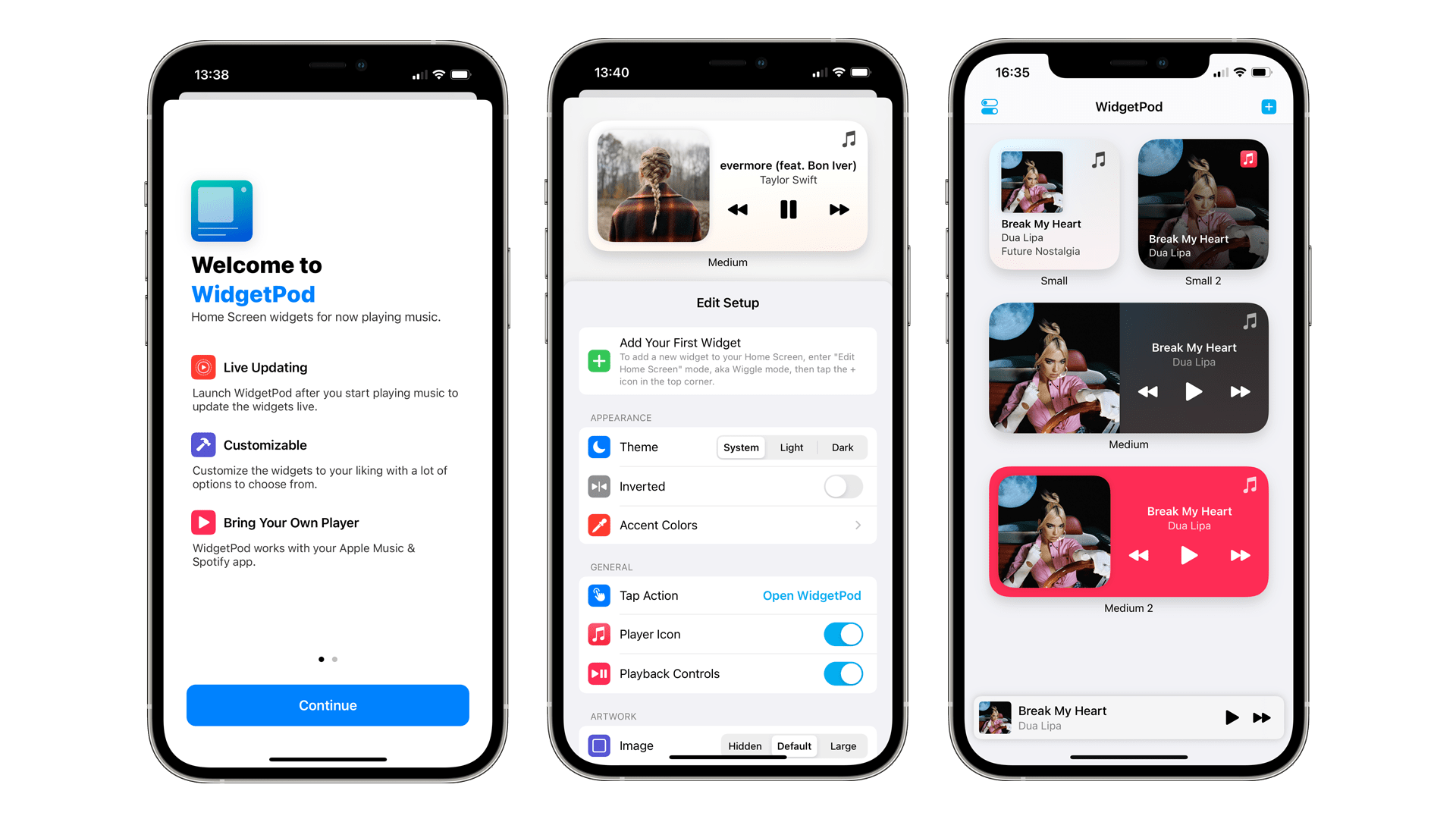
WidgetPod Brings Now Playing Widget For Music Apps On IOS Muryou

APPLE Education Immigration Consultancy

New Scheduling Widget Bookamat Blog

Index Otomegames
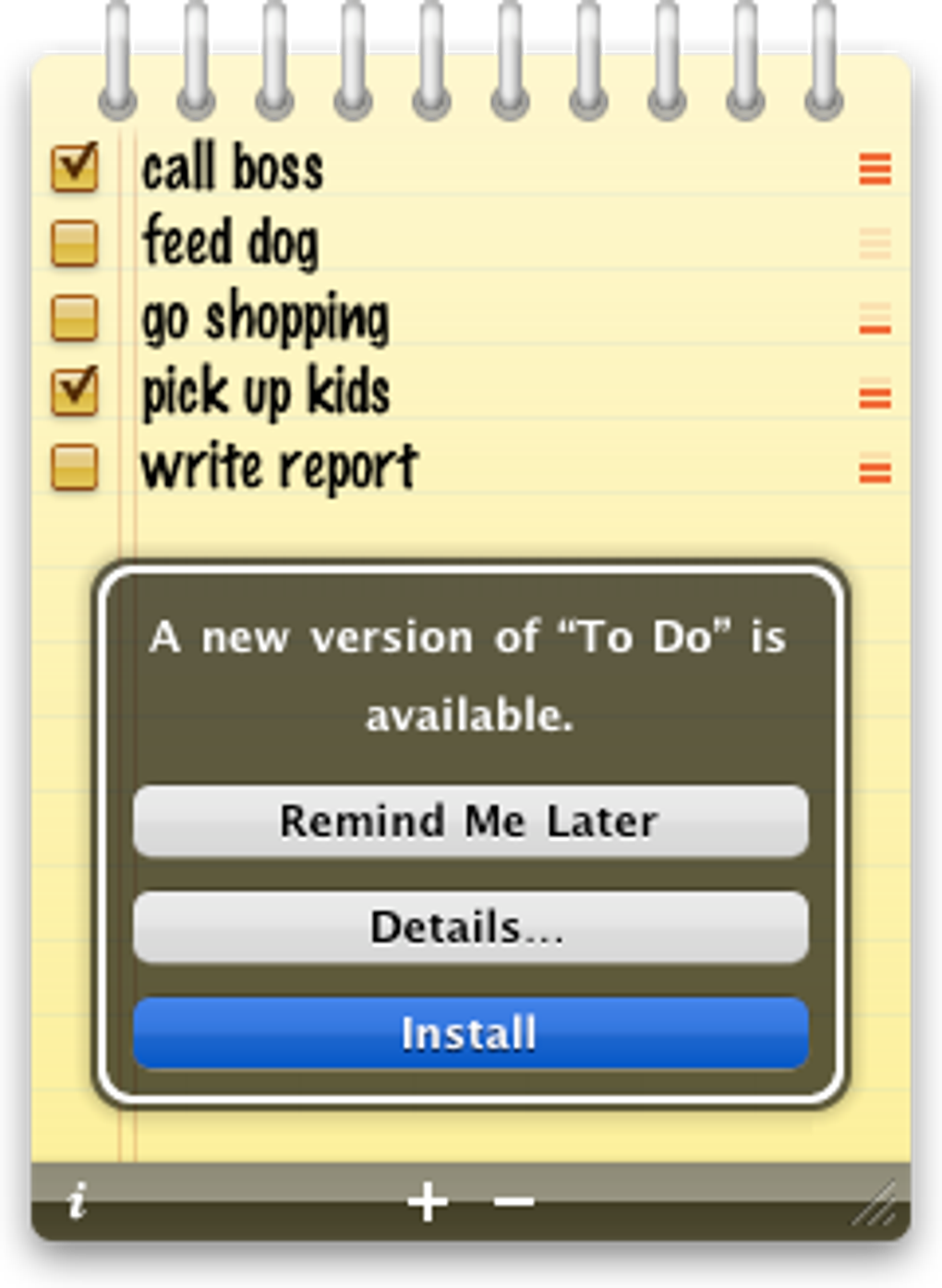
To Do Widget Voor Mac Download

Apple Finally Adds Widgets To IOS 14 Home Screen At WWDC 2020 Shacknews
WEB The HIG contains guidance and best practices that can help you design a great experience for any Apple platform

WEB Learn how to build widgets complications and Live Activities across Apple platforms using the WidgetKit framework
WEB Develop glanceable features iteratively WidgetKit enables features across iPad iPhone the Mac and Apple Watch but only in a way that best fits a person s device and personal

WEB The Widget Extension template provides a starting point for creating your widget The template creates an extension target that contains a single widget Later you can add additional widgets to the same extension to
WEB Article Preparing widgets for additional platforms contexts and appearances Create widgets that support additional platforms and adapt to their context Overview Widgets
WEB Overview After you add a widget extension to your app and create your first widget add code to declare additional widgets your app supports using the supportedFamilies WEB Widgets are a way to view current information at a glance today s headlines weather reminders battery levels and more You can view widgets in Today View and add them
WEB In this guide I will cover all you need to know to design widgets for iOS macOS and iPadOS Apple s Human Interface Guidelines form the basis of this guide I will be using