Android Text Message Font Size Too Big Galaxy S9 S9 How To Increase Decrease Text Messages Font Size Increase Font On Messages App Samsung Community How To Change Text Message Font Size On Samsung A20 Techfixhub How To Change The Font Size On An Android In Ways Lupon gov ph How To Change Font Size Of Chats In WhatsApp On Android YouTube Jun 19 2021 nbsp 0183 32 Sure they could always change the system font size but that would have meant using a larger or smaller one for all of your apps As you can see in the above video it s now
Apr 20 2020 nbsp 0183 32 1 Open the Settings app and tap the quot Accessibility quot tab Your Accessibility menu is where your sizing options will be kept Steven John Business Insider 2 Tap quot Font Size quot Depending on Change the Text Size With this option you can choose how small or large the text should look on your screen Go to Font size Use the slider at the bottom to decrease or increase the text size Slide left to make it smaller and slide right
How To Change Font Size Of Chats In WhatsApp On Android YouTube How To Adjust The Font Size And Style On Your Galaxy Phone Samsung How To Change Text Message Font Size In Android Phone 2020 YouTube Change Your IPhone Text Font Size Smaller Or Bigger On IOS 12 Make It Samsung Galaxy S5 How To Change Text Message Font Size Fliptroniks How To Change Font Size On IPhone Tom s Guide 6 Ways To Change Text Size In Windows 11 WebNots Fixing Huge Font Size In Text Messages Megaleecher Net FIX Font Too Small To Read In Outlook When Composing Emails YouTube
Android Text Message Font Size Too Big
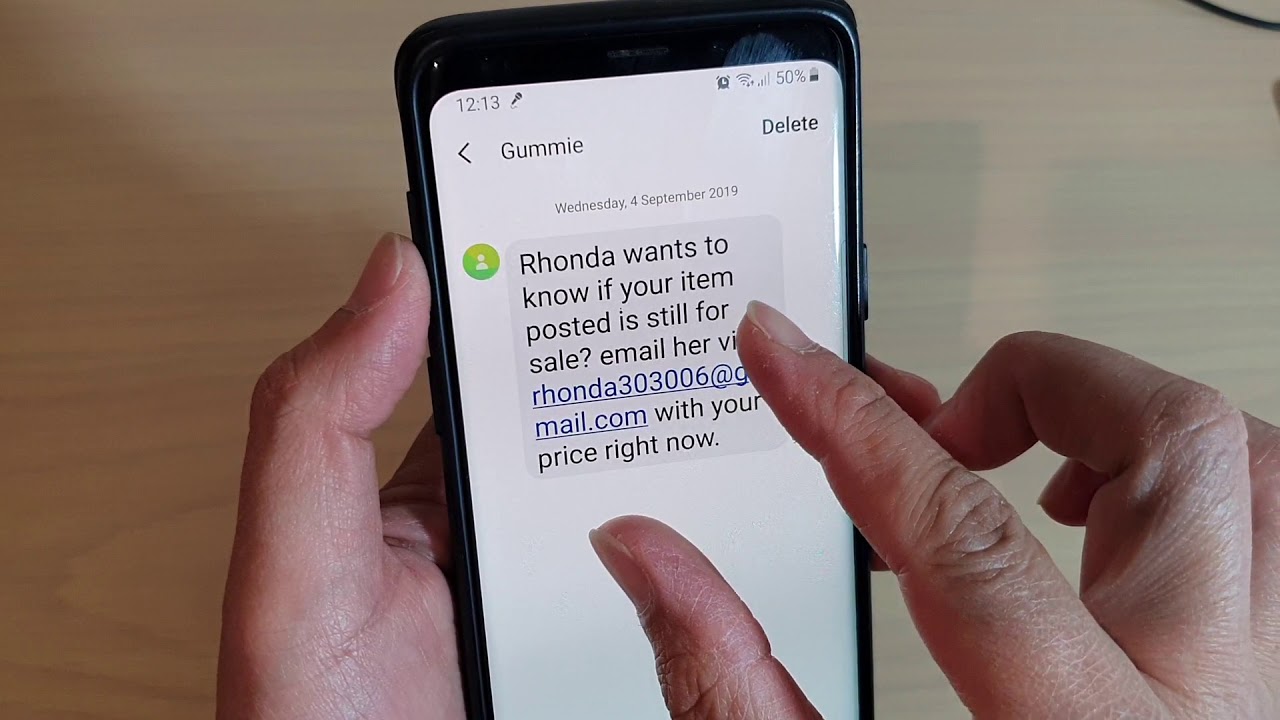 Android Text Message Font Size Too Big
https://i.ytimg.com/vi/heXudiwLN98/maxresdefault.jpg
Jan 19 2016 nbsp 0183 32 Tap Settings gt Display gt Fonts size and choose the size you want 169 ANDROIDPIT Increase smartphone text size using the volume rocker Samsung users
Pre-crafted templates provide a time-saving solution for producing a diverse range of documents and files. These pre-designed formats and layouts can be made use of for various personal and expert jobs, consisting of resumes, invites, flyers, newsletters, reports, discussions, and more, improving the content development process.
Android Text Message Font Size Too Big
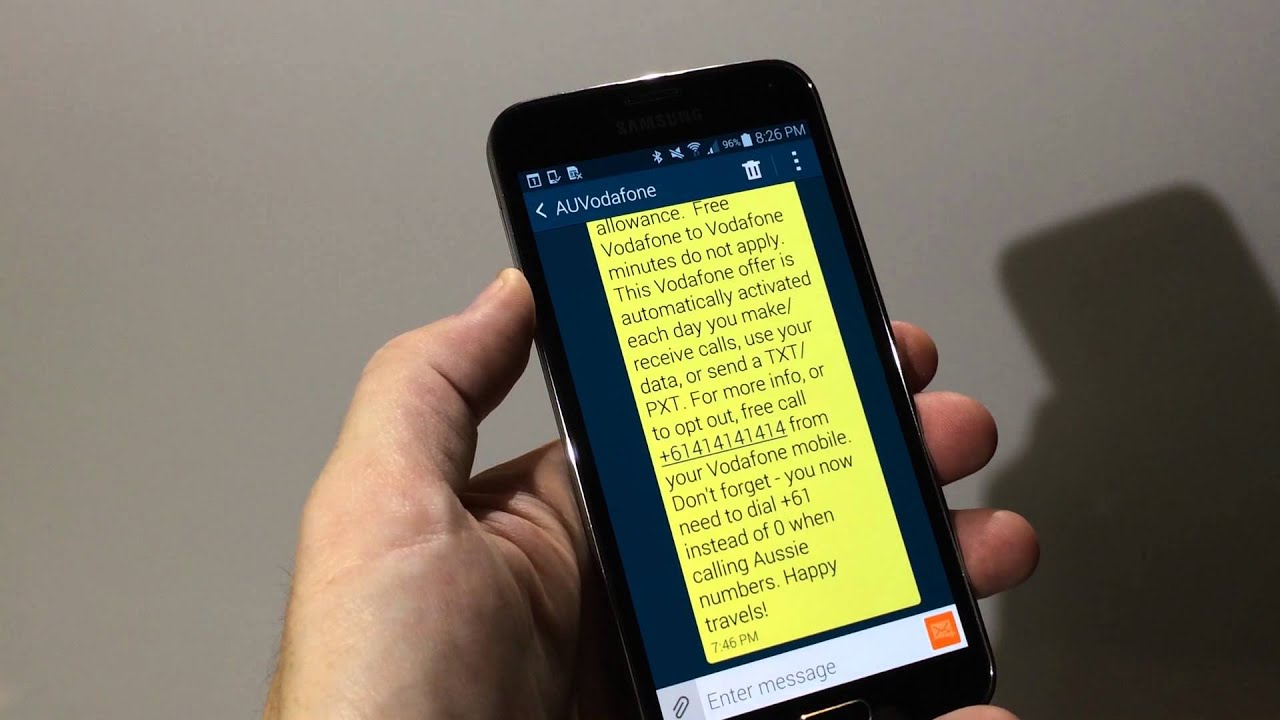
Changing The Text Size In SMS Messages On A Samsung Galaxy SmartPhone
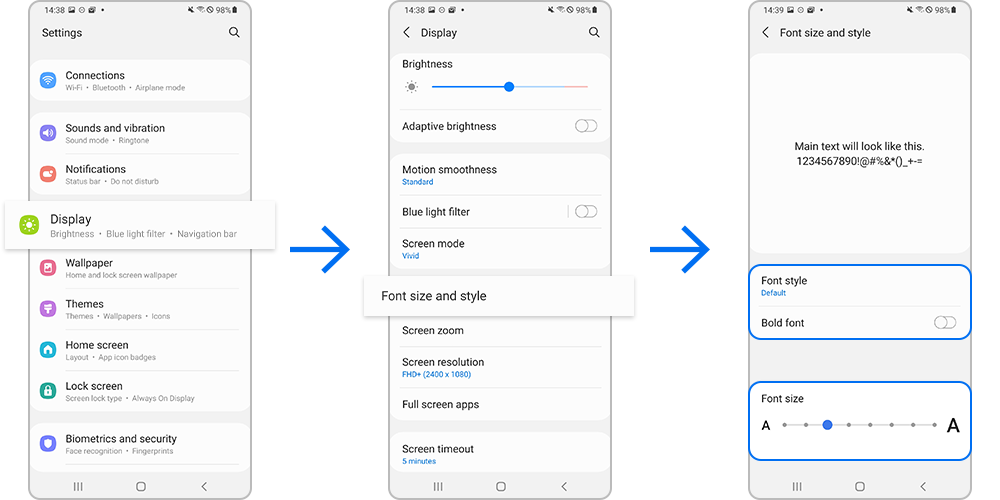
How To Adjust The Font Size And Style On Your Galaxy Phone Samsung
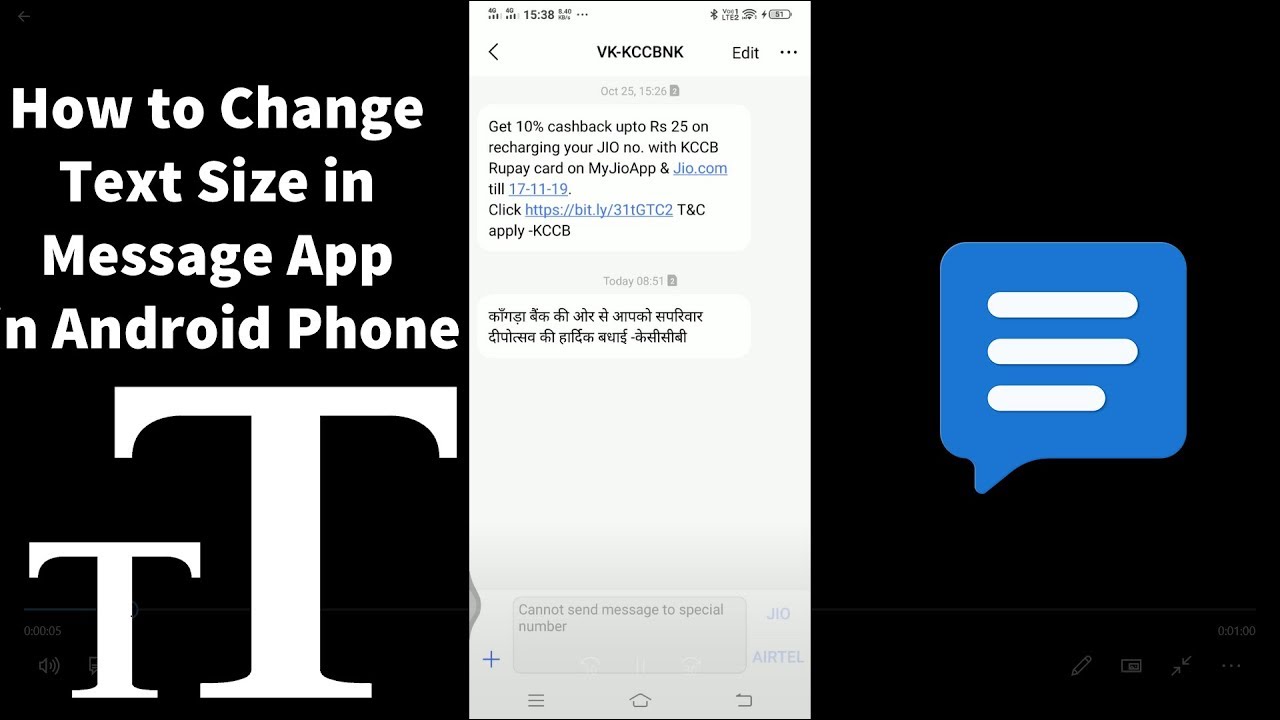
How To Change Text Message Font Size In Android Phone 2020 YouTube
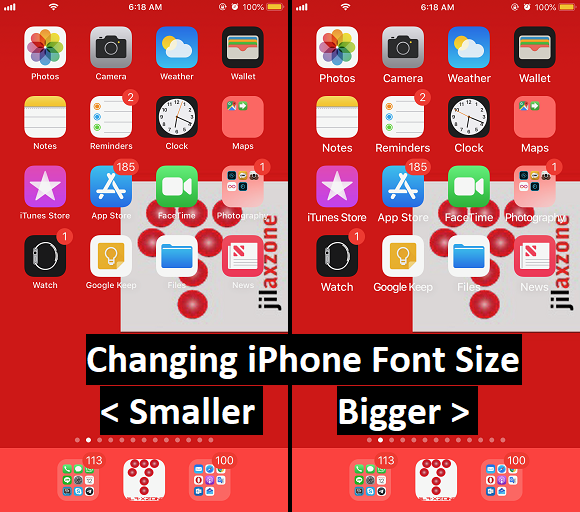
Change Your IPhone Text Font Size Smaller Or Bigger On IOS 12 Make It
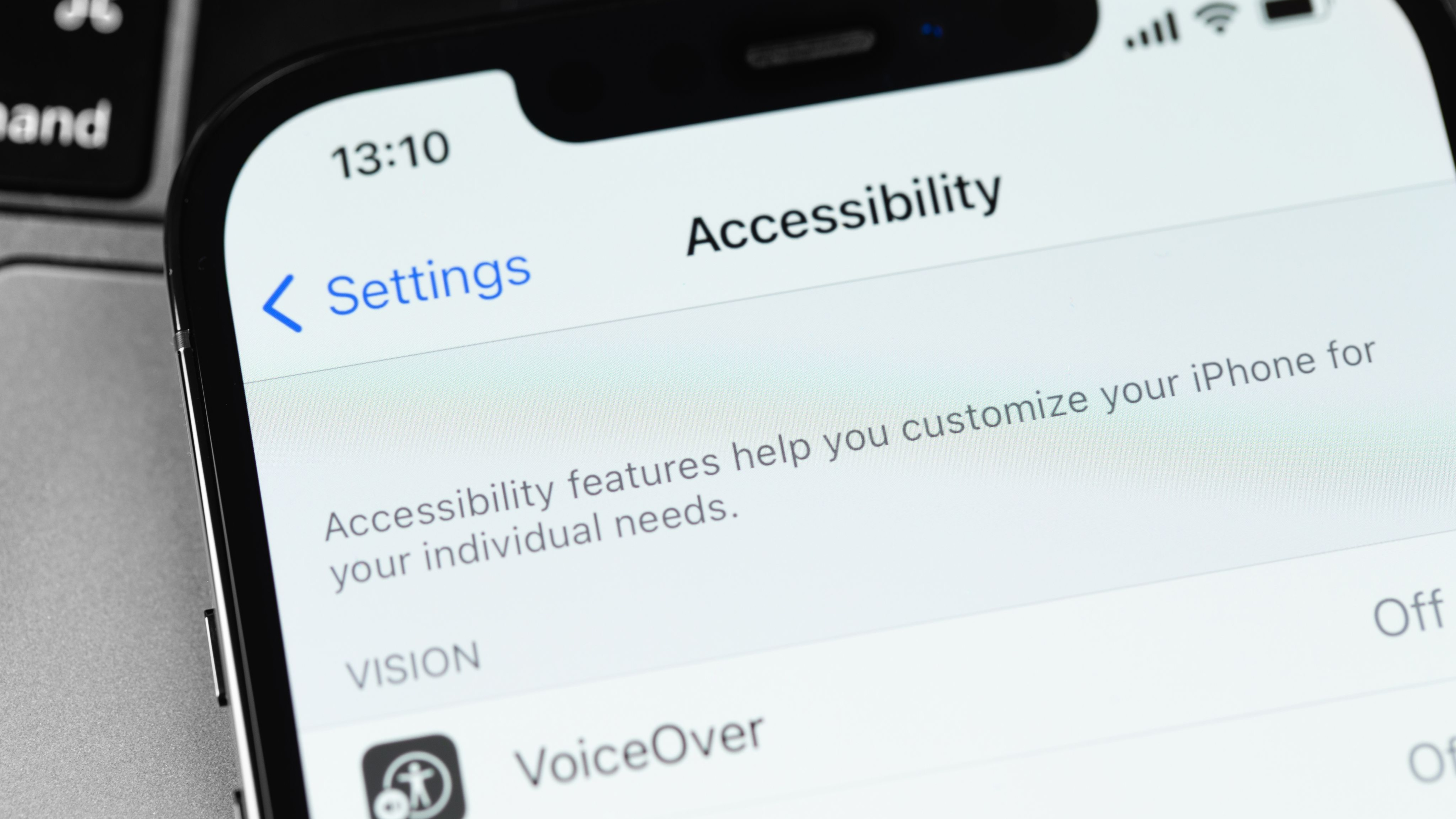
How To Change Font Size On IPhone Tom s Guide

6 Ways To Change Text Size In Windows 11 WebNots

Many Pixel phone users have reported that the font size in their Messages app suddenly increased even though they did not change the Font Display settings If you are facing the

Tap Font Size Choose your preferred font size To increase the font size Tap To decrease the font size Tap To adjust the font size Drag the percentage slider left or
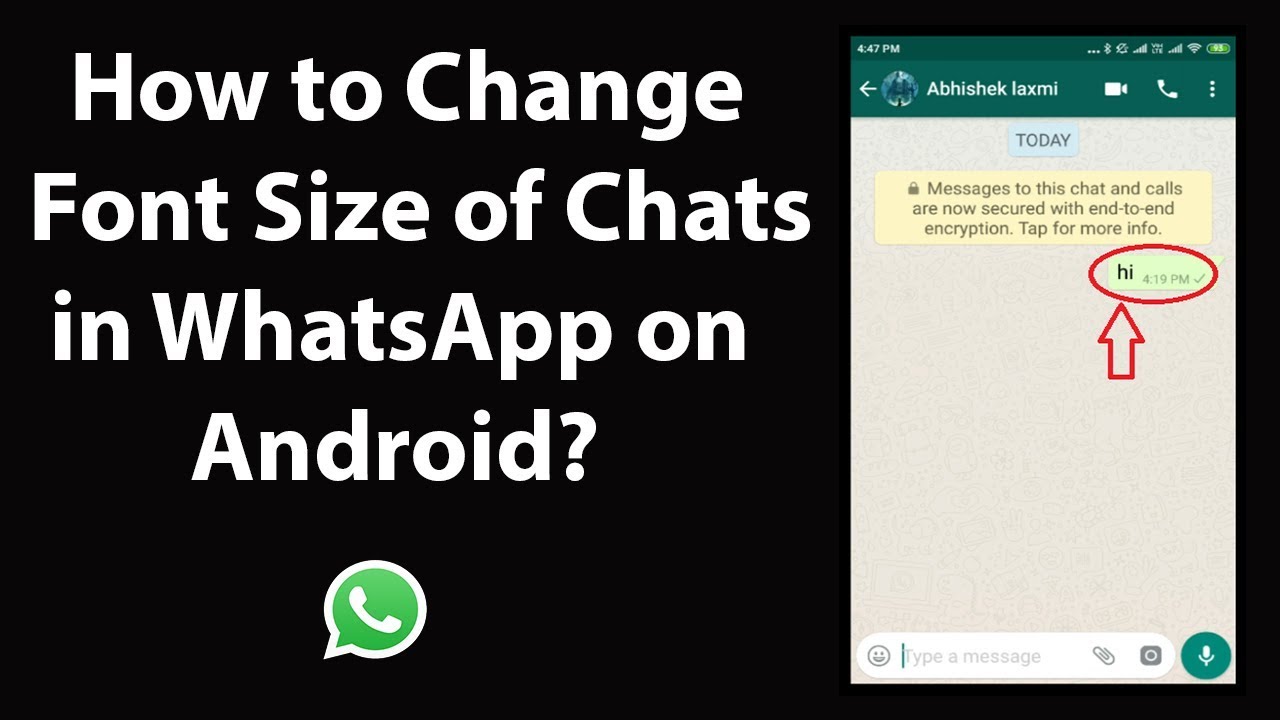
Jun 19 2021 nbsp 0183 32 You can now pinch to zoom to change the font size in Google Messages for Android The functionality is quite straightforward and starts by opening any thread

Nov 4 2022 nbsp 0183 32 Note Android s Settings has a search bar at the top If you have difficulty finding a setting use the search bar Go to your quick Settings swipe down on the home screen Select
Feb 28 2023 nbsp 0183 32 How to change the font size in Android Start by opening your Settings menu Then select Accessibility gt Text and display gt Font size You will see a slider that will let you adjust the
Feb 17 2024 nbsp 0183 32 First swipe down once or twice depending on your phone to reveal the Quick Settings menu Select the gear icon to go to the system settings Now go to the quot Display quot Sep 6 2019 nbsp 0183 32 Learn how you can increase or decrease text messages font size on Samsung Galaxy S10 S10 S10e Android Pie 9 FOLLOW US ON TWITTER http bit ly 10Glst1L
Aug 22 2023 nbsp 0183 32 Why Change Text Size on Android Changing the text size on your Android device can greatly improve your mobile experience Whether you have difficulty reading small