Android Status Bar Font Size Windows 10 Show File Size In Mb How To Change Color Of Status Bar In Android McGhee Musuld Android Font On The Status Bar Stack Overflow How To Change Color Of Status Bar In Android McGhee Musuld Apple How To Enlarge The Status Bar Font Size 2 Solutions YouTube Web Dec 8 2021 nbsp 0183 32 Try to make the font size smaller and to make the screen zoom lower If these aren t working change the DPI from Developer Options
Web Martin s answer specified the wrong height at least as of SDKv11 As per Icon Design Guidelines the status bar icons have a height of 25dp not 32dp 25dp translates into these density specific heights 19px for LDPI 25px for MDPI 38px for HDPI 50px for XHDPI Web Oct 12 2022 nbsp 0183 32 Okay so after a lot of research I found a way to change the size of the status bar Basically I think that the outter screen s status bar text is too small The steps I did was 1 enable developer s option 2 minimum width set to 320dpi The texts got bigger but not as big as the inner screen though almlost there
Apple How To Enlarge The Status Bar Font Size 2 Solutions YouTube Classic Shell View Topic Font Size On Bottom Of Explorer One dark ui Dayn Tweak Redefines Notifications On IOS 12 IOS 14 Status Bar Font Displays Incorrectly If Font Size Is 8 Issue 1547 Open Shell Open Shell Get The Height Of Status Bar Android News Google Integrated Google Calendar 1 1 0 FOX X FOX Status Bar Font Size Request MIUI ROM Xiaomi Community Xiaomi Font patcher Font Line Height Patcher R planetemacs
Android Status Bar Font Size
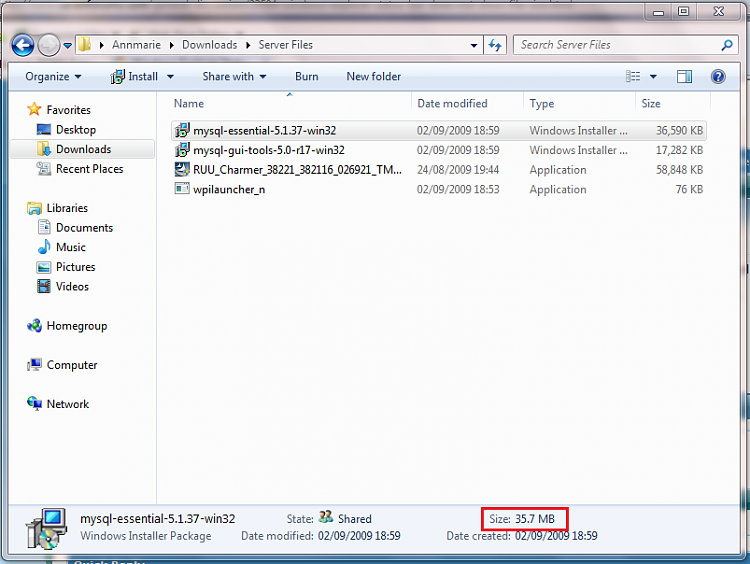 Android Status Bar Font Size
https://www.sevenforums.com/attachments/general-discussion/26461d1486566884t-windows-explorer-status-bar-does-not-show-file-size-capture.png
Web Apr 22 2018 nbsp 0183 32 Does anyone know a way to increase the size of the icons and text in the status bar and possibly change the colour as well I know the size can be changed at Settings gt Display gt View mode but I find the size quite small even at the largest setting
Pre-crafted templates offer a time-saving service for developing a diverse range of documents and files. These pre-designed formats and layouts can be utilized for different individual and professional jobs, including resumes, invites, leaflets, newsletters, reports, presentations, and more, enhancing the content production process.
Android Status Bar Font Size
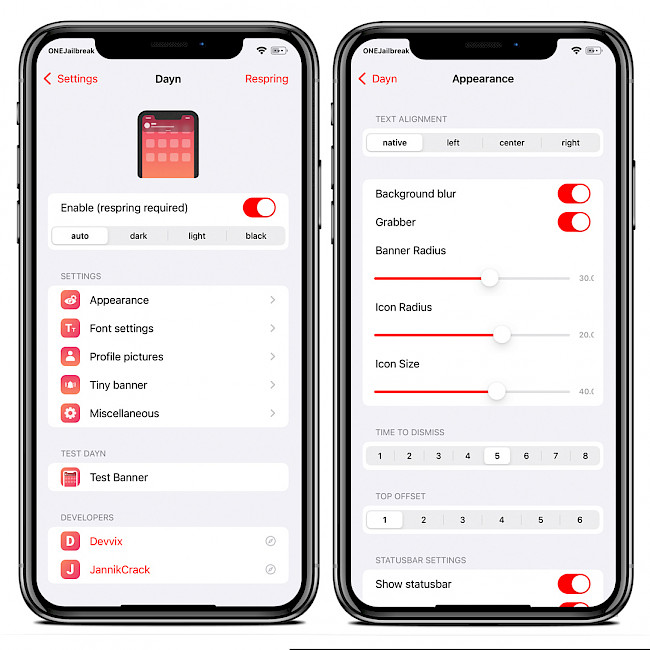
Dayn Tweak Redefines Notifications On IOS 12 IOS 14
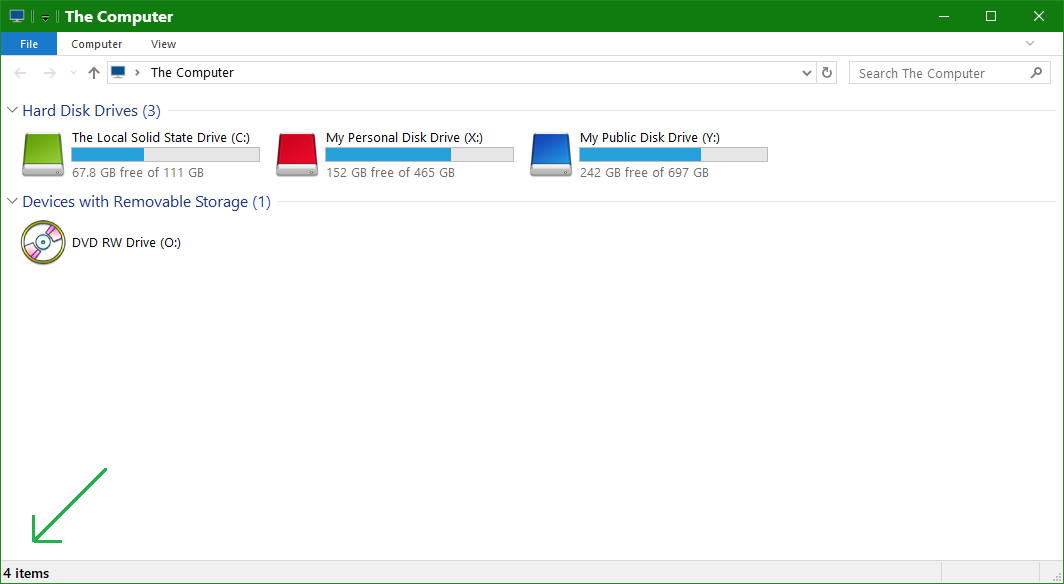
Classic Shell View Topic Font Size On Bottom Of Explorer
One dark ui
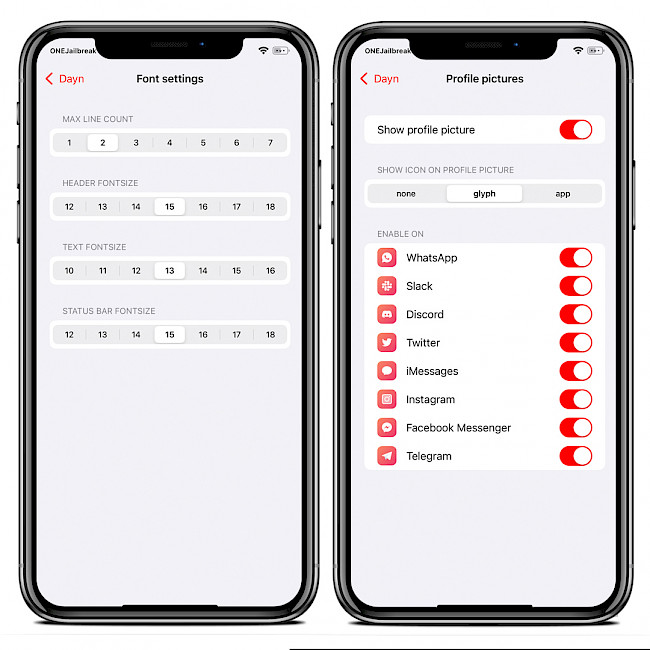
Dayn Tweak Redefines Notifications On IOS 12 IOS 14

Get The Height Of Status Bar Android News

Google Integrated Google Calendar 1 1 0 FOX X FOX

Web On Android 4 1 and higher you can set your application s content to appear behind the status bar so that the content doesn t resize as the status bar hides and shows To do this use SYSTEM UI FLAG LAYOUT FULLSCREEN
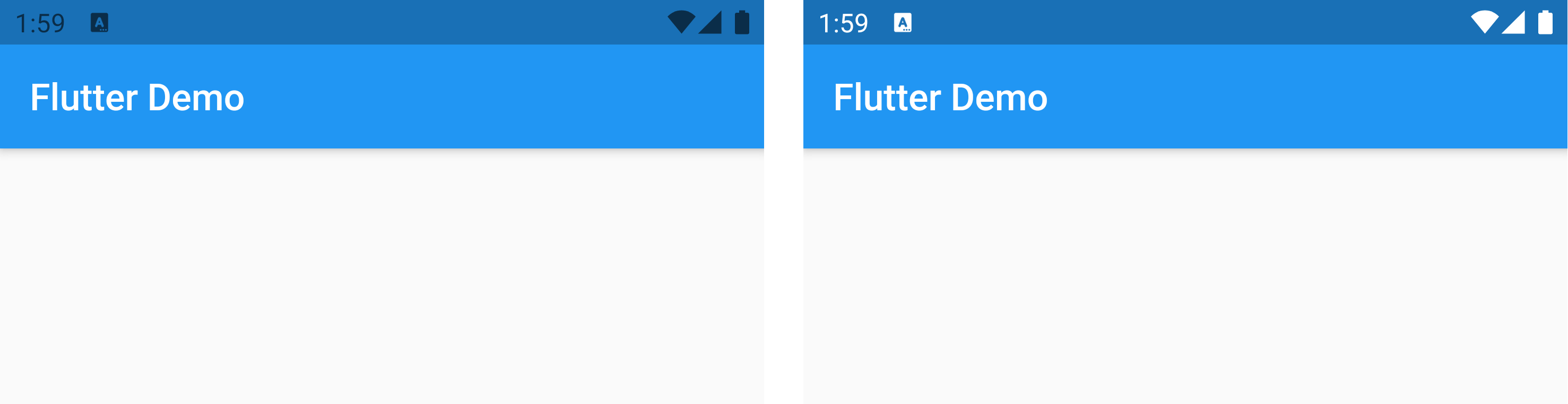
Web Jun 9 2022 nbsp 0183 32 Indeed After the Android 13 update the status bar is tiny with no tricks to change its size The waterfall cutout trick no longer works There has GOT to be a way to actually make the icons and text in the status bar actually fill that area and not be microscopically small

Web 30 11 2021 08 22 PM S20fe5gUK Sadly it isn t possible to increase the size of the Status Bar and it s contents As a possible workaround please head to Settings gt Accessibility gt Visibility Enhancements gt Magnifier Window gt Magnifier Window Shortcut and toggle this option on
Web Dec 9 2022 nbsp 0183 32 Change your Android phone s status bar into a strip of the galaxy or a gradiented pattern The choice is yours to make with this cool and completely free app Get from Google Play Store

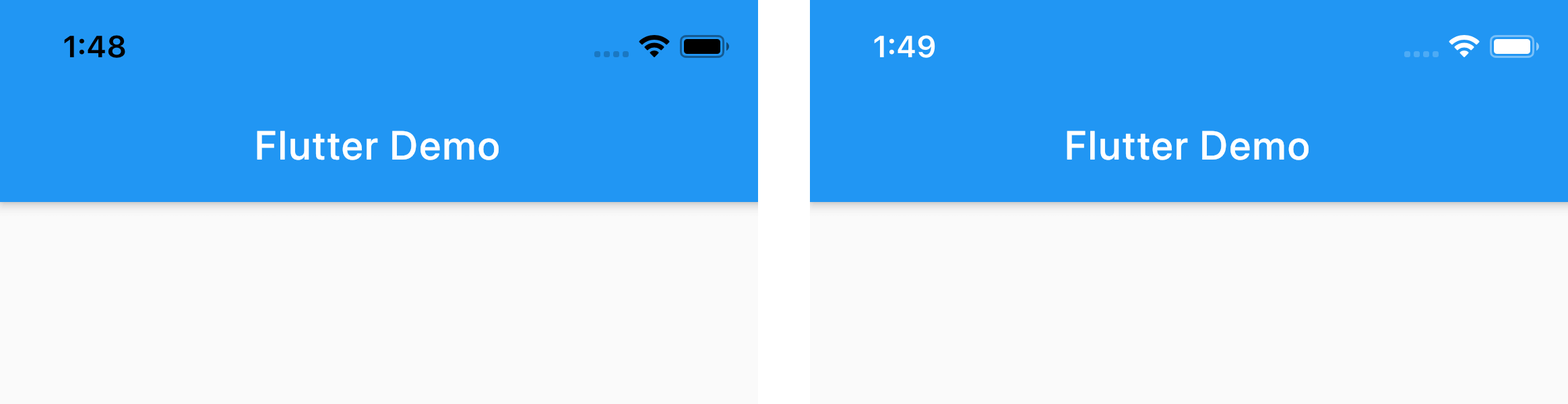
Web Feb 28 2024 nbsp 0183 32 The status bar can appear differently depending on the context time of day user set preferences or themes and other parameters You can also set the status bar style as in the following examples Figure 5 Status bar in light and dark theme
Web On Android the status bar contains notification icons and system icons Android status bar height 24dp Android status bar Android status bar on top of the app bar Android navigation bar link The Android navigation bar houses the device navigation controls Back Home and Overview It also displays a menu for apps written for Android 2 3 Web Oct 6 2020 nbsp 0183 32 4 You will see the screen looks narrow with quot waterfall cutout quot but the icon on status bar become bigger Under quot Minimum Width quot you should see it auto adjusted to 279 dp 5 Reboot your phone
Web Status bar icons should use simple shapes and forms and those must be scaled and positioned inside the final asset Figure 1 illustrates various ways of positioning the icon inside the asset You should size the icons smaller than the actual bounds of the asset Status bar icons may vary in width but only minimally