Android Logcat Android Studio Logcat Monitor Whole Device Daxmidnight Escrever E Visualizar Registros Com O Logcat Desenvolvedores Android Android Studio How To Change Logcat Color By Ted Park TedPark Nhnomad blogg se Android logcat log Web Modern Android Quickly bring your app to life with less code using a modern declarative approach to UI and the simplicity of Kotlin Explore Modern Android Adopt Compose for teams Get started Start by creating your first app Go deeper with our training courses or explore app development on your own Hello world Training courses Tutorials Kotlin for
Web The different LogCat methods are Log v Verbose Log d Debug Log i Info Log w Warning Log e Error What are the appropriate situations to use each type of Logging I k Web logcat The Android logging system provides a mechanism for collecting and viewing system debug output Logs from various applications and portions of the system are collected in a series of circular buffers which then can be viewed and filtered by the logcat command You can use logcat from an ADB shell to view the log messages
Android logcat log How To Take Logs On Android Logcat Dmesg And Ramoops Using Log v LogCat And Filters When Debugging An Android Application How To Take Logs On Android Logcat Dmesg And Ramoops LogNote Log Viewer Lognote Log Viewer Android Logcat Viewer For Android Studio Android Logcat Viewer With New Features Colored Logcat In Android Studio By Colorpid Stack Overflow Android Logcat Window New Android Logcat Support Available In Microsoft Performance Tools For
Android Logcat
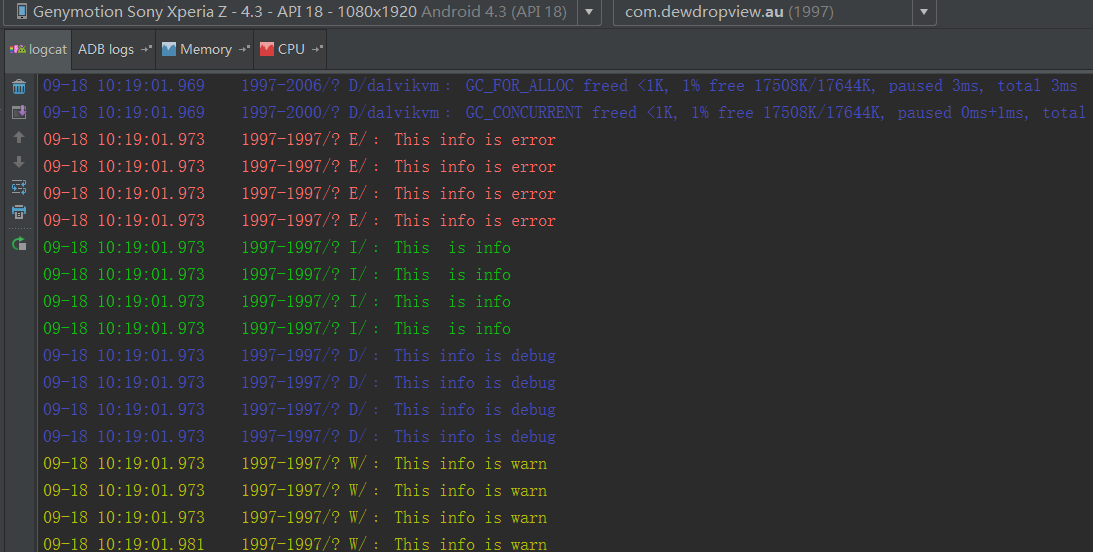 Android Logcat
https://raw.githubusercontent.com/Waylenw/GithubImg/master/androidstudio/logcat1.png
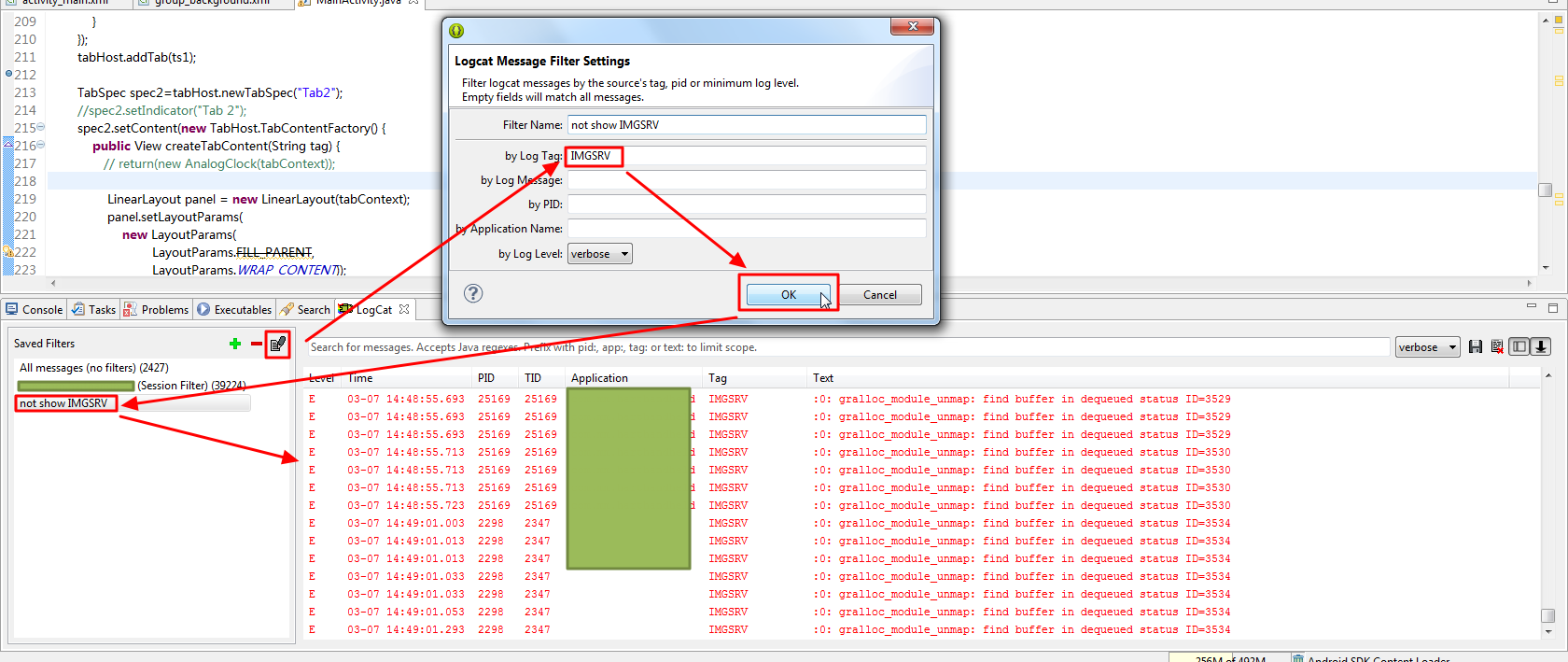
Web The Android logging system provides a mechanism for collecting and viewing system debug output Logcat dumps a log of system messages which include things such as stack traces when the emulator throws an error and messages that you have written from your application by using the Log class
Templates are pre-designed documents or files that can be used for different functions. They can save time and effort by supplying a ready-made format and design for developing different kinds of content. Templates can be used for personal or expert tasks, such as resumes, invites, leaflets, newsletters, reports, presentations, and more.
Android Logcat

Android Studio Logcat terminal build

How To Take Logs On Android Logcat Dmesg And Ramoops
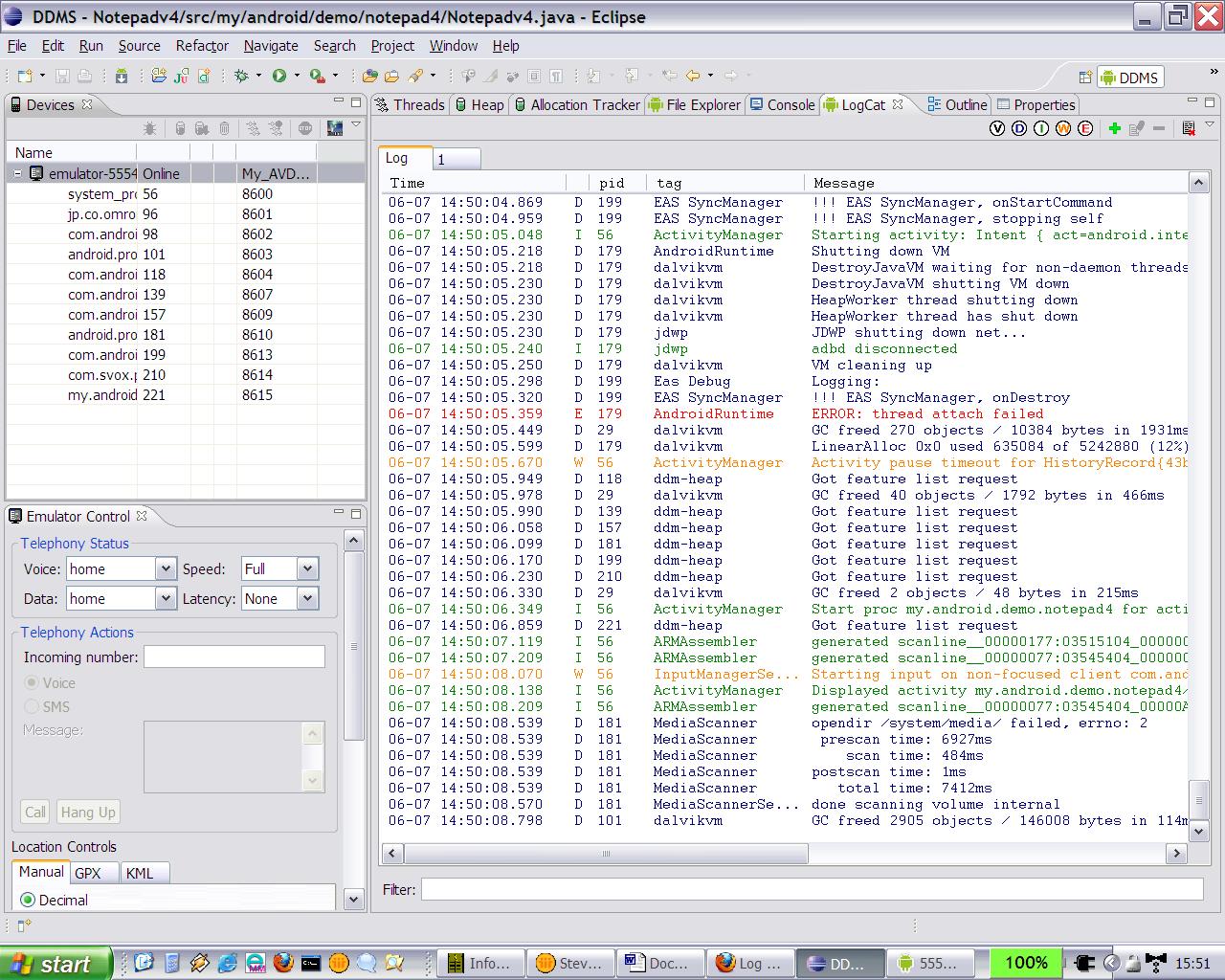
Using Log v LogCat And Filters When Debugging An Android Application

How To Take Logs On Android Logcat Dmesg And Ramoops

Android Studio Android Logcat Viewer With New Features

Colored Logcat In Android Studio By Colorpid Stack Overflow
Web 5 days ago nbsp 0183 32 Get started with the Logcat window In Android Studio build and run your app on a physical device or emulator Select View gt Tool Windows gt Logcat from the menu bar
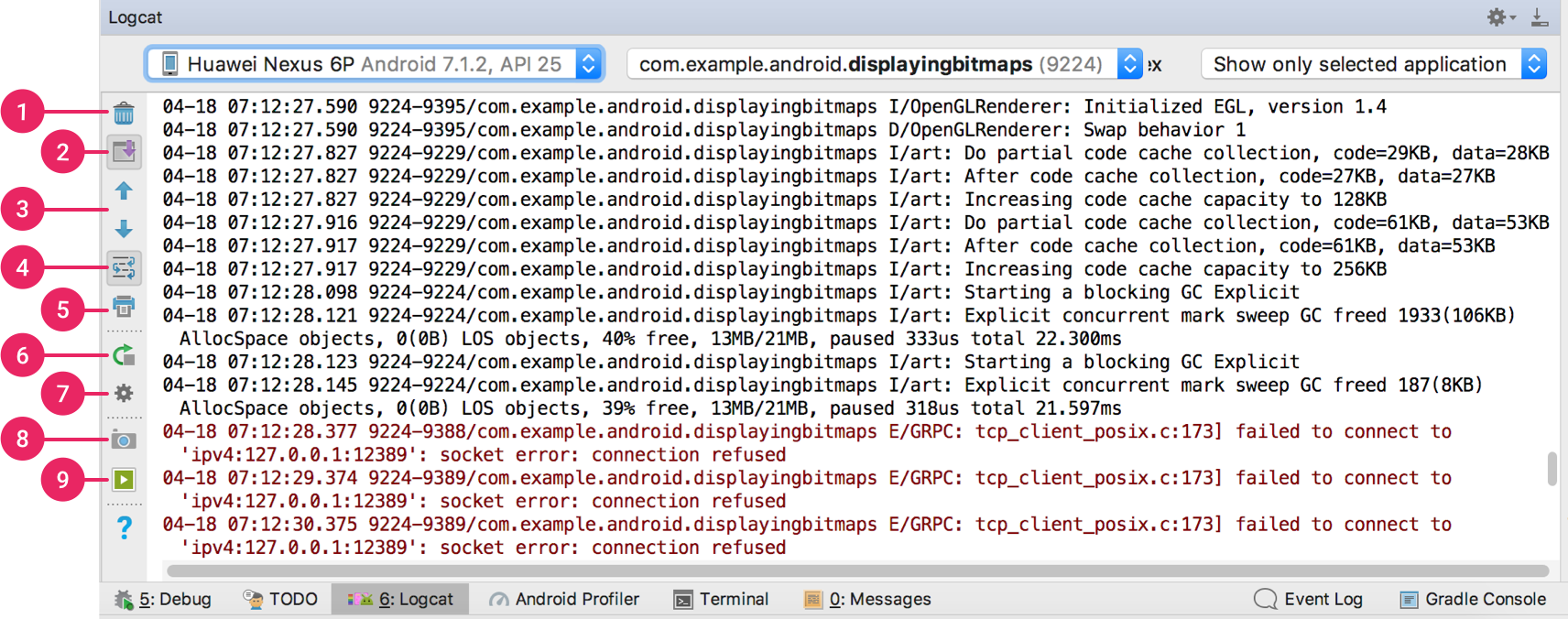
Web Der logcat ist ein Befehl der ADB und das gleichnamige Systemlogbuch von Android In diesem Logbuch kann jede App und Systemprozess oder dienst Eintr 228 ge erstellen Diese Entr 228 ge k 246 nnen einem Entwickler bei der Fehlersuche helfen sind f 252 r den normalen Nutzer allerdings eher weniger hilfreich

Web I want to write some debugging output to the log to review it with logcat If I write something to System out this is already displayed in logcat What is the clean way to write to the log and add levels and tags to my output
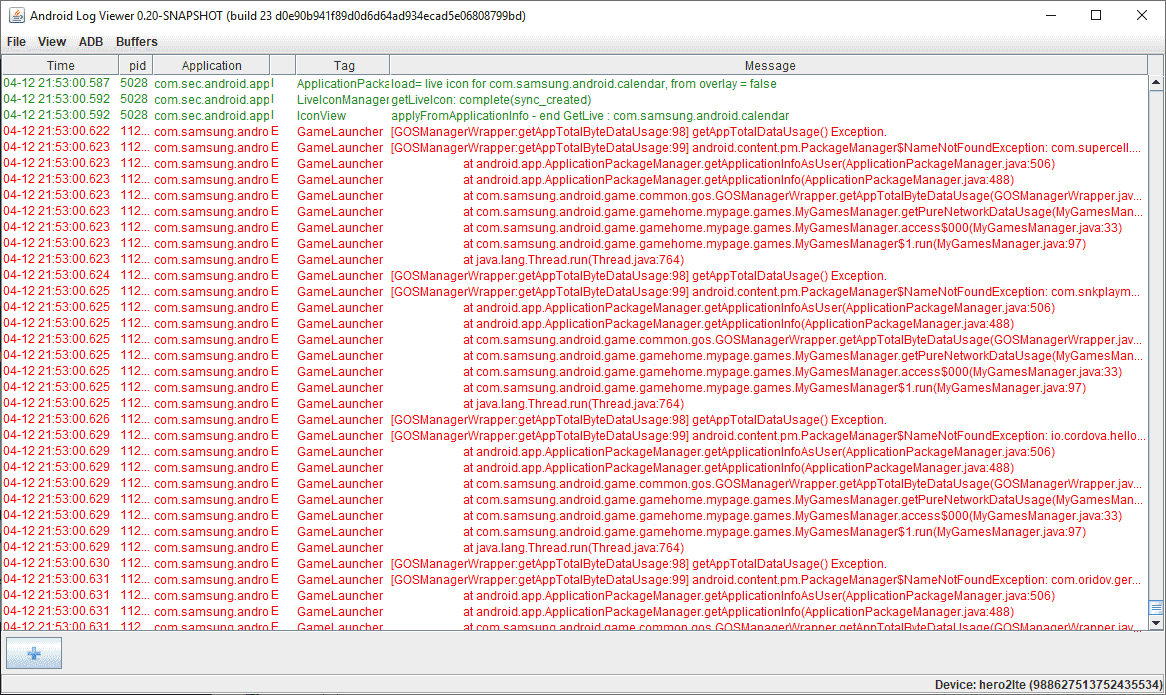
Web Jul 23 2021 nbsp 0183 32 Android allows collecting system logs using Logcat Log messages can be viewed in a Logcat window in Android Studio or you can use the command line tool to pull them Several Android
Web Oct 18 2023 nbsp 0183 32 Logging in Android is complex due to the mix of standards used that are combined in logcat The main standards used are detailed below Figure 1 Log level standards Though each of these standards have similar level construction they vary in granularity Approximate equivalents across the standards are as follows
[desc-11] [desc-12]
[desc-13]