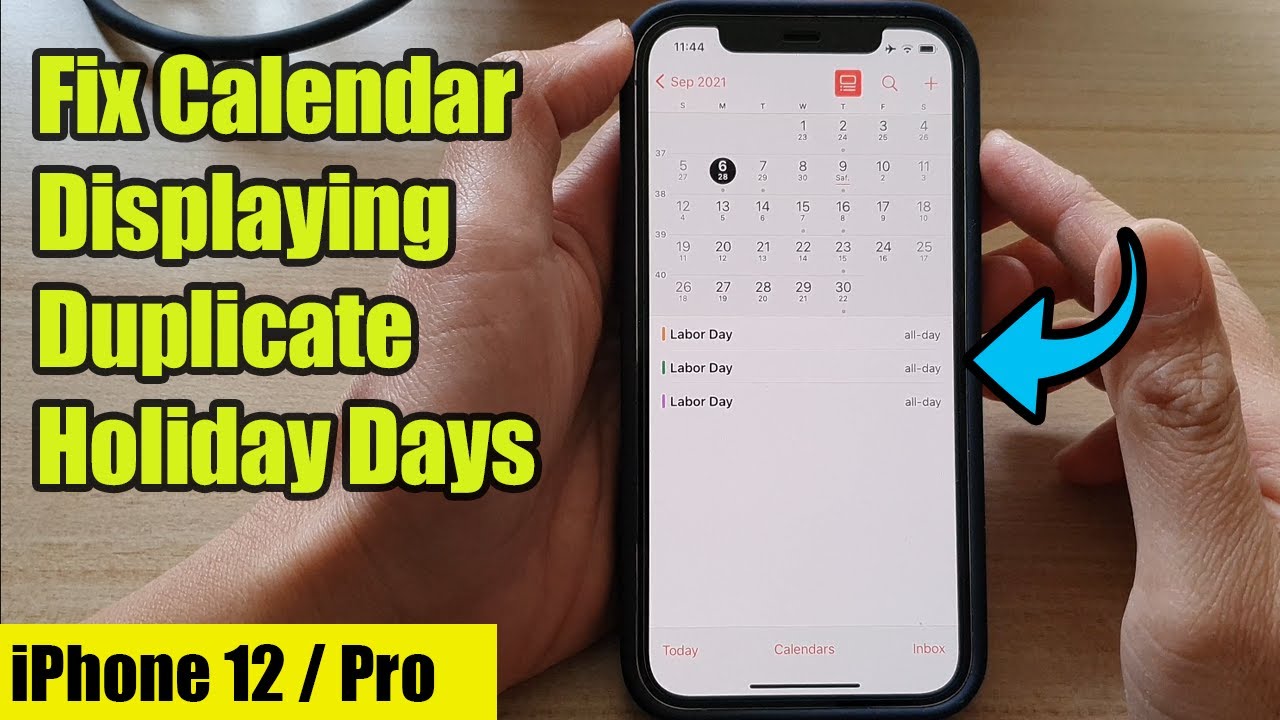
Android Calendar Duplicate Events IPhone 12 How To Fix Calendar Displaying Duplicate Holiday Days YouTube Remove Outlook Calendar Duplicate Entries Outlook Duplicate Remover How To Quickly Duplicate Recurring Tasks In A Notion Calendar Red Gregory How To Duplicate And Copy Calendar Events In IOS And Other Lesser Known Tips AppleToolBox Duplicate event GitHub Topics GitHub Web Jun 15 2018 nbsp 0183 32 I m trying to add events to the calendar on Android Adding is working fine but each time I call the add event method it creates duplicates I ve tried to update events and delete all events with a specific title but no success
Web Nov 28 2019 nbsp 0183 32 I ve been experiencing the duplicate events with O365 events on a S9 and this is really annoying The problem has been solved for some time and doesn t happen work all events just some I also can t work out the pattern of occurrence and I only use the native samsung email client and native samsung calendar Web Dec 23 2022 nbsp 0183 32 To copy single events Select event gt pencil icon gt More Actions in upper right corner gt Copy to This article explains how to copy all events from one Google Calendar to another plus how to copy move and duplicate individual events
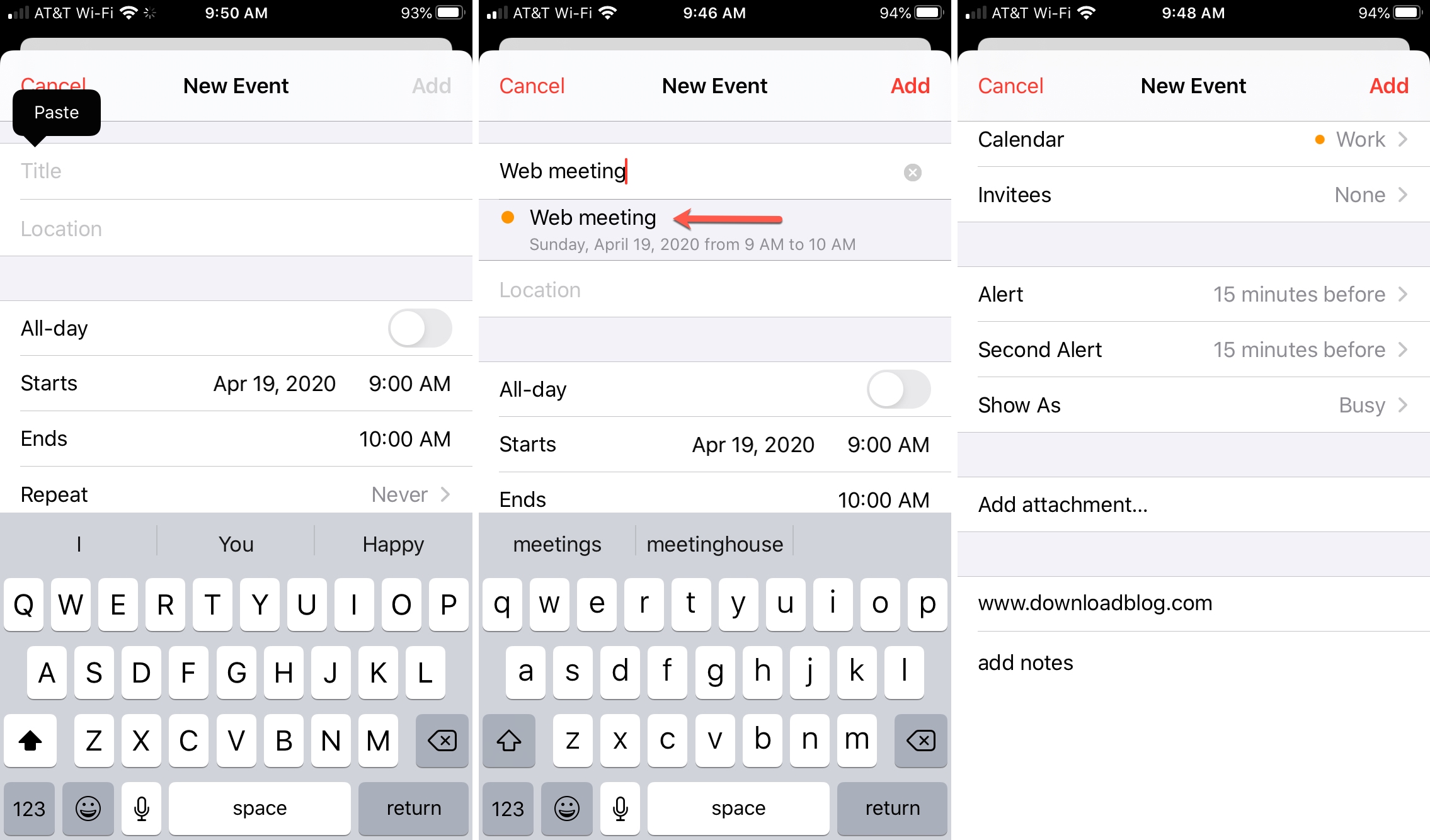
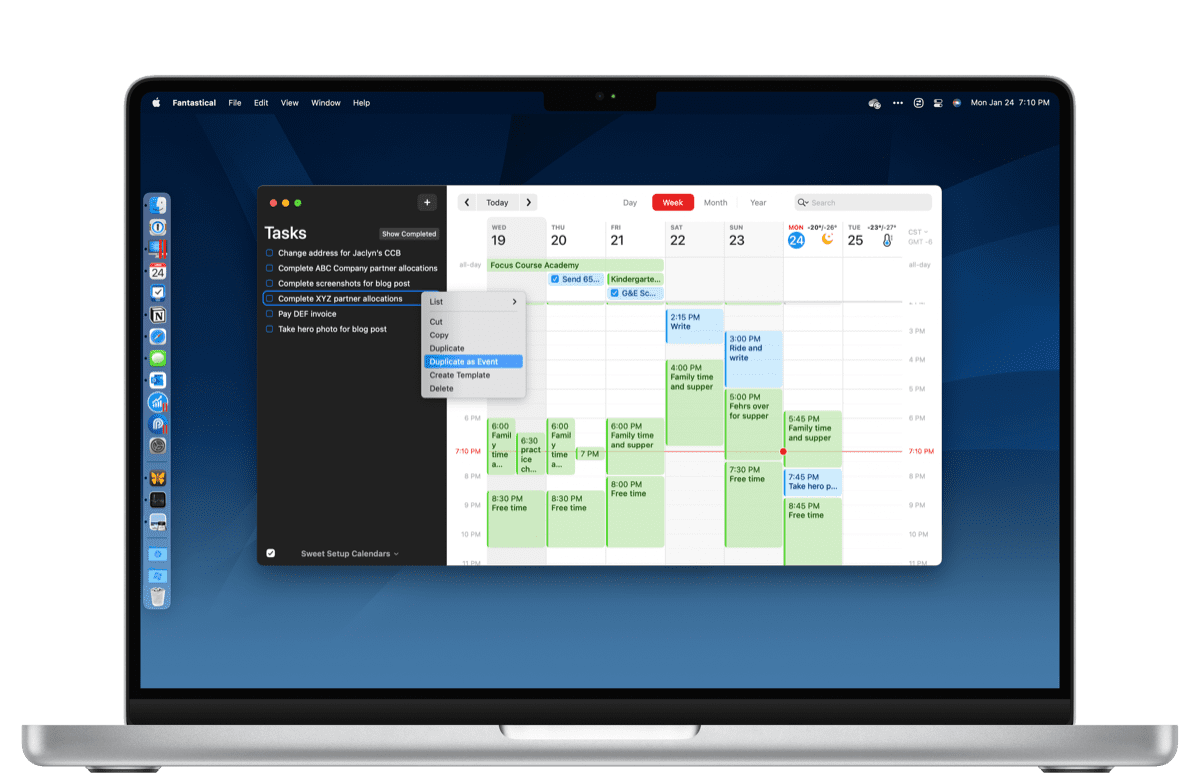
Duplicate event GitHub Topics GitHub Is There An Ipad Calendar App That Can Move Multiple Events Marketspna Fantastical s Duplicate As Event Has Changed My Time Blocking Routine The Sweet Setup Stylesla blogg se Find And Delete Duplicates In Outlook Calendar How To Remove Duplicate Entries In An IPhone Calendar Your Business Duplicate Events PRESIDENT DAVID A HOAG NAMED TO THE COUNCIL FOR CHRISTIAN COLLEGES AND UNIVERSITIES BOARD FullCalendar Javascript Event Calendar Duplicate Events BoTree Technologies Feature Request Make The Calendar App Smart Enough Not To Duplicate Events 9to5Mac
Android Calendar Duplicate Events
 Android Calendar Duplicate Events
https://i.ytimg.com/vi/EG7A5RFy46U/maxresdefault.jpg
Web Oct 24 2022 nbsp 0183 32 Not Duplicates Strictly speaking this is not a case of duplicate events in your calendar Rather you are looking at 2 different Google users calendars who are attending the same event Google helpfully layers the two calendars so you can see events from both at the same time
Templates are pre-designed documents or files that can be used for numerous functions. They can conserve effort and time by supplying a ready-made format and layout for producing various kinds of content. Templates can be used for personal or professional projects, such as resumes, invitations, leaflets, newsletters, reports, discussions, and more.
Android Calendar Duplicate Events

Calendar duplicate event IT Connect
Is There An Ipad Calendar App That Can Move Multiple Events Marketspna
Fantastical s Duplicate As Event Has Changed My Time Blocking Routine The Sweet Setup

Stylesla blogg se Find And Delete Duplicates In Outlook Calendar
Duplicate Events

PRESIDENT DAVID A HOAG NAMED TO THE COUNCIL FOR CHRISTIAN COLLEGES AND UNIVERSITIES BOARD

Web This help content amp information General Help Center experience Search Clear search
Web Aug 7 2013 nbsp 0183 32 I have added events in my own calendar in application by creating account but when ever i synchronize via Sync Calendar through Sync amp Account Manager event get duplicated So How can i check whether event already exist or not i have optimized following code but it seems not working properly

Web This help content amp information General Help Center experience Search Clear search

Web Jul 12 2018 nbsp 0183 32 You can just un tick the duplicate calendar see the colors to reference which one you need to disable If you want to stop it from syncing however you would have to figure out how the
Web Mar 28 2017 nbsp 0183 32 In OnSyncCanceled you can do some light checks to make sure the message succeeded i e is present in the calendar s events table If not then manually replay it If it is present the SyncAdapter will simply move on to the next message and you won t get any duplicates
Web Currently I do the following from the Month view which must be repeated in entirety for each duplicate that I want Click initial event pops up a bubble of information Click Edit event details Choose More actions gt duplicate event Change the date Save this closes the event details so I can t simply choose to duplicate this event Web Instead of turning off notifications for events just disable pop up notifications in the Calendar app which are what s being queued in the roll up mentioned by emmby here Settings gt General gt Notifications and Reminders gt Pop up notification
Web Mar 19 2015 nbsp 0183 32 The duplicate events will be automatically marked and highlighted in red To delete the duplicate events just click make sure that you check its corresponding entry under the Remove section Click the SYNC TO GCAL button to proceed with your request That s it The changes that you ve made will be automatically synced to your