Amazon Fire Tv 4k Resolution Settings Amazon Fire TV With 4K Ultra HD Review IGN Amazon Responds To New Apple TV With Updated Fire TV Box With 4K Amazon Fire TV With 4K Ultra HD At John Lewis Partners Amazon Revamps Its TV Products Adds Support For 4K Ultra HD Streaming Quick Review Of Amazon Fire TV Internet Edge Within the Fire TV s settings menu you ll find a specific section that depending on your device model can elevate image quality all the way up to 4K resolution allowing you to harness your TV s full potential While it s typically set to automatic by default you may occasionally wish to manually adjust this setting
On the screen overlay you will find Resolution which is the actual streaming resolution being played on your Fire TV Stick If it shows 1920 1080 then it means the resolution is FHD similarly 3840 2160 means 4K and 1280 720 means HD Keep in mind this is not the upscaled resolution but the actual one 8 Find out more https www hardreset info devices amazon amazon fire tv 4k stick In this video HardReset Info expert will show you how to set and change reso
Quick Review Of Amazon Fire TV Internet Edge Amazon Fire TV 2017 Ist Da Quadrat Box Streamt 4K HDR Videos Amazon Fire TV 4K Ultra HD Price In Pakistan Telemart Pakistan File Amazon Fire TV Stick HDMI jpg Wikimedia Commons Amazon Fire TV Stick Lite 2020 HD Streaming Device With Alexa Voice Amazon Fire TV 3rd Gen 4K Ultra HD Amazon Fire TV Stick 4K Review A Welcome Upgrade GearOpen Review Amazon Fire TV Cube Para Disfrutar De Tus Pelis Y Series Amazon Tv Fire Stick 4k Ultra Hd Firestick Con Alexa Voice R Mercado
Amazon Fire Tv 4k Resolution Settings
 Amazon Fire Tv 4k Resolution Settings
https://assets1.ignimgs.com/2017/11/03/amazonremote-1280-1509738697857_1280w.jpg
These settings were done on the 43 Insignia 4K Fire TV edition It may vary for other TVs for quick access to picture settings double click the home button You may have to wait for a few seconds to come up This will work on all apps Picture Mode Custom Contrast 100
Templates are pre-designed documents or files that can be used for various purposes. They can conserve effort and time by providing a ready-made format and layout for developing various type of material. Templates can be utilized for individual or expert jobs, such as resumes, invites, flyers, newsletters, reports, discussions, and more.
Amazon Fire Tv 4k Resolution Settings

Amazon Fire TV Stick 4K

Amazon Fire TV 2017 Ist Da Quadrat Box Streamt 4K HDR Videos

Amazon Fire TV 4K Ultra HD Price In Pakistan Telemart Pakistan

File Amazon Fire TV Stick HDMI jpg Wikimedia Commons
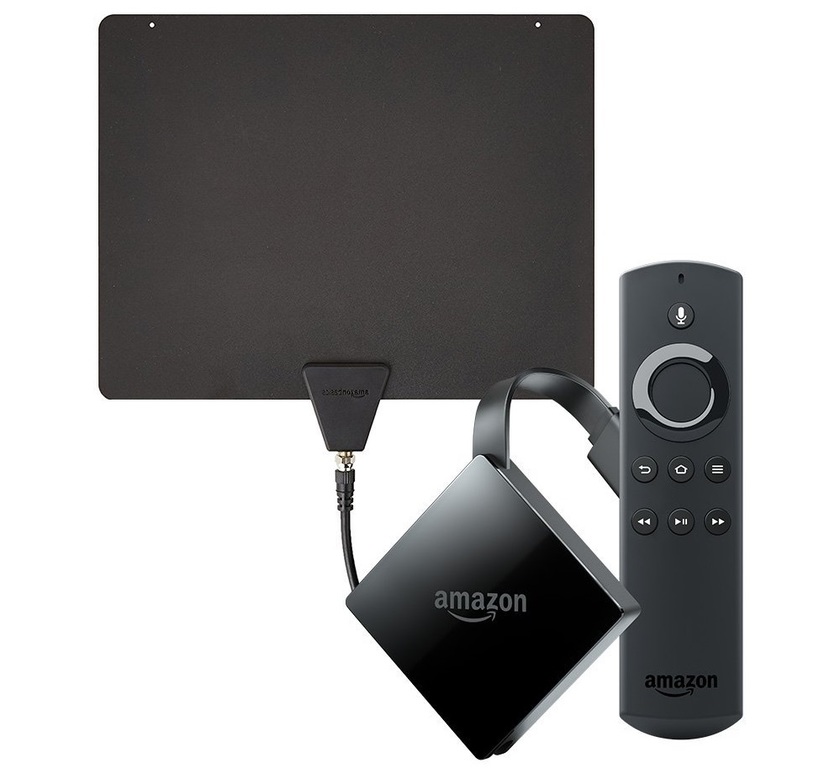
Amazon Fire TV 3rd Gen 4K Ultra HD

Amazon Fire TV Stick 4K Review A Welcome Upgrade GearOpen

Go down to the Display option then select Video Resolution It should be set to Auto which will automatically play in 4K if it s available If that s not the default option go ahead and select it now Unfortunately there s no other way to force 4K resolution and it otherwise can t be selected as the default resolution

Pressing SELECT will save the current display setting This can be useful if somehow your Fire TV is set to a resolution that your TV doesn t support Interestingly using this hidden option allows you to select 480p even though the option is not available in the Video Resolution options found in the Settings menu

To set your resolution to 4K 60 Hz go to Settings on your Fire TV device and then Display Sounds If the resolution you want to use isn t detected it can t be played with your current equipment setup If you re using an AV receiver or soundbar make sure it s connected to an HDMI port with HDCP 2 2
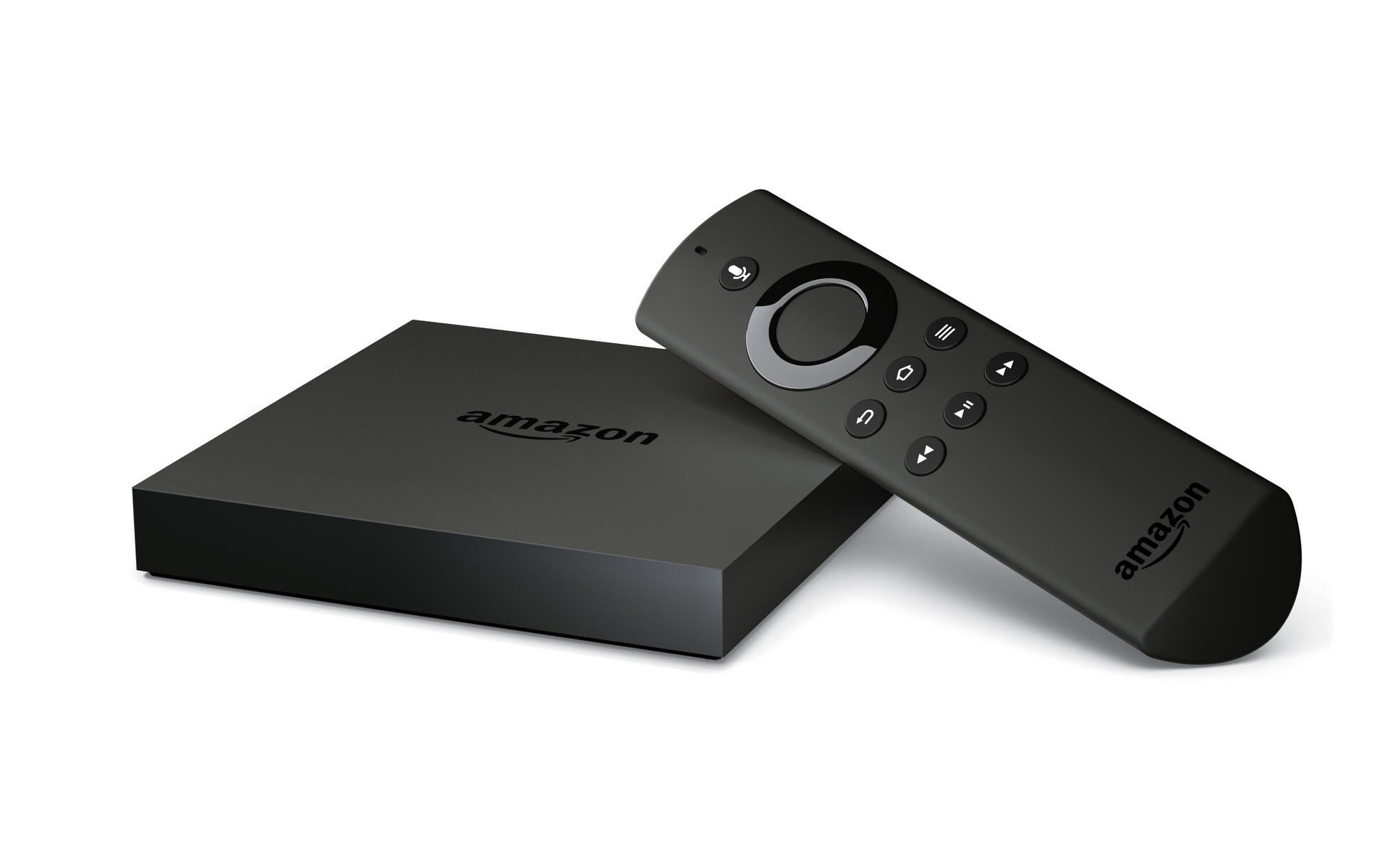
We used the following calibration settings to review the 55 inch Amazon Fire TV 4 Series and we expect them to be valid for the 43 inch 4K32N400A and 50 inch 4K50N400A models as well These settings are meant to be used as a starting point many of them will need to be adjusted based on your viewing conditions and personal preferences

For example you may have a 4K Amazon Fire TV Stick but you won t be able to view 4K resolution video unless you have a TV or monitor that supports that resolution or higher Step 1 Press the Home button on your Fire TV Stick remote then select the Settings option Step 2 Choose the Display Sounds menu item
The Amazon Fire TV Stick and Cube have a brand new home screen with a lot to offer cord cutters But there are a number of hidden features and settings that Set Up Alexa Home Theater with HDMI ARC on Fire TV Stick 4K Max Change Your Echo and Fire TV Sound Settings on Fire TV Home Theater Audio is Out of Sync Fire TV Remote Not Working Amazon Fire TV Devices Compatible with Fire TV Remotes Set Up the Customizable Buttons on your Alexa Voice Remote Pro Find Your Alexa Voice Remote Pro Pair
Step 1 Foremost the user must be able to get to the settings menu to reach the display settings in it The customer must ensure that he she keeps pressing the Home button for a certain