Affinity Photo Ipad Vs Pc Affinity Photo For IPad Receives Big Update Announces Lower Price Point Affinity Photo IPad Double Exposure Effekt YouTube Affinity Photo IPad App Test berblick YouTube Affinity Photo Sur IPad En Promotion Jusqu Dimanche IPhone Soft L application Affinity Photo Pour IPad Pr sent e Lors De La Keynote Est Affinity Photo 2 is the perfect Photoshop alternative for anyone who wants professional photo editing power without an Adobe subscription And this really is a professional tool matching or even beating Photoshop in many key areas It s recently been re released in version 2 now with a free v2 1 update to incorporate many new features
Affinity Photo is one of the best alternatives to Photoshop on the iPad Download Affinity Photo for iPad Serif is no stranger to providing great creative software for a small one time fee check out why Affinity Designer is such a great alternative to Illustrator This is especially notable when you compare it to Adobe s own Photoshop for iPad Affinity Photo for iPad A Complete Guide to Getting Started What You ll Need You will need the following resources in order to complete this project Man with blue hair Broken glass Find more resources on Envato Elements 1 Interface Settings and Left Handed Mode
L application Affinity Photo Pour IPad Pr sent e Lors De La Keynote Est Affinity Photo For IPad Receives Big 1 6 7 Update Free Limited time Affinity Photo IPad 4 Ways To UNDO Redo And More 2020 YouTube Affinity Photo Para MAC Caracter sticas Y Requisitos Affinity Photo IPad HDR YouTube Affinity Photo IPad Mask Layer Iphone Photos Photo Layer Mask AFFINITY PHOTO IPad TUTORIAL ESPA OL YouTube Affinity Photo IPad App 12 9 9 7 IPad Pro Flat Affinity Tutorials
Affinity Photo Ipad Vs Pc
 Affinity Photo Ipad Vs Pc
https://cloudfront.slrlounge.com/wp-content/uploads/2017/06/affinity-photo-ipad-mobile-editing-ios-apple-pencil-retouching-1.jpg
The iPad version is designed with all the same features and the same back end code but refined to work with the touch interface and iPad hardware compatible with the iPad Air 2 iPad 2017 and
Templates are pre-designed documents or files that can be used for numerous functions. They can conserve effort and time by providing a ready-made format and design for producing various kinds of content. Templates can be used for individual or professional projects, such as resumes, invites, leaflets, newsletters, reports, discussions, and more.
Affinity Photo Ipad Vs Pc

AFFINITY PHOTO IPAD Techfeedthai
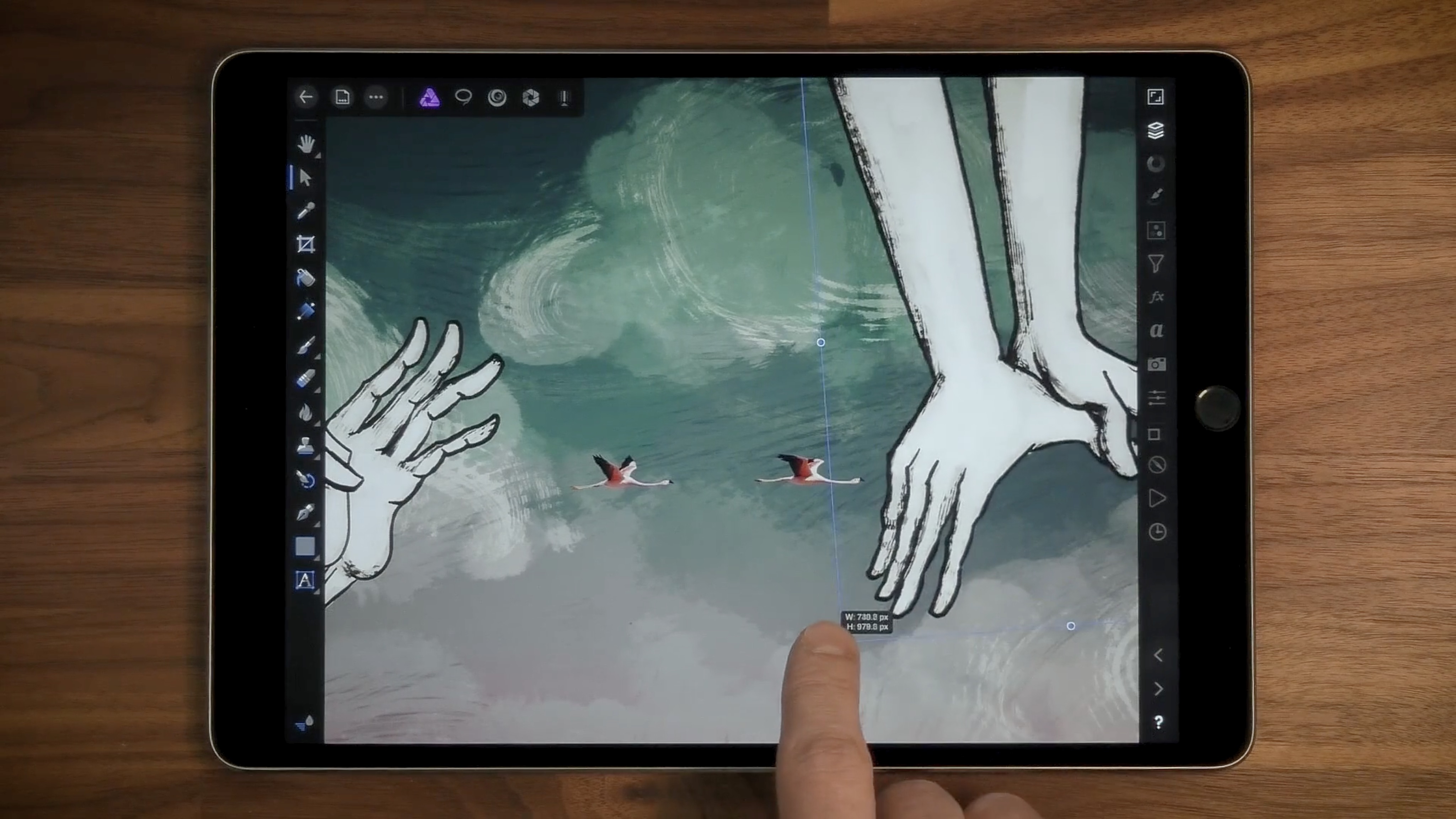
Affinity Photo For IPad Receives Big 1 6 7 Update Free Limited time

Affinity Photo IPad 4 Ways To UNDO Redo And More 2020 YouTube

Affinity Photo Para MAC Caracter sticas Y Requisitos

Affinity Photo IPad Mask Layer Iphone Photos Photo Layer Mask
AFFINITY PHOTO IPad TUTORIAL ESPA OL YouTube
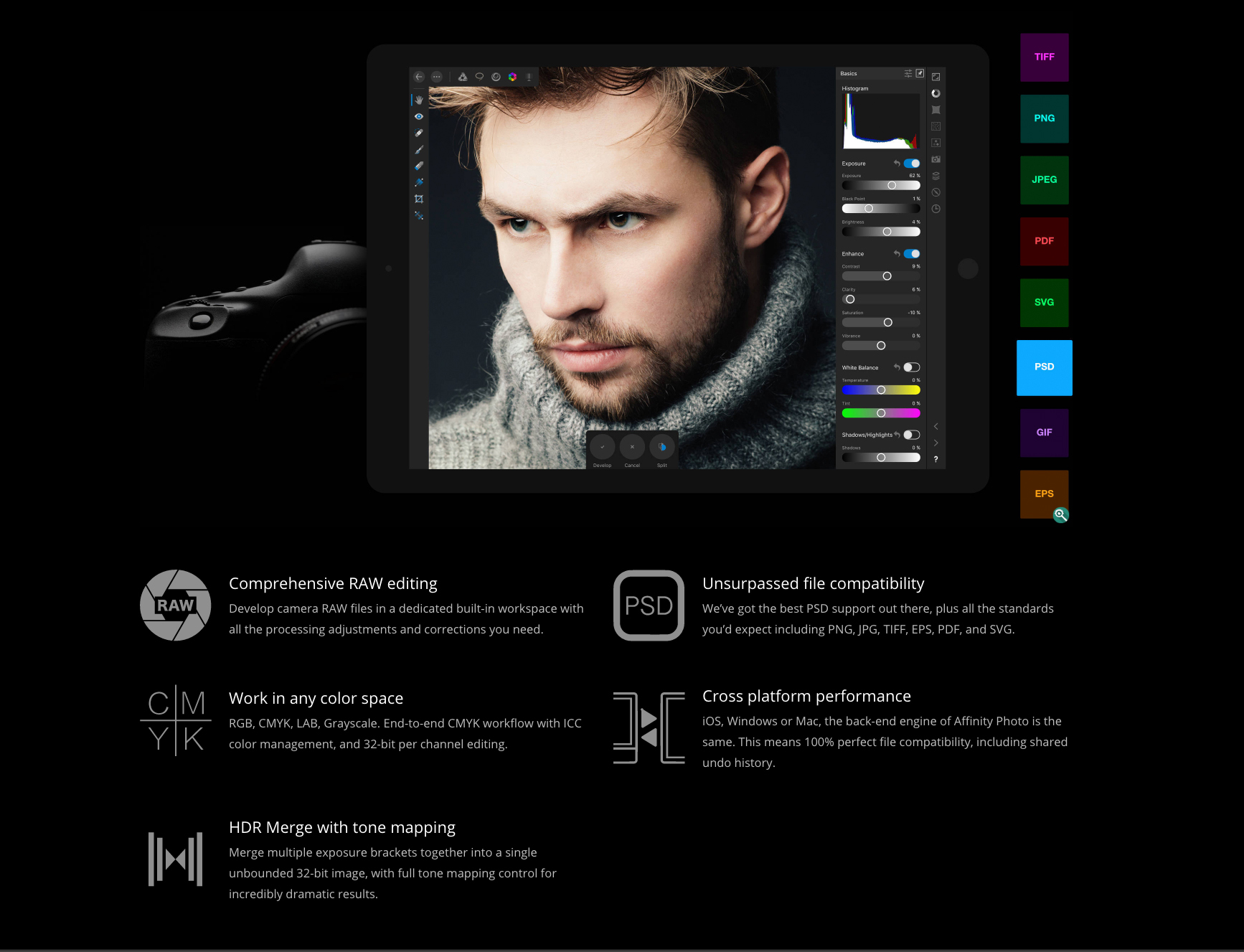
With the Affinity apps being available on iPad plus a shared document format that means all the features from the desktop apps are supported a number of portable and convenient workflow options open up for those who divide their time between desktop machines and portable devices

5 6k Location Australia Posted April 15 2018 There are some features provided on the desktop that are provided differently on the iPad or not yet accessible from the menus but will run in the underlying code Live Filters menu on desktop now available via macros on the iPad version

1 Posted February 12 2021 I recently migrated from Affinity Photo for iPad to the desktop Version 1 9 I can not locate the patch impair and blemish feature In the iPad version it is located within the clone tool by right clicking The desktop version appears to not have the feature Where do you go or how do you get to these features Help
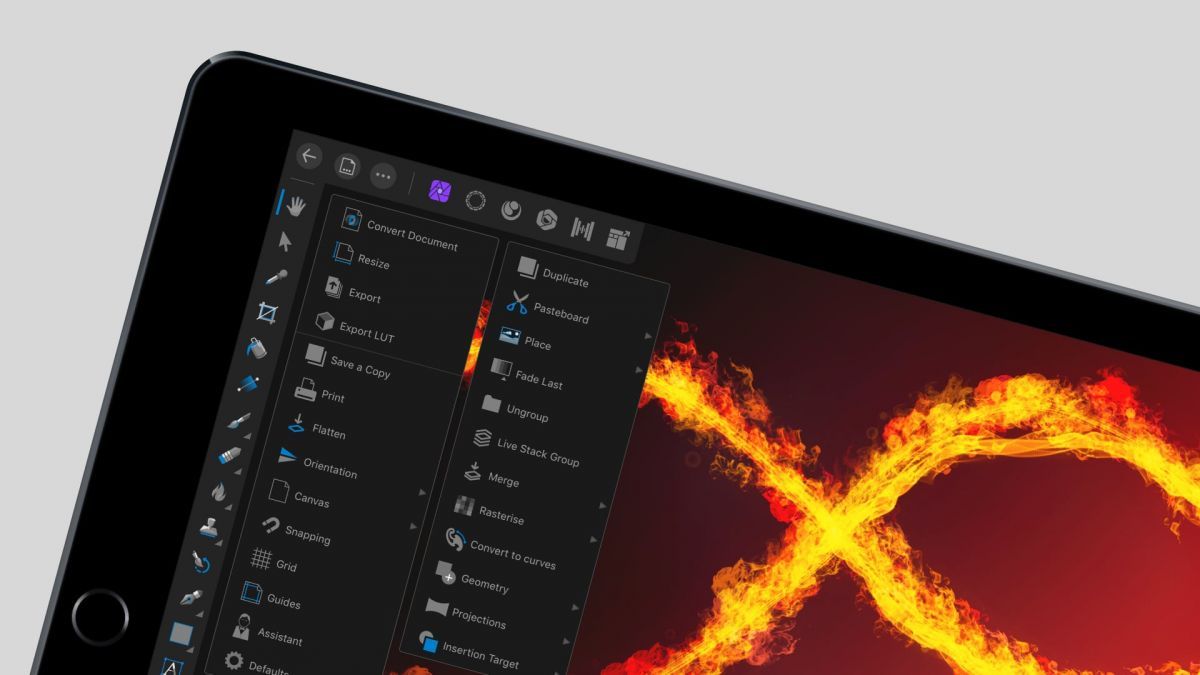
1 Affinity Photo for iPad Introduction and Workflow 2 Next Affinity Photo for iPad 20 Affinity serif Buy Now We ve come to expect less from iOS software on the iPad compared to desktop applications because in most cases they re mobile and mobile has traditionally meant limited
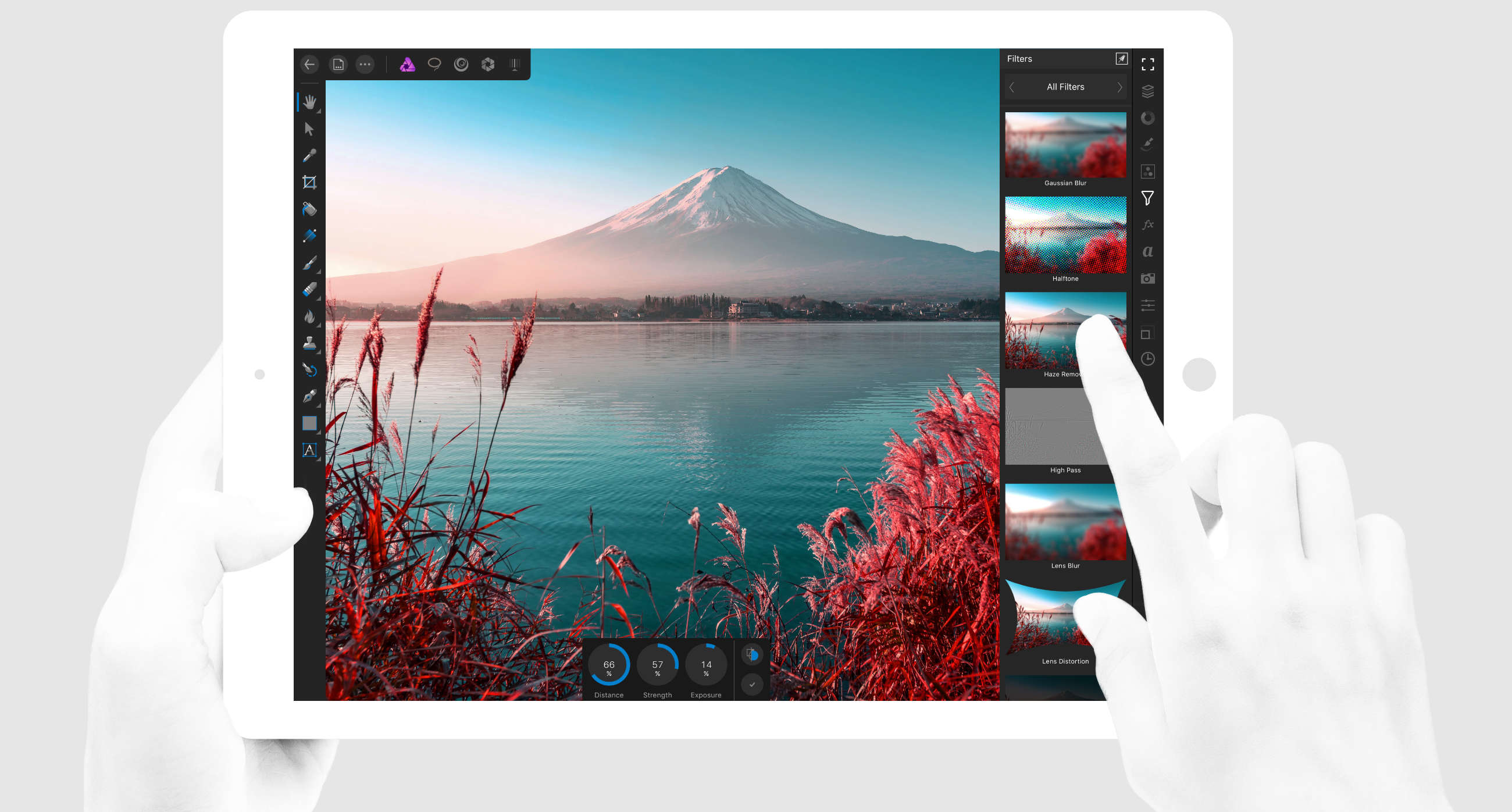
Affinity Designer and Photo are the closest thing you can get to a full Illustrator Photoshop experience on the iPad You buy it once and own it forever It s worth it even at full price For the discounted price it s available for now it s a no brainier Absolutely At the price it is now it s a no brainer
Windows based PC 64 bit with mouse or equivalent input device Hardware GPU acceleration DirectX 10 compatible graphics cards and above 8GB RAM recommended 1GB of available hard drive space more during installation 1280x768 display size or larger Requires Direct3D level 12 0 capable card Affinity Photo for iPad is a genuine desktop grade professional photo editing app With all the power of its desktop counterpart and complete file format compatibility it gives you the freedom to create wherever you are without any compromise No subscription
Feature parity between affinity photo iOS and desktop I m trying to figure out whether or not I should purchase the affinity designer desktop app I m a hobbyist at the moment using graphic on my iPad pro