Affinity Photo Image Size Zo Werkt Affinity Photo ISBN 9789463561341 Van Duuren Media Affinity Photo IPA Cracked For IOS Free Download Affinity Designer For IPad Everything You Need To Know IMore Affinity Designer 2 Buy Affinity Photo 101 The Fundamental Five Steps Online At Desertcart Web May 14 2021 nbsp 0183 32 Step 1 Open your image with Affinity Designer To get us started we must first open our image in Affinity Designer To do this navigate to File gt Open and locate the image you d like to resize on your hard drive For this demonstration I will be resizing the following example image
Web Changing image size Pixel Art resizing Changing canvas size Cropping and straightening Mesh warping Perspective Rotate flip the canvas Layers About layers Creating layers Layer opacity Layer blending Layer blend ranges Adjustment layers Using Live Filters Fill layers Pattern layers Snapshot layers Image layers Layer masks Web In this video we go over how to resize layers in affinity photo You can resize layers shapes objects or images inside of Affinity Photo by following this
Buy Affinity Photo 101 The Fundamental Five Steps Online At Desertcart Affinity Designer Icon Print Affinity How To Easily Text Wrap In Affinity Publisher Publishing Ipad Affinity Photo Un Logiciel De Retouche Photo Complet Affinity Photo Jetzt Auch F r Windows Erh ltlich Photoscala Affinity Designer Vs Adobe Illustrator Which One Is Better For Motion Speed Digital Painting Affinity Photo YouTube Affinity Photo Image Repair Clone Heal Blemish Patch And Inpaint How To Crop An Image In Affinity Photo Lenscraft
Affinity Photo Image Size
 Affinity Photo Image Size
https://covers.vanduurenmedia.nl/9789463561341-groot.jpg
Web Aug 15 2019 nbsp 0183 32 By default Affinity Photo will keep the photo s original aspect ratio when resizing however if you wish to resize it freely then you can hold down Shift while resizing 4 How to Use Adjustment Layers Let s look at
Pre-crafted templates offer a time-saving service for creating a diverse range of documents and files. These pre-designed formats and layouts can be used for various personal and expert tasks, consisting of resumes, invites, leaflets, newsletters, reports, presentations, and more, streamlining the content creation procedure.
Affinity Photo Image Size

Affinity Photo Skillshare Student Project

Affinity Designer Icon Print Affinity

How To Easily Text Wrap In Affinity Publisher Publishing Ipad

Affinity Photo Un Logiciel De Retouche Photo Complet
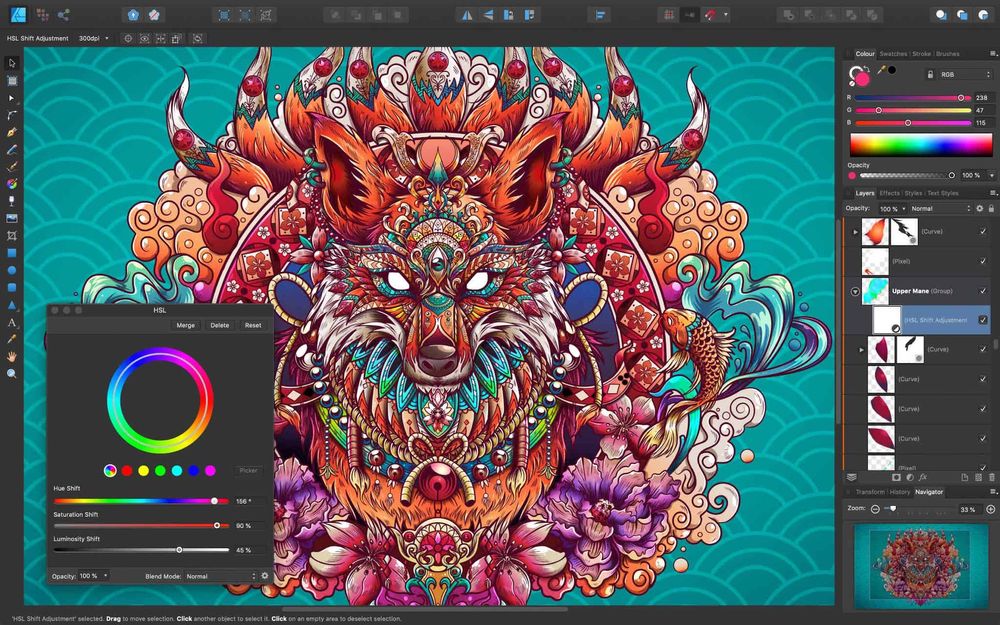
Affinity Designer Vs Adobe Illustrator Which One Is Better For Motion
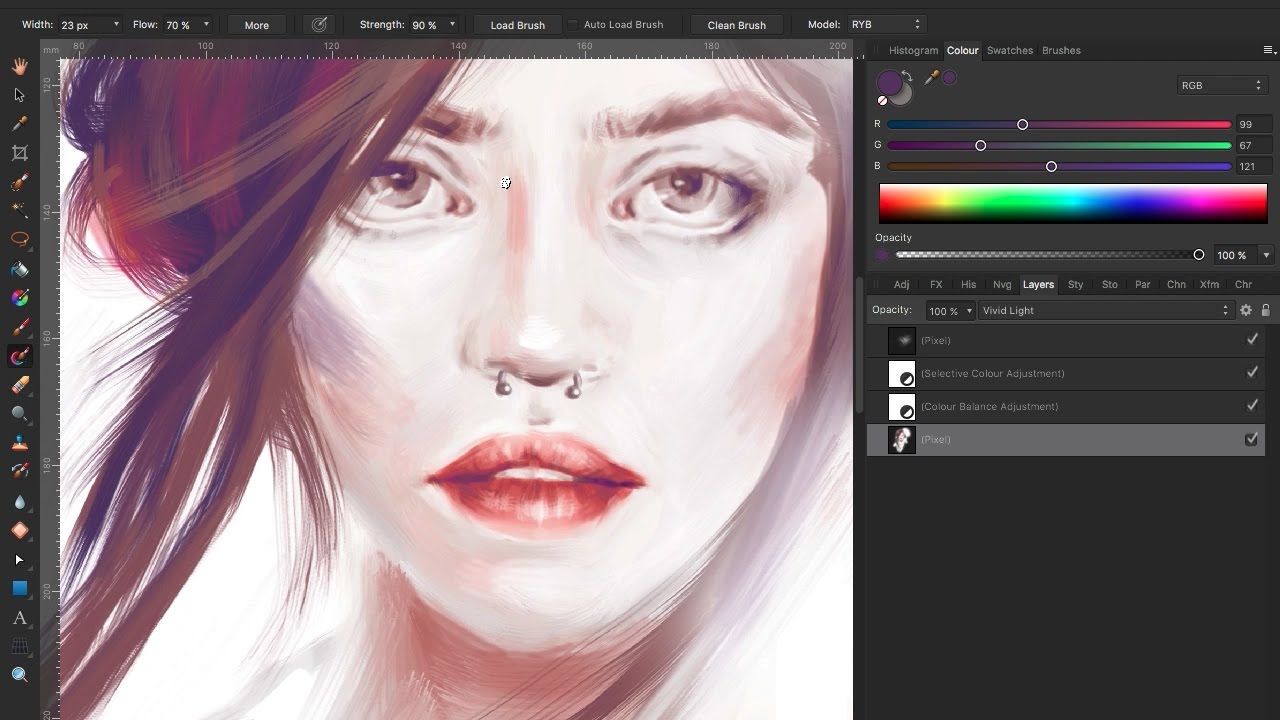
Speed Digital Painting Affinity Photo YouTube
Web Dec 29 2021 nbsp 0183 32 Follow our tutorial as we show you how to best resize an image in Affinity Photo You can resize your images either by scaling or resampling them Scaling changes the amount of DPI dots per inch of your image giving it a specific resolution but leaving its dimensions unaffected

Web 1 2K 52K views 3 years ago How do you scale up Photos without loosing Quality How to export images for Social Media In this Video i will show you both The image sizes for Facebook

Web Jun 10 2020 nbsp 0183 32 In this video I explain five ways to resize an image using Affinity Photo Each method of image resizing has its strengths and weaknesses and none is perfect The video also explains the
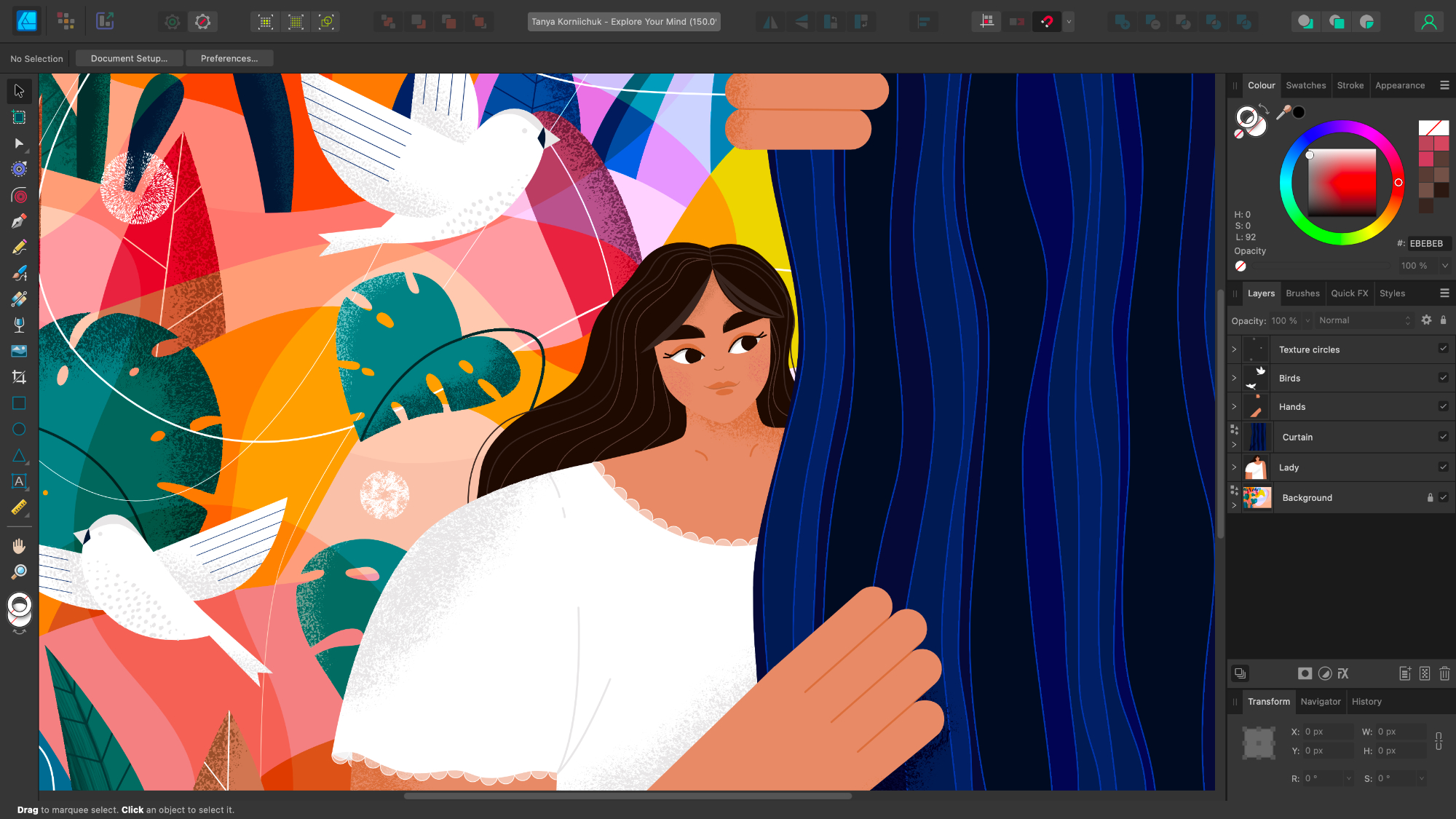
Web Apr 7 2020 nbsp 0183 32 How to Resize Images in Affinity Photo Desktop In this tutorial I look at ways you can use to resize images in Affinity Photo I ll be covering several options that you can use depending on your needs I ll also discuss tips and do some pixel peeping to check the quality of the enlargements

Web Feb 18 2022 nbsp 0183 32 Original returns the image to the original aspect ratio Custom aspect ratios you manually input the numbers for width and height Resample set dimensions at chosen measurements for example to a chosen print size at print resolution Crop tool in Affinity Photo Marie Gardiner
Web Oct 3 2018 nbsp 0183 32 If you just want to know size in megabytes you know afphoto file size can be very big while JPEG size can be very small indeed You can check file size by selecting export and checking it in dialog box though this may not always work with bigger file sizes it Web Feb 19 2022 nbsp 0183 32 Hi All I m new to AP and photography I want to reduce images taken from my camera 6000x4000 to 2100x1500 so I can print them at 7x5 There are two ways to do this as far as I can tell 1 Resize Document and select desired Units with Resample ticked Bilinear 2 Create a new document at
Web Affinity Photo lets you crop unconstrained or to original or custom aspect ratios For print or web delivery you can specify common print sizes e g 6 quot x 4 quot or create pixel accurate custom crop regions respectively is active the crop area can snap to page edges and when being resized or moved