Affinity Photo Delete Selection Ipad Gimp How To Delete Selection YouTube Affinity Photo How To Delete Selection YouTube Affinity Photo IPad V2 Tutorial How Using The New Compound Masks YouTube 27 Tarikh Dasvan Mahina 2023 YouTube Affinity Photo IPad LAYER Operations 01 Create New Copy Step 1 The Patch Tool may be the only tool you end up using in some cases especially if you are working with something that has straight lines that easily match up Select the Patch Tool and create a selection around the object you d like removed Keep the selection reasonably loose this by no means needs to be perfect Step 2
The companion app to Affinity Photo Designer is a vector illustration app that can operate as an outright Adobe Illustrator replacement for many graphic artists In this initial hands on Selecting Areas Objects In Affinity Photo V2 Using Selection Tools On iPad In Depth in Easy Steps Selecting individual elements in an image is often need
Affinity Photo IPad LAYER Operations 01 Create New Copy Swipe Right To Delete Figma Community Affinity Designer 2 Affinity Photo 2 Mac Affinity Photo Mac V2 1 1 Undo Button Affinity Designer IPad V2 IPad Questions Affinity Reeded Glass Effect Photoshop Tutorial Responsive Search Bar Design Figma Community delete Feature Already Exists Feedback For The Affinity V2 Suite
Affinity Photo Delete Selection Ipad
 Affinity Photo Delete Selection Ipad
https://i.ytimg.com/vi/hhBIbao2Sc0/maxresdefault.jpg
42 2k Posted July 2 2021 On 7 2 2021 at 7 30 AM williamkalfelz said On PPX4 I would just select and hit DELETE But now if I try that it deletes the whole layer Gahhhh Check the Layers panel Make sure that you have a Pixel layer and not an Image layer
Templates are pre-designed files or files that can be utilized for various functions. They can save effort and time by providing a ready-made format and layout for creating different type of material. Templates can be used for individual or professional tasks, such as resumes, invitations, leaflets, newsletters, reports, discussions, and more.
Affinity Photo Delete Selection Ipad

Selecting Areas Objects In Affinity Photo V2 Using Selection Tools On

Swipe Right To Delete Figma Community
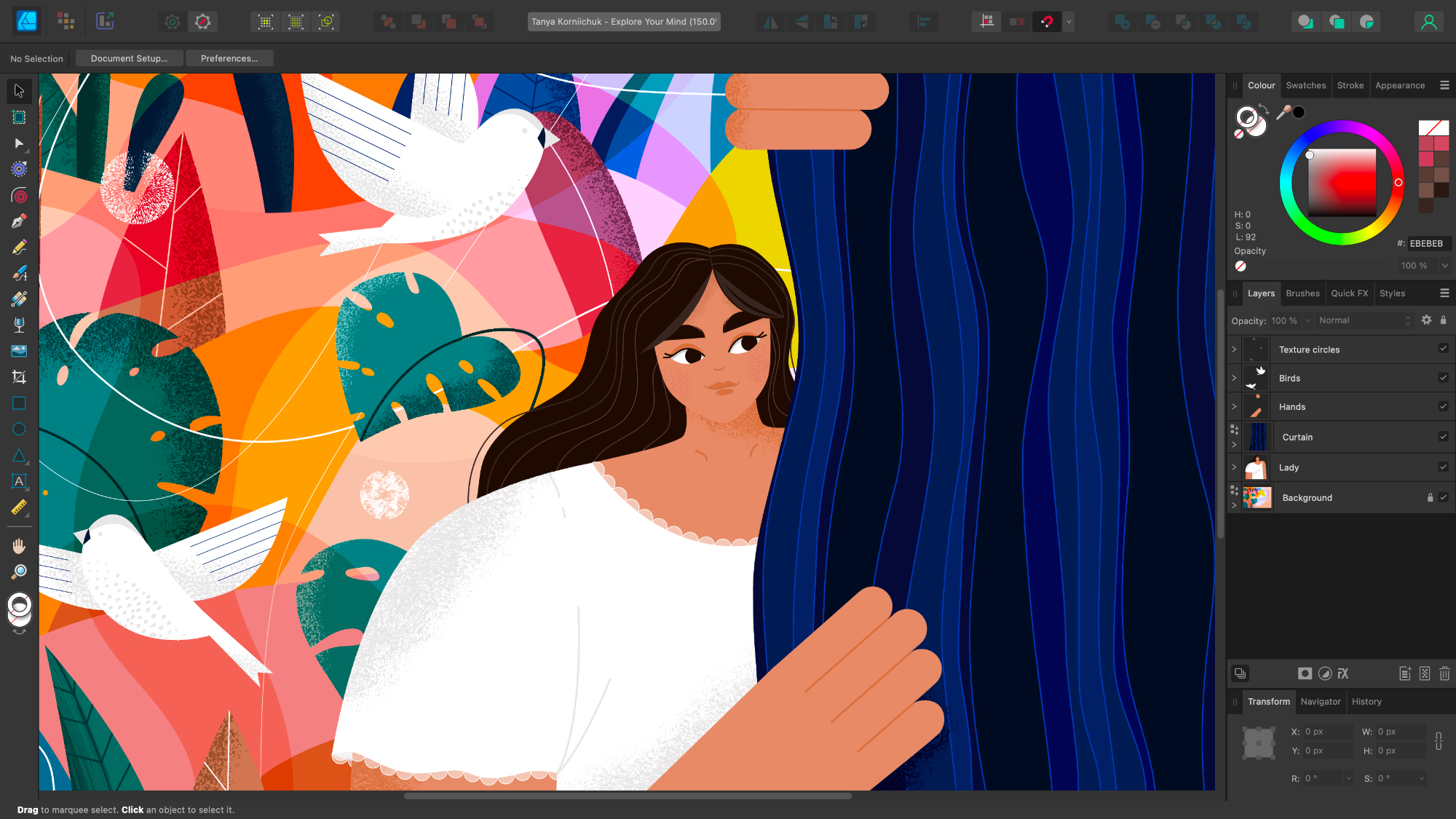
Affinity Designer 2
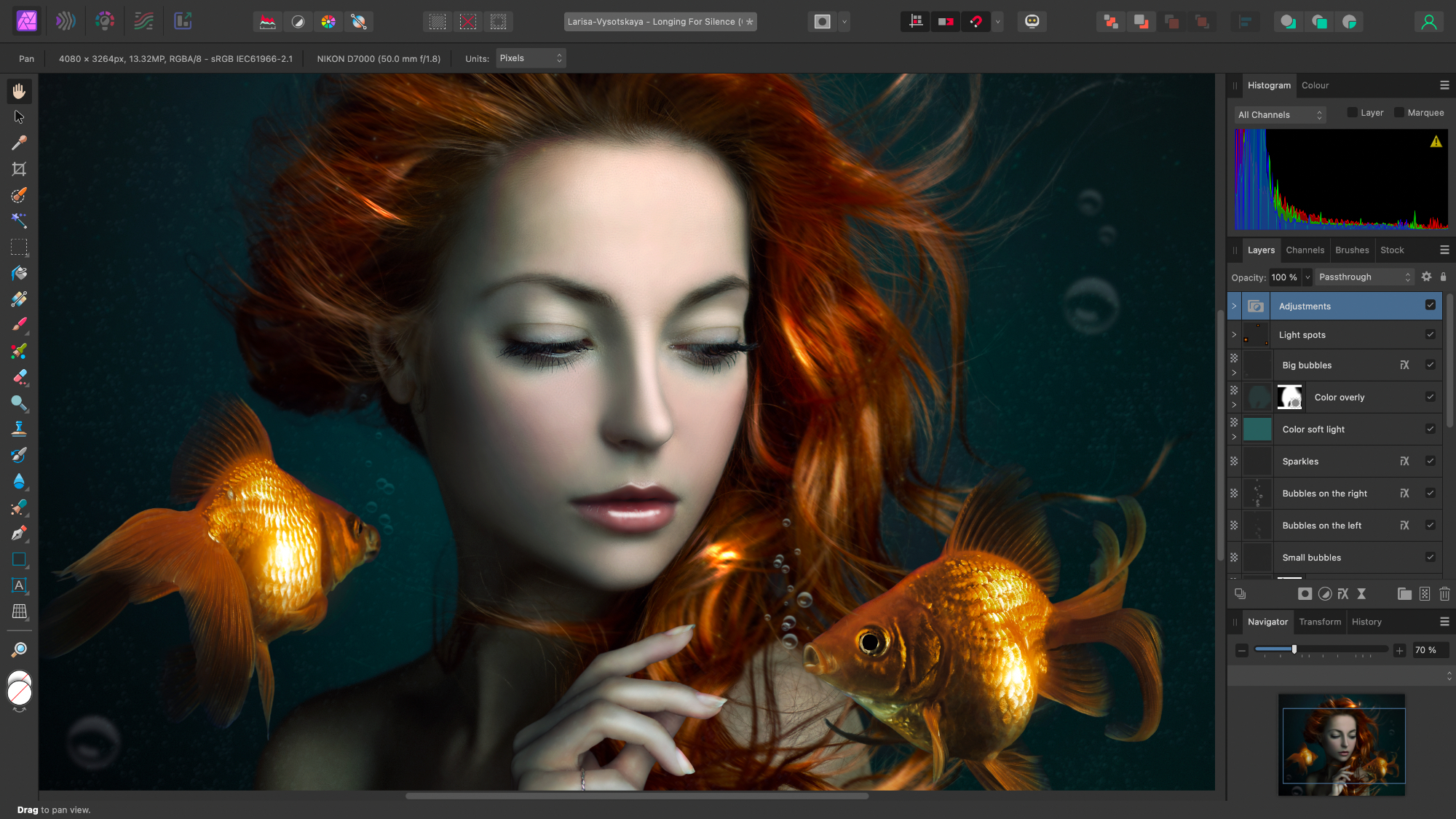
Affinity Photo 2

Undo Button Affinity Designer IPad V2 IPad Questions Affinity

Reeded Glass Effect Photoshop Tutorial

What are Selection Tools in Affinity Photo iPad Selection tools are used to select portions of your image for various purposes They are useful for isolating certain areas of your image to limit edits to parts of an image to cut out portions to copy pixels and so forth

Learn how to delete a selection in Affinity Photo with these easy steps

DON T MISS OUT Click the link below to be alerted when my FIRST ONLINE COURSE launches https andrewgoodman ck page 8fbbc31b0a My iPad Gear iPad

Welcome to Affinity Photo 2 for iPad Upon opening Affinity Photo you re greeted with its Home screen Use the icons on the left to create open or manage documents Tap New and then New Document to create a blank document When editing a document return to the Home screen by tapping the button in the workspace s top left corner

Step 1 Open your image in Affinity Photo and make sure the layer is unlocked Step 2 Use the Zoom Tool to fit the object to your viewfinder Step 3 Grab the Inpainting Brush Tool and use it to paint a selection over the object you d like to remove Step 1 Open your image in Affinity Photo and make sure the layer is unlocked
From the Photo Persona select the Move Tool Resize reposition rotate or shear the selection on the page using the displayed handles or for precision use the settings on the Transform Studio Repeat step 1 to exit the mode and return to display the selection as a marquee Affinity Photo for iPad is a genuine desktop grade professional photo editing app With all the power of its desktop counterpart and complete file format compatibility it gives you the freedom to create wherever you are without any compromise Browse a selection of feature screenshots below or check out our Tech Specs page for further
Looking for help with Version 1 of Affinity Photo for iPad Here are some resources Video tutorials V1 help Keyboard shortcuts iPad Spotlight Further your education and get inspired over on Affinity Spotlight it s where we share additional learning resources the latest Affinity news as well as insightful articles from the Affinity