Affinity Designer Mask Invert Affinity Designer Invert Mask Design Talk Invert Adjustment Rorschach Ink Blots Ink Blot Rorschach Inkblot Rorschach Affinity Designer Invert Mask Design Talk Affinity Designer Invert Mask Design Talk A walkthrough showing the process and techniques that I use when compositing with Affinity Photo using layer masks inverted layer masks masking brushes
In Affinity Designer two types of masking are possible pixel masking and vector masking performs a similar task to the erase tools with one important difference a pixel mask can be modified or even discarded at any point in time this involves using a line or shape as a mask over another object that crops to the line or shape s outline Masking is a powerful method in the Affinity suite of desktop apps allowing users to quickly and easily make precise image and content manipulations However the same steps can also be taken in Affinity Photo 2 Designer 2 and Publisher 2 for the iPad providing users with full control over their selective image and content changes
Affinity Designer Invert Mask Design Talk How To Invert Mask Nomad Sculpt In 8 Seconds nomadsculpt 3dsculpt How To Create A Clipping Mask With Affinity Designer LaptrinhX News Clipping Mask Layer Mask I Affinity Designer En Onlinekurs So Invert Adjustment Affinity Designer Tutorial Mask The Easiest Way YouTube With Analog Glitch Distortion Textures Graphic Design Resources Analog Affinity Designer Tutorial 26 Swatches Panel YouTube IPad Designer Pixel Persona Invert Selection Error Affinity On
Affinity Designer Mask Invert
 Affinity Designer Mask Invert
https://forum.affinity.serif.com/uploads/monthly_2020_11/1619316057_MaskedVectors.jpg.5acfe6dcaa76d7aabb892e4b89b38542.jpg
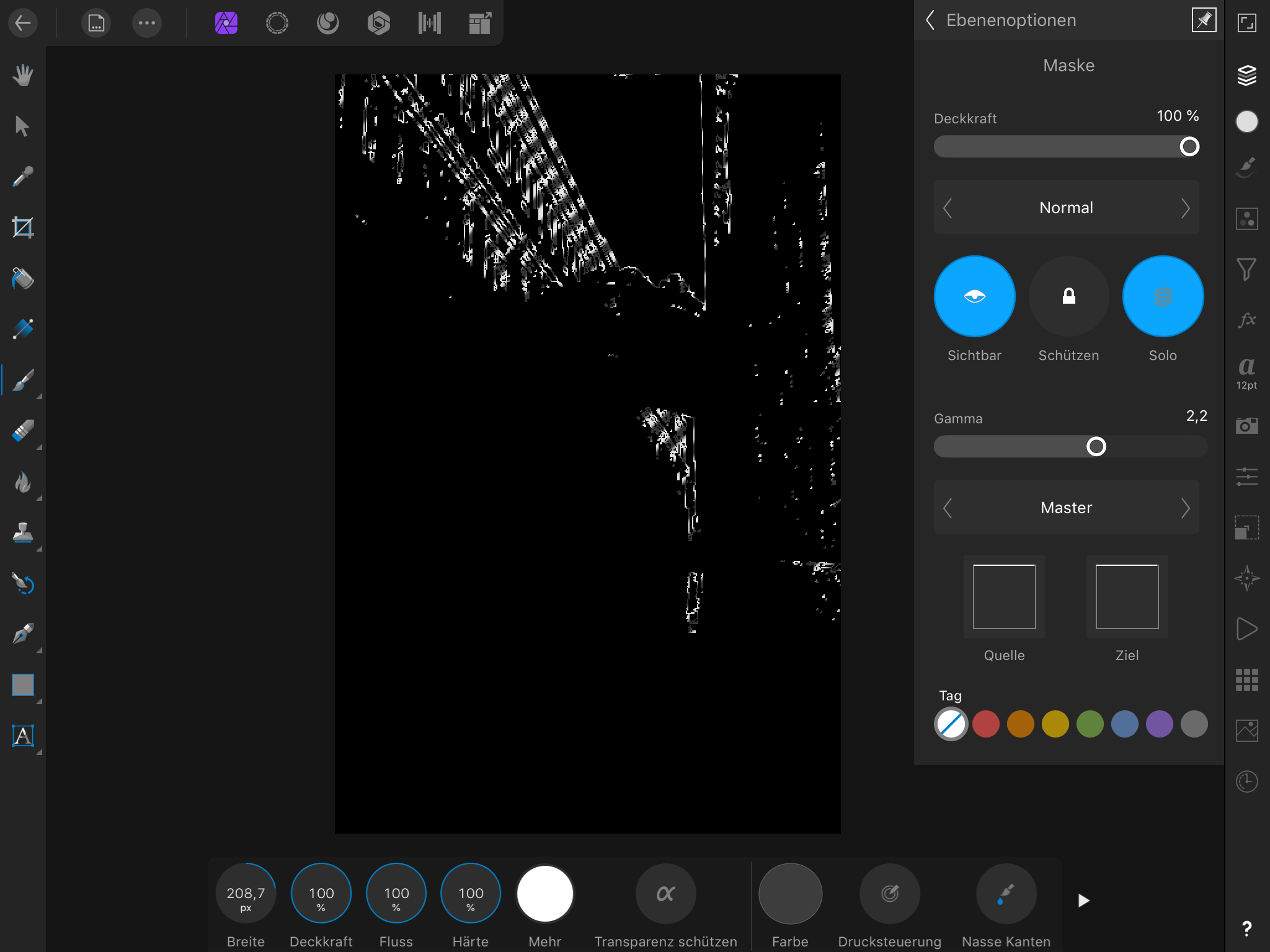
Mohadeeshu How do you invert a mask in Affinity Photo 2 So in the old version if i wanted to create an inverted mask on a layer adjustment i would highlight the adjustment then option click the mask icon and it would auto invert it on the highlighted adjustment layer In the new version it doesnt work the same from what i see
Pre-crafted templates offer a time-saving service for creating a varied variety of documents and files. These pre-designed formats and layouts can be made use of for various individual and professional jobs, including resumes, invites, leaflets, newsletters, reports, presentations, and more, improving the material development process.
Affinity Designer Mask Invert

Affinity Designer Invert Mask Design Talk

How To Invert Mask Nomad Sculpt In 8 Seconds nomadsculpt 3dsculpt

How To Create A Clipping Mask With Affinity Designer LaptrinhX News

Clipping Mask Layer Mask I Affinity Designer En Onlinekurs So

Affinity Designer Tutorial Mask The Easiest Way YouTube With

Analog Glitch Distortion Textures Graphic Design Resources Analog

Posted July 14 2021 Welcome to the Serif Affinity Forums edvinaxelsson To mask the green rectangle with the amber circle so that you re left with a green semicircle where the shapes overlap drag the circle layer in the Layers panel and drop it onto the thumbnail of the rectangle layer Quote Alfred

Select the mask layer in the Layers panel then go to menu Layer Invert or press cmd I CTRL I if you are using Windows A Guide to Learning Affinity Software Affinity Quick Reference Call for Camera Images 3 weeks later annmiller1949 Members 5 Posted June 16 2017 How do you invert a mask on Affinity Photo for iPad

Invert adjustment Invert adjustment Create a negative image by inverting all color channels This adjustment has no customizable settings You can use Invert as part of the process of making edge masks and to apply sharpening and other adjustments to selected areas of an image

Invert vector masks in Affinity Photo how to create holes in vector designs etc using masks and combining with node tool transforms vector effects etc O
Nest to mask position of target layer above vector mask now by toggling the channels adjustment you get the desired effect still able to change the vector mask any time Disadvantage will lead to rasterization in export bTo stay vector when ok with mask decide which version is wanted and remove helper layers
Adjustment layer to invert artwork in Affinity Photo guide how to invert images etc Adjustment layers are a powerful feature of the layers approach in Posted December 5 2022 edited This is driving me nuts I just want to invert a layer I have a record sleeve to design The text is hand written for which I received a scan so it s a jpg and the writing is in black pen I want to see how it looks with the writing in white so assumed a simple invert would do the trick
How to INVERT a mask or layer in Affinity Photo for iPad Tips and Tricks GraphicalFinity 6 85K subscribers Subscribe Subscribed 7 8K views 2 years ago Affinity Photo iPad Inverting a