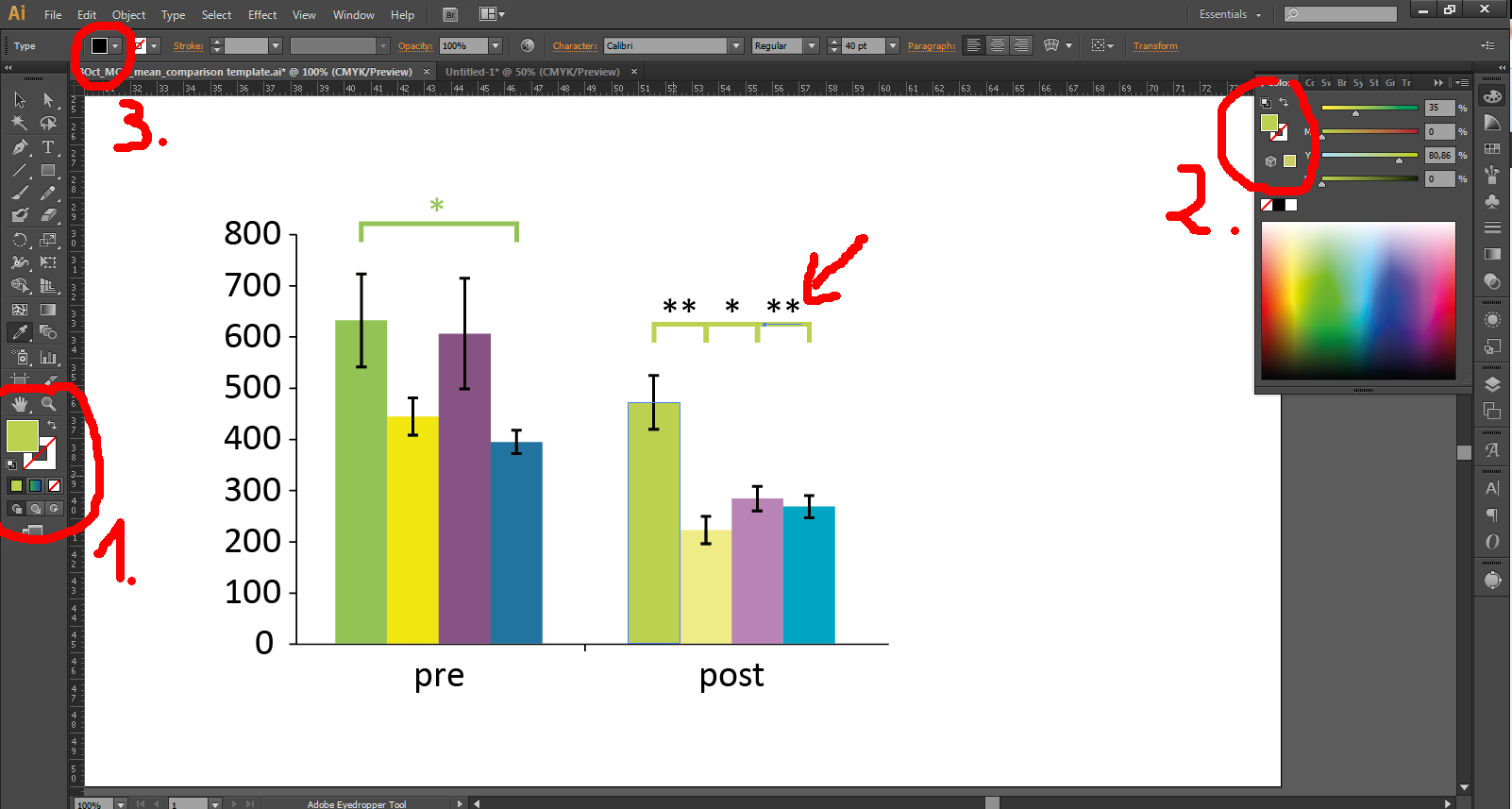
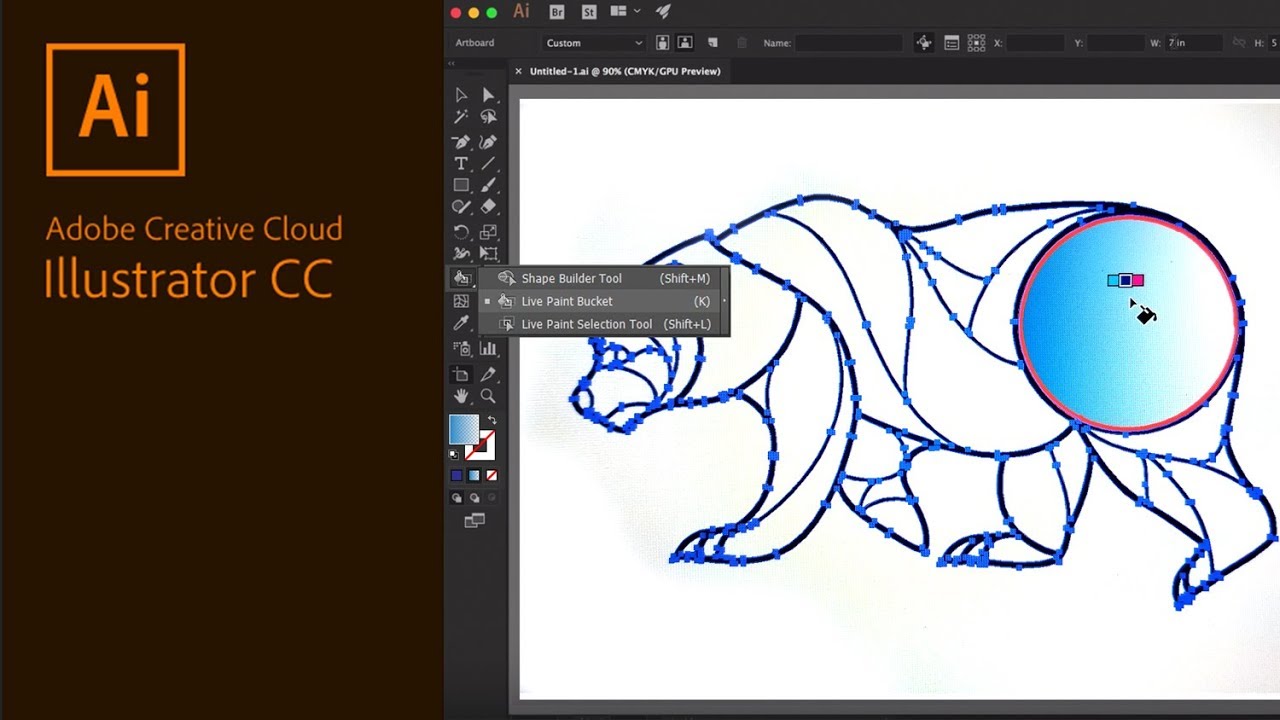
Adobe Illustrator Fill Tool Not Working Adobe Illustrator Blend Tool Practice On Behance Illustrator Eyedropper Tool Not Working Laura Coyle Creative Adobe Illustrator Fill Adobe Illustrator Fill Color Paint Bucket Tool YouTube P Remove Tool Not Working Update 24 6 Adobe Community 13886191 WEB Community Expert Oct 21 2021 During using Live Paint you can limit where the paint goes by drawing an invisible no fill stroke line with the pen or pencil tool to close an area Select the invisble line and the Live Paint group and choose Merge Live Paint Upvote
WEB Jul 17 2024 nbsp 0183 32 A fill is a color pattern or gradient inside an object You can apply fills to open and closed objects and to faces of Live Paint groups A stroke can be the visible outline of an object a path or the edge of a Live Paint group You can control the width and color of a stroke WEB There are two potential routes a adjust Live Trace options so you don t get clipping paths or b use the Pathfinder panel to use the clipping path s to trim the art Once you don t have clipping paths you should be able to use Live Paint
P Remove Tool Not Working Update 24 6 Adobe Community 13886191 P Remove Tool Not Working Adobe Community 13871855 Illustrator System Color Picker Hopnavigator Adobe Illustrator How To Fill Color With The Paint Bucket Tool Tech How 3 Quick Easy Ways To Fill An Object In Adobe Illustrator How To Fill In Adobe Illustrator Graphics Maker Infographic Tutorial Illustrator Cs3 Gradient Tool Adobe Illustrator 2020 Download In One Click Virus Free How To Fill A Character With Text In Adobe Illustrator Illustrator
Adobe Illustrator Fill Tool Not Working
 Adobe Illustrator Fill Tool Not Working
https://mir-s3-cdn-cf.behance.net/project_modules/max_1200/141df4107538911.5fa98b5bec428.jpg
WEB Jan 25 2021 nbsp 0183 32 The Blob Brush does not fill a surrounded area It acts like a paintbrush in that it only applies color to the area it actually goes over If you use a thin brush adjust size with the and keys and draw a closed loop it will look like a path with a stroke applied but will actually be a filled path
Pre-crafted templates provide a time-saving option for creating a diverse range of documents and files. These pre-designed formats and designs can be made use of for numerous individual and professional projects, consisting of resumes, invitations, leaflets, newsletters, reports, discussions, and more, streamlining the material production process.
Adobe Illustrator Fill Tool Not Working

Solved Adobe Illustrator Tool Selectors Not Working 9to5Answer

P Remove Tool Not Working Adobe Community 13871855
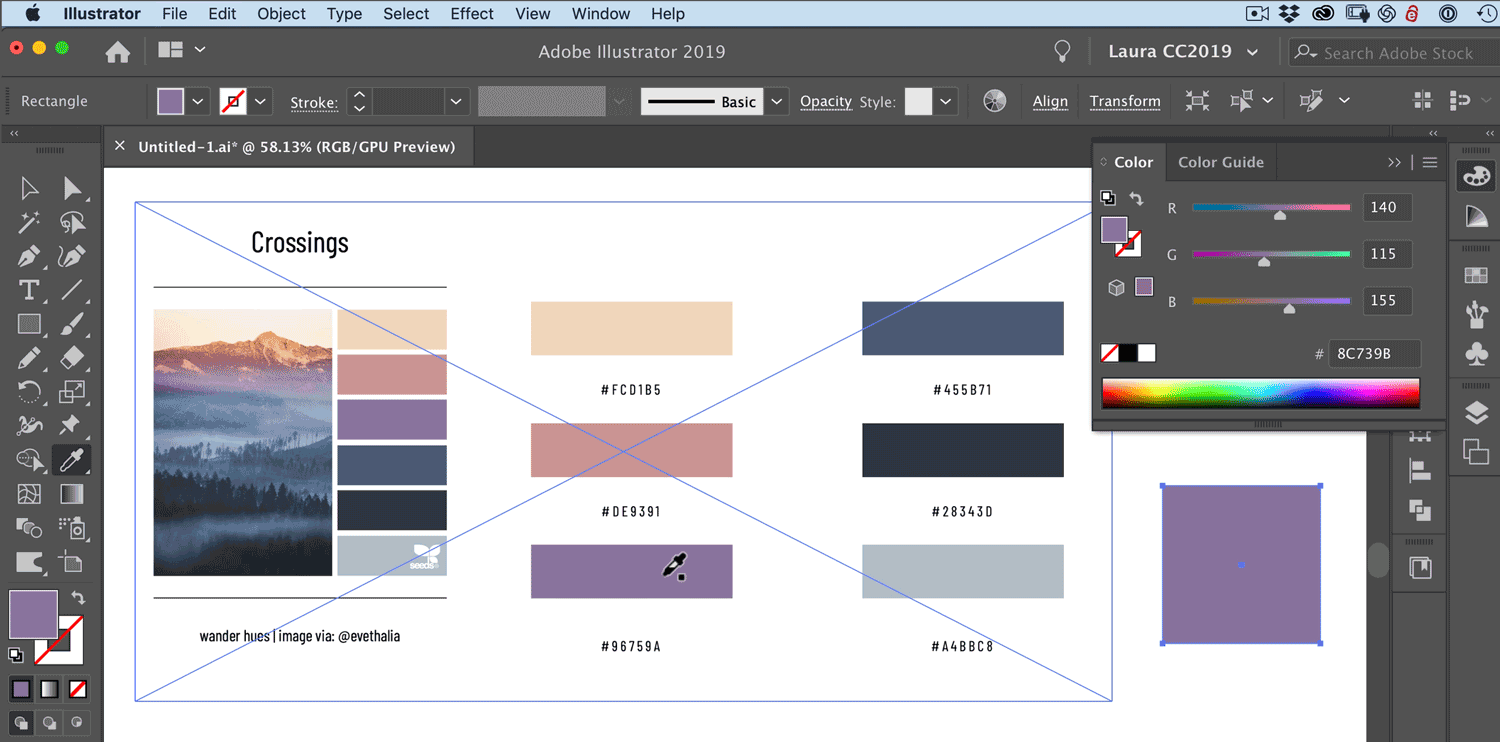
Illustrator System Color Picker Hopnavigator

Adobe Illustrator How To Fill Color With The Paint Bucket Tool Tech How

How To Fill In Adobe Illustrator Graphics Maker
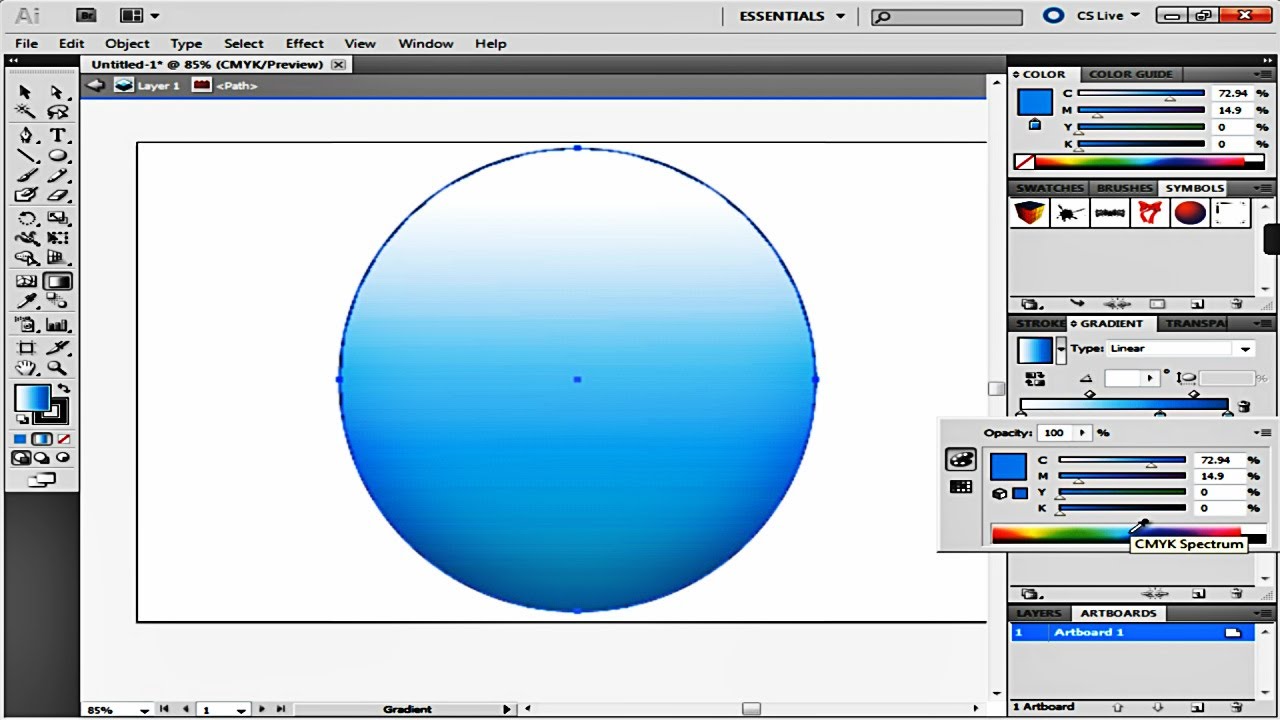
Infographic Tutorial Illustrator Cs3 Gradient Tool

WEB Jan 30 2018 nbsp 0183 32 Ensure you are working in Preview and not Outline mode In Outline mode you won t be able to see the fill colour but only the outlines of the shape you ve created To switch back View gt Preview or use the keyboard
WEB Jan 24 2019 nbsp 0183 32 The issue is caused by your having a number of open paths instead of one path the straight unstroked edges of fill stretch between the end Anchor Points of each open path such as the two mirrored ones at the top left corner

WEB Aug 1 2021 nbsp 0183 32 Here s a tutorial video on how to Fix Pencil Tool Fill Problem in Adobe Illustrator I tried to keep the video simple and easy to understand
WEB May 22 2019 nbsp 0183 32 Double click on the Pencil tool in the Tools palette and enable the quot Fill New Pencil strokes quot option in the Pencil Tool Preferences dialog

WEB Oct 18 2021 nbsp 0183 32 It doesn t show fills or color Switch to Preview Mode View menu if you wish to see fills and colors You may have inadvertently hit the shortcut for Outline Mode Command Ctrl y
WEB May 23 2023 nbsp 0183 32 The Blob Brush tool lets you draw filled shapes that can merge with others of the same color Select the Blob Brush tool or press Shift B Drag to draw To choose a different preset brush shape select the Brush menu in the Properties panel WEB The problem is that the shape in your AI file is not actually a closed shape but separate paths so you can t just change the fill attribute You can avoid this by using the Rounded Rectangle tool to make a closed path instead
WEB Feb 27 2023 nbsp 0183 32 Your Live Paint Bucket tool is probably not working because you haven t turned the objects you want to fill with color into live paint groups One of the conditions of using the live paint bucket is that your artwork must be