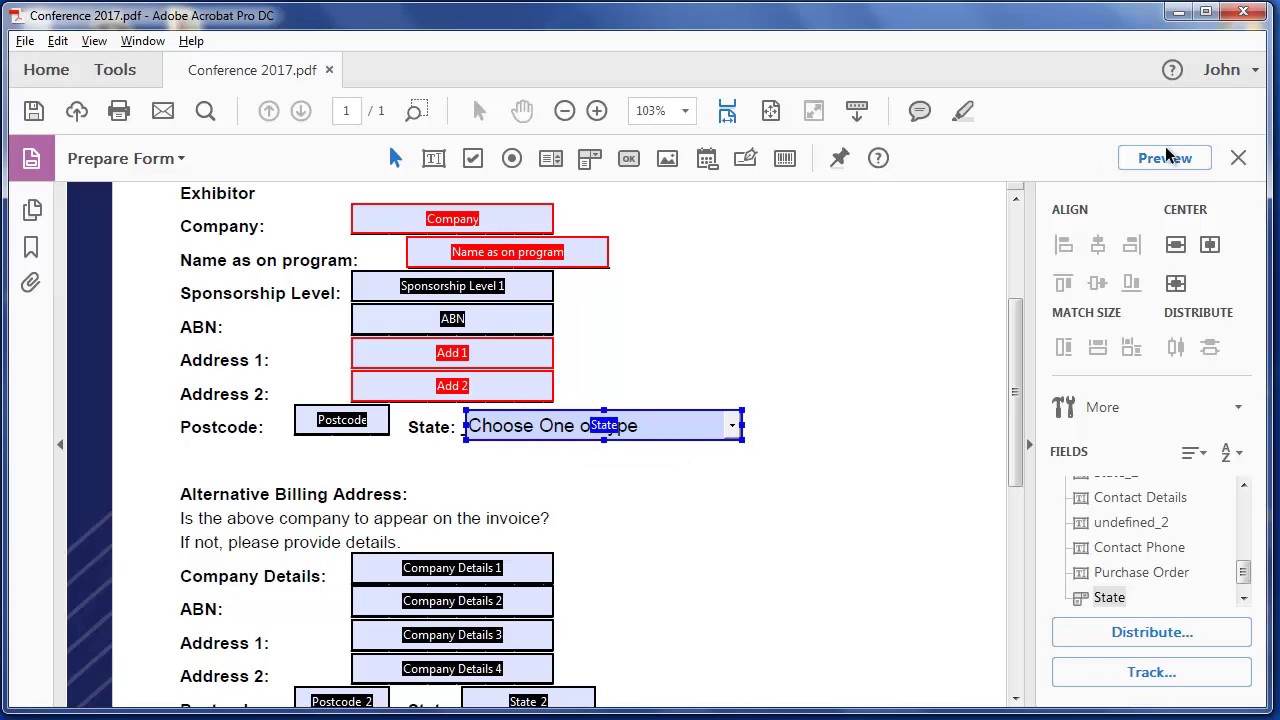
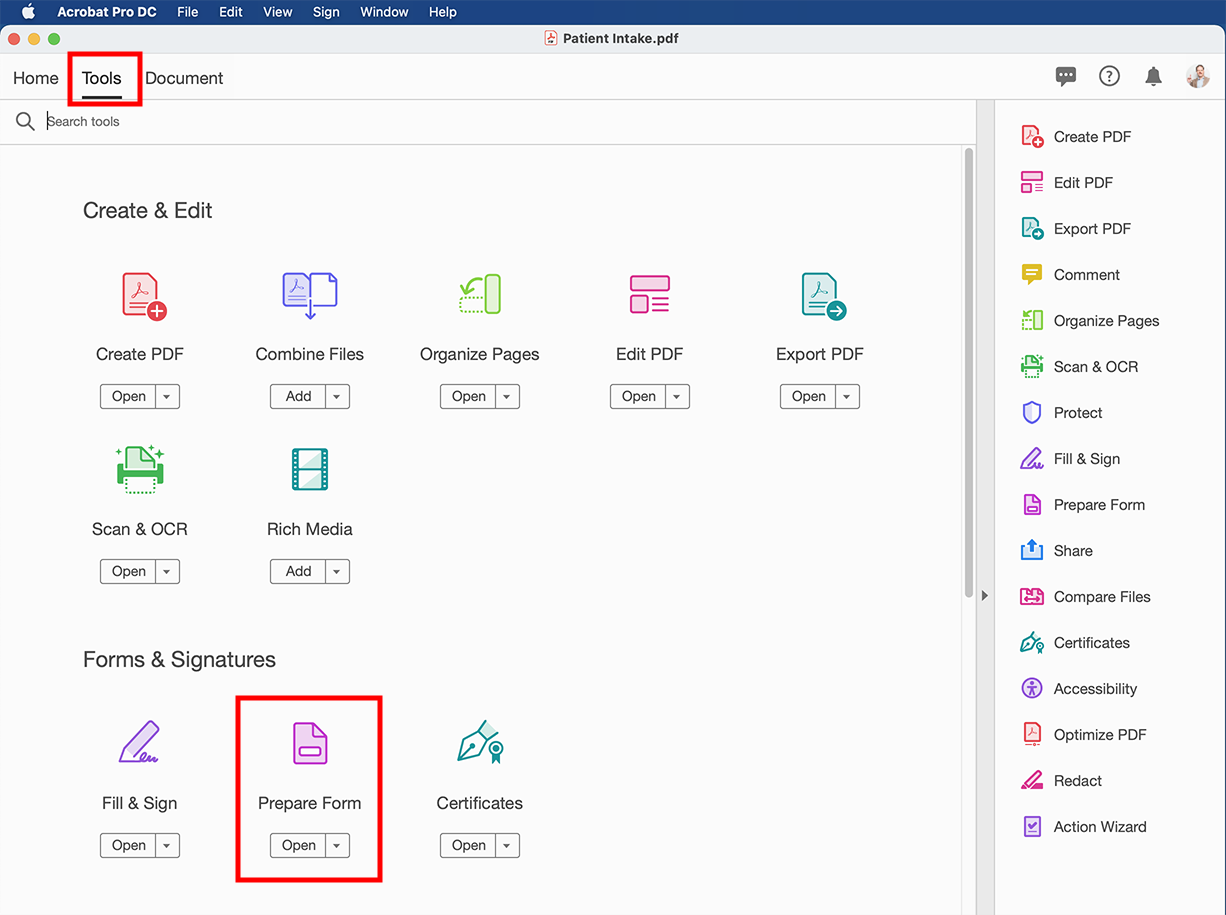
Adobe Create Fillable Form Free Creating fillable forms using Adobe Acrobat DC - YouTube How to Make a Fillable PDF - YouTube How to create fillable PDF, form creator, PDF form - Adobe Acrobat Top 9 Fillable PDF Form Creator - Updated 2022 Using Adobe Acrobat (ver 9) to make a fillable PDF You can use Adobe Acrobat to add fillable forms to a PDF file To do so click the Tools tab in Acrobat and select Prepare Form Browse to the file you want
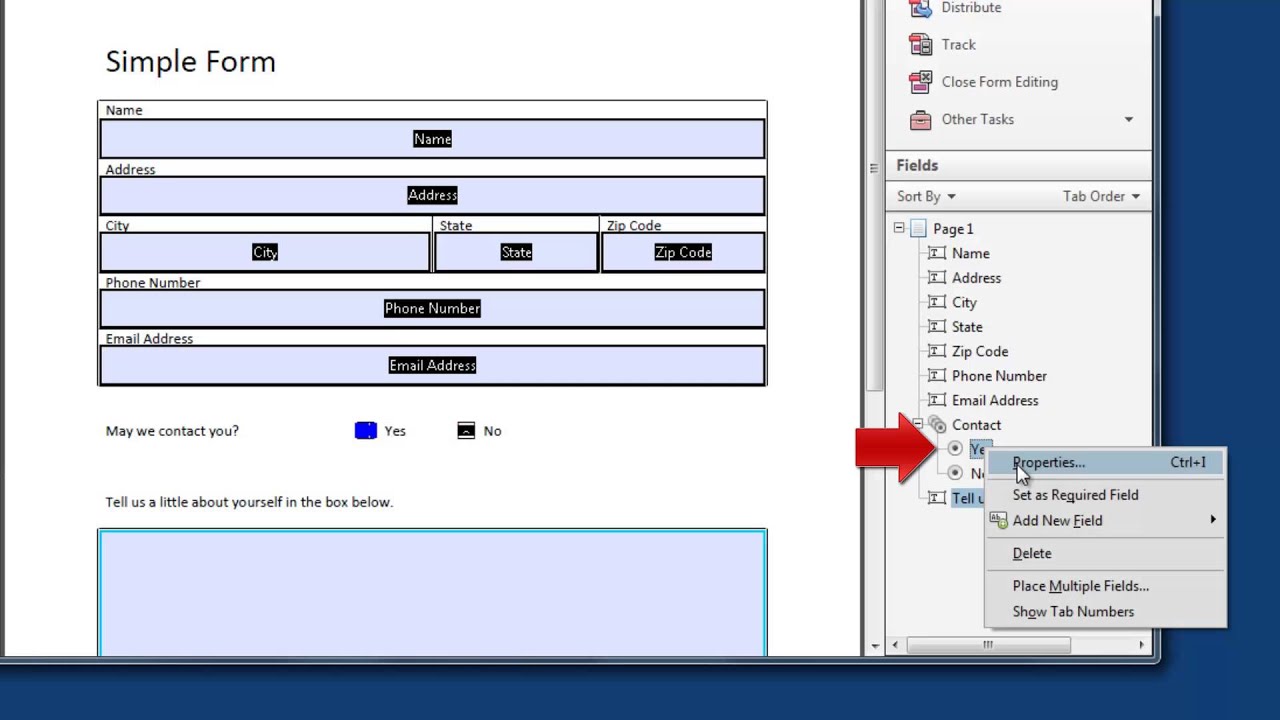
Add fillable form fields such as blank text areas checkboxes and multiple choice questions Email your form or embed it on your website so users can fill Part 2 Best 5 Fillable PDF Creators Online 1 JotForm Fillable PDF Creator Online 2 DocFly PDF Fillable Form Creator Online 3 Sejda Free Fillable PDF
Using Adobe Acrobat (ver 9) to make a fillable PDF How to create fillable PDF, form creator, PDF form - Adobe Acrobat How to Create a Fillable PDF in 3 Easy Steps | Formstack Blog Creating Fillable PDF Forms How to Create a Fillable PDF (with Pictures) - wikiHow Create a fillable PDF form | How it works - IONOS How to create fillable PDF, form creator, PDF form - Adobe Acrobat Creating a Fillable Form from Scratch Using Adobe Acrobat - YouTube How to Make a PDF Fillable in Adobe Acrobat Pro DC: Automatically Makes it Fillable! - YouTube
Adobe Create Fillable Form Free
 Adobe Create Fillable Form Free
https://i.ytimg.com/vi/L-YX7s50FDE/maxresdefault.jpg
To turn a PDF into a fillable form select choose file to upload a file or simply drag and drop PDF files directly into the converter box from your desktop Or
Pre-crafted templates provide a time-saving solution for developing a diverse variety of files and files. These pre-designed formats and designs can be utilized for numerous individual and professional jobs, consisting of resumes, invites, leaflets, newsletters, reports, discussions, and more, simplifying the material development process.
Adobe Create Fillable Form Free
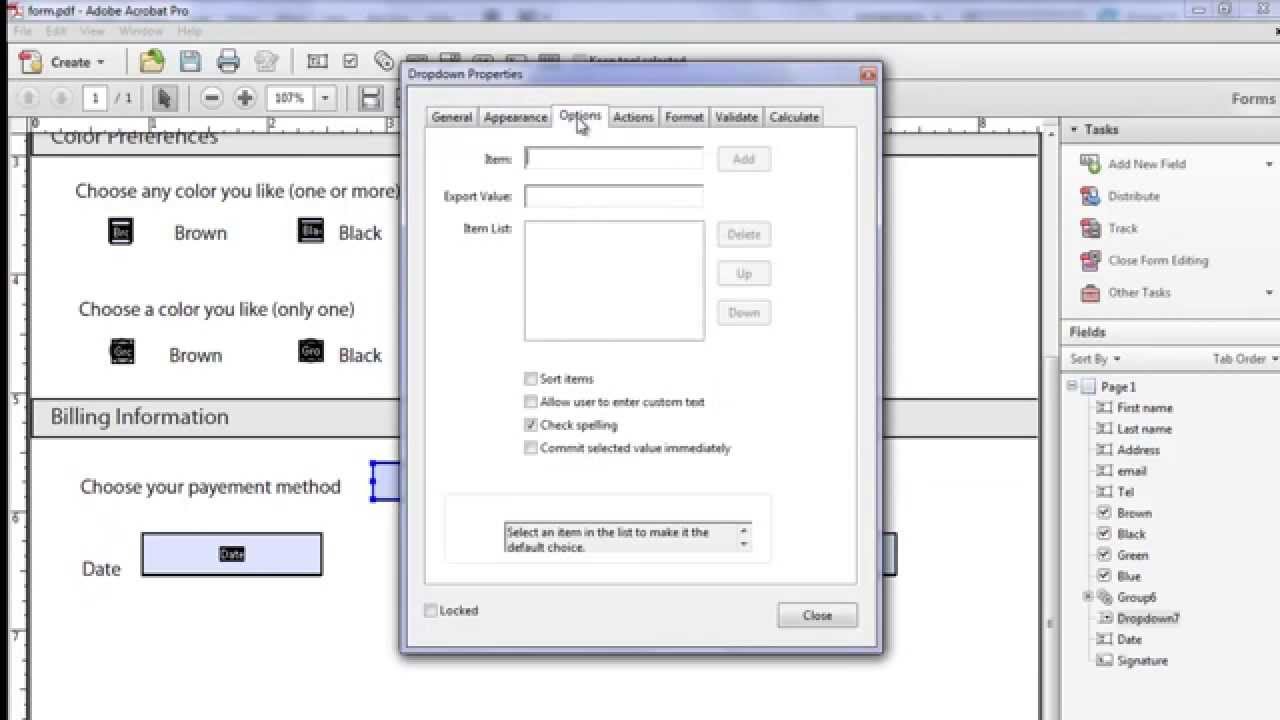
How to Make an Interactive Fillable PDF Form Using Adobe Acrobat X Pro (Beginners) - YouTube
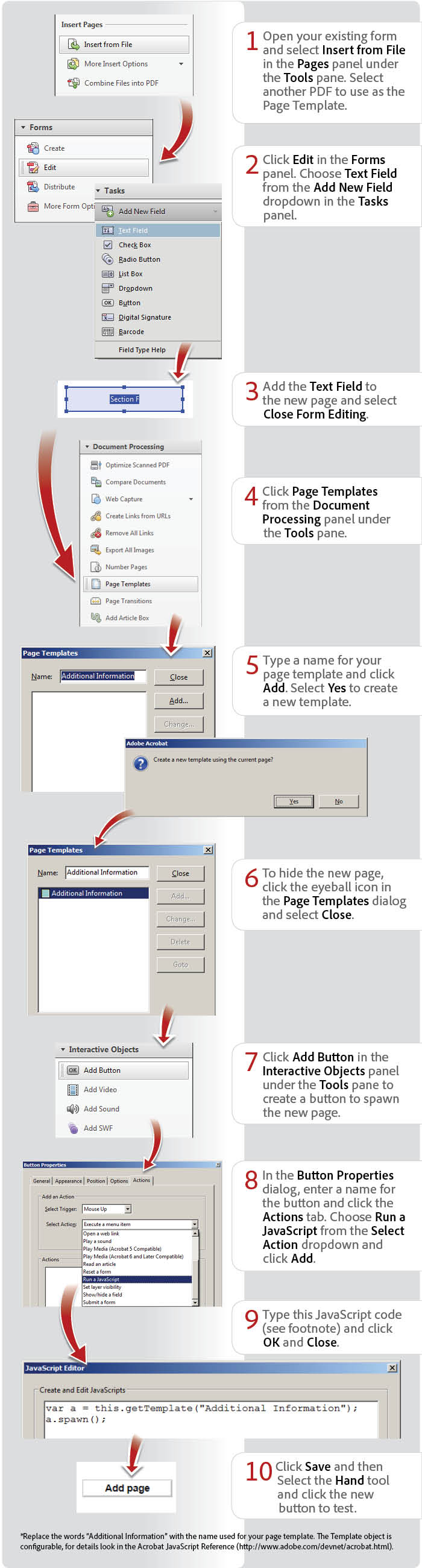
How to create fillable PDF, form creator, PDF form - Adobe Acrobat
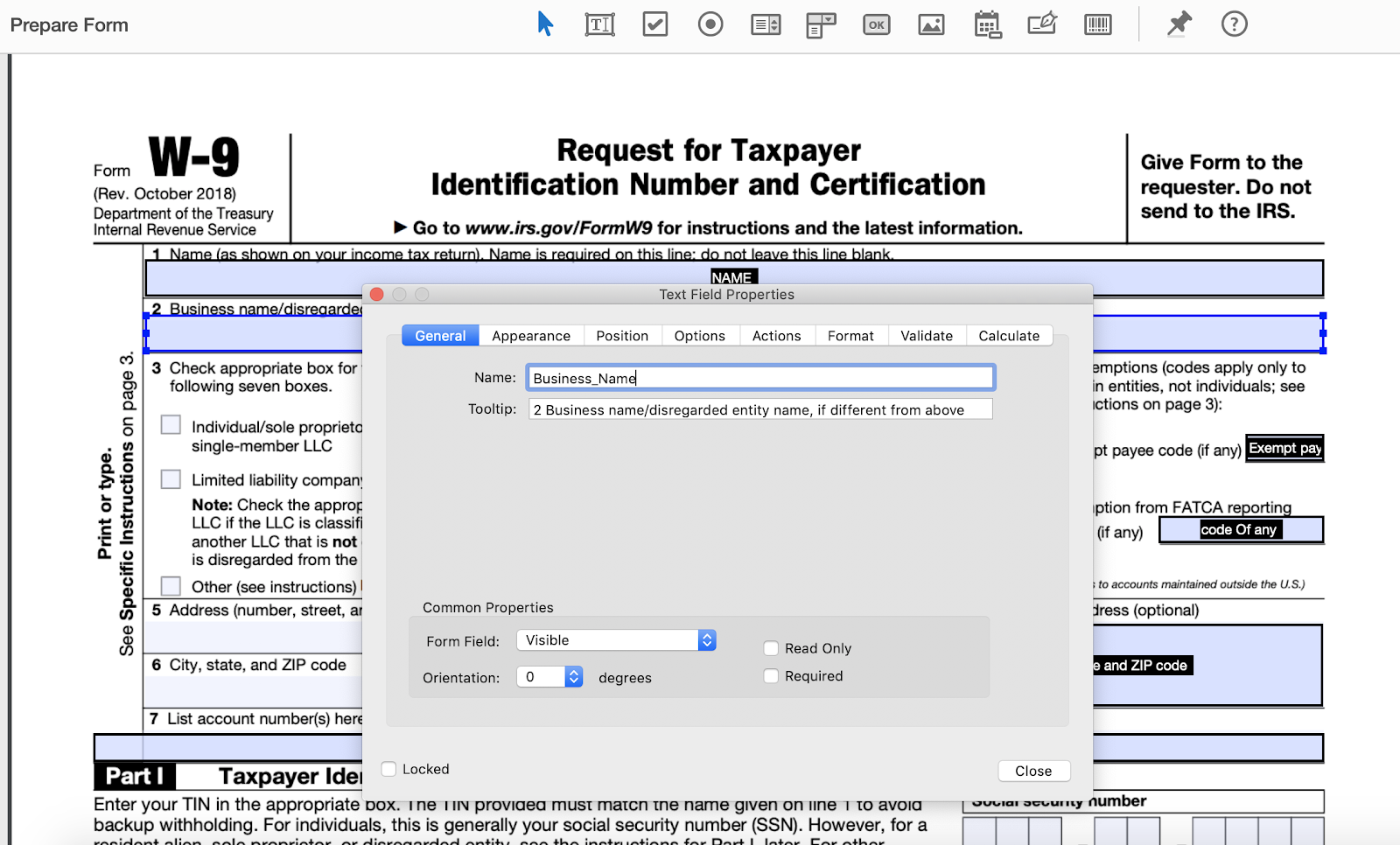
How to Create a Fillable PDF in 3 Easy Steps | Formstack Blog
Creating Fillable PDF Forms
Create a fillable PDF form | How it works - IONOS
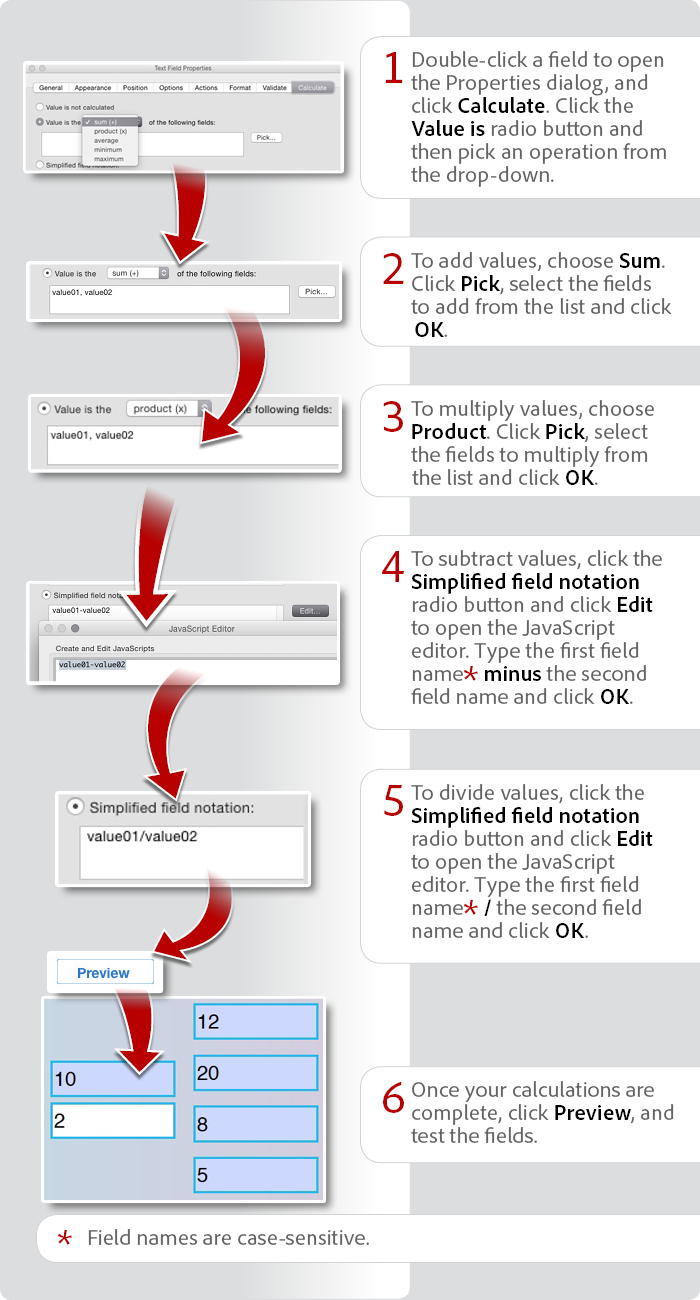
How to create fillable PDF, form creator, PDF form - Adobe Acrobat

Adobe Acrobat is the quick secure and reliable way to fill out PDF files create new forms and manage documents online on the go or in the office
Create a fillable PDF in Word with these steps Within the Word program select File New Document Create the form Type out the necessary details of your
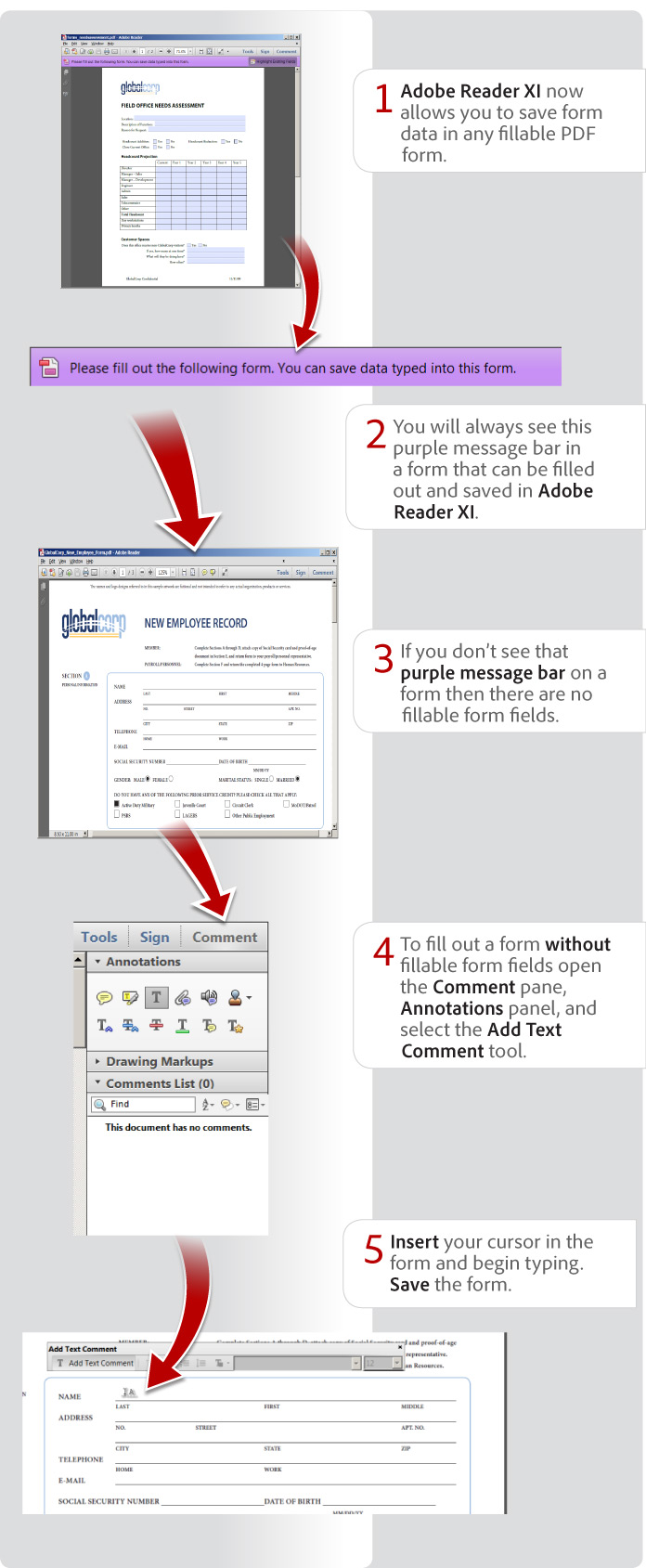
Learn how to create a fillable PDF form for free in this tutorial Convert any PDF document into
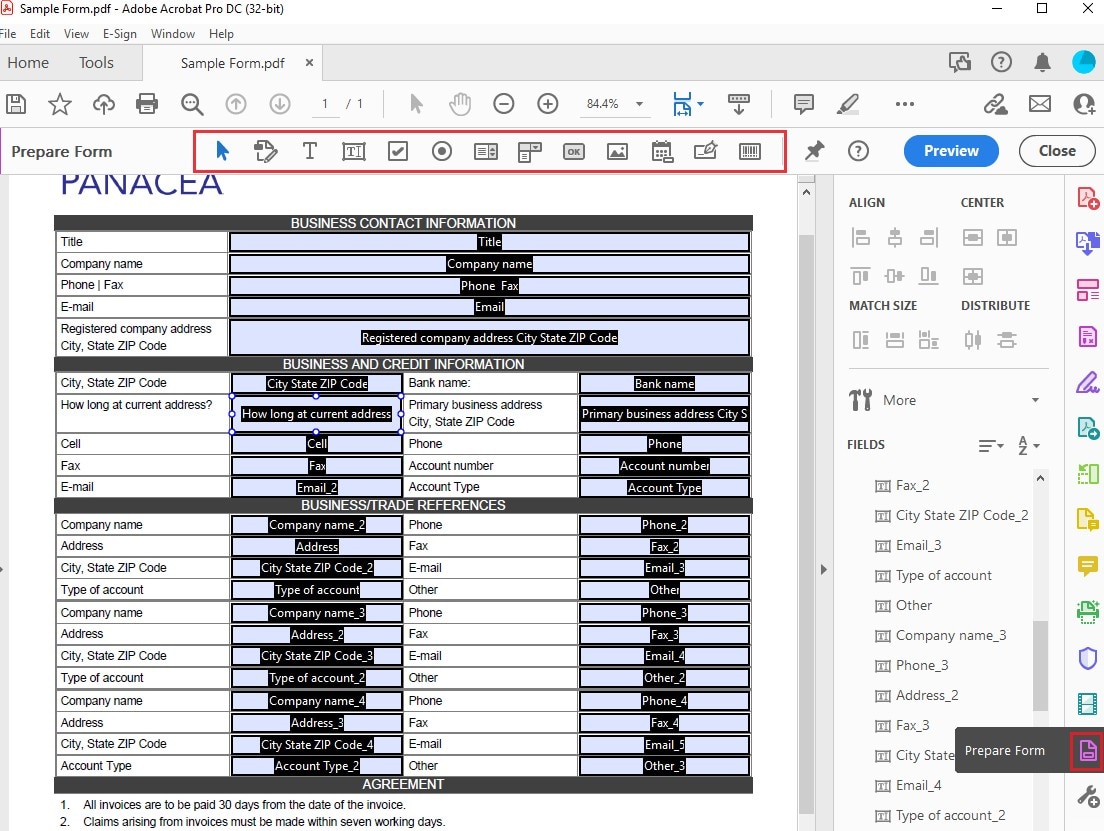
Creating Fillable Forms Using Adobe Acrobat Using the steps below Excel or PDF document and then add interactive fillable form fields to the form
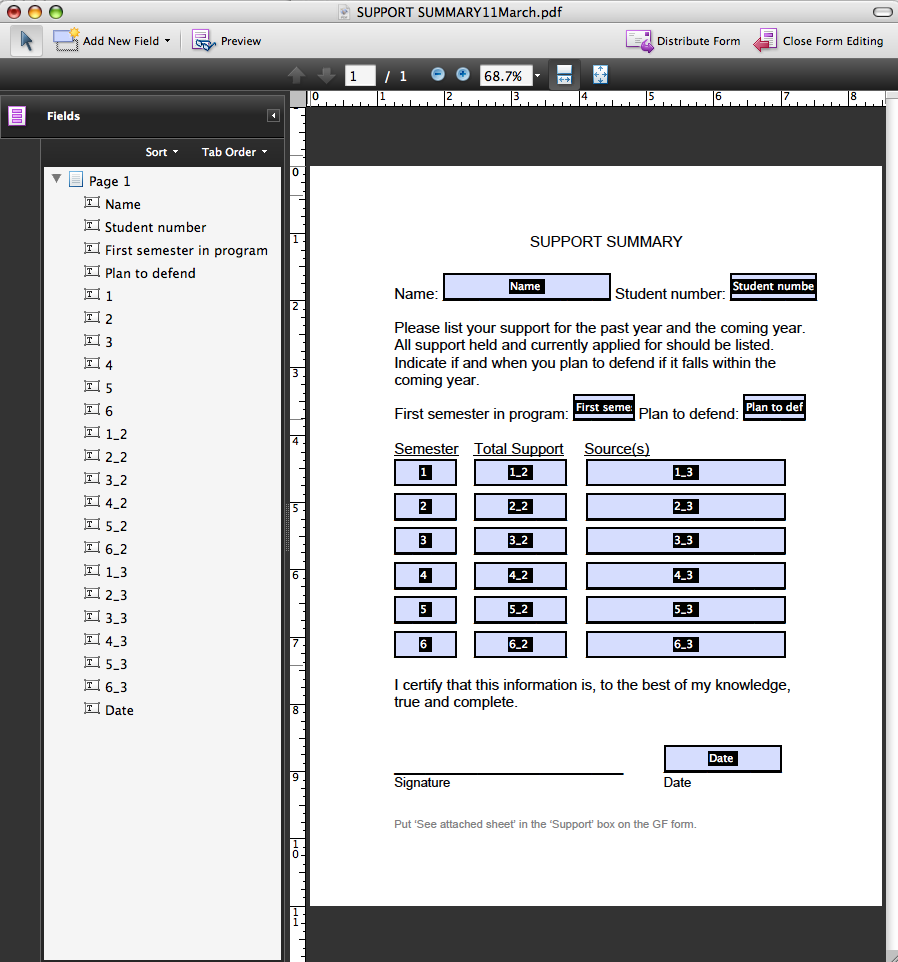
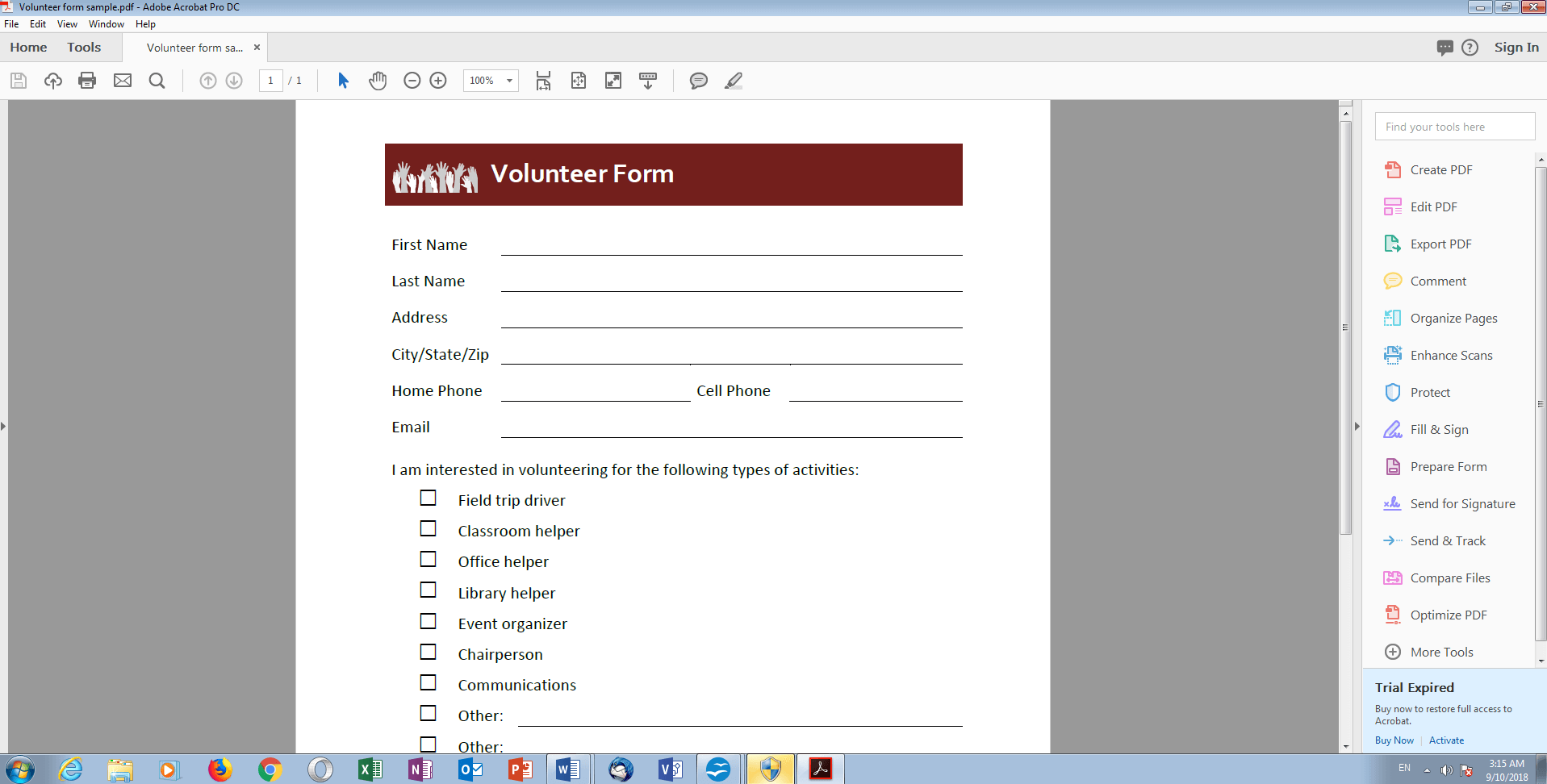
Here s how to create a PDF form for free online in 3 easy steps Step 1 Upload PDF form or create from scratch Step 2 Add form fields to your PDF Step 3
1 Open the Adobe Acrobat Pro DC software on your computer 2 Select the Tools tab on the welcome screen 3 On the Tools page find the Prepare Form option To make your PDF form fillable upload it to your account pdfFiller instantly converts any PDF document to a fillable format online You can fill your PDF form
Select an existing PDF document Click on Upload to choose a file No existing document Add fillable form fields to your PDF form Go over your document s