Adding Multiple Sums In Excel How To Add Up A Column In Excel Formula Astar Tutorial Algorithms To Evaluate Multiple Sums For Loop Computations Journal Of How To Add And Subtract Sums In Excel Will Davi s Subtraction Worksheets Download Using The Sumif Function In Excel Gantt Chart Excel Template How To Use The SUM Function In Excel To Sum A Range Of Cells Excel Web Below are the steps to get the sum across multiple worksheets using 3D referencing In the cell where you want the sum value enter SUM Select the first worksheet Q1 in this example Hold the SHIFT key and click on the last worksheet tab name Q4 in this example
Web SUM function SUM A2 A10 Adds the values in cells A2 10 SUM A2 A10 C2 C10 Adds the values in cells A2 10 as well as cells C2 C10 Web May 9 2023 nbsp 0183 32 7 Suitable Ways to Add the Sum of a Column in Excel In this tutorial I will show you how to add the sum of a column in Excel Here I have used 7different methods to make you understand the scenario properly For the purpose of demonstration I have used the following sample dataset
How To Use The SUM Function In Excel To Sum A Range Of Cells Excel How To Add In Excel Excel Sum With Examples Itechguides Using The Sum Function In Excel YouTube Multiple Sums For Class Ubicaciondepersonas cdmx gob mx How To Sum Multiple Rows In Excel Different Ways To Sum Multiple Rows Best How To Add A Column In Excel With Formula Pics Formulas Solved Automatic Parenthesis Sizing With Multiple Sums 9to5Science How To Round Up Sums In Excel How To Add In Excel Excel Sum With Examples Itechguides
Adding Multiple Sums In Excel
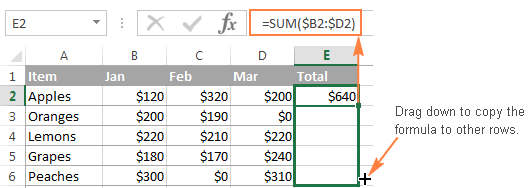 Adding Multiple Sums In Excel
https://cdn.ablebits.com/_img-blog/excel-sum/sum-multiple-rows.png
Web Oct 9 2023 nbsp 0183 32 The easiest way to calculate the sum of a range of cells is by using the AutoSum function Follow these steps to do so 1 Select the cell where you want the sum to be displayed 2 Click on the Home tab in the top menu 3 In the Editing group click on AutoSum represented by a Greek Sigma symbol 4
Pre-crafted templates use a time-saving service for developing a varied variety of files and files. These pre-designed formats and layouts can be utilized for different personal and professional projects, consisting of resumes, invitations, flyers, newsletters, reports, presentations, and more, improving the content development procedure.
Adding Multiple Sums In Excel
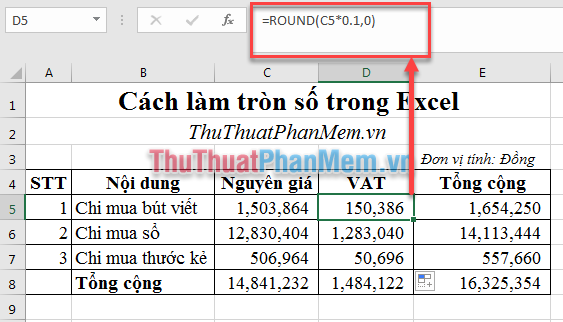
How To Round Up Sums In Excel
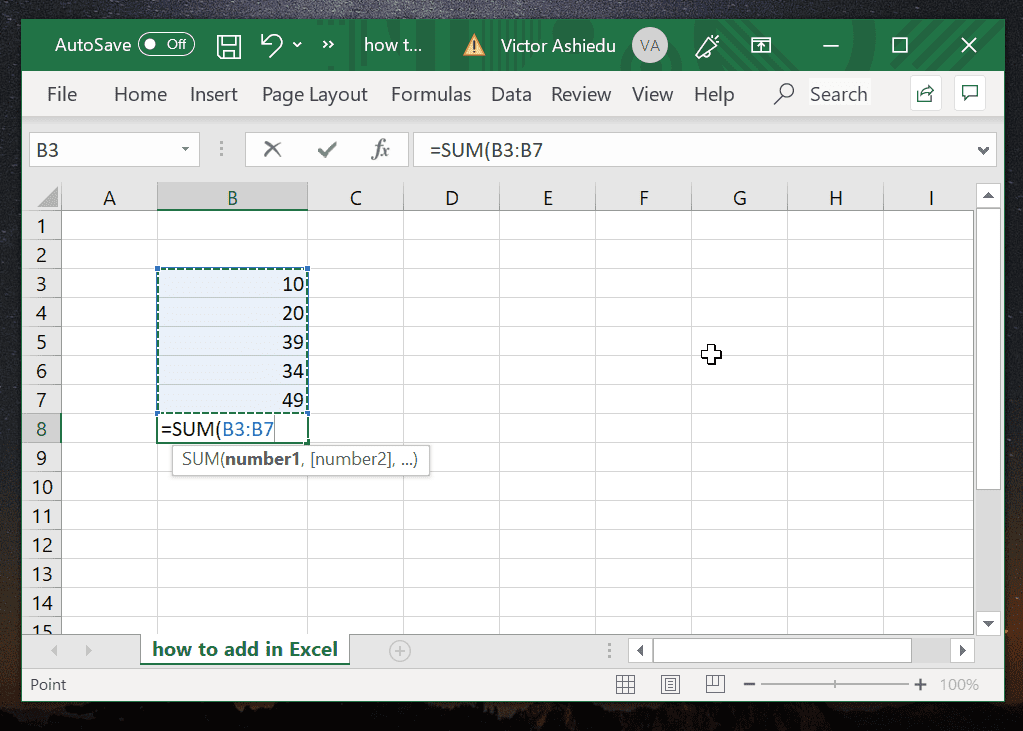
How To Add In Excel Excel Sum With Examples Itechguides

Using The Sum Function In Excel YouTube
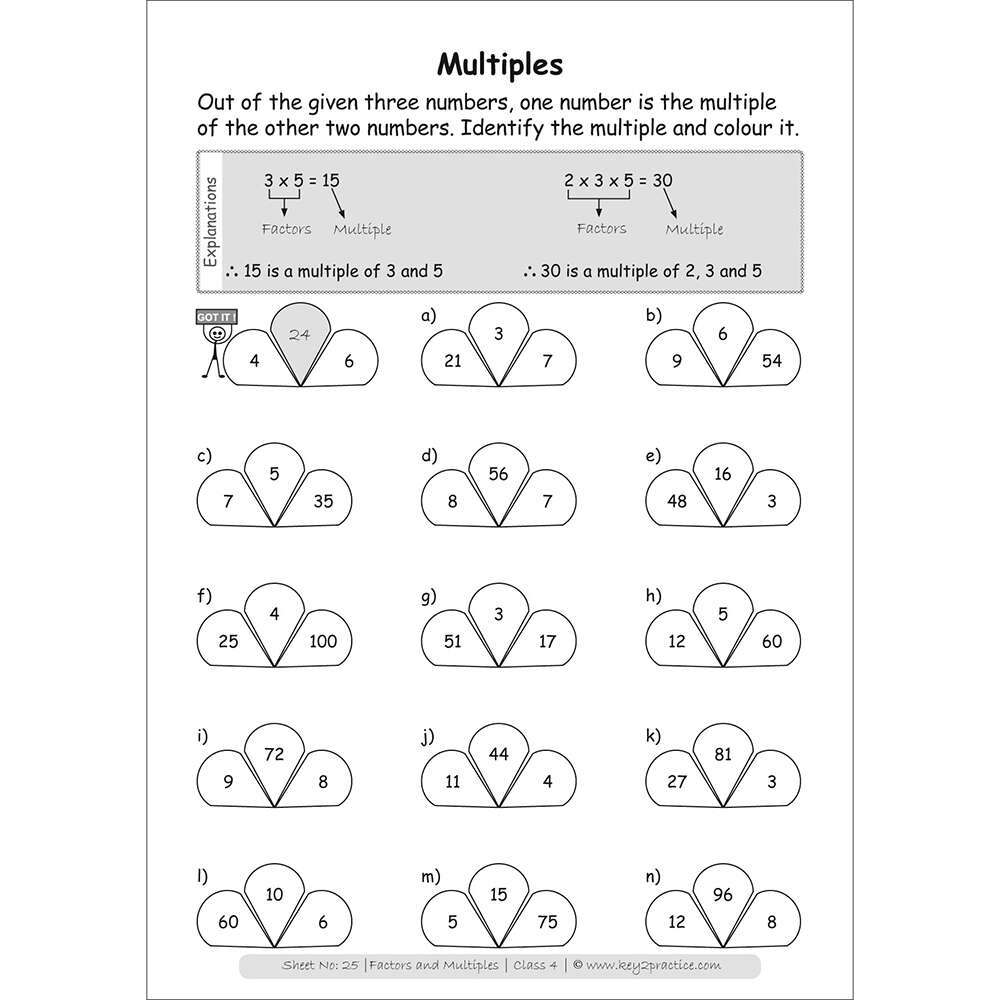
Multiple Sums For Class Ubicaciondepersonas cdmx gob mx

Best How To Add A Column In Excel With Formula Pics Formulas

Solved Automatic Parenthesis Sizing With Multiple Sums 9to5Science
Web Jan 5 2022 nbsp 0183 32 You might have the formula SUM g14 g28 in A1 and SUM g30 g43 in A2 for example and the offending expression might be A1 A2 or SUM A1 A2 or SUM A1 A2 Or you might have the expression SUM SUM g14 g28 SUM g30 g43 which is better written SUM g14 g28 g30 g43

Web Sep 19 2023 nbsp 0183 32 1 Using AutoSum Feature to Add Multiple Cells in Excel 2 Applying Algebraic Formula to Add Multiple Cells in Excel 3 Inserting SUM Function to Add Multiple Cells in Excel 4 Adding up Multiple Cells with Condition Using SUMIF Function 5 Adding Multiple Cells Together Containing Texts in Excel 5 1 Applying
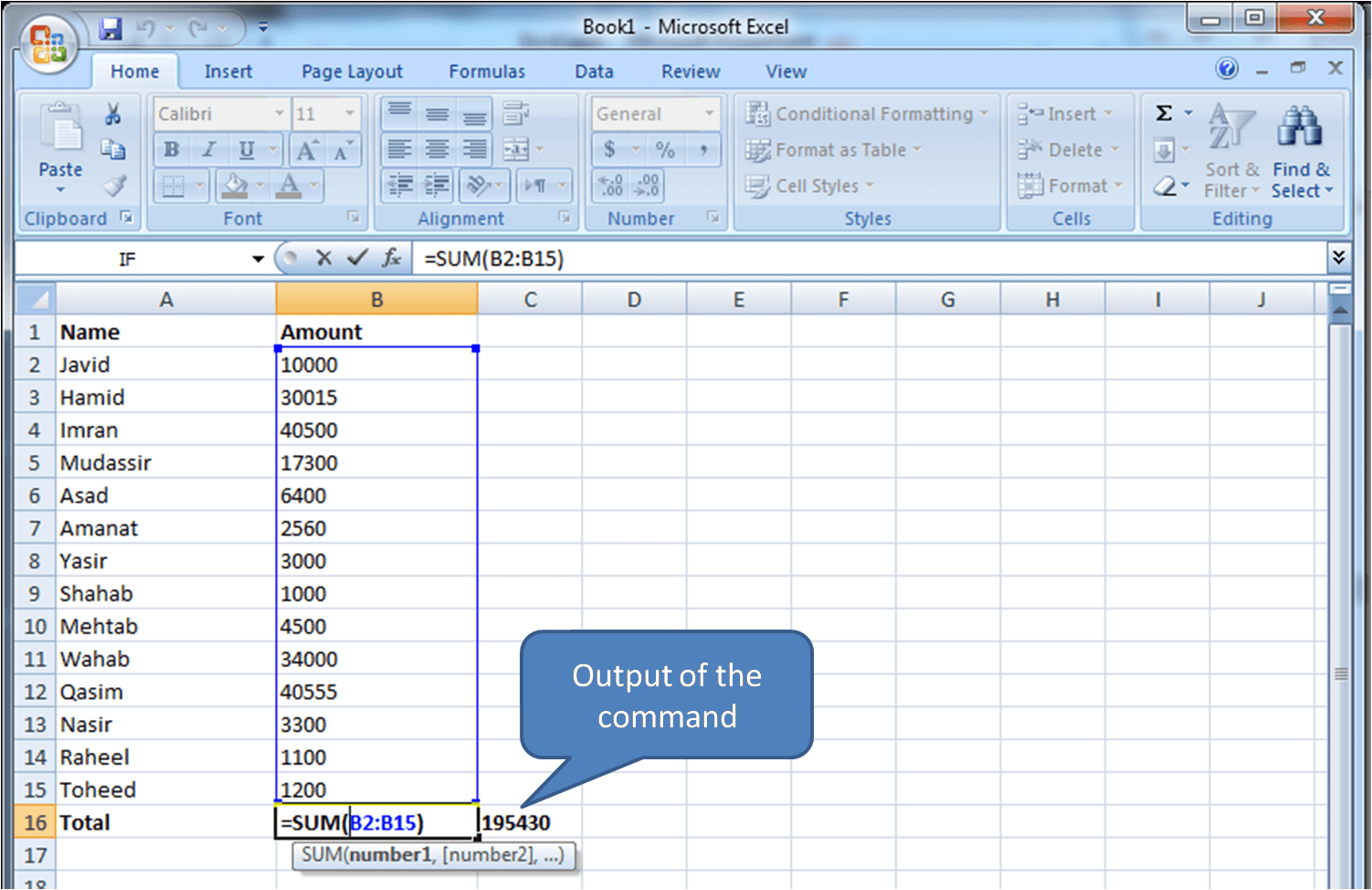
Web Dec 16 2022 nbsp 0183 32 Go to the sheet and cell where you want the formula and enter SUM but don t press Enter or Return Then select the first sheet hold your Shift key and select the last sheet You should see all sheets from the first to the last highlighted in the tab row
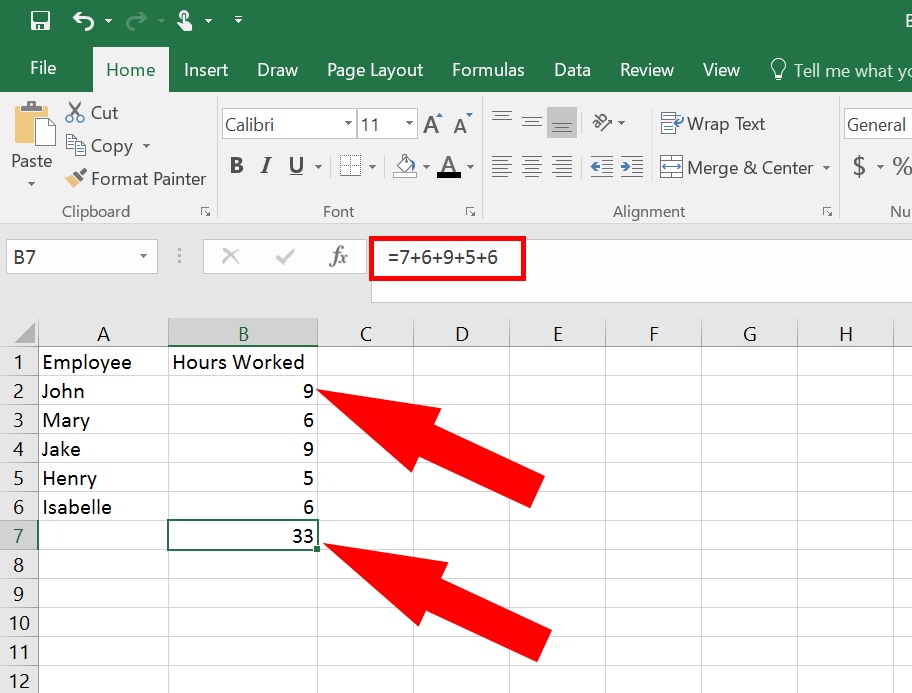
Web Let s say that you need to sum values with more than one condition such as the sum of product sales in a specific region This is a good case for using the SUMIFS function in a formula Have a look at this example in which we have two conditions we want the sum of Meat sales from column C in the South region from column A
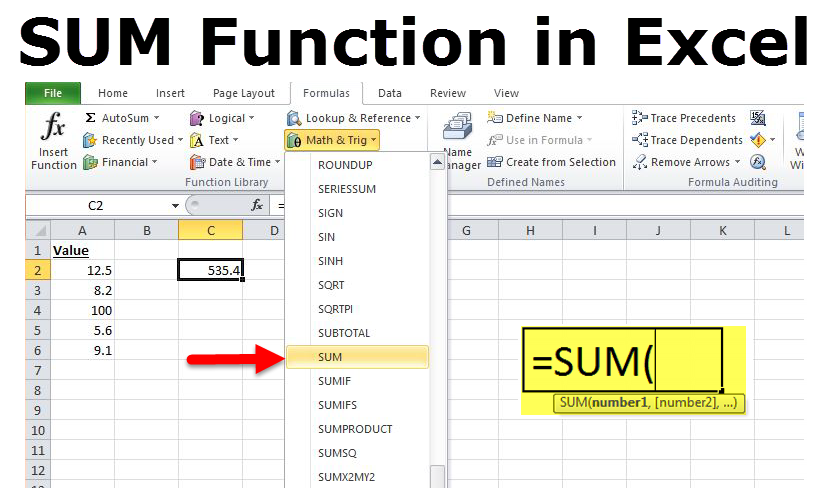
Web How to Sum Multiple Excel Rows For example look at the below data At first we applied the basic Excel formulas below It is the calculator s way of adding up numbers together However we have seen how to overcome this with the SUM function in Excel It sums multiple Excel rows and gives the
[desc-11] [desc-12]
[desc-13]