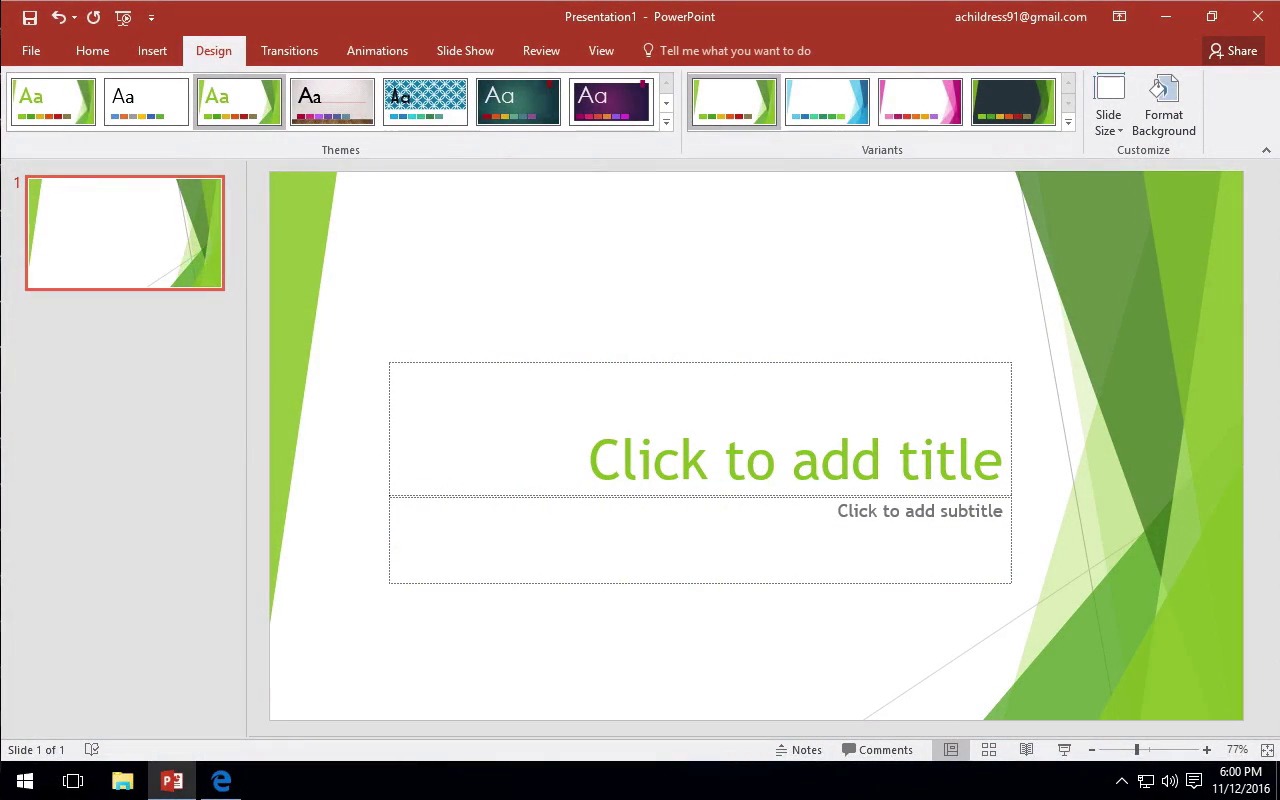
Add Theme To Powerpoint 120 Power Poimt Wallpaper NEC How To Apply Themes In PowerPoint Beginner s Guide Art Of 23 Add Theme To Win Server YouTube How To Apply A Theme To PowerPoint Presentation YouTube How To Change Theme Colors In PowerPoint BrightCarbon 2022 To apply a theme in PowerPoint head over to the Design tab Under the Themes section click on the More button to view all the themes available Then choose the desired theme and click on it to apply it to the presentation In this article we will take a look at this topic in greater detail I will help you understand how
Add rearrange duplicate and delete slides in PowerPoint Article Apply a slide layout Article Add color and design to your slides with Themes Article Start with a template Article Get design ideas for slides Article Customize a slide master Article Change the page orientation in PowerPoint between landscape and portrait Article To apply a custom theme or a themed document stored in a different location click Browse for Themes and then locate and select the theme you want Remove a colorful theme To remove a colorful theme apply the Office Theme for a
How To Change Theme Colors In PowerPoint BrightCarbon 2022 Powerline Fonts Codepoints Baltimorehac Use Milestones Apps From Teams Store Power Apps Microsoft Learn Amazing Botanical Free PowerPoint Template Google Slides Theme Windows 11 Theme For Windows 10 Mazwealth How To Apply A Theme To One Slide Using PowerPoint 2013 MAC And PC Step by Step Guide To Changing The Theme On Google Slides Technology How To Change Discord Background YouTube Download Mi n Ph 999 Rizal Powerpoint Background Ph ng Kho ng y
Add Theme To Powerpoint
 Add Theme To Powerpoint
https://embed-ssl.wistia.com/deliveries/ea6836e1395ef5a1ee8ede8b4d33d12a09cd1ca7.jpg
If you want to apply a different theme PowerPoint automatically changes all the colours of your objects This way you do not have to do this manually and the colours of your presentations remain harmonious Saving a self made Theme To use the theme you have created later you must save it To do this go to Design in the draft
Templates are pre-designed documents or files that can be utilized for various functions. They can save effort and time by supplying a ready-made format and layout for creating various sort of material. Templates can be utilized for individual or professional jobs, such as resumes, invitations, flyers, newsletters, reports, presentations, and more.
Add Theme To Powerpoint

You Can Now Personalize Microsoft Edge With Built in Theme Colors
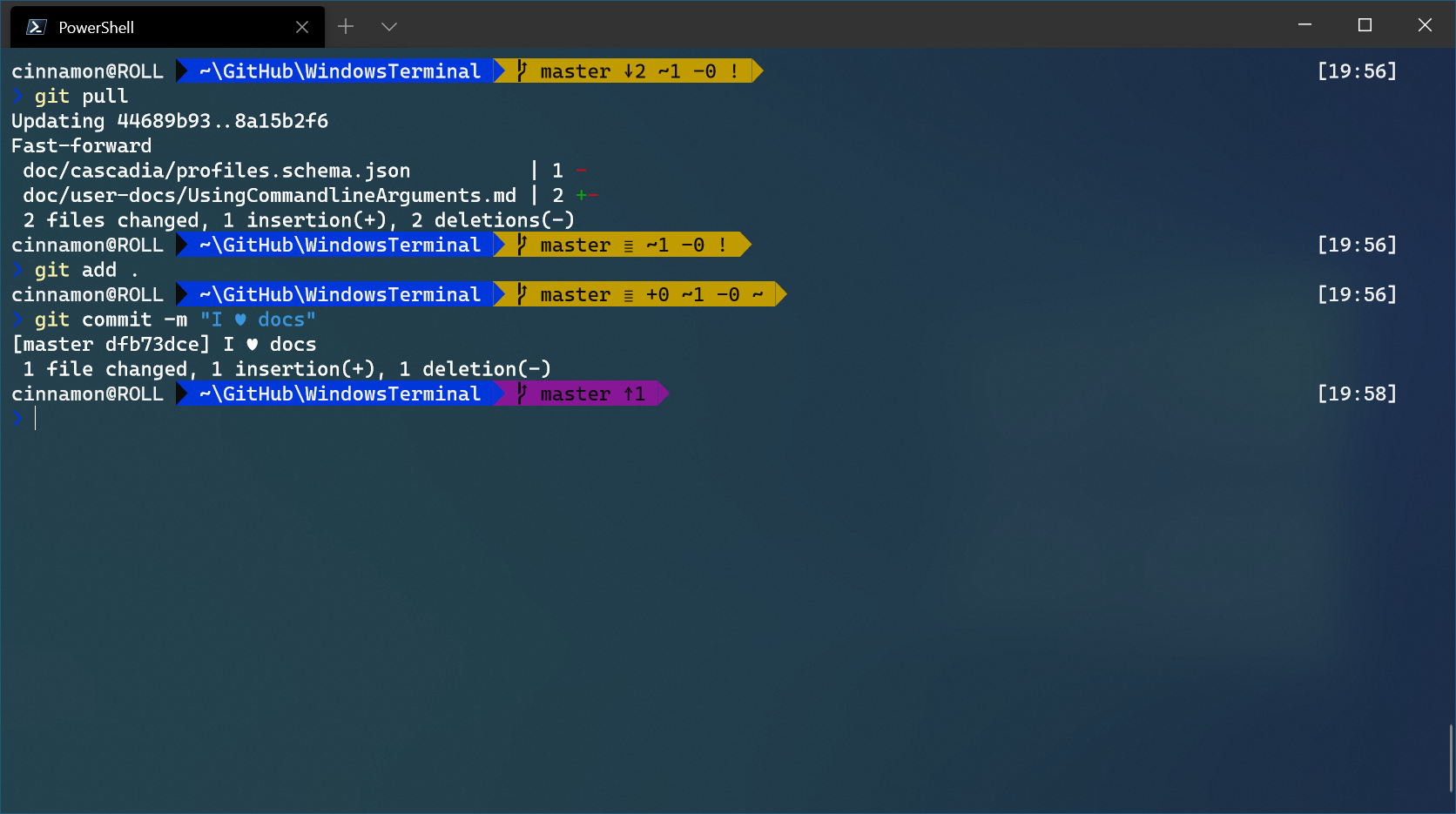
Powerline Fonts Codepoints Baltimorehac

Use Milestones Apps From Teams Store Power Apps Microsoft Learn
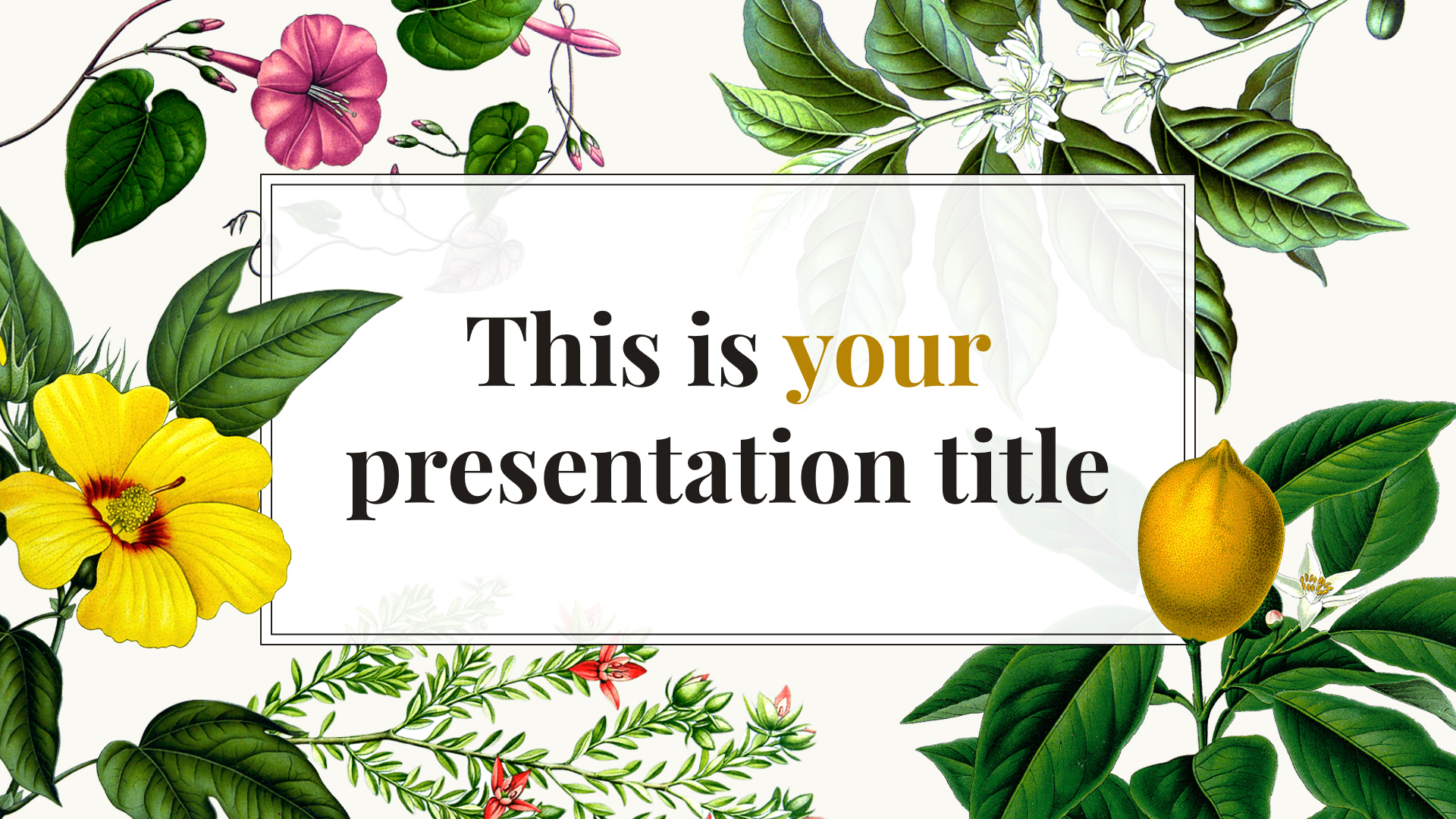
Amazing Botanical Free PowerPoint Template Google Slides Theme
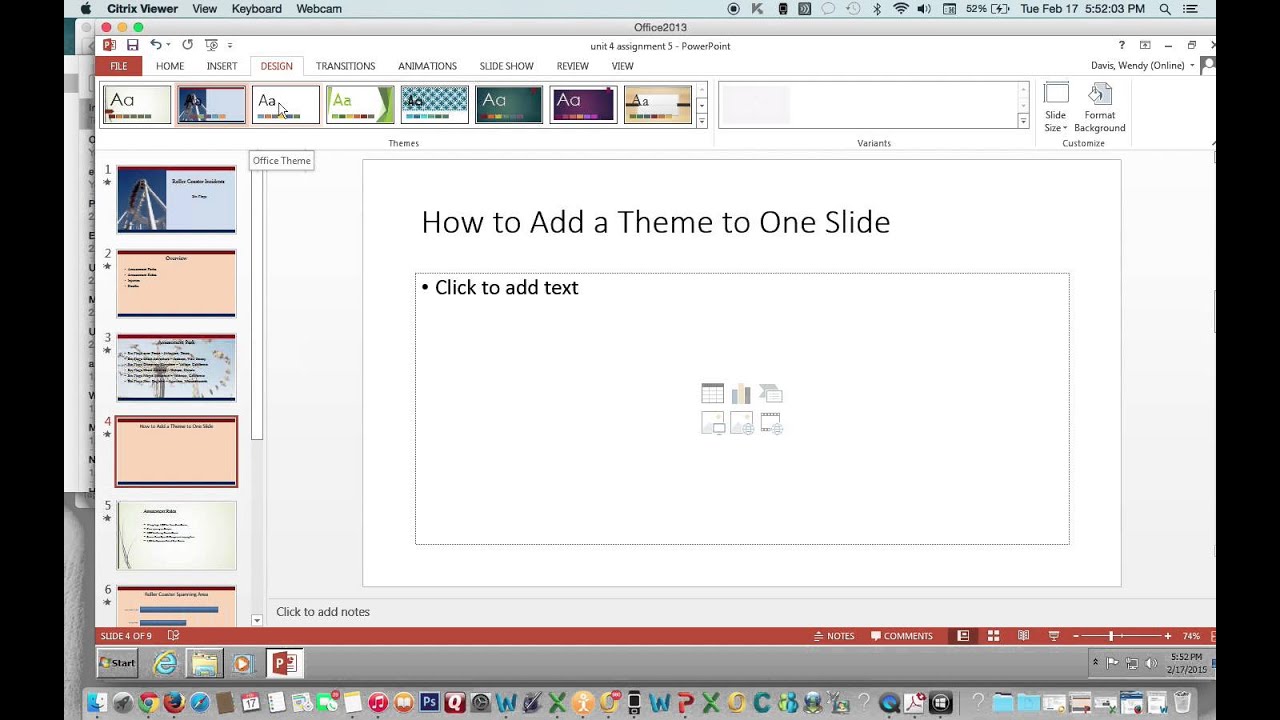
How To Apply A Theme To One Slide Using PowerPoint 2013 MAC And PC
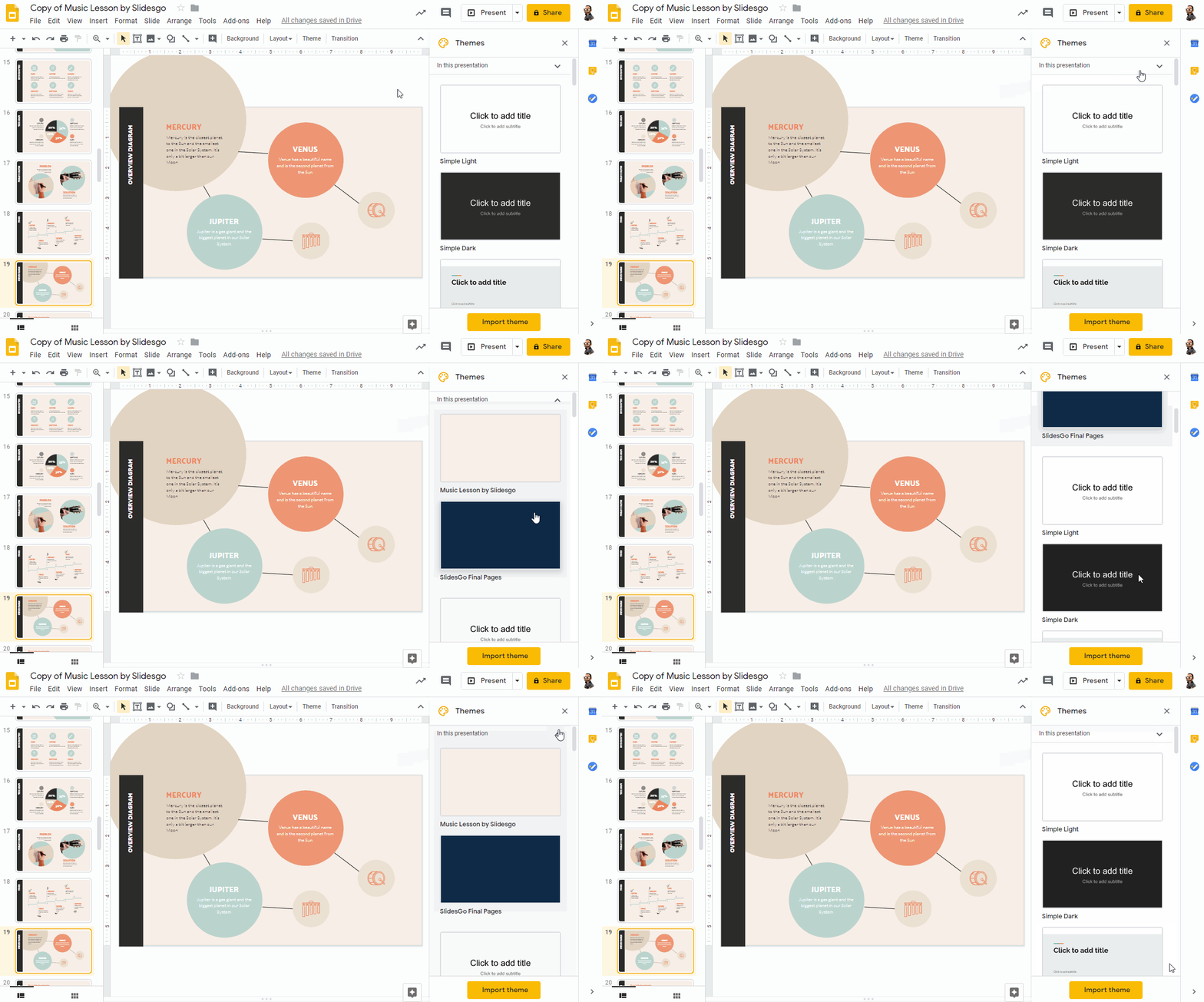
Step by Step Guide To Changing The Theme On Google Slides Technology
A fast way to give your slides an attractive professional look in PowerPoint is to apply a theme Apply a theme to all slides or specific slides for a unique impact Select Design Hover over the Themes to preview how it looks and select the one you like

When you click Colors in the Themes group the colors that you see next to the theme name represent the accent and hyperlink colors for that theme If you change any of these colors to create your own set of theme colors the colors that are shown on the Colors button and next to the Theme name will be updated accordingly The Theme Colors

Got a custom template you want to use in PowerPoint Did you receive a template via download email or other method that you d like to add to PowerPoint Copy or save your template potx file to the Templates folder at Switch to the new file right click the thumbnail pane and under Paste Options select Use Destination Theme All the
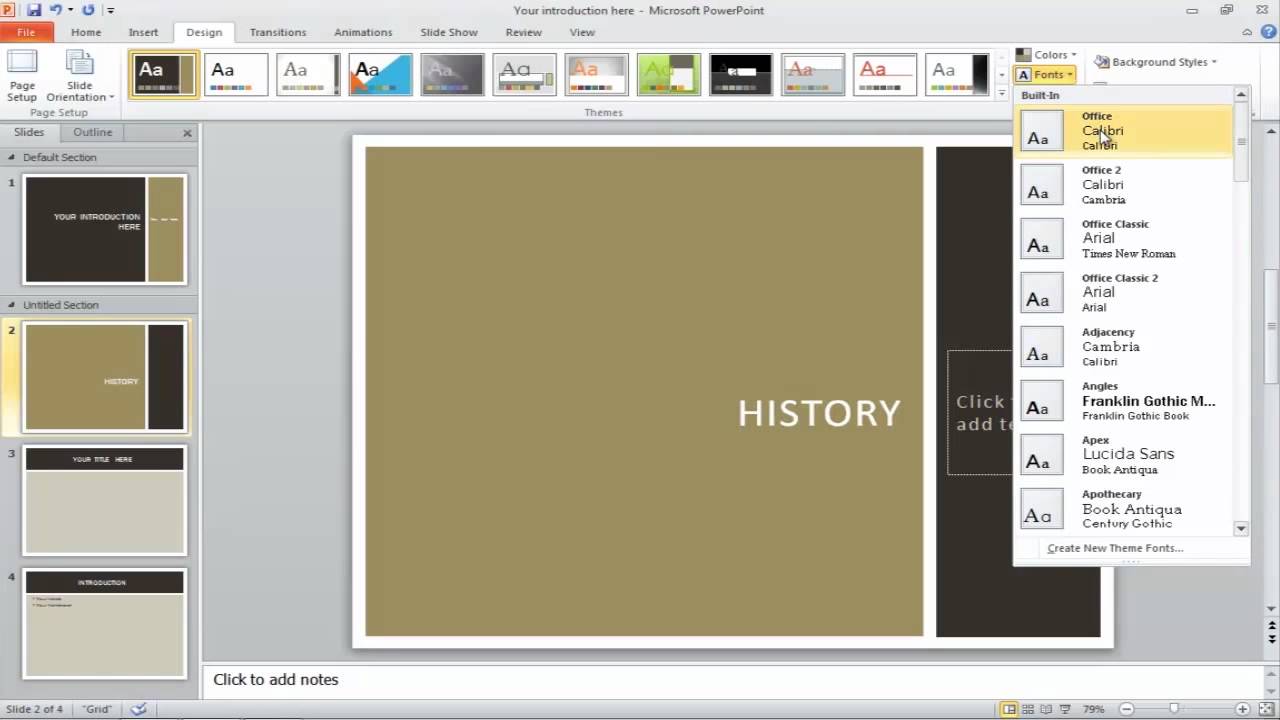
To apply a new or different PowerPoint 2007 template that already exists see Apply a template to your presentation Best practice for creating a template When you create a template add any content to the slide master in Slide Master view that you want to protect from being changed by users of your template such as instructional prompt text logos
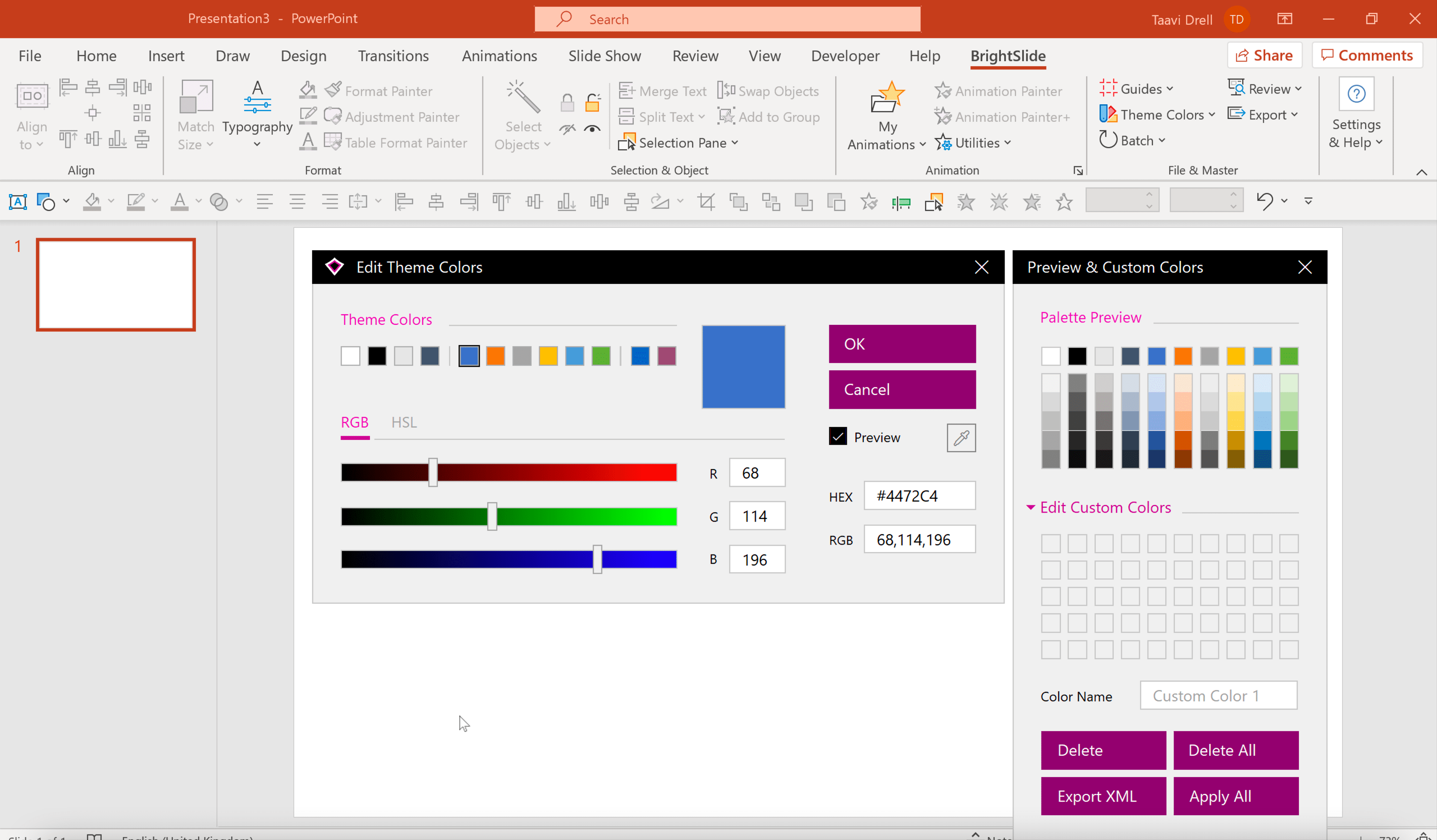
To select and apply a theme click the thumbnail image of that theme Unless you specify otherwise PowerPoint applies the theme you select to the entire presentation To apply a theme to only one or a few slides select the slide or slides right click the theme you want and select Apply to Selected Slides
[desc-11] [desc-12]
[desc-13]