Add String To A Cell In Excel How To Add An Image In A Cell In Excel YouTube How To Split A Cell In Excel With Two Colors YouTube How To Wrap A Cell In Excel SpreadCheaters Excel Formula To Count Specific Words In A Cell 3 Examples Excel Formula To Add Cells In A Row Images And Photos Finder In Excel there are several ways to combine text and numbers Use a number format to display text before or after a number in a cell If a column that you want to sort contains both numbers and text such as Product 15 Product 100 Product 200 it may not sort as you expect
How to use the CONCATENATE function in Excel to join two or more text strings into one Include text in formulas Excel for Microsoft 365 Excel for Microsoft 365 for Mac Excel for the web More We often hear that you want to make data easier to understand by including text in your formulas such as 2 347 units sold To include text in your functions and formulas surround the text with double quotes
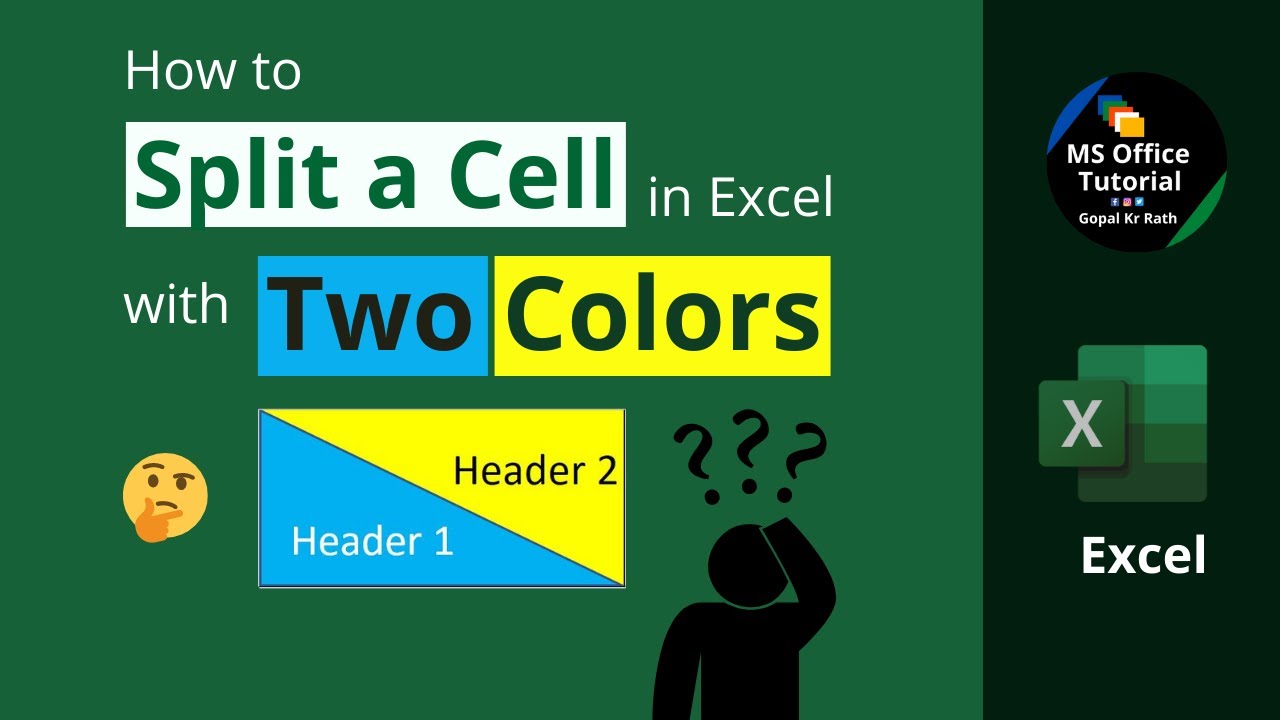
Excel Formula To Add Cells In A Row Images And Photos Finder How To Clear A Cell In Excel A Comprehensive Guide Earn Excel Replacing Characters At The End Of A Cell In Excel How To Extract Certain Text From A Cell In Excel NovusLion o Elastick Nudn Excel Lock Image Inside Cell Dar ek V cvik Conjugate How To Enter In A Cell In Excel ManyCoders Combining Numbers And Text In A Cell In Excel ManyCoders How To Enter Data Within A Cell In Excel ManyCoders How To Shrink Text To Fit Inside A Cell In Excel Without VBA YouTube
Add String To A Cell In Excel
 Add String To A Cell In Excel
https://i.ytimg.com/vi/0qqyfg1g3Jc/maxresdefault.jpg?sqp=-oaymwEoCIAKENAF8quKqQMcGADwAQH4AYwCgALgA4oCDAgAEAEYEyBlKDcwDw==&rs=AOn4CLA_5pW0NbRNfXyZ-eANbGnqud2yRQ
The formula we will enter into cell C2 above is as follows ENTER A2 Figure 3 of Add Text in Excel The result is the text ENTER which we specified in our formula for adding text in Excel before the text in cell A2 Modify and copy the formula in cell C2 above down into the other cells in the column for similar outcomes
Templates are pre-designed documents or files that can be used for numerous functions. They can save time and effort by providing a ready-made format and design for producing various type of material. Templates can be used for individual or expert projects, such as resumes, invites, flyers, newsletters, reports, discussions, and more.
Add String To A Cell In Excel
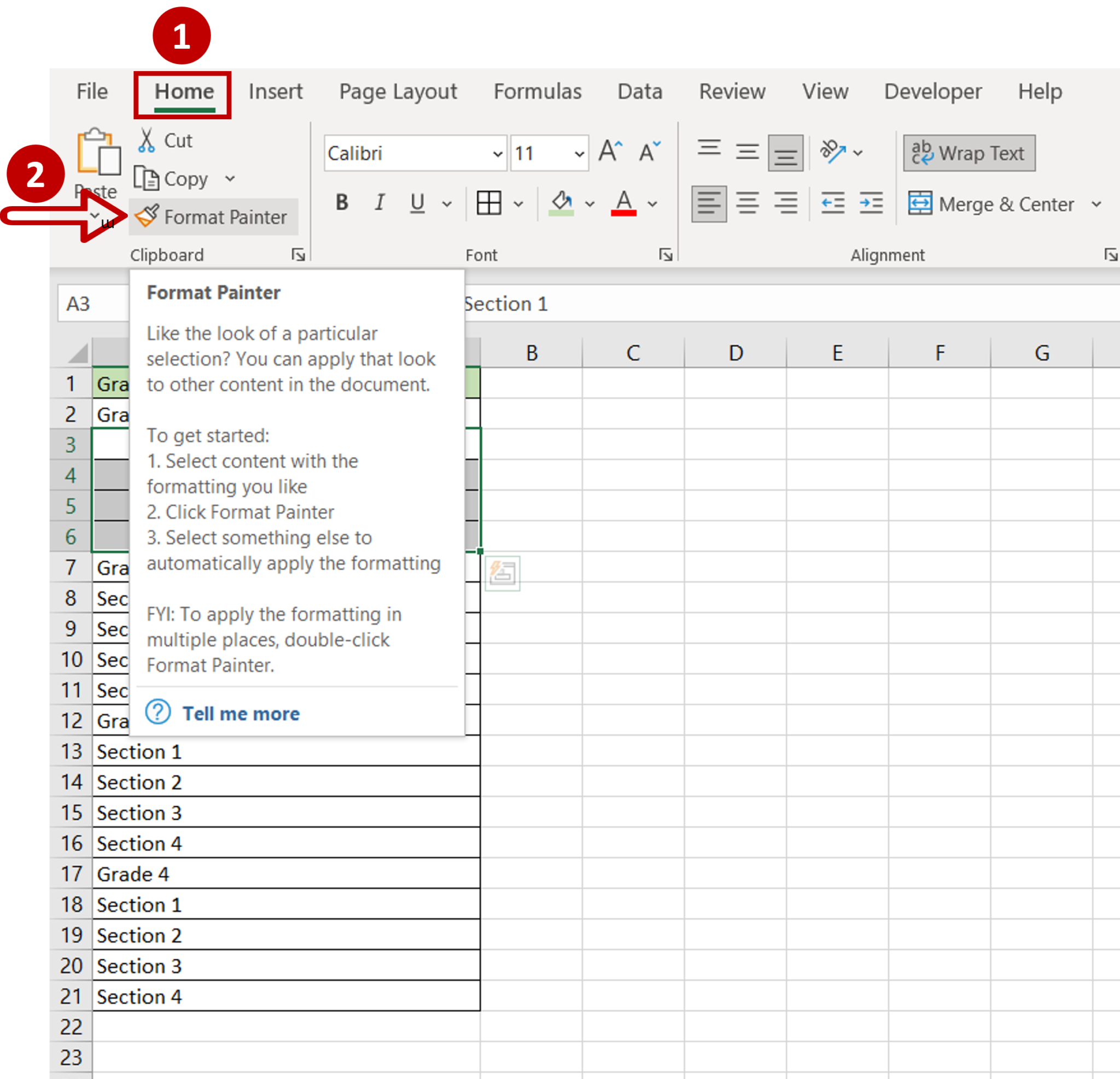
How To Tab Within A Cell In Excel SpreadCheaters

How To Clear A Cell In Excel A Comprehensive Guide Earn Excel

Replacing Characters At The End Of A Cell In Excel

How To Extract Certain Text From A Cell In Excel NovusLion

How To Enter In A Cell In Excel ManyCoders

Combining Numbers And Text In A Cell In Excel ManyCoders

Microsoft Excel has you covered You can use a formula or function to append text to your cells including finding a specific character and adding your text before or after it Here s how Add Text to the Beginning of a Cell To add some text before your existing text in a cell simply use the ampersand operator or the CONCAT function
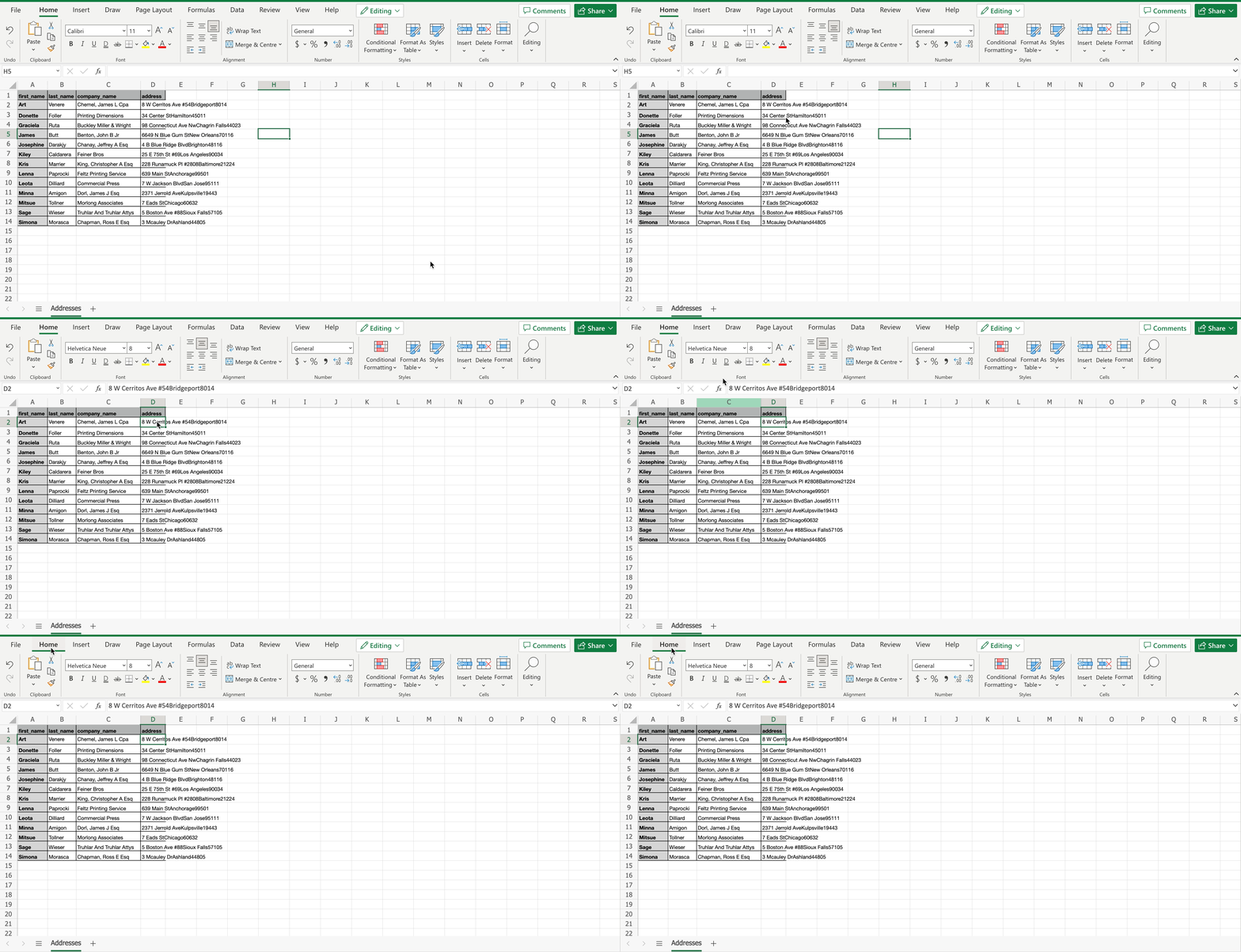
Step 1 Firstly click on the first cell F5 in the column where you wish the transformed names to display Finally write down the following formula Total Sales are B5 is E5 Step 2 Here you will observe the outcomes of cell F5 by adding text to the cell value Step 3
Created on October 18 2016 Inserting Cell Reference within text in a cell Hello I am trying to insert the contents of a cell from a separate worksheet in the same book into a section of text What I am trying to do is Text Text Text Text INSERT CELL REFERENCE Text Text Text INSERT CELL REFERENCE Text Can this be done

Method 1 Using the ampersand Operator An ampersand can be used to easily combine text strings in Excel Let s see how you use it to add text at the beginning or end or both in Excel Using the ampersand Operator to Add Text to the Beginning of all Cells The ampersand is an operator that is mainly used to join several text strings into one
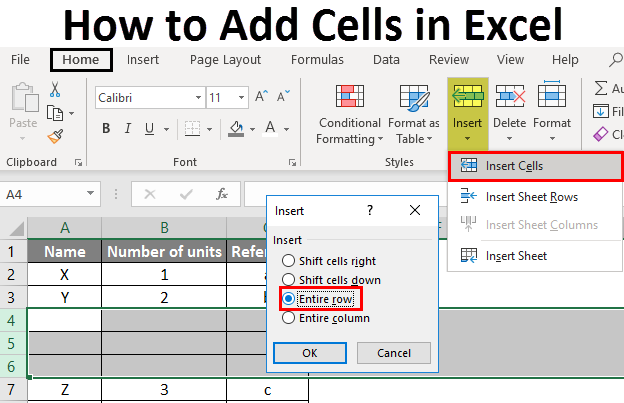
Select the cell you want to combine first Use commas to separate the cells you are combining and use quotation marks to add spaces commas or other text Close the formula with a parenthesis and press Enter An example formula might be CONCAT A2 Family See also TEXTJOIN function CONCAT function Merge and unmerge cells CONCATENATE function
The CONCATENATE function in Excel is used to join different pieces of text together or combine values from several cells into one cell The syntax of Excel CONCATENATE is as follows CONCATENATE text1 text2 Where text is a text string cell reference or formula driven value Step 1 Select the cell or range of cells where you want to enable word wrap Step 2 Go to the Home tab on the Excel ribbon Step 3 In the Alignment group click on the Wrap Text button This will enable word wrap for the selected cells and the text will adjust to fit the cell width
To start a new line of text or add spacing between lines or paragraphs of text in a worksheet cell press Alt Enter to insert a line break Double click the cell in which you want to insert a line break Click the location inside the selected cell where you want to break the line