Add Hover Text To Button Add Hover Text to Buttons – Zingtree Help Center Add ToolTips on Mouse Hover for Buttons and Shapes in Excel - Last Video of 2020 - YouTube Display a Tooltip on Mouse Hover with ProtoPie html - How to add an element to a button on hover - Stack Overflow How to Add Hover Effects on Buttons in python || Tkinter || button में hover effects कैसे डालें - YouTube Use the hover selector to change the style of the button when you move the mouse over it Tip Use the transition duration property to determine the speed of
Adding Classes In CodePen whatever you write in the HTML editor is what goes within the body tags in a basic HTML5 template So you don t have access to HTML Use a container element like div and add the tooltip class to it When the user mouse over this div it will show the tooltip text
How to Add Hover Effects on Buttons in python || Tkinter || button में hover effects कैसे डालें - YouTube Image Hover Text Overlay Effect with HTML & CSS - Web Design Tutorial - YouTube Add Hover Effect on message Text ! – Discord How to add hover effect to a button in Bubble | Bubble.io Tutorials | Planetnocode.com - YouTube Tableau Tip | How To Add A Hover Button To Your Dashboard - The Data School Down Under Interactive Button Tutorial · Axure Docs How to Create a Website Tooltip How to add hoverable text on Action button of table - Queries and Resources - Retool Forum Jim Raptis on Twitter: "UI/UX Tip ✨ How to Make Tooltips Responsive The classic tooltip is activated once the user hovers over the element... On desktop, this works perfectly! However mobile devices
Add Hover Text To Button
 Add Hover Text To Button
https://help.zingtree.com/hc/article_attachments/5647126411291/2022-04-28_09-12-20.png
You now need to target the class of this text box to add the hover styling we want The easiest way to do this is by clicking the new style rule button when
Pre-crafted templates offer a time-saving option for producing a diverse series of documents and files. These pre-designed formats and layouts can be utilized for different personal and expert projects, consisting of resumes, invitations, leaflets, newsletters, reports, discussions, and more, enhancing the material development process.
Add Hover Text To Button

Button component text changes back to default on hover - Questions - Figma Community Forum
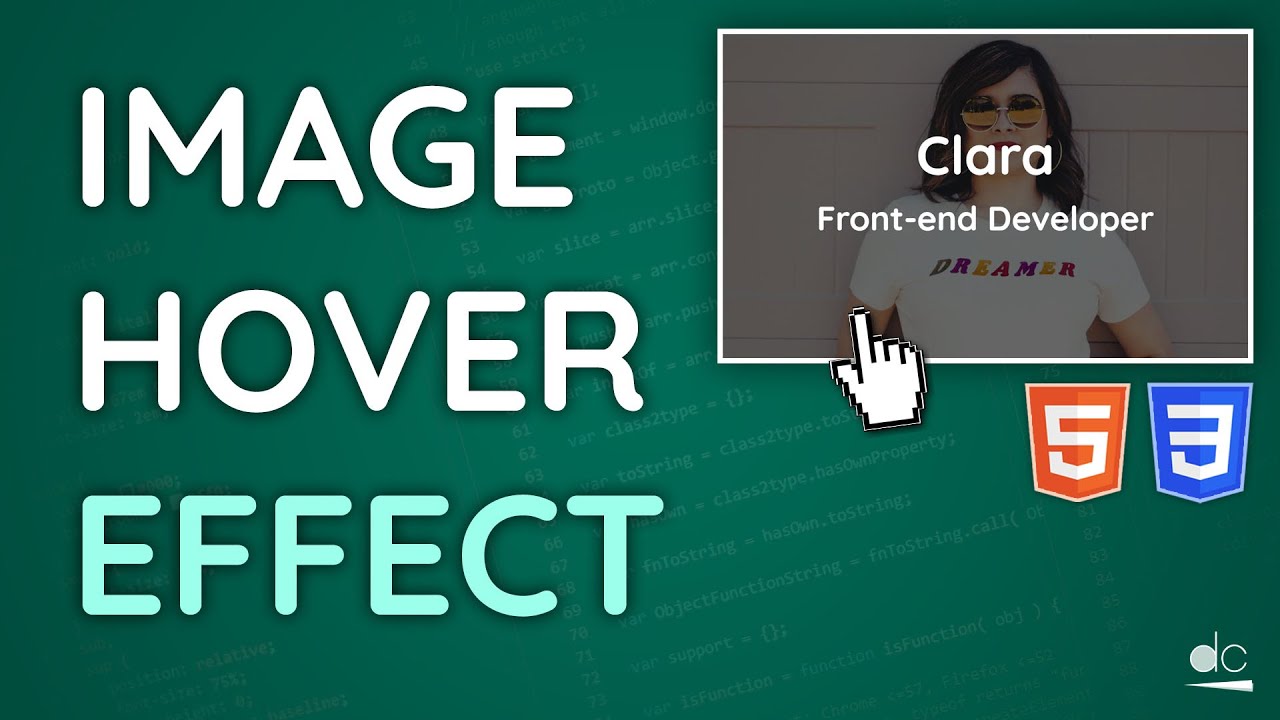
Image Hover Text Overlay Effect with HTML & CSS - Web Design Tutorial - YouTube

Add Hover Effect on message Text ! – Discord

How to add hover effect to a button in Bubble | Bubble.io Tutorials | Planetnocode.com - YouTube

Interactive Button Tutorial · Axure Docs

How to Create a Website Tooltip
Hi guys in this video I will show you how to create a button using HTML and CSS which

You can show text when hovering over a button by using the HTML title attribute The title attribute provides additional information about an element and

The CSS3 hover is a pseudo class that enables you to select and style elements on a web page when the mouse moves over an element

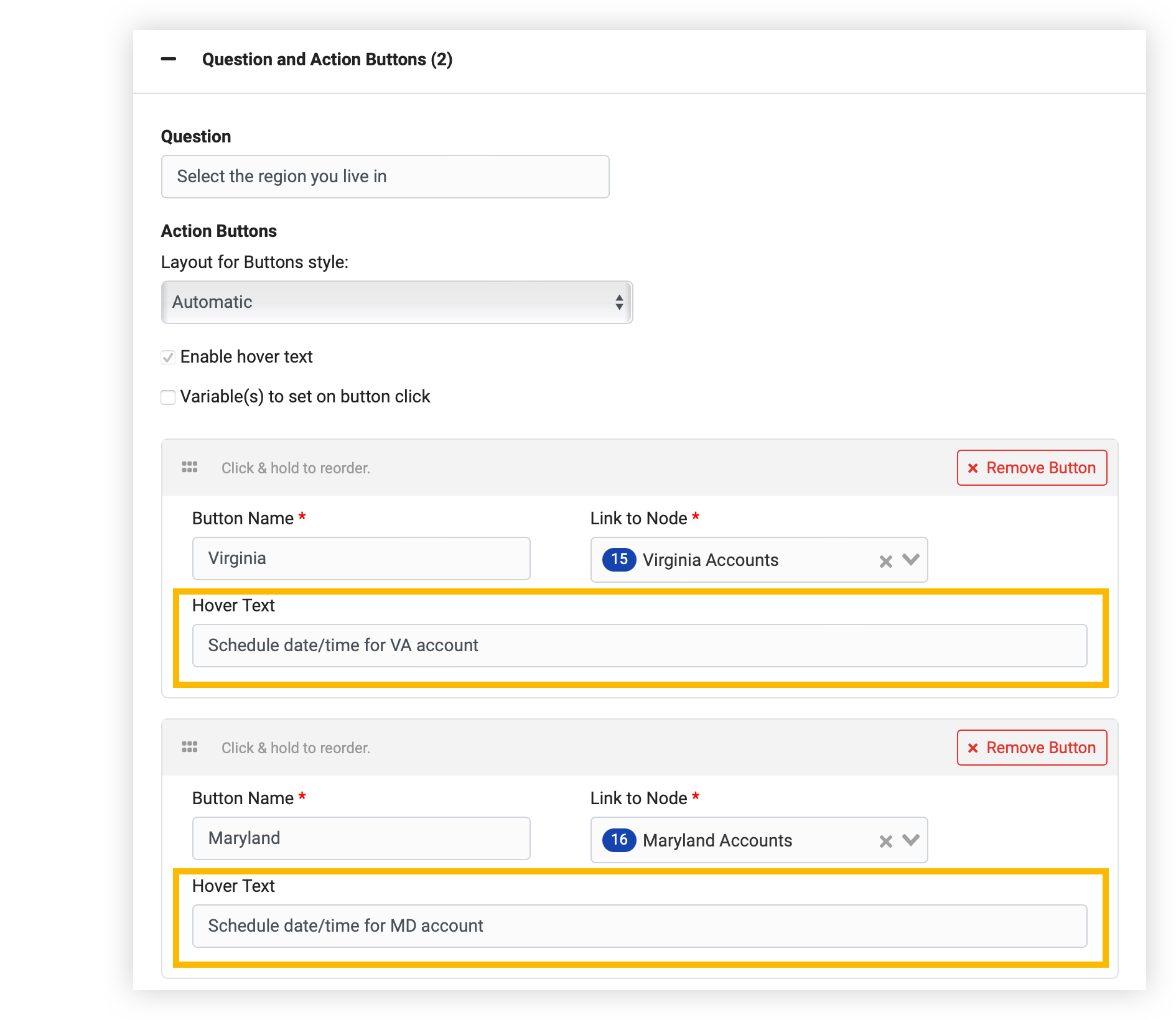
Configuring Button Hovers Edit the node where you want button hovers to appear Click Enable Button Hover Text under the Action Buttons tab

So such Hover Button animation effect can be easily generated by using HTML and CSS By using HTML we will design the basic structure of the
Try adding small medium or large your code to have it work for one specific button size Small Buttons sqs block button element small You can change the button size on hover using the Scale Transform property It s easy to make your buttons grow or shrink on hover It s a good
To add a text on hover you ll need to use the title attribute In this snippet we ll use it on the div span abbr and p elements