Add Existing Folder To Gitignore File Folder Reversible BLACK 1PC How To Add Bin And Obj Folders To gitignore File Visual Studio How To Add Existing Folder To Project Visual Studio Add File To gitignore Sublime Merge Sublime Forum How To Add Existing Folder To Git WEB Git can only ignore files that are untracked files that haven t been committed to the repository yet That s why when you create a new repository you should also create a
WEB Jul 25 2020 nbsp 0183 32 The gitignore file allows you to exclude files from being checked into the repository It contains globbing patterns that describe which files and directories should be ignored WEB Jun 10 2022 nbsp 0183 32 How to Add Folders to gitignore gitignore can also be used to ignore entire directories along with any files and subdirectories in the directory To ignore a specific
How To Add Existing Folder To Git How To Add Existing Folder Or Directory To Visual Studio Project How To Add A gitignore File To Visual Studio 2022 How To gitignore A Folder exclude But Include Specific Subfolder Gitignore idea Directory In Your Git Repository Programmer Hat Add Right Click Option To Add File Or Folder To gitignore gitkeep Ignorando Archivos Y Carpetas En Git Barcelona Geeks Adding A File To A Git Repository On Github Desktop For Mac What Is A Gitignore File On Github And How To Create One Easily
Add Existing Folder To Gitignore
 Add Existing Folder To Gitignore
https://media.rainpos.com/7370/black_file_folder.jpg
WEB Jun 17 2024 nbsp 0183 32 Adding a gitignore file to an existing repository is straightforward Follow these steps for your operating system Windows 1 Navigate to Your Repository cd
Templates are pre-designed files or files that can be used for different purposes. They can conserve effort and time by offering a ready-made format and layout for creating various sort of content. Templates can be used for personal or expert jobs, such as resumes, invitations, leaflets, newsletters, reports, presentations, and more.
Add Existing Folder To Gitignore
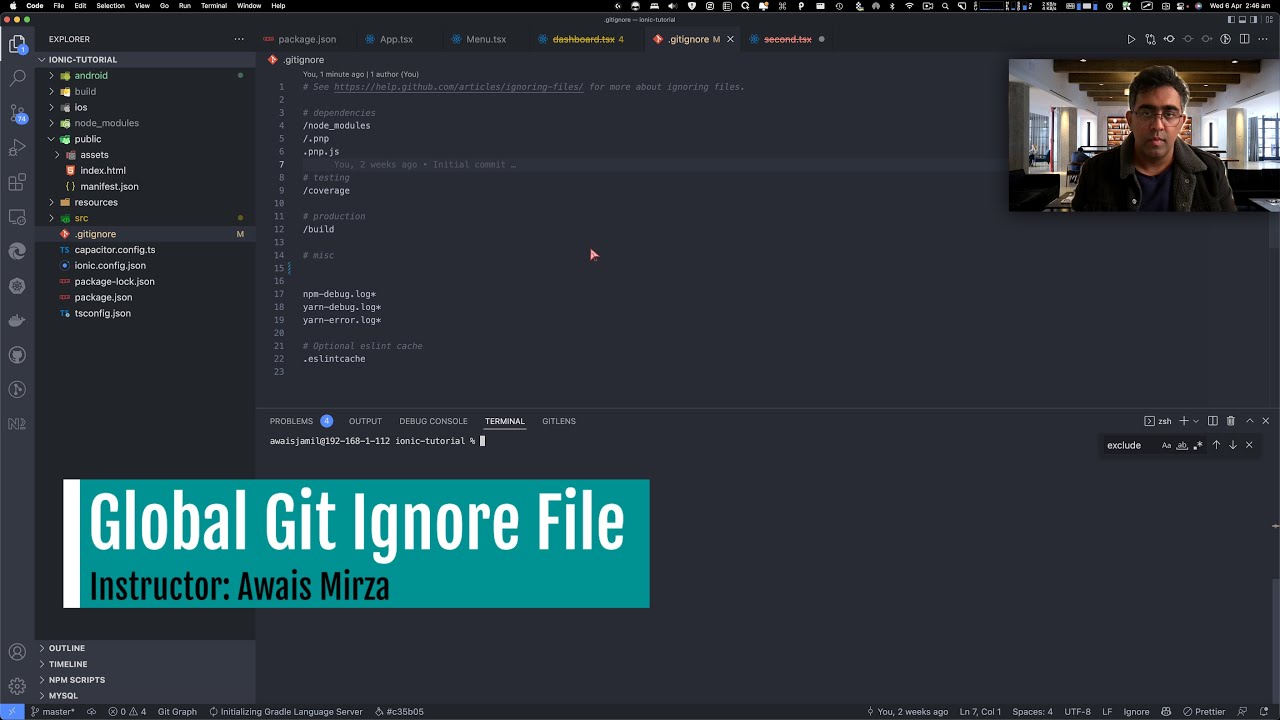
How To Ignore Folder And Files Globally Using Global gitignore YouTube
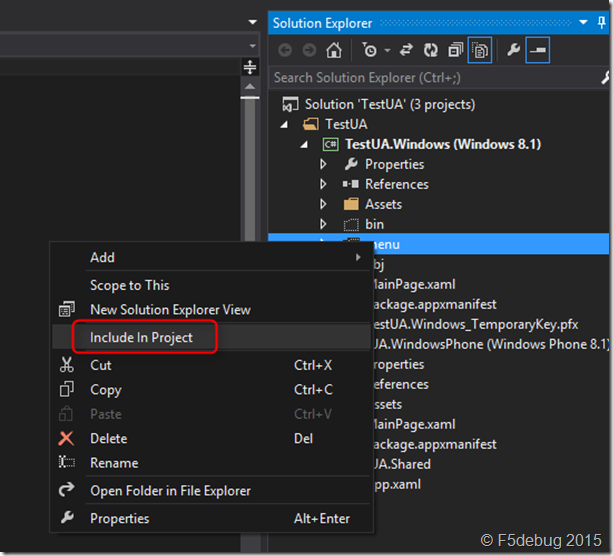
How To Add Existing Folder Or Directory To Visual Studio Project
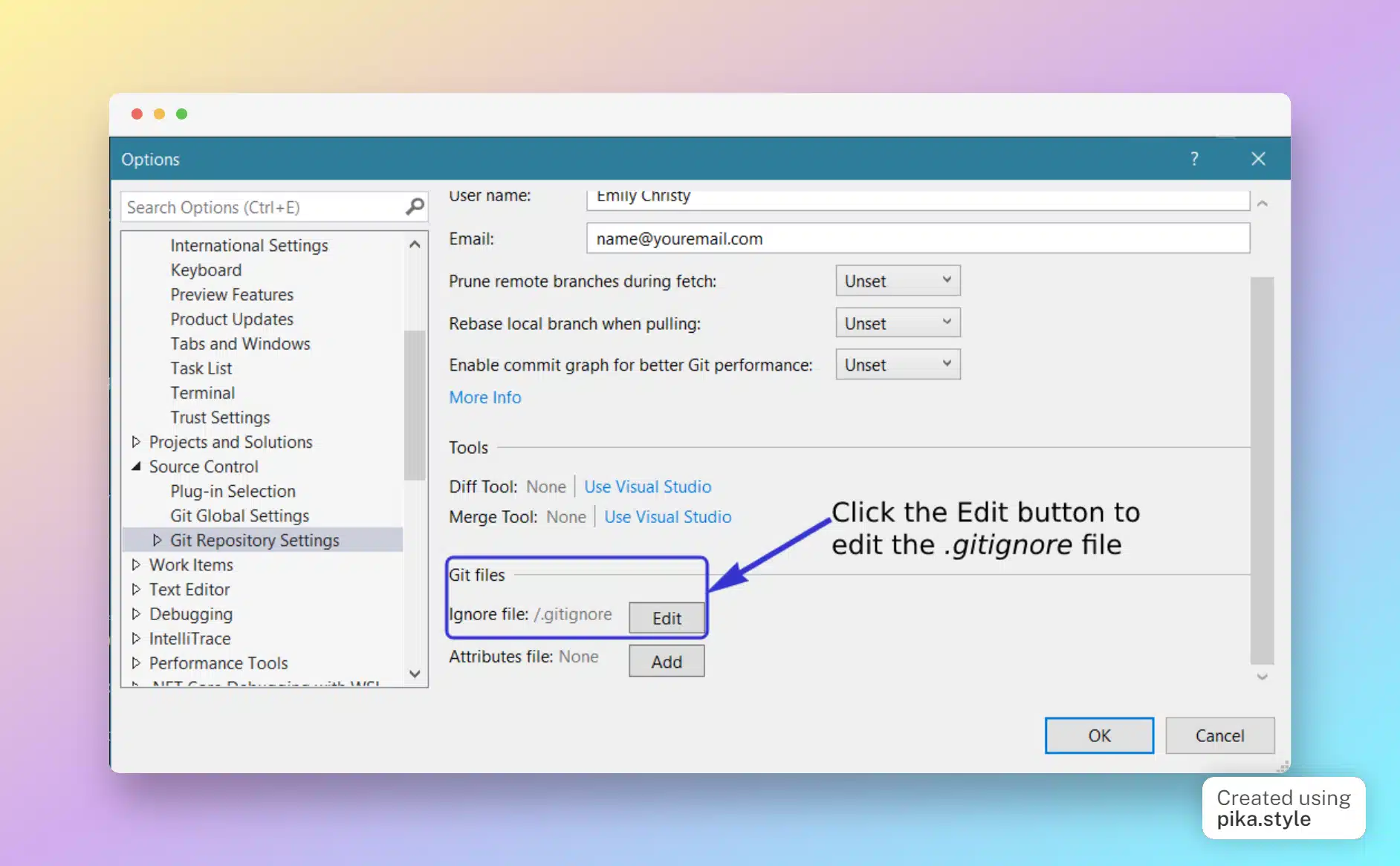
How To Add A gitignore File To Visual Studio 2022

How To gitignore A Folder exclude But Include Specific Subfolder
Add Right Click Option To Add File Or Folder To gitignore gitkeep
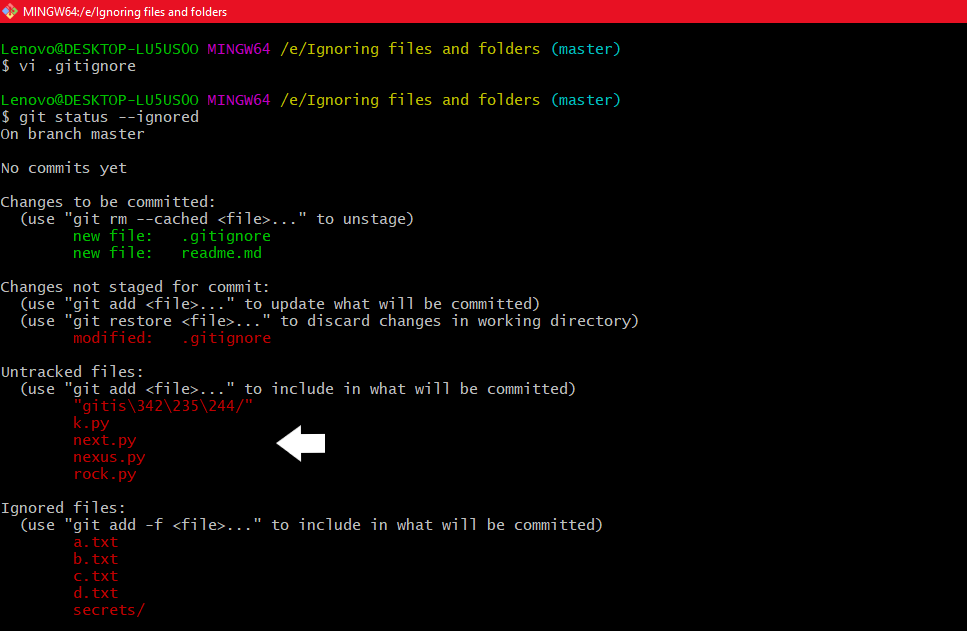
Ignorando Archivos Y Carpetas En Git Barcelona Geeks

WEB Jul 17 2009 nbsp 0183 32 First commit any outstanding code changes and then run this command git rm r cached This removes any changed files from the index staging area then just

WEB You can tell Git to always ignore certain files or directories when you make a commit in any Git repository on your computer For example you could use this feature to ignore any

WEB 18 rows nbsp 0183 32 If you want to ignore a file that you ve committed in the past you ll need to delete the file from your repository and then add a gitignore rule for it Using the cached
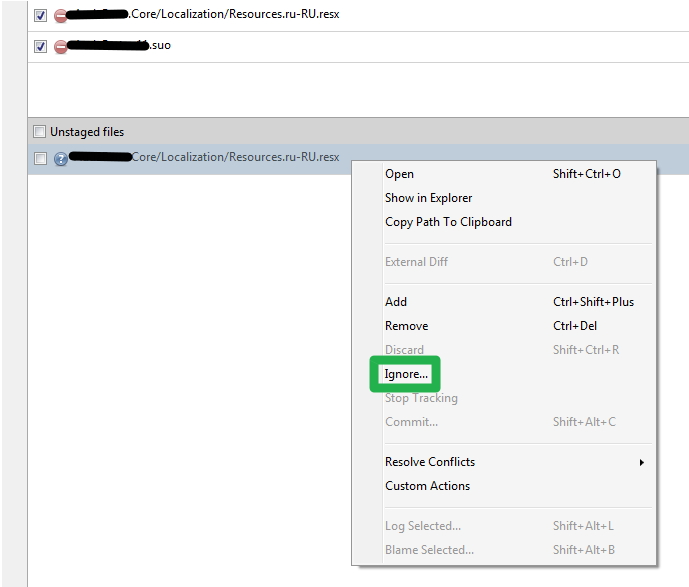
WEB Jan 3 2020 nbsp 0183 32 The gitignore file is a text file that tells Git which files or folders to ignore in a project A local gitignore file is usually placed in the root directory of a project You can also create a global gitignore file and

WEB The purpose of gitignore files is to ensure that certain files not tracked by Git remain untracked To stop tracking a file that is currently tracked use git rm cached to remove
WEB Adding a file to the gitignore file is a good way of ignoring untracked files although you can override it by forcing the addition of the file to the index by using git add f on the file But WEB Feb 20 2024 nbsp 0183 32 Typically you add a gitignore file to the root folder of your project However you can add a gitignore file to any project folder to let Git know which files to
WEB Apr 8 2024 nbsp 0183 32 By following these steps you ve successfully added a gitignore file to your Git repository ensuring that irrelevant files and directories are ignored during version