Add Directory To Path Windows 10 Command Line How to Use the DIR Command in Windows How to add directory path to $PATH variable in Linux - Linux Tutorials - Learn Linux Configuration 4 Ways to Navigate the Windows Directory - wikiHow Add/edit PATH environment variable in Windows 10 - YouTube How to Open a Folder in Command Prompt (CMD) Add a directory to Windows PATH environment variable from CMD Set Windows PATH permnently or for the current session Echo print Windows
The PATH is a system variable that allows Windows to locate executables from the command line or the Terminal window In this article I will Open the Start Search type in env and choose Edit the system environment variables Click the Environment Variables button Under the
How to Open a Folder in Command Prompt (CMD) Easy Ways to Go Back Using the Command Prompt: 4 Steps Complete list of environment variables on Windows 10 - Pureinfotech How to Open a File or Folder in Command Prompt (CMD) in Windows 11 How to manage and customize Windows Terminal | Computerworld How to Set Environment Variables in Windows 10 & 11 - YouTube How to Copy Files to a USB Using Command Prompt (CMD) Windows Package Manager Preview - Windows Command Line How to Run Python Programs ( .py files ) in Windows 10 - YouTube
Add Directory To Path Windows 10 Command Line
 Add Directory To Path Windows 10 Command Line
https://www.howtogeek.com/wp-content/uploads/2018/09/Dir-Command-Prompt-Windows-Blue-Background.png?height=200p&trim=2,2,2,2
To add a directory to the PATH environment variable on Windows 10 Alternatively
Templates are pre-designed files or files that can be used for different purposes. They can conserve time and effort by providing a ready-made format and design for developing different kinds of material. Templates can be used for personal or expert projects, such as resumes, invites, flyers, newsletters, reports, presentations, and more.
Add Directory To Path Windows 10 Command Line
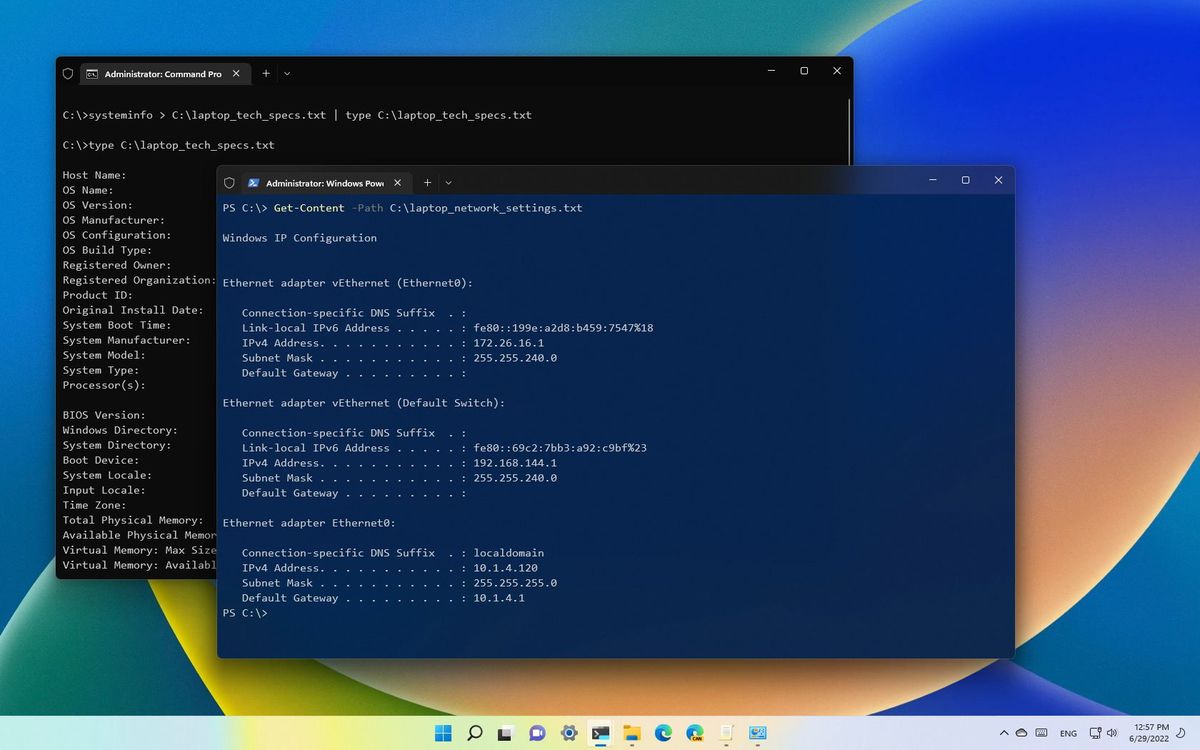
How to save command output to file using Command Prompt or PowerShell | Windows Central

Easy Ways to Go Back Using the Command Prompt: 4 Steps

Complete list of environment variables on Windows 10 - Pureinfotech
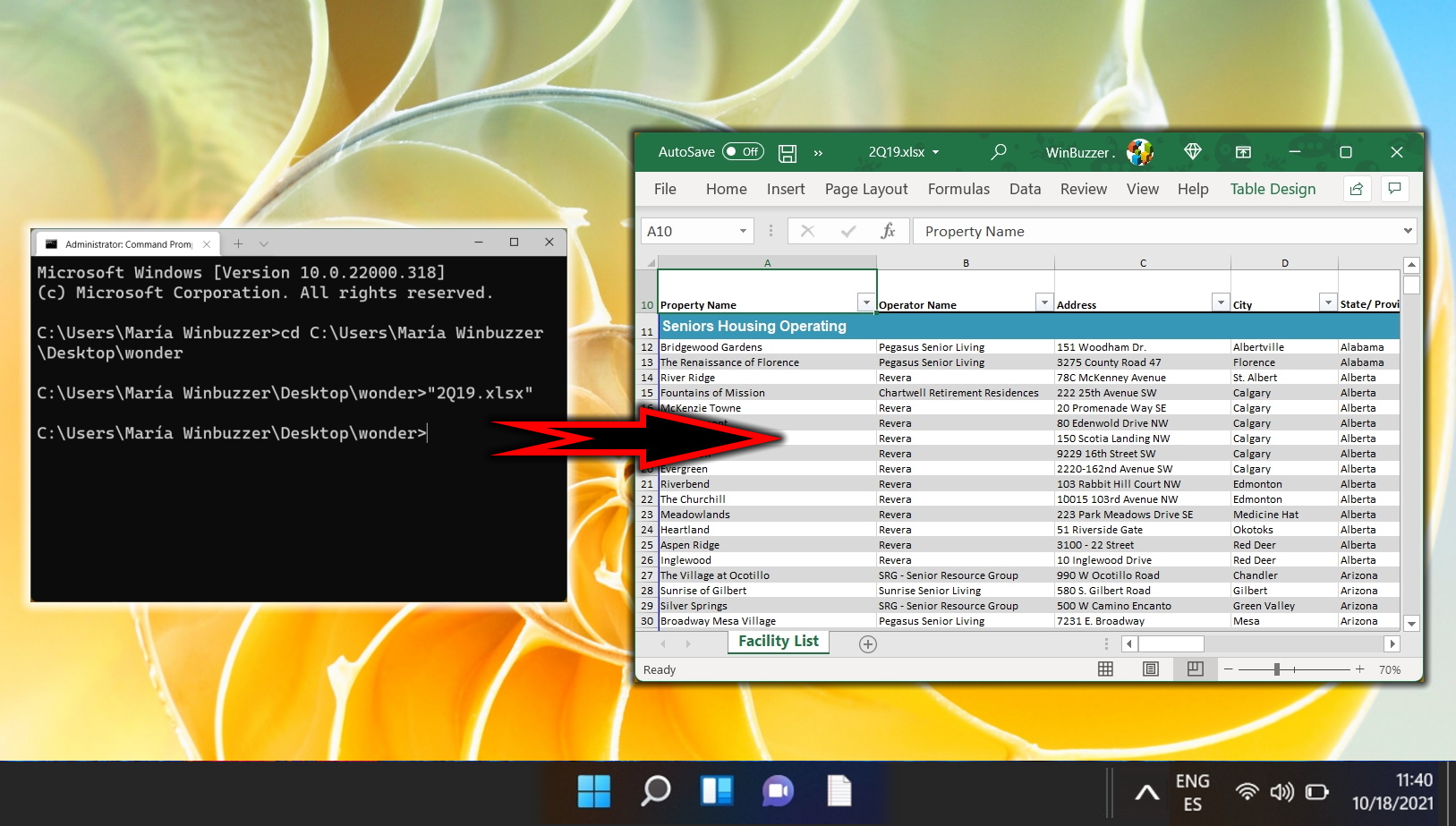
How to Open a File or Folder in Command Prompt (CMD) in Windows 11
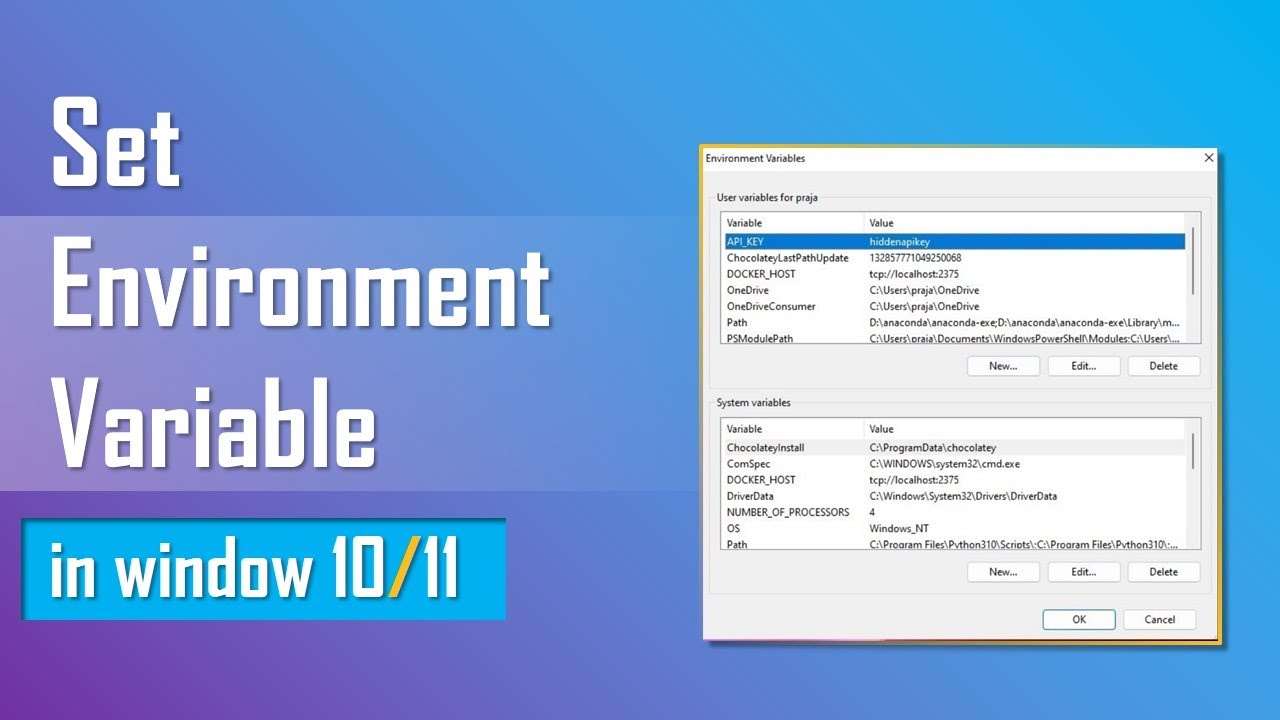
How to Set Environment Variables in Windows 10 & 11 - YouTube

How to Copy Files to a USB Using Command Prompt (CMD)

To add a directory to a PATH environment variable in Windows you can use GUI or the command line by running set Path Path command

You can set environment variables from Windows Command Prompt using the set or setx command The set command only sets the environment variable

In the Environment Variables window pictured below highlight the Path variable in the System variables section and click the Edit button Add

Step 1 Click on Start Button and type cmd in the search box Select Command Prompt to launch

Using the graphical interface is the easiest way to set the PATH variable in Windows To do this first open the Windows Run prompt by hitting
In Vista Windows 7 and Windows 8 we can set path from command line using setx command For example to add c dir1 dir2 to the path Windows 10 and Windows 8 In Search search for and then select System Control Panel Click the Advanced system settings link Click Environment Variables
Appends the command path to the existing set of directories listed in the PATH environment variable If you include this parameter Cmd exe