Add Decimal Points In Excel Honagro Blog How To add Decimal Points In Excel Decimal Places In Excel YouTube How To Add Decimal Points Automatically In Excel Laptop Mag How To Align Decimal Points In Excel 3 Quick Ways ExcelDemy Web Selecting a range of cells Click and drag to select the range of cells where you want to add the decimal point B Access the Number tab in the Format Cells dialog box Right click
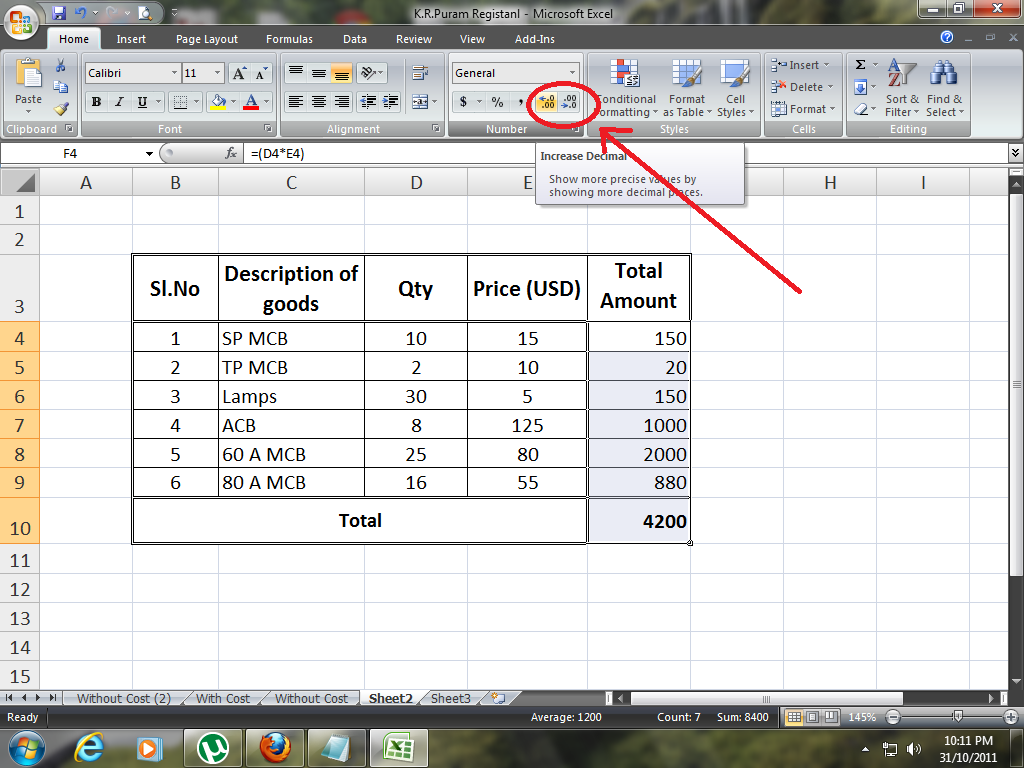
Web To decrease the number of decimal places displayed for a cell simply click the Decrease Decimal button in Excel 1 For example enter the value 2 175 into cell A1 2 On the Home tab in the Number group click the Web Jul 8 2022 nbsp 0183 32 How to Add Decimal Places in an Excel July 8 2022 by Laura You have to deal with the decimal places in excel data It occurs mostly while dealing with the
How To Align Decimal Points In Excel 3 Quick Ways ExcelDemy How To Change The Number Of Decimal Places In Excel Remove Decimals In Excel 4 Ways To Delete Decimal Points Separate Decimal In Excel Without Formula With Example How To Automatically add Decimal Points In Excel How To Add More Decimal Places In Excel Google Sheets Automate Excel How To Change The Number Of Decimal Places In Excel Two Most Common How To Add Decimals In Excel Fixing The Decimal Point In Excel Pixelated Works
Add Decimal Points In Excel
 Add Decimal Points In Excel
http://3.bp.blogspot.com/-W4AKc8dCa4s/Tq7TwtlGK4I/AAAAAAAAARU/FtsHy7Uq-iU/s1600/dec1.png
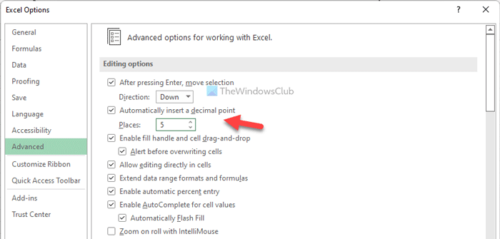
Web Jul 29 2022 nbsp 0183 32 Step 2 On the left pane of the window click on Options Step 3 As next on the left side of the Excel Options window click on the tile named Advanced On the right
Templates are pre-designed files or files that can be used for numerous functions. They can conserve time and effort by providing a ready-made format and design for producing different kinds of content. Templates can be used for individual or professional projects, such as resumes, invites, flyers, newsletters, reports, discussions, and more.
Add Decimal Points In Excel
How To Automatically add Decimal Points In Excel

How To Change The Number Of Decimal Places In Excel

Remove Decimals In Excel 4 Ways To Delete Decimal Points

Separate Decimal In Excel Without Formula With Example
How To Add More Decimal Places In Excel Google Sheets Automate Excel
How To Change The Number Of Decimal Places In Excel Two Most Common

Web Sep 12 2016 nbsp 0183 32 1 Answer If you just need to format the numbers with a point after three digits from the right try this Select the cells or the entire
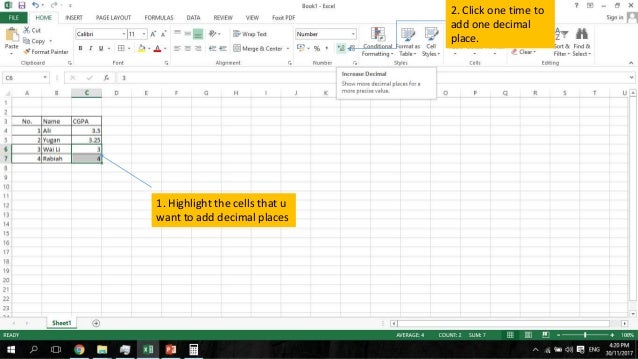
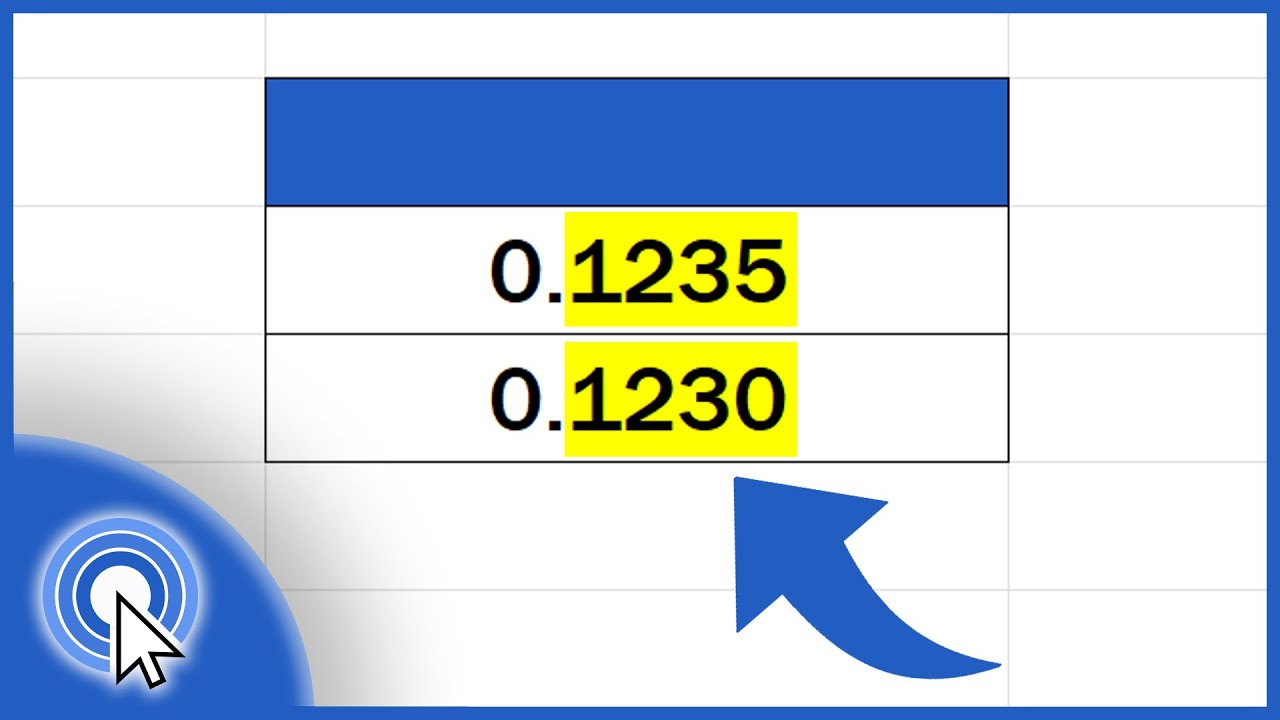
Web Sep 15 2022 nbsp 0183 32 Easiest way On the Home tab click Increase Decimal or Decrease Decimal to show more or fewer digits after the decimal point Create a rule Go to Home gt Number group select down arrow gt More
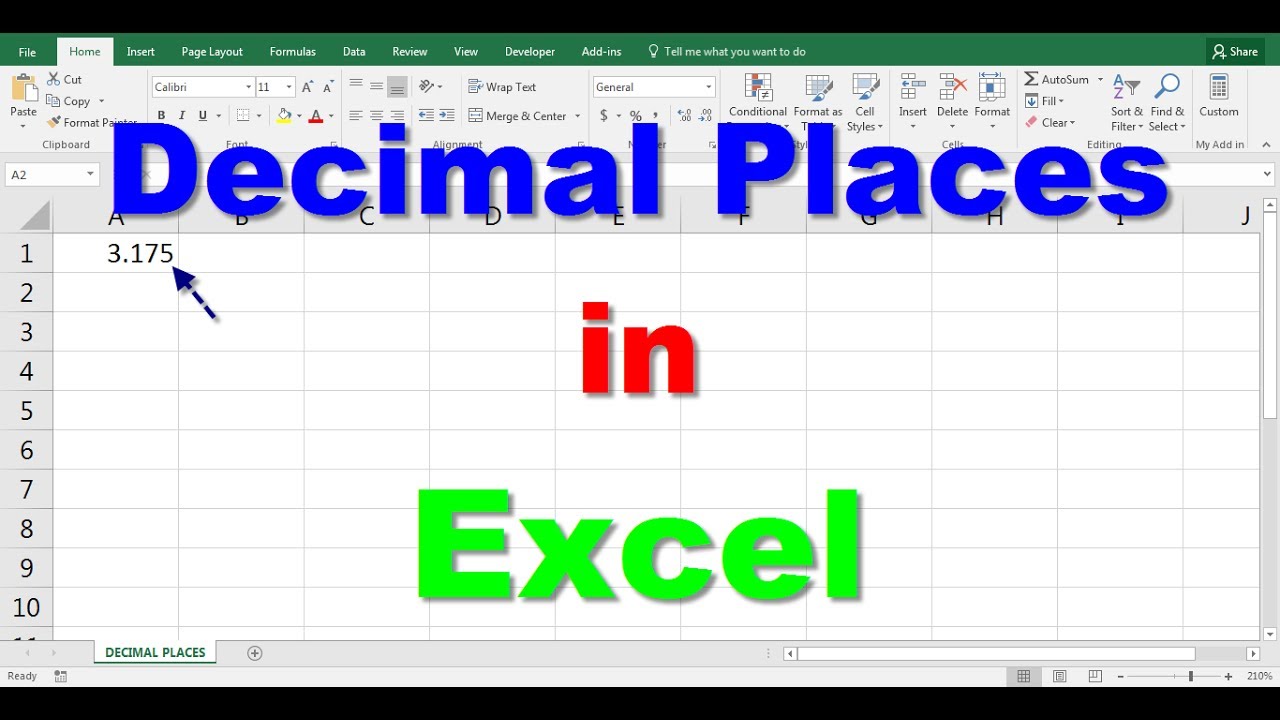
Web Jul 19 2019 nbsp 0183 32 Now we know where to look and what options are available let s go ahead and add our decimal places Insert 100 into a cell somewhere in your Excel worksheet Or another Excel worksheet Copy
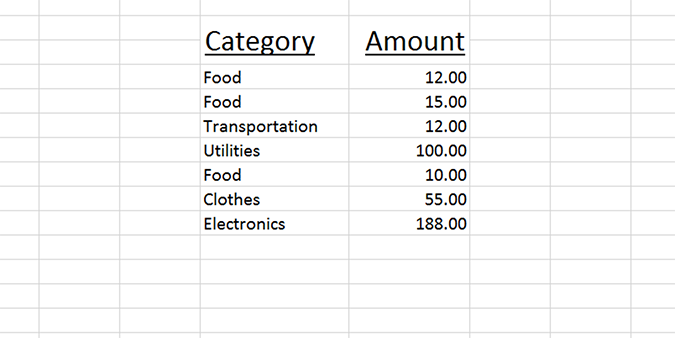
Web Sep 24 2017 nbsp 0183 32 1 Open Excel and enter a new or existing workbook 2 Select the the column you d like to add decimal points to It doesn t matter if there are no decimals all decimals or a mix of

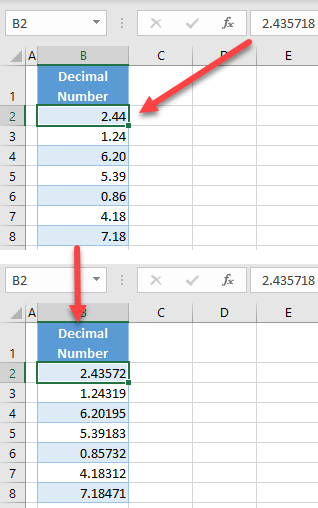
Web Nov 10 2022 nbsp 0183 32 To add more decimal places follow these steps Select a range with decimal numbers Click on the Increase Decimal icon in the Number group The more
Web To insert decimal point automatically you need to go to Options to set the decimal place 1 Open Excel and click File in Excel 2007 click Office button gt Options See Web Mar 6 2022 nbsp 0183 32 To automatically insert decimal points in Excel follow these steps Open Microsoft Excel on your computer Click on File gt Options Go to the tab Tick the
Web Jun 29 2022 nbsp 0183 32 Right click on the selected cells and choose Format Cells options from the context menu In the following dialog select Number from the Category section Type the