Add Custom Template Powerpoint Clean Minimal Free PowerPoint Template Google Slides Theme Create A Custom PowerPoint Template In 30 Seconds YouTube CUSTOM TEMPLATE Kreativeartx Free Keynote Template Fusion Free Keynote Template Powerpoint Custom Template Powerpoint L G C ch T o Custom Template Nhanh Ch ng Sample templates online On Templates Office there are pptx sample files that can be opened and worked with in PowerPoint for the web When you open the web page for this kind of sample file you ll see an Edit in Browser button along with the Download button
Double click Computer or in Office 2016 programs double click This PC Type a name for your template in the File name box For a basic template click the template item in the Save as type list In Word for example click Word Template If your document contains macros click Word Macro Enabled Template Colours Go to Colours and choose either one of PowerPoint s predefined palettes or create your own one Fonts Click Fonts and then Customise Fonts and choose styles for your titles and regular text Background Go as crazy creative or minimalistic as you want Change the background colour maybe add some shapes or look for a nice image
Custom Template Powerpoint L G C ch T o Custom Template Nhanh Ch ng Custom Templates Extra Credit Authentication Presentation Example Presentation Topics Powerpoint Presentation Celebrity Bollywood Movie And Wallpaper Free Powerpoint Templates And Free Lego Blocks Powerpoint Template PowerPoint Presentation PPT Create A Custom Template Best Free Powerpoint Templates For Mac Tooforme Powerpoint Presentation Templates ChristianBackgrounds123
Add Custom Template Powerpoint
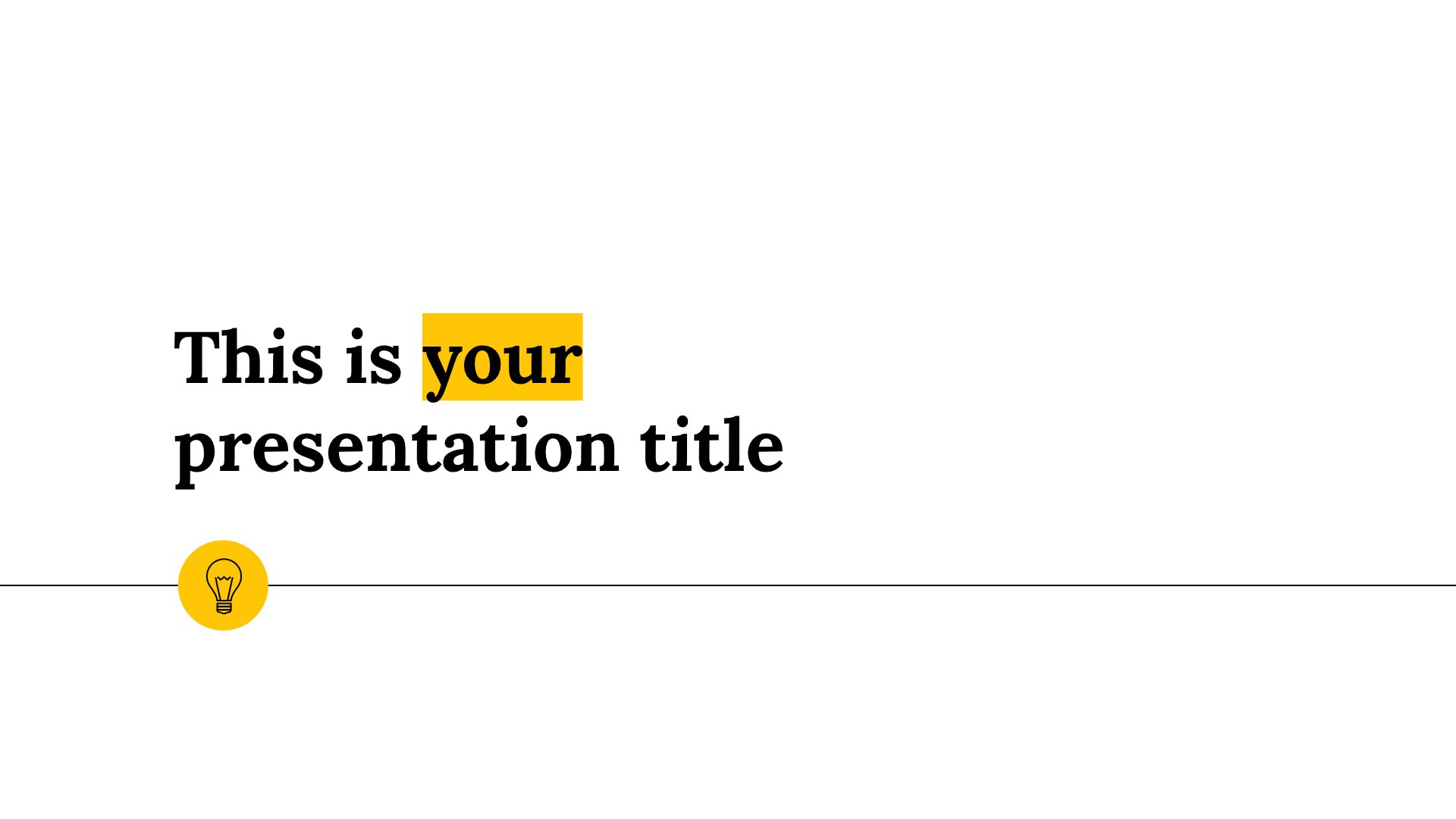 Add Custom Template Powerpoint
https://s39927.pcdn.co/wp-content/uploads/2015/05/free-minimal-powerpoint-template-or-google-slides-theme-with-yellow-accent.jpg
Find your template file and double click it to open it in PowerPoint A new blank presentation will start based on that template By default it will be named Presentation 1 unless you already have a presentation open with that name in which case it will be named Presentation 2 and so on
Templates are pre-designed files or files that can be used for numerous functions. They can conserve effort and time by offering a ready-made format and design for developing different type of content. Templates can be used for individual or professional projects, such as resumes, invites, flyers, newsletters, reports, presentations, and more.
Add Custom Template Powerpoint

Microsoft Powerpoint Powerpoint Free Creative Powerpoint
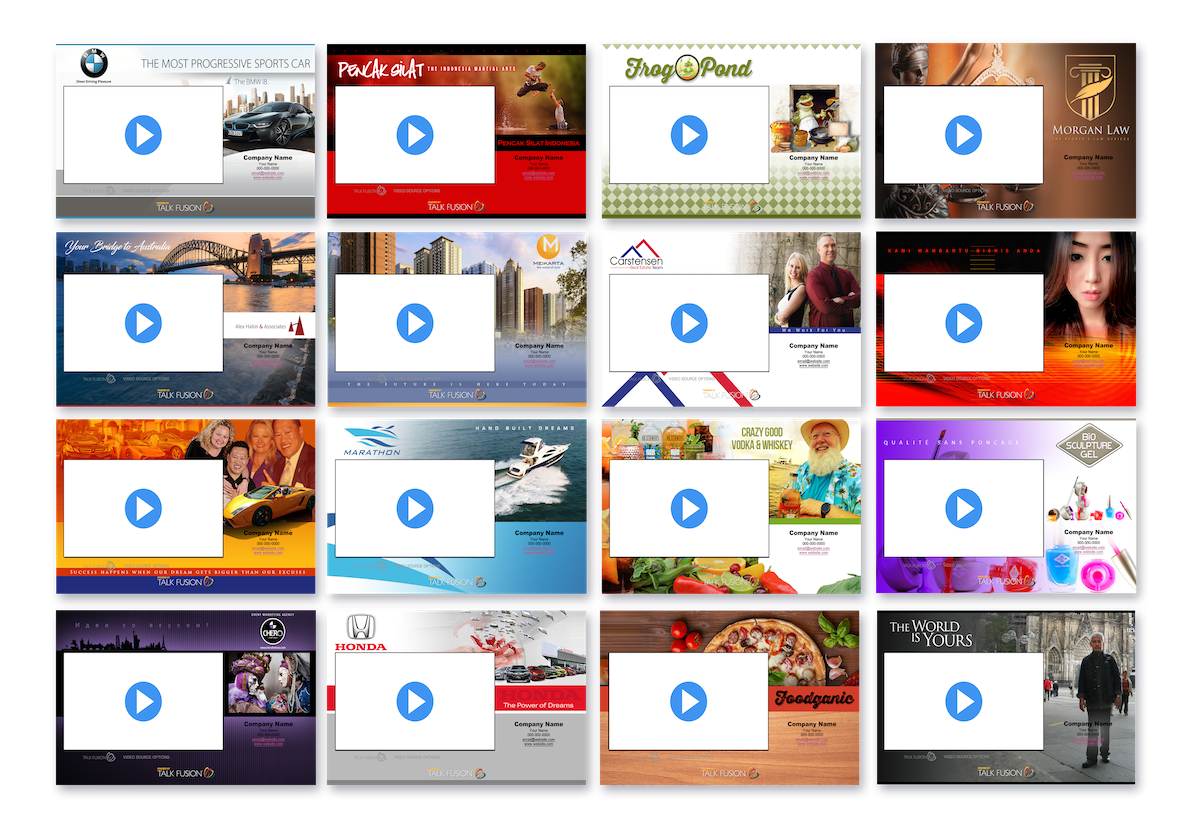
Custom Templates

Extra Credit Authentication

Presentation Example Presentation Topics Powerpoint Presentation

Free Lego Blocks Powerpoint Template PowerPoint Presentation PPT

Create A Custom Template
To create a template you ll need to modify a slide master and a set of slide layouts Choose from thousands of free templates to download at Microsoft templates Newer versions Office 2010 Office 2007 Web Click a heading below to open the section and see detailed instructions Create a PowerPoint template
Save Your Custom Template PowerPoint provides extremely useful resources called templates that automatically construct the foundation and framework of your presentation If you can t quite find one that s just right for you you can create your own Here s how to do it Create a Custom PowerPoint Template

In your Microsoft 365 program click File Options Save and then paste the address into the Default personal templates location box Make sure you do this for each Microsoft 365 program After you ve updated your template location any new templates will be saved to this default location

Go to Office and in the left column select the PowerPoint icon Under New open the Office Template Library folder You ll see branded templates or folders containing branded templates Click the template you want to create a new presentation using that template Integration with Designer with branded templates
To make a custom theme start with a built in Office theme and modify it by changing any of the colors fonts or effects Change the theme s color font and effect settings Save the settings as a new theme in your theme gallery These steps are described below Customizing theme elements Edit a theme to modify the colors fonts or effects
Add edit or remove a placeholder on a slide layout To rename the layout in the thumbnail list of layouts right click the layout that you customized and then click Rename Layout In the Rename Layout dialog box type a new name that describes the layout you ve just created and then click Rename Click on the Personal button and the gallery of thumbnails will switch to thumbnails of your custom templates Select a template to import and load into PowerPoint The template will be applied to a new blank presentation We Recommend Tech Support How to Edit a PowerPoint Slide Presentation Tech Support
Add branding and content to the custom PowerPoint templates Discover tips to make it easier to build presentations quickly So you can spend more time preparing content and less time working in PowerPoint How to Build and Customize a PowerPoint Presentation In this tutorial let s walk through building an example PowerPoint presentation