Access Via Ssh Password SSH Two Factor Authentication 2FA Using PAM RADIUS Module Studie Ampere Entwicklung Von Cisco Router Ssh Command Barsch Summen C mo Introducir SSH En Tu Dispositivo Desde Un Mac Y Cambiar Tu SSH Login Without Password Linux Tutorials Learn Linux Configuration How To Connect Via SSH To Your Server During my experiments with VPS 11 10 x86 I meet some problem with remote access to my machine After installing the system I m able to login via Putty from Windows machine default account with root privileges with password In next step I ve created new user adduser gsa After that I ve tried to login via ssh ssh gsa localhost
1 Generate a private and public key known as the key pair The private key stays on the local machine 2 Add the corresponding public key to the server 3 The server stores and marks the public key as approved 4 The server allows access to anyone who proves the ownership of the corresponding private key Click Open to connect You ll see a security alert the first time you try to connect to a server This tells you that you haven t previously connected to this server That s expected so click OK to continue
How To Connect Via SSH To Your Server SSH Login Without Password YouTube How To Connect Via SSH To Your Server Linux Commands With Examples And Syntax Pdf Canadian Examples User Configure SSH Passwordless Login Authentication SSH keygen SSH Internetdevels Linux Check Ssh Connection History HISTRQ How To Enable And Use Ssh Commands On Windows 10 Winbuzzer Access Control Free Stock Photo Public Domain Pictures
Access Via Ssh Password
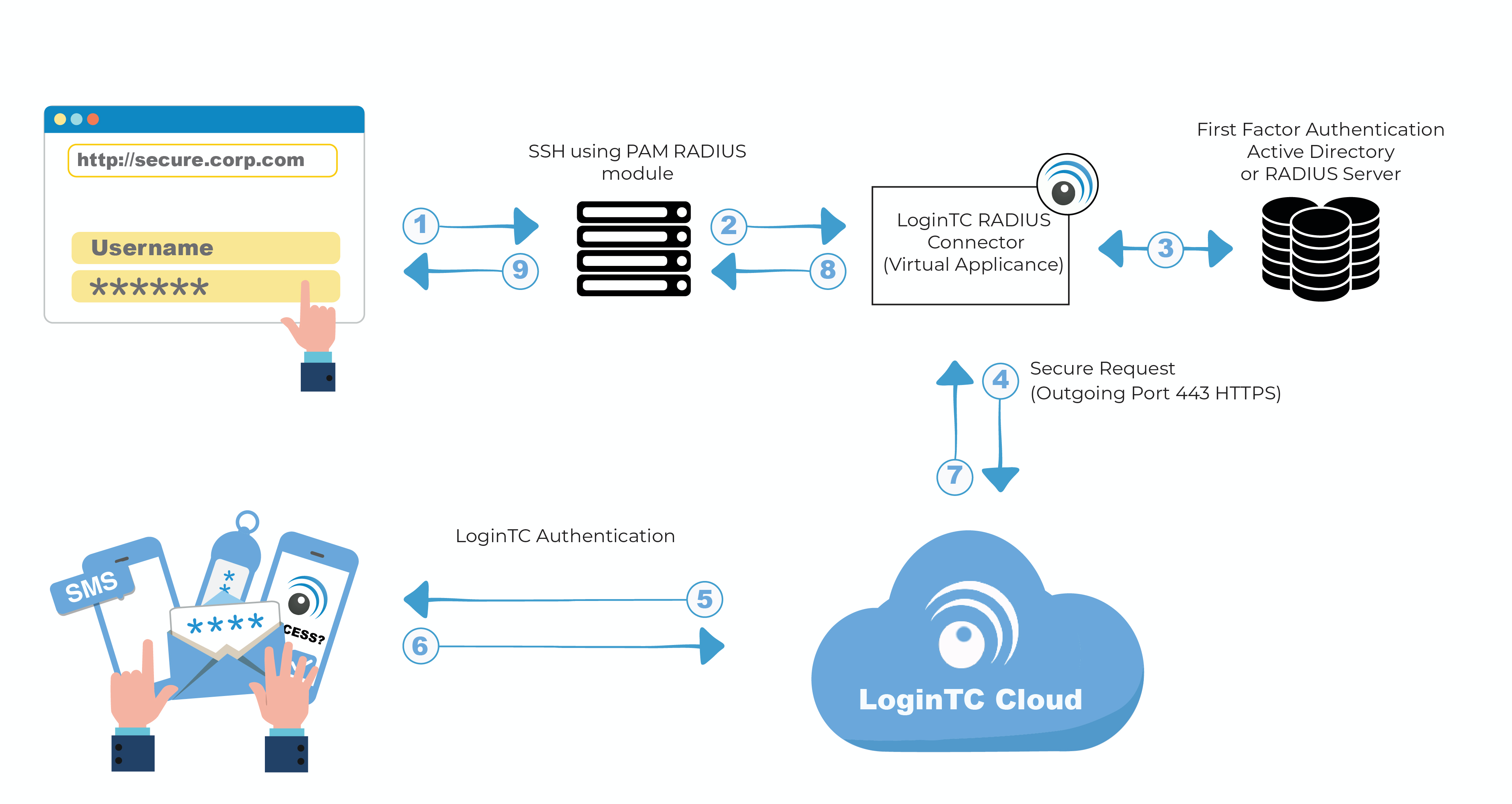 Access Via Ssh Password
https://www.logintc.com/wp-content/uploads/ssh-architecture-radius.png
To enable SSH password authentication you must SSH in as root to edit this file etc ssh sshd config Then change the line PasswordAuthentication no to PasswordAuthentication yes After making that change restart the SSH service by running the following command as root sudo service ssh restart
Templates are pre-designed documents or files that can be utilized for various purposes. They can conserve time and effort by supplying a ready-made format and design for producing different kinds of content. Templates can be used for personal or professional projects, such as resumes, invites, leaflets, newsletters, reports, discussions, and more.
Access Via Ssh Password

Cambiar El Tipo De Control De Un Campo Boolean En Access Si Has Elegido
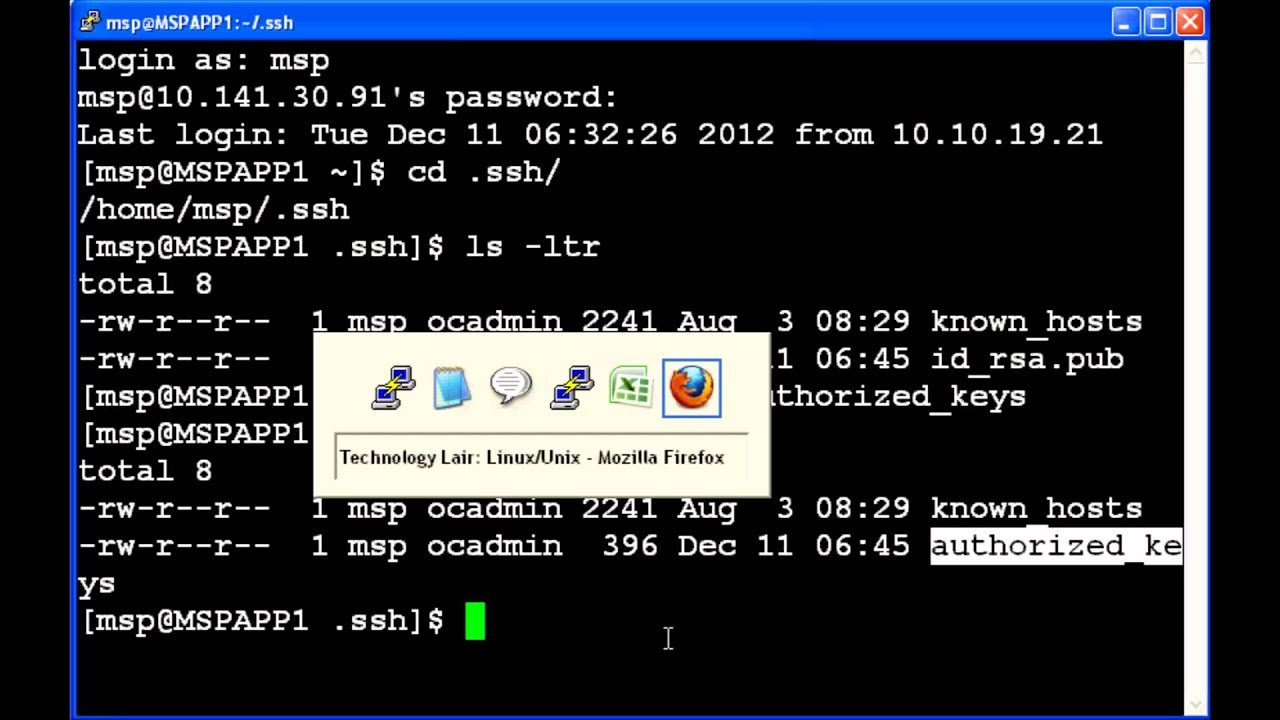
SSH Login Without Password YouTube
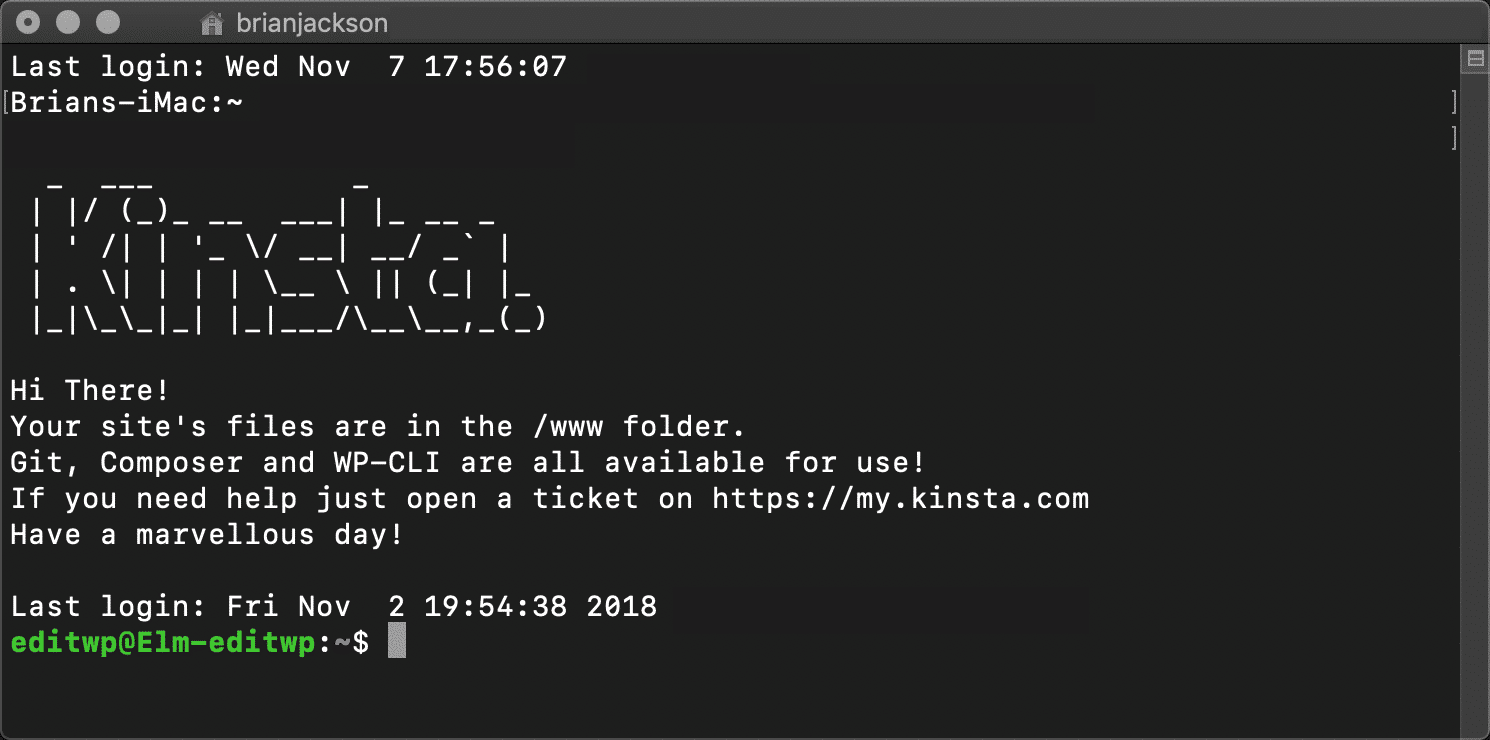
How To Connect Via SSH To Your Server

Linux Commands With Examples And Syntax Pdf Canadian Examples User
SSH Internetdevels

Linux Check Ssh Connection History HISTRQ
Step 1 Creating SSH Keys The first step to configure SSH key authentication to your server is to generate an SSH key pair on your local computer To do this we can use a special utility called ssh keygen which is included with the standard OpenSSH suite of tools By default this will create a 3072 bit RSA key pair

SSH or Secure Shell is a protocol used to securely log onto remote systems It is the most common way to access remote Linux servers In this guide we will discuss how to use SSH to connect to a remote system Deploy your frontend applications from GitHub using DigitalOcean App Platform Let DigitalOcean focus on scaling your app Core Syntax

You can connect using a password or a private and public key pair Because passwords and usernames can be brute forced it s recommended to use SSH keys For an SSH client and server to establish a connection the SSH server sends the client a copy of its public key before allowing the client to log in

How to automate SSH login with password I m configuring my test VM so heavy security is not considered SSH chosen for acceptable security with minimal configuration ex echo password ssh id server This doesn t work I remember I did this with some tricks somebody guided me but I can t remember now the trick I used Share
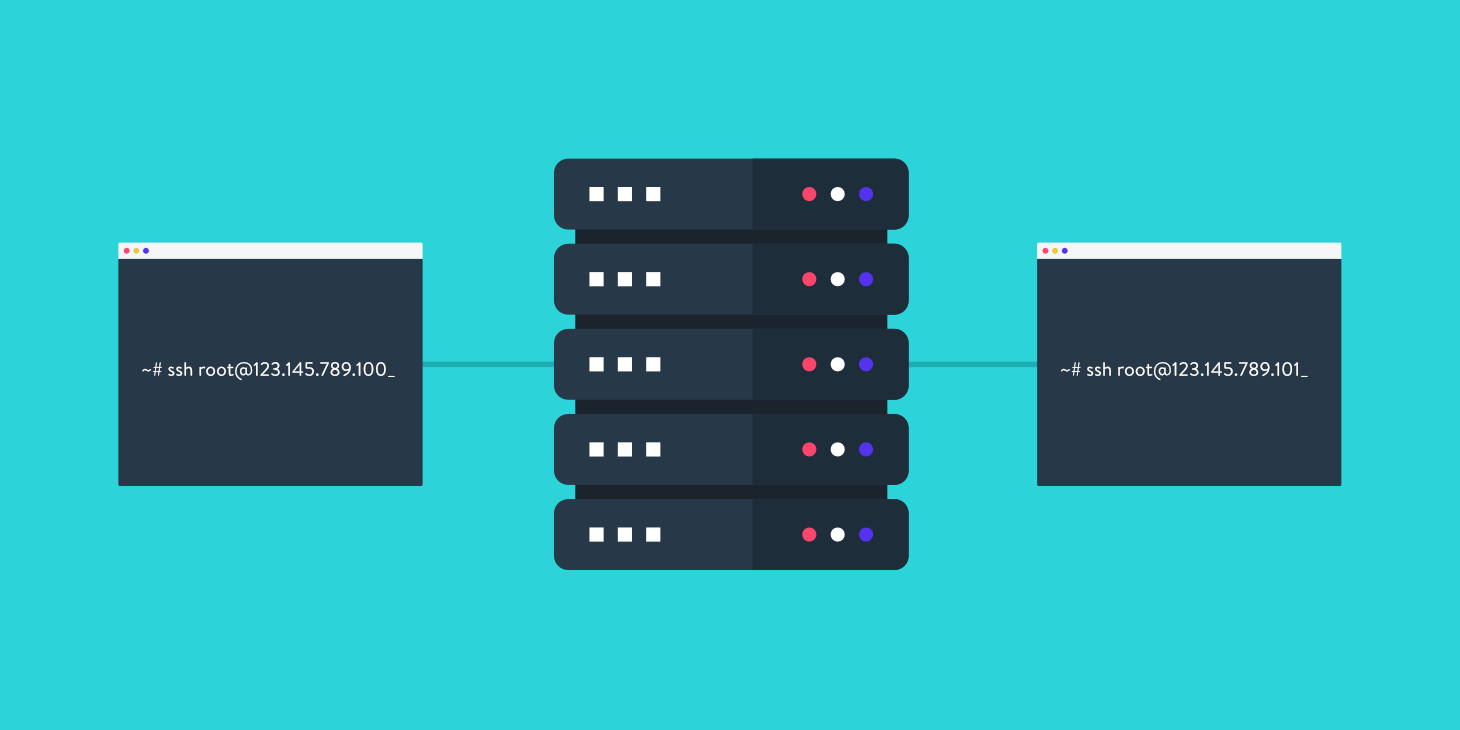
Sshpass command is a very good Linux command that provides a simple way to non interactive ssh login it will input the ssh password for you We are required to install this on our system For Ubuntu sudo apt install sshpass For CentOS RHEL SSHPASS command is available with the EPEL repository so we need to install that first
You can install sshpass with this simple command yum install sshpass Use sshpass Specify the command you want to run after the sshpass options Typically the command is ssh with arguments but it can also be any other command The SSH password prompt is however currently hardcoded into sshpass To set up a passwordless SSH login in Linux all you need to do is to generate a public authentication key and append it to the remote hosts ssh authorized keys file The following steps will describe the process for configuring passwordless SSH login Check for existing SSH key pair Before generating a new SSH key pair first check if you
Aug 21 2013 at 3 08 I don t figure out why is missing that basic option I was looking for pw superputty putty command I guess i will move to ssh keys instead