Absolute Cell Reference Example Cell References Excel Goer Reference Worksheets Excel Excel Absolute Reference Exceljet Absolute And Relative Cell Reference Excel 2013 Lopteray How To Subtract Using Relative Cell Reference Excel 2013 Renlasopa Web Mar 14 2021 nbsp 0183 32 What to Know To calculate multiple items based on cells elsewhere and keep the row or column constant use an absolute cell reference In this equation the absolute cell reference is A 12 B2 B2 A 12 The symbol quot holds quot the row or column constant even when copying or filling a column or row with the same formula
Web As an example if you copy the formula B4 C4 from cell D4 to D5 the formula in D5 adjusts to the right by one column and becomes B5 C5 If you want to maintain the original cell reference in this example when you copy it you make the cell reference absolute by preceding the columns B and C and row 2 with a dollar sign Web Calculation operators and order of operations Change a cell reference from relative default to absolute to maintain the original cell reference when you copy it Maintain cell reference by putting a dollar sign before the cell and column references
How To Subtract Using Relative Cell Reference Excel 2013 Renlasopa Absolute Reference Excel Qlerolanguage Excel Formulas The Company Rocks How To Create A Cell Reference In Excel Excelnays Use Absolute Reference In Excel To Keep A Cell Constant When You Copy Or Autofill Chris Menard How To Use Absolute Cell Reference In Excel Absolute Cell Reference In Excel Hindi YouTube Cell Referencing In Excel What Is And How To Do Absolute Cell Reference In Excel ExcelDemy
Absolute Cell Reference Example
 Absolute Cell Reference Example
https://www.excel-easy.com/functions/images/cell-references/absolute-reference-example.png
Web By default a cell reference is a relative reference which means that the reference is relative to the location of the cell If for example you refer to cell A2 from cell C2 you are actually referring to a cell that is two columns to the left C minus A in the same row 2
Pre-crafted templates offer a time-saving solution for creating a varied series of files and files. These pre-designed formats and layouts can be made use of for different personal and professional projects, consisting of resumes, invitations, flyers, newsletters, reports, discussions, and more, streamlining the material production procedure.
Absolute Cell Reference Example
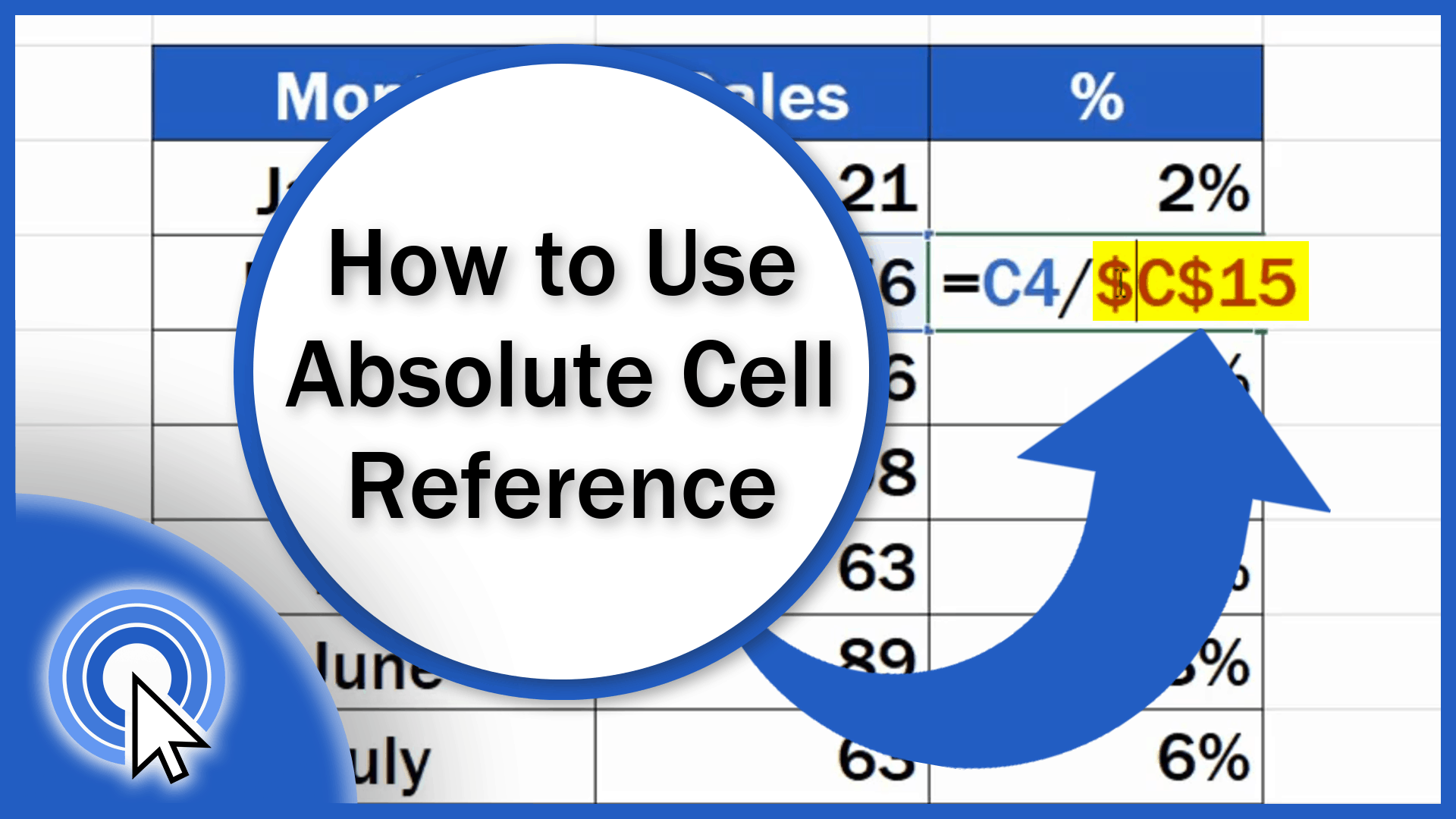
How To Use Absolute Cell Reference In Excel
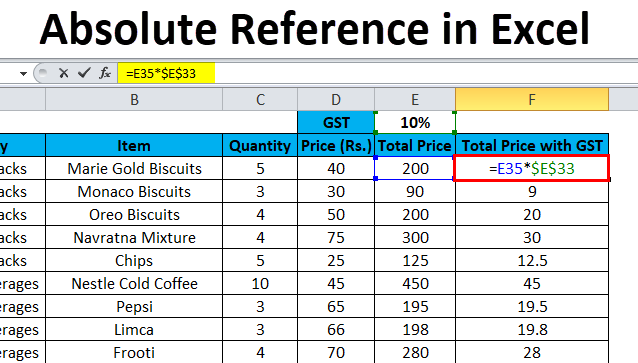
Absolute Reference Excel Qlerolanguage
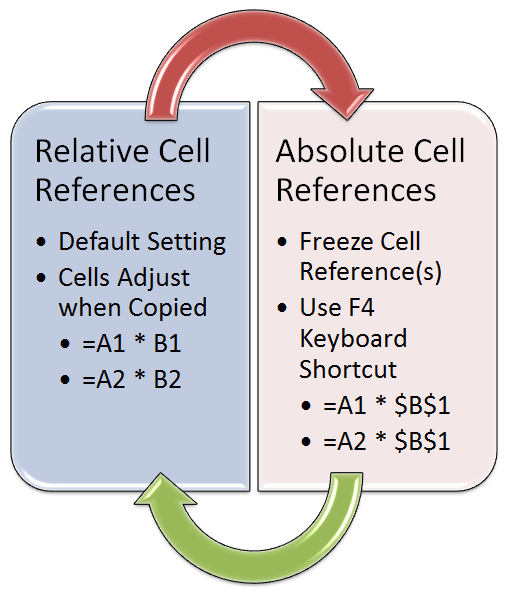
Excel Formulas The Company Rocks
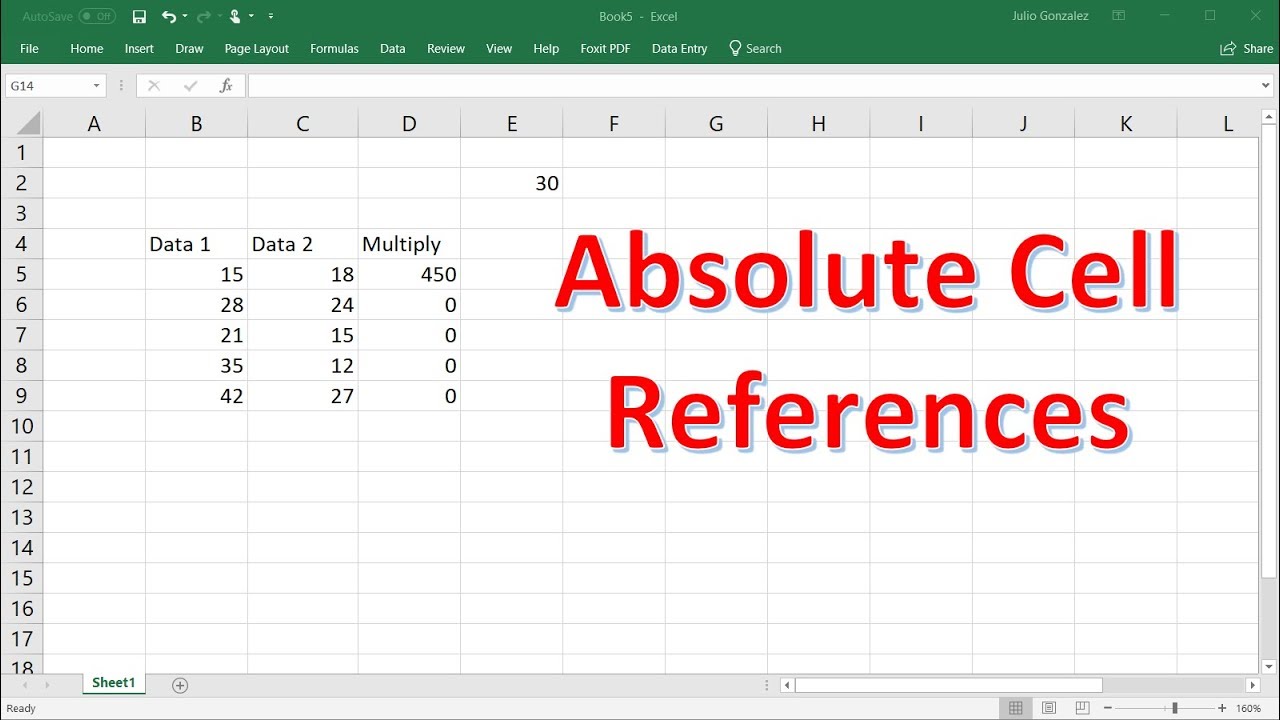
How To Create A Cell Reference In Excel Excelnays

How To Use Absolute Cell Reference In Excel
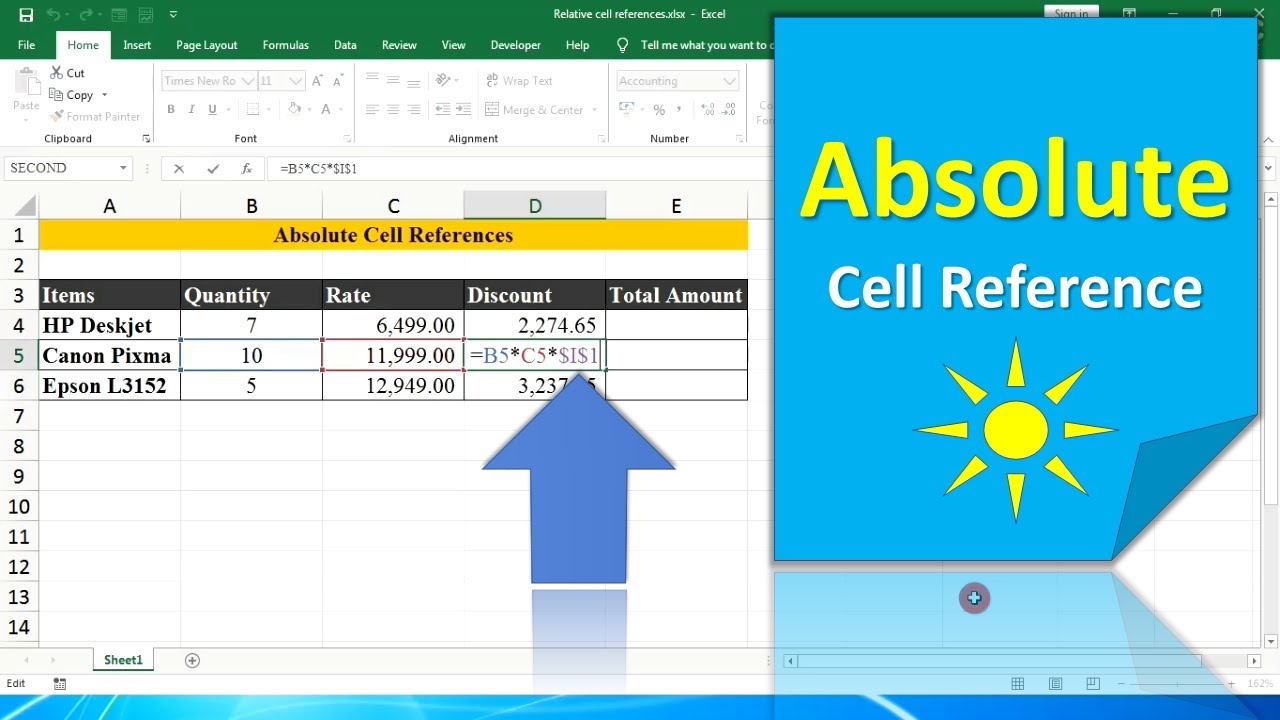
Absolute Cell Reference In Excel Hindi YouTube
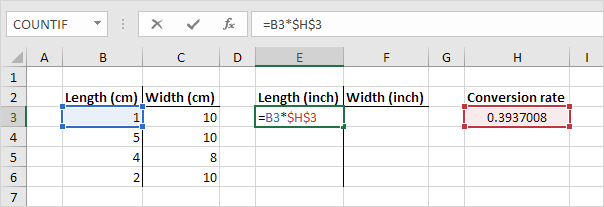
Web Feb 3 2023 nbsp 0183 32 Absolute cell reference is a method of writing a formula in a spreadsheet document so copying that formula to another cell does not change the cell its formula references Using an absolute reference allows you to lock the column you reference the row you reference or both

Web An absolute reference in Excel formula ensures a cell reference remains static when moving or copying it into another cell worksheet or even a workbook The shortcut to applying absolute cell reference is selecting the particular cell
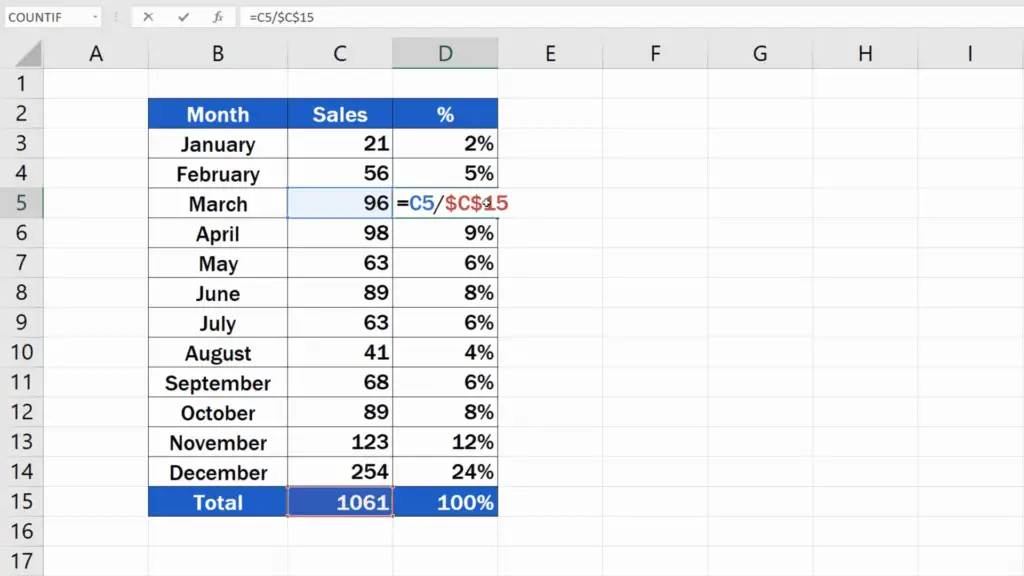
Web Create a formula that uses an absolute reference If you are using the example correct the formula in cell D4 to refer only to the tax rate in cell E2 as an absolute reference then use the fill handle to fill the formula from cells D4 to D14

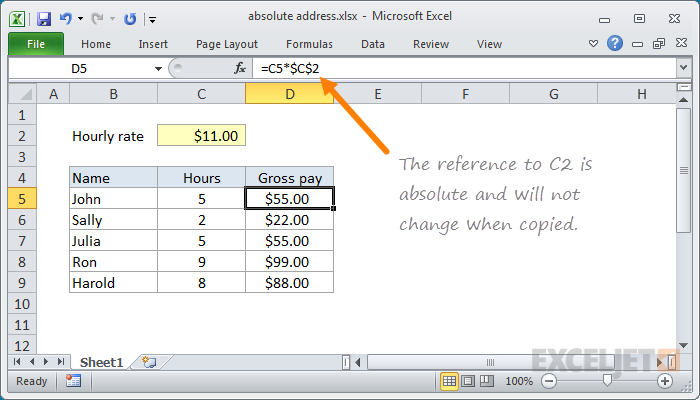
Web To create an absolute reference in Excel add a dollar sign before the row and column For example an absolute reference to A1 looks like this A 1 An absolute reference for the range A1 A10 looks like this A 1 A 10 Example In the example shown the formula in D5 will change like this when copied down column D
Web May 9 2024 nbsp 0183 32 Full absolute reference example In column H select the cell for the first employee and enter the following formula G3 J 3 In the above formula for cell reference J3 both the column and row are absolute Now hit Enter to calculate the net salary Applying formula to all cells
Web May 20 2023 nbsp 0183 32 At its core absolute cell referencing is a specific type of cell reference that is used to keep a value constant when copied or filled In other words an absolute cell reference always refers to the same cell no matter where or how it is copied or filled By default when you reference a cell in Excel the reference is relative Web Here are the steps on how to make a basic absolute reference in Excel A 1 Choose a cell where you would like to create an absolute reference Cell A1 in this example In the formula of Cell A1 Enter the equal sign and then select the point of reference
Web Aug 16 2023 nbsp 0183 32 The absolute cell reference in Excel is a cell address that contains a dollar sign It can precede the column reference the row reference or both With an absolute cell reference in Excel we can keep a row column or both constant It doesn t change when copied to other cells